
giriiş
The BoxWave DirectSync PD Cable is a high-performance USB-C to USB-C cable designed for efficient power delivery and data transfer. This 10-foot braided nylon cable supports up to 100W Power Delivery (PD) for fast charging a wide range of devices, including laptops, and offers high-speed data transfers at 5 Gigabits Per Second. Its durable construction with reinforced strain relief ensures longevity and reliable performance.

Image: The BoxWave DirectSync PD Cable, coiled, showcasing its braided design and two USB-C connectors.
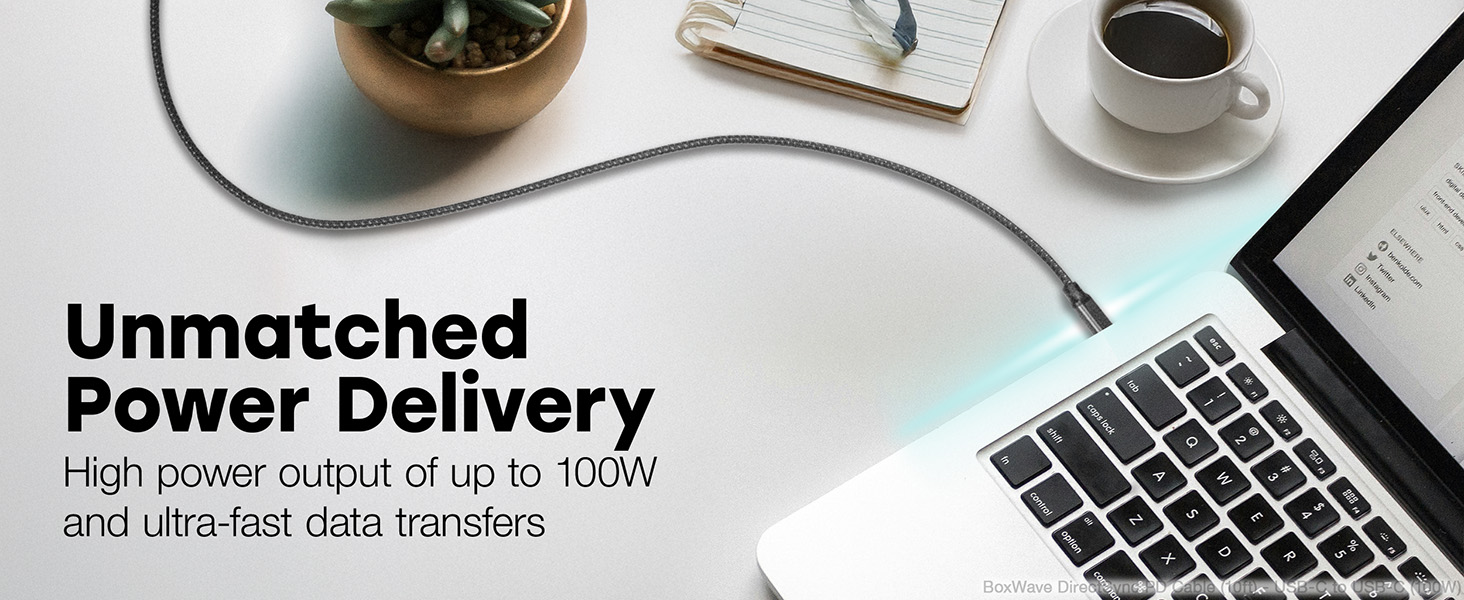
Image: A living room setting demonstrating the 10-foot cable's length, allowing a laptop to be used comfortably away from a wall outlet.
Kurmak
Setting up your DirectSync PD Cable is straightforward.
- Bağlantı Noktalarını Belirleyin: Ensure your charging adapter and device both have USB Type-C ports.
- Şarj Cihazına Bağlanın: Plug one end of the USB Type-C connector into a compatible wall charger or power adapter. For optimal performance, use a charger that supports Power Delivery (PD) up to 100W.
- Cihaza Bağlan: Plug the other end of the USB Type-C connector into your device (e.g., laptop, smartphone, tablet).
- Bağlantıyı Doğrulayın: Confirm that your device indicates it is charging or connected for data transfer.

Image: A laptop connected to a smartphone with the DirectSync PD Cable, illustrating simultaneous charging and data synchronization.
Kullanım Talimatları
The DirectSync PD Cable offers dual functionality for both charging and data transfer.
Cihazınızı Şarj Etme
- Yüksek Hızlı Şarj: When connected to a compatible Power Delivery (PD) charger, the cable can deliver up to 100 Watts of power, enabling rapid charging for laptops, tablets, and smartphones.
- Optimum Performans: For best charging speeds, ensure both your charger and device support USB Power Delivery.
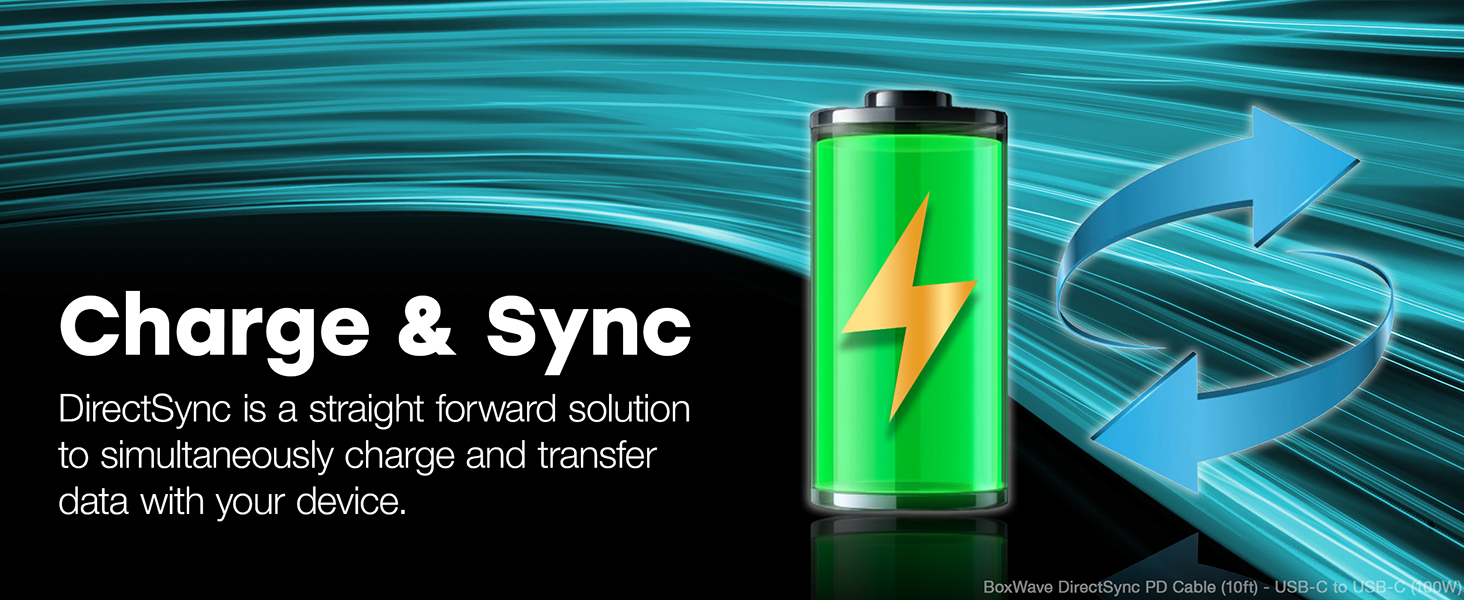
Image: A laptop receiving power through the DirectSync PD Cable, highlighting its 100W Power Delivery capability.
Veri Transferi
- Hızlı Veri Senkronizasyonu: Connect the cable between your device and a computer to perform data transfers at speeds up to 5 Gigabits Per Second (USB 3.0 standard).
- Eşzamanlı İşlevsellik: Data transfer can occur simultaneously while your device is charging, streamlining your workflow.

Image: A visual representation of the cable's dual functionality, enabling both power delivery and data synchronization.
Bakım
To ensure the longevity and optimal performance of your BoxWave DirectSync PD Cable, follow these maintenance guidelines:
- Dikkatli Kullanın: Avoid excessive bending or sharp angles, especially near the connectors. The cable features reinforced strain relief, but proper handling further extends its life.
- Nazikçe Temizleyin: If the cable becomes dirty, wipe it with a soft, dry cloth. Do not use harsh chemicals or abrasive cleaners.
- Depolamak: When not in use, coil the cable loosely. Avoid tightly wrapping it around objects or kinking it, which can damage the internal wires.
- Düzenli Olarak Denetleyin: Periodically check the cable and connectors for any signs of wear, fraying, or damage. Discontinue use if damage is observed.

Resim: Yakın çekim view of the cable's durable braided nylon exterior, designed to resist tangles and fraying.

Resim: Ayrıntılı view of the reinforced rubberized grommet strain relief at the connector, designed to prevent fraying and kinking.
Sorun giderme
If you encounter issues with your DirectSync PD Cable, consider the following troubleshooting steps:
- Cihaz Şarj Olmuyor:
- Ensure both ends of the cable are securely plugged into the charger and the device.
- Verify that the wall outlet or power source is active.
- Test the cable with a different compatible charger and device to isolate the issue.
- Confirm your charger supports Power Delivery (PD) and provides sufficient wattagCihazınız için e.
- Yavaş Şarj:
- Ensure your charger is a Power Delivery (PD) compatible charger with adequate wattage (100W'a kadar).
- Close unnecessary applications on your device that might be consuming significant power.
- Veri Aktarım Sorunları:
- Confirm the cable is properly connected to both the device and the computer.
- Check your device's settings to ensure data transfer mode is enabled (e.g., "File Transfer" or "MTP").
- Bilgisayarınızdaki farklı bir USB-C portuna bağlanmayı deneyin.
- Fiziksel Hasar: Inspect the cable for any visible damage, such as cuts, kinks, or bent connectors. If damaged, discontinue use and replace the cable.
Özellikler
| Özellik | Detay |
|---|---|
| Marka | Kutu dalgası |
| Model Adı | DirectSync PD Cable |
| Bağlayıcı Türü | USB Tip C (Erkek-Erkek) |
| Kablo Uzunluğu | 10 fit (yaklaşık 3 metre) |
| Güç Dağıtımı (PD) | 100 Watta kadar |
| Veri Aktarım Hızı | 5 Gigabits Per Second (USB 3.0 Standard) |
| Kablo Malzemesi | Örgülü Naylon |
| Renk | Jet Siyahı |
| Gerilim Azaltma | Rubberized Grommet on both connectors |
| Uyumlu Cihazlar | Devices with USB-C ports, including PCs, laptops, smartphones, and tablets (e.g., DODOSOUL M800) |
| Kullanım Ortamı | İç mekan, dış mekan |
| Ürün Ağırlığı | 6 Ons |
Garanti ve Destek
For information regarding warranty coverage, technical support, or customer service for your BoxWave DirectSync PD Cable, please refer to the official BoxWave websiteye gidin veya doğrudan müşteri destekleriyle iletişime geçin.
Çevrimiçi destek: Ziyaret etmek www.boxwave.com SSS, ürün kaydı ve iletişim bilgileri için.