
1. Giriş
The erjigo KZ AM01 is a portable Digital-to-Analog Converter (DAC) decoding amplifier designed to enhance the audio quality from your Type-C enabled devices. It converts digital audio signals into analog signals, providing a clearer and more powerful sound output for your headphones and earphones. This manual provides essential information for the proper setup, operation, and maintenance of your KZ AM01.

Figure 1: erjigo KZ AM01 Portable DAC Decoding Ampcankurtaran
2. Ürün Özellikleri
The KZ AM01 incorporates advanced audio technology to deliver high-fidelity sound:
- Dual Independent Chips: Features an independent DAC decoding chip and a professional Operational Amplifier (OP-AMP) IC for enhanced audio processing.
- High-Performance DAC Decoding: The integrated DAC chip utilizes modern manufacturing processes, resulting in low standby power consumption (10mW/h). It achieves a signal-to-noise ratio of up to 124dB and a dynamic range of 111dB for precise digital-to-analog conversion.
- Güçlü AmpDüzenleyici IC: Equipped with a MAX97220 independent power amplifier IC that adaptively drives loads up to 600Ω, suitable for a wide range of headphones and earphones. This minimizes distortion and provides a robust audio output.
- Yüksek Çözünürlüklü Ses Desteği: Supports a PCM sampling rate of up to 32-bit/384kHz, allowing for playback of audio quality that surpasses standard CD audio.
- Low Overall Power Consumption: The device's maximum power consumption is within 575mW/h, contributing to minimal heat generation and reduced impact on the battery life of your connected device.

Figure 2: Key features of the KZ AM01 ampcankurtaran

Figure 3: Internal architecture highlighting dual independent chips
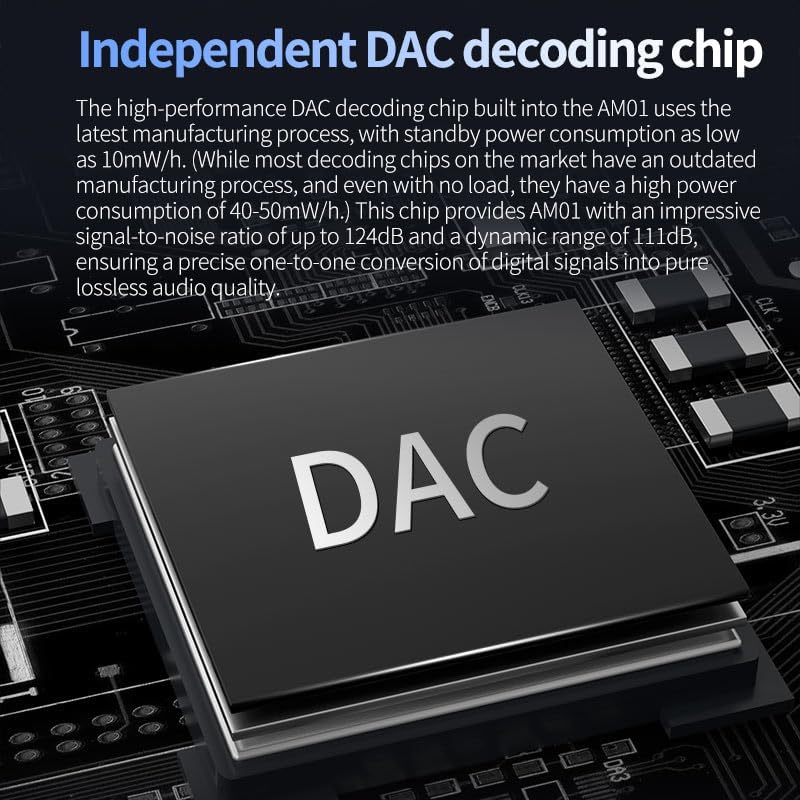
Figure 4: Independent DAC decoding chip
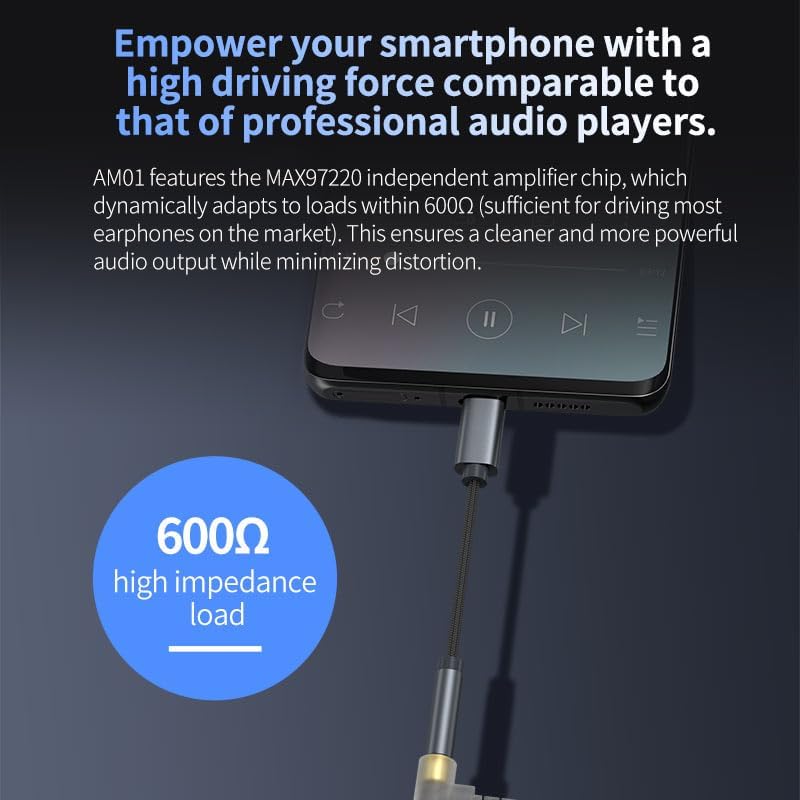
Şekil 5: Amplifier connected to a smartphone, demonstrating high impedance load capability
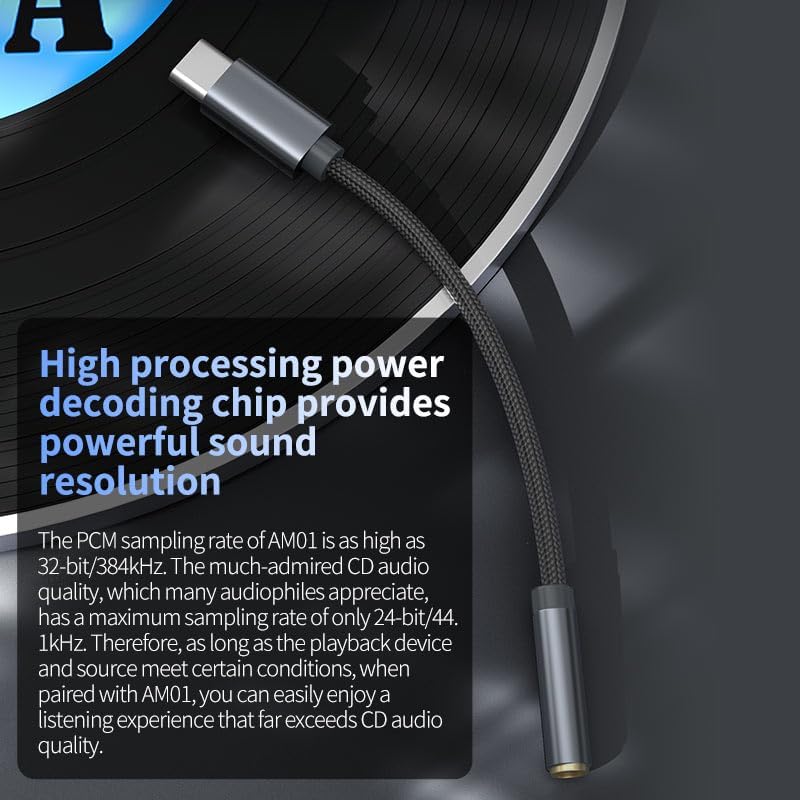
Figure 6: High-resolution audio support

Figure 7: Low power consumption feature
3. Kurulum Talimatları
Follow these steps to set up your erjigo KZ AM01:
- Bileşenleri Tanımlayın: Ensure you have the KZ AM01 amplifli kablo.
- Kaynak cihaza bağlan: Plug the USB Type-C end of the KZ AM01 into the Type-C port of your smartphone, tablet, or computer. Ensure your device's Type-C port supports OTG (On-The-Go) functionality for audio output.
- Kulaklıkları Bağlayın: Plug your 3.5mm headphones or earphones into the 3.5mm female jack of the KZ AM01.
- Bağlantıyı Doğrulayın: Once connected, your device should automatically recognize the KZ AM01 as an external audio output device.
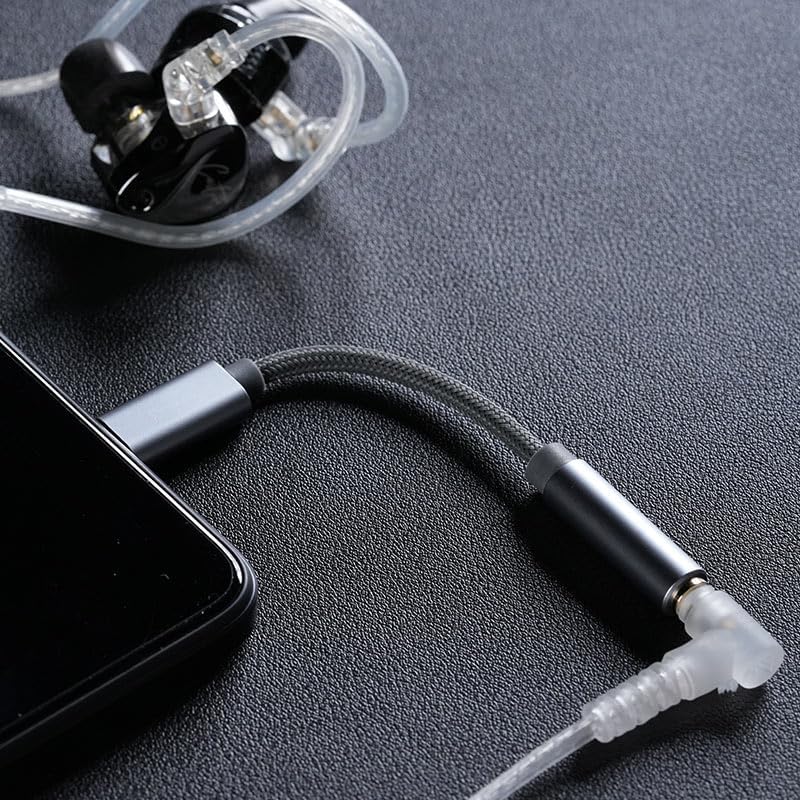
Figure 8: KZ AM01 connected and ready for use
4. Kullanım Talimatları
The KZ AM01 is designed for simple plug-and-play operation:
- Otomatik Tanıma: After connecting, your device should automatically switch audio output to the KZ AM01.
- Ses Kontrolü: Adjust the audio volume directly from your connected source device (smartphone, tablet, or computer).
- Uyumluluk: The amplifier is compatible with any device featuring an adaptive Type-C interface that supports OTG functionality.
5. Bakım
To ensure the longevity and optimal performance of your KZ AM01, follow these maintenance guidelines:
- Temizlik: Use a soft, dry cloth to gently wipe the device. Avoid using liquid cleaners or abrasive materials.
- Depolamak: Sakla ampSerin, kuru ve doğrudan güneş ışığından ve aşırı sıcaklıklardan uzak bir yerde saklayın.
- İşleme: Avoid bending or twisting the cable excessively, especially near the connectors, to prevent internal damage. Do not pull on the cable to disconnect it; always grasp the connector housing.
- Nem: Cihazı sudan ve yüksek nemden uzak tutun.
6. Sorun Giderme
If you encounter issues with your KZ AM01, refer to the following common troubleshooting steps:
- Ses Çıkışı Yok:
- Ensure the KZ AM01 is fully plugged into both your source device and headphones.
- Check the volume level on your source device.
- Verify that your source device's Type-C port supports OTG audio output. Some devices may require enabling OTG in settings.
- Sorunu tespit etmek için farklı kulaklıklar veya farklı bir ses kaynağı cihazı kullanarak test edin.
- Cihaz tanınmadı:
- Disconnect and reconnect the KZ AM01.
- Kaynak cihazınızı yeniden başlatın.
- Cihazınızın işletim sisteminin güncel olduğundan emin olun.
- Poor Audio Quality (Static, Distortion):
- Tüm bağlantıların güvenli olduğundan emin olun.
- Farklı seslerle test edin fileKaynak materyal sorunlarını elemek için s veya yayın hizmetleri kullanılabilir.
- Reduce the volume on your source device if distortion occurs at high levels.
- Ensure your headphones are functioning correctly.
7. Özellikler
| Şartname | Detay |
|---|---|
| Model Numarası | AM01 |
| Marka | Erjigo |
| Bağlayıcı Türü | USB Type-C (Input), 3.5mm Auxiliary (Output) |
| Uyumlu Cihazlar | Smartphones, Tablets, Desktops, Headphones (with Type-C OTG support) |
| Ürün Ağırlığı | 0.352 ons (0.01 Kilogram) |
| Paket Boyutları | 5.12 x 1.54 x 0.47 inç |
| Üretici | Shenzhen Yuanze Electronic Co.,Ltd. |
8. Garanti ve Destek
Garanti bilgileri ve müşteri desteği için lütfen satın alma işleminizle birlikte verilen belgelere bakın veya doğrudan satıcı/üretici ile iletişime geçin. Garanti talepleriniz için satın alma belgenizi saklayın.