
1. Giriş
This manual provides detailed instructions for the MEETION MT-M915 USB Gaming Mouse with Backlight. Please read this guide thoroughly before using the product to ensure correct installation, optimal performance, and to understand its features. This mouse is designed for gaming and general computer use, offering reliable performance and a comfortable design.
2. Paket İçeriği
- MEETION MT-M915 USB Gaming Mouse
- Kullanım Kılavuzu (bu belge)
3. Sistem Gereksinimleri
- Operating System: Windows XP, Linux
- Compatible Devices: Personal Computer, Laptop
- Kullanılabilir USB Bağlantı Noktası
4. Kurulum
4.1 Fareyi Bağlama
- Bilgisayarınızda veya dizüstü bilgisayarınızda kullanılabilir bir USB bağlantı noktası bulun.
- Plug the USB connector of the MEETION MT-M915 mouse into the USB port.
- The operating system will automatically detect and install the necessary drivers. This is a plug-and-play device, so no additional software installation is typically required.
- The mouse backlight will illuminate upon successful connection.
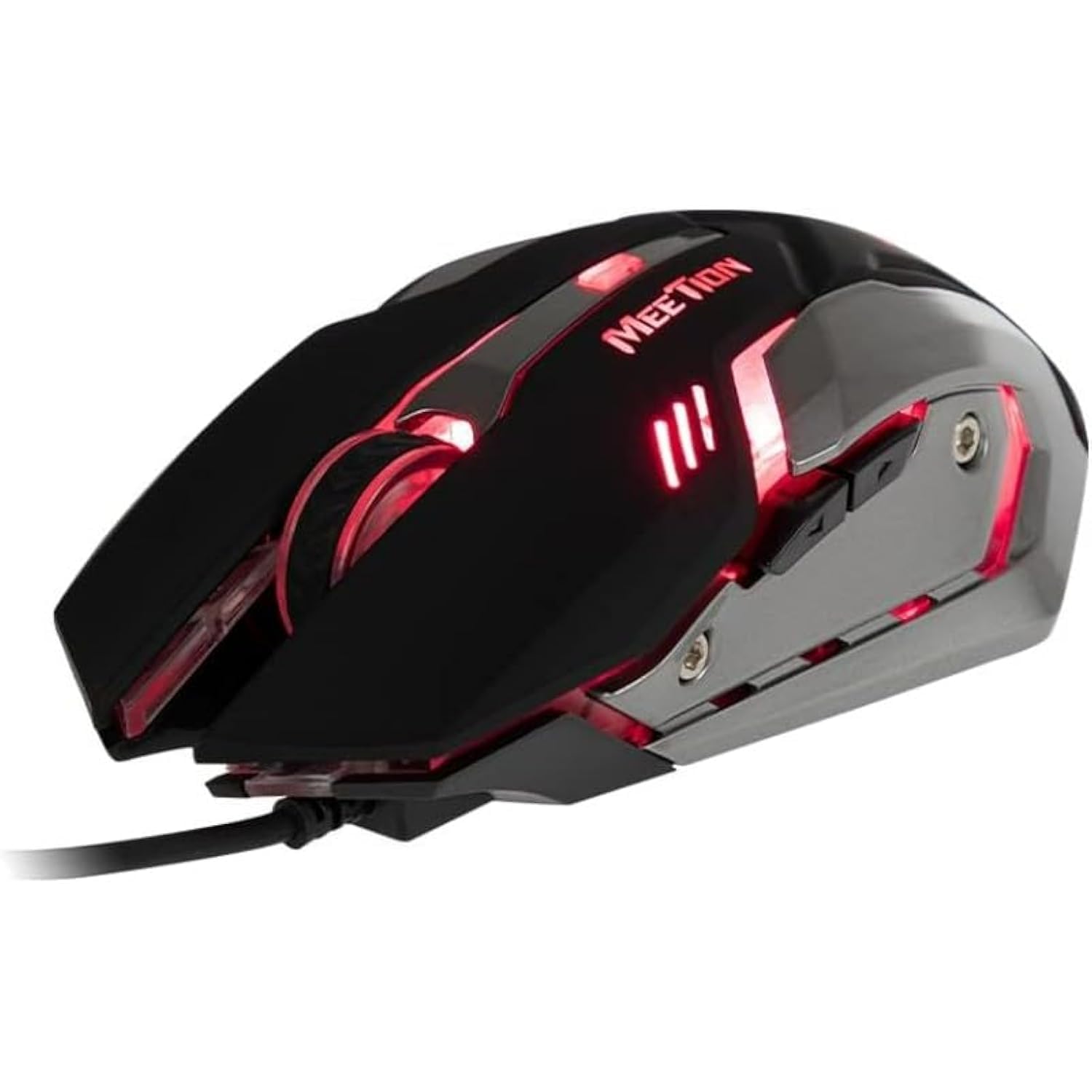
Şekil 1: Yan view of the MEETION MT-M915 mouse with red backlight.
5. Fareyi Çalıştırma
5.1 Temel Fonksiyonlar
- Sol tık: Primary action button, typically used for selecting items, opening files, or interacting with software.
- Sağ tık: Secondary action button, typically used for opening context menus or accessing additional options.
- Kaydırma tekerleği: Belgeler arasında gezinmek için kullanılır ve web Sayfalar. Ayrıca orta tıklama düğmesi olarak da işlev görebilir.
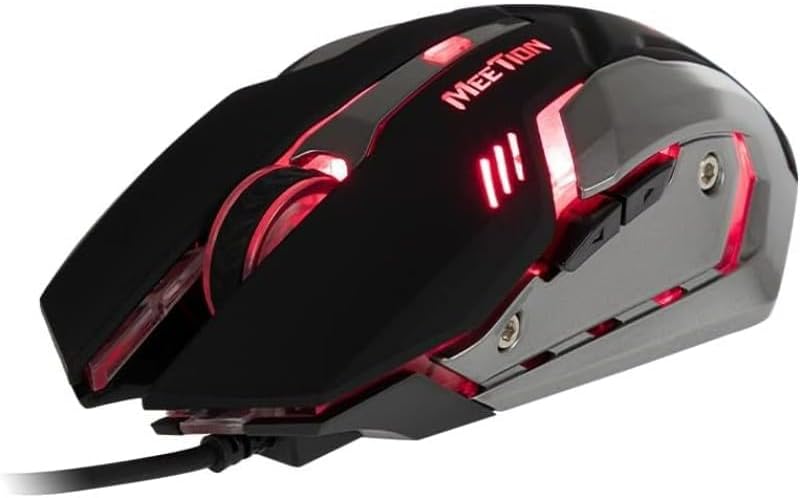
Şekil 2: Yukarıdan aşağıya view of the MEETION MT-M915 mouse, showing button layout.
5.2 Arka Işık İşlemi
The MEETION MT-M915 mouse features an integrated backlight. The backlight activates automatically when the mouse is connected to a powered USB port. The color of the backlight may vary or cycle through different colors, as shown in Figure 3.

Şekil 3: Yan view of the MEETION MT-M915 mouse with purple backlight.
5.3 Çift Elli Tasarım
The mouse is designed for ambidextrous use, meaning it can be comfortably used by both left-handed and right-handed individuals.
6. Bakım
6.1 Temizlik
- Temizlemeden önce fareyi bilgisayarınızdan ayırın.
- Farenin yüzeyini silmek için yumuşak ve kuru bir bez kullanın.
- İnatçı kirler için hafifçeampBezi su veya hafif bir temizleme solüsyonuyla silin. Sert kimyasallardan kaçının.
- Farenin içine sıvı girmesine izin vermeyin.asing.
6.2 Depolama
Fareyi uzun süre kullanılmadığı zamanlarda serin, kuru ve doğrudan güneş ışığından ve aşırı sıcaklıklardan uzak bir yerde saklayın.
7. Sorun Giderme
7.1 Fare Yanıt Vermiyor
- USB kablosunun bilgisayarınızdaki çalışan bir USB portuna güvenli bir şekilde takılı olduğundan emin olun.
- Fareyi farklı bir USB portuna takmayı deneyin.
- Bilgisayarınızı yeniden başlatın.
- Test the mouse on another computer to determine if the issue is with the mouse or your computer's USB ports.
7.2 Arka Aydınlatma Çalışmıyor
- Farenin güç sağlayan bir USB portuna düzgün şekilde bağlandığından emin olun.
- If the mouse functions but the backlight does not, there might be an internal issue. Contact customer support if the mouse is still under warranty.
7.3 Düzensiz İmleç Hareketi
- Farenin altındaki optik sensörün temiz ve toz veya kirden arındırılmış olduğundan emin olun.
- Use the mouse on a clean, uniform surface. Avoid highly reflective or transparent surfaces.
- Bilgisayarınızı yeniden başlatmayı deneyin.
8. Özellikler
| Özellik | Detay |
|---|---|
| Marka | TOPLANTI |
| Model Adı | MT-M915 |
| Üretici Model Numarası | CE ELECTRON-559 |
| Bağlantı Teknolojisi | USB |
| Hareket Algılama Teknolojisi | Optik |
| El Yönelimi | İki elini de kullanabilen |
| Özel Özellikler | Hafif |
| Ürün İçin Önerilen Kullanımlar | Oyun |
| Uyumlu Cihazlar | Kişisel Bilgisayar, Dizüstü Bilgisayar |
| İşletim Sistemi | Linux, Windows XP |
| Ürün Ağırlığı | 50 gram |
| Paket Boyutları | 20.7x14.3x6.1 cm |
| Piller Dahil | HAYIR |
9. Garanti ve Destek
9.1 Garanti Bilgileri
This product is covered by a standard manufacturer's warranty. Please refer to the warranty card included with your purchase or contact your retailer for specific warranty terms and conditions.
9.2 Müşteri Desteği
For technical assistance, troubleshooting, or warranty claims, please contact the retailer where you purchased the product or visit the official MEETION webDestek kaynakları için site.