
1. Giriş
This manual provides essential information for the safe and efficient operation of your Sharp Roku TV 4K Ultra HD with HDR10 (55"). Please read this manual thoroughly before using the television and retain it for future reference. Your new Sharp Roku TV offers a stunning 4K Ultra HD resolution, integrated Roku streaming experience, and immersive Dolby Audio.

Şekil 1.1: Ön view of the Sharp Roku TV 4K Ultra HD (55 inch). This image shows the television from the front, highlighting its slim bezels and the display with a colorful image.
2. Güvenlik Bilgileri
Always observe the following safety precautions to prevent fire, electric shock, or injury.
- TV'yi yağmura veya neme maruz bırakmayın.
- Havalandırma açıklıklarını kapatmayın. Hava akışının düzgün olması için televizyonun etrafında yeterli boşluk bırakın.
- Yalnızca üretici tarafından belirtilen aparatları/aksesuarları kullanın.
- Yıldırımlı havalarda veya uzun süre kullanılmayacaksa televizyonun fişini çekin.
- Tüm bakımları yetkili servis personeline yaptırın.
- Pilleri çocukların erişemeyeceği yerlerde saklayın.
3. Kutuda Neler Var?
Kurulum işlemine başlamadan önce tüm bileşenlerin mevcut olduğundan emin olun.
- Sharp Roku TV (55")
- TV Sehpası (2 adet)
- Uzaktan Kumanda (2 adet AAA pil gerektirir, pil dahil değildir)
- Güç Kablosu
- Hızlı Başlangıç Kılavuzu (ayrıntılı talimatlar için bu kılavuza bakın)
4. Kurulum
4.1 TV Sehpasının Takılması
To ensure stability, attach the included stand to the television. Place the TV face down on a soft, clean surface to prevent screen damage.
- Sol ve sağ stand parçalarını belirleyin.
- Her bir stand parçasını televizyonun alt kısmındaki ilgili vida delikleriyle hizalayın.
- Birlikte verilen vidaları kullanarak ayakları sabitleyin. Çok fazla sıkmayın.

Şekil 4.1: Yan view of the Sharp Roku TV with the stand attached. This image illustrates the profile of the television with its support base.

Şekil 4.2: Açısal view of the Sharp Roku TV with the stand attached. This image provides a perspective view of the television, showing the stand's design and how it supports the unit.
4.2 Güç Bağlantısı ve İlk Kurulum
Once the stand is securely attached, place the TV in its desired location and proceed with power connection and initial setup.
- Güç kablosunu televizyonun güç girişine ve ardından duvar prizine bağlayın.
- Insert 2 AAA batteries into the remote control, observing polarity.
- Televizyonu açmak için uzaktan kumandadaki Güç düğmesine basın.
- Follow the on-screen instructions to complete the Roku TV guided setup, including network connection (Wi-Fi), channel scanning (if using an antenna), and Roku account activation.

Şekil 4.3: Arka view of the Sharp Roku TV. This image displays the back panel of the television, showing the arrangement of various input and output ports for connectivity.
5. TV'nin çalıştırılması
5.1 Temel Fonksiyonlar
- Güç Açma/Kapatma: Basın Güç Uzaktan kumandadaki düğmeye basın.
- Ses Kontrolü: Kullanın Sesi Aç/Kapat düğmeler.
- Giriş Seçimi: Basın Giriş button to cycle through connected devices (HDMI, AV, etc.) or select from the Roku Home screen.
- Navigasyon: Yön tuşlarını kullanın (Yukarı, Aşağı, Sol, Sağ) Ve OK Menülerde gezinmek ve seçenekleri seçmek için kullanılan düğme.
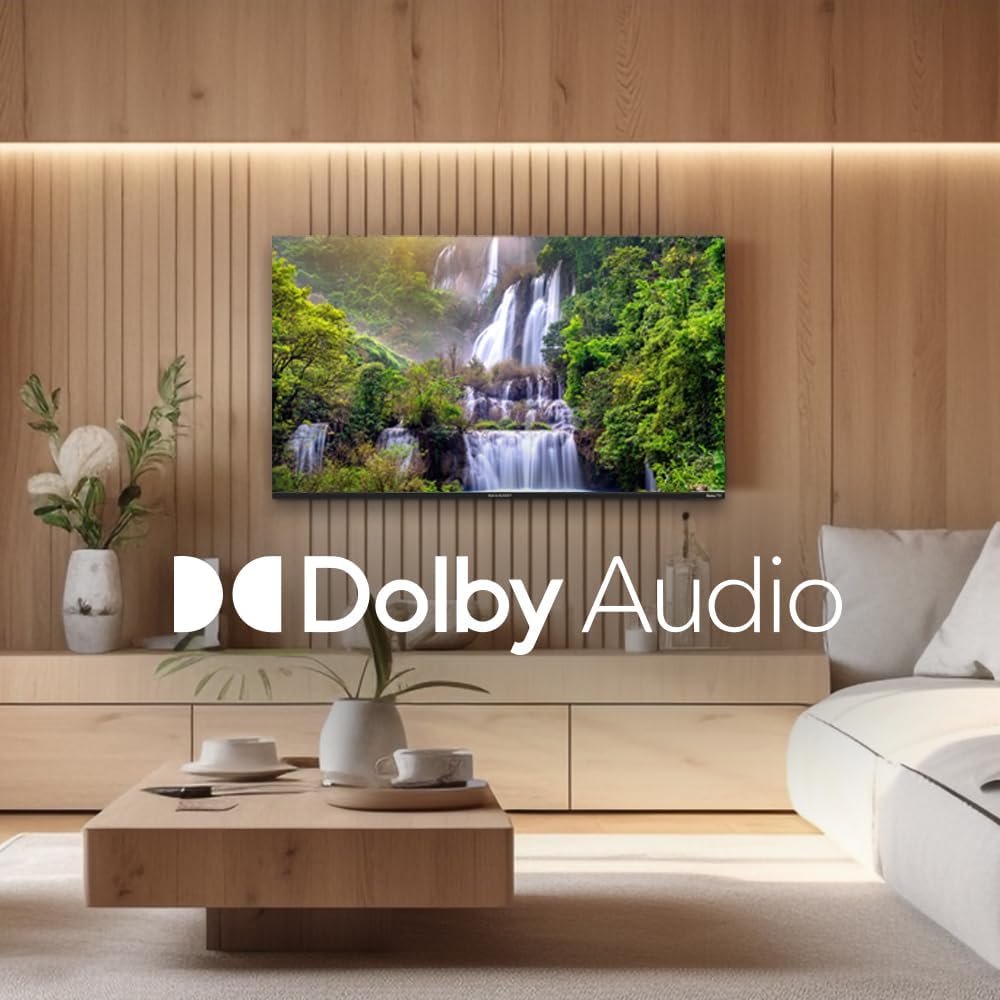
Figure 5.1: Sharp Roku TV showcasing Dolby Audio. This image highlights the television's audio capabilities, with the Dolby Audio logo prominently displayed over a vibrant nature scene.
5.2 Roku İşletim Sistemi Gezinme
The Roku Home screen provides access to all your streaming channels, inputs, and settings.
- Ana Ekran: Basın Ev button on the remote to return to the main menu.
- Yayın Kanalları: Select a channel icon to launch the app.
- Canlı TV: Access live broadcast channels (if an antenna is connected) or The Roku Channel's live TV guide.
- Ayarlar: Şuraya gidin: Ayarlar menu for network configuration, display options, audio settings, and system updates.
6. Bakım
6.1 TV'nin temizlenmesi
Televizyonunuzun görünümünü ve performansını korumak için aşağıdaki temizlik yönergelerini izleyin:
- Televizyonu temizlemeden önce mutlaka fişini çekin.
- Ekranı nazikçe silmek için yumuşak, tüy bırakmayan bir bez kullanın. İnatçı lekeler için, hafifçe bastırarak silin.ampBezi su veya özel bir ekran temizleyici ile temizleyin. Temizleyiciyi asla doğrudan ekrana püskürtmeyin.
- Wipe the cabinet and stand with a soft, dry cloth.
- Aşındırıcı temizleyiciler, cilalar veya çözücüler kullanmaktan kaçının.
7. Sorun Giderme
Karşılaşabileceğiniz yaygın sorunlara yönelik çözümler için bu bölüme bakın.
| Sorun | Olası Neden | Çözüm |
|---|---|---|
| Güç Yok | Güç kablosu sağlam bir şekilde bağlı değil; priz çalışmıyor. | Güç kablosunun bağlantısını kontrol edin. Prizde başka bir cihazla test edin. |
| Görüntü yok, ancak ses var. | Incorrect input selected; external device issues. | Basın Giriş Doğru kaynağı seçmek için düğmeye tıklayın. Harici cihazlarla olan bağlantıları kontrol edin. |
| Ses yok, ancak görüntü mevcut. | Volume muted or too low; audio settings incorrect. | Unmute volume or increase level. Check audio output settings in the TV menu. |
| Wi-Fi Bağlantı Sorunları | Yanlış şifre; yönlendirici sorunları; TV'nin yönlendiriciden çok uzakta olması. | Re-enter Wi-Fi password. Restart router and TV. Move TV closer to router or use a Wi-Fi extender. |
| Uzaktan Kumanda Çalışmıyor | Pil bitmiş; kumanda ile televizyon arasında engel var. | Replace batteries. Remove any obstructions. Ensure remote is pointed at the TV. |
8. Özellikler
Key technical specifications for the Sharp Roku TV 4K Ultra HD (55").
| Özellik | Detay |
|---|---|
| Model Numarası | 4TC55EL8UR |
| Ekran Boyutu | 55 inç (140 cm diyagonal) |
| Ekran Teknolojisi | NEDEN OLMUŞ |
| Çözünürlük | 4K Ultra HD (3840 x 2160p) |
| Yenileme Hızı | 60 Hz |
| En Boy Oranı | 16:9, 4:3 |
| Ses Çıkışı | 16 Watts (8W+8W) Speaker System, Dolby Audio |
| Bağlantı | Wi-Fi, HDMI, USB (specific port count not detailed in input, general) |
| Ürün Boyutları (standlı) | Approx. 11.22 x 48.35 x 29.41 inches (D x W x H) |
| Ürün Ağırlığı | Approx. 29 pounds (13.2 Kilograms) |
| Güç Tüketimi | 130 watt (çalışma gücü) |
| Pil Gereklidir (Uzaktan Kumanda) | 2 adet AAA pil |

Figure 8.1: Dimensional diagram of the Sharp Roku TV (55 inch). This diagram provides precise measurements of the television, including width and height with and without the stand.
9. Garanti ve Destek
For warranty information and technical support, please refer to the official Sharp webSite üzerinden bilgi alabilir veya doğrudan müşteri hizmetleriyle iletişime geçebilirsiniz. Garanti şartları ve koşulları bölgeye ve satın alma tarihine göre değişiklik gösterebilir.
Daha fazla bilgi ve destek kaynağına ulaşmak için resmi web sitesini ziyaret edebilirsiniz. Amazon'da Sharp Mağazası.