
1. Giriş
This manual provides essential information for the safe and effective use, setup, operation, and maintenance of your ESAB SWARM A30 Auto-Darkening Welding Helmet. Please read this manual thoroughly before using the helmet to ensure proper function and to prevent injury or damage.
The ESAB SWARM A30 is designed to protect your eyes and face from sparks, spatter, and harmful radiation under normal welding conditions. Its auto-darkening filter (ADF) automatically switches from a light state to a dark state when an arc is struck, and returns to the light state when welding stops.
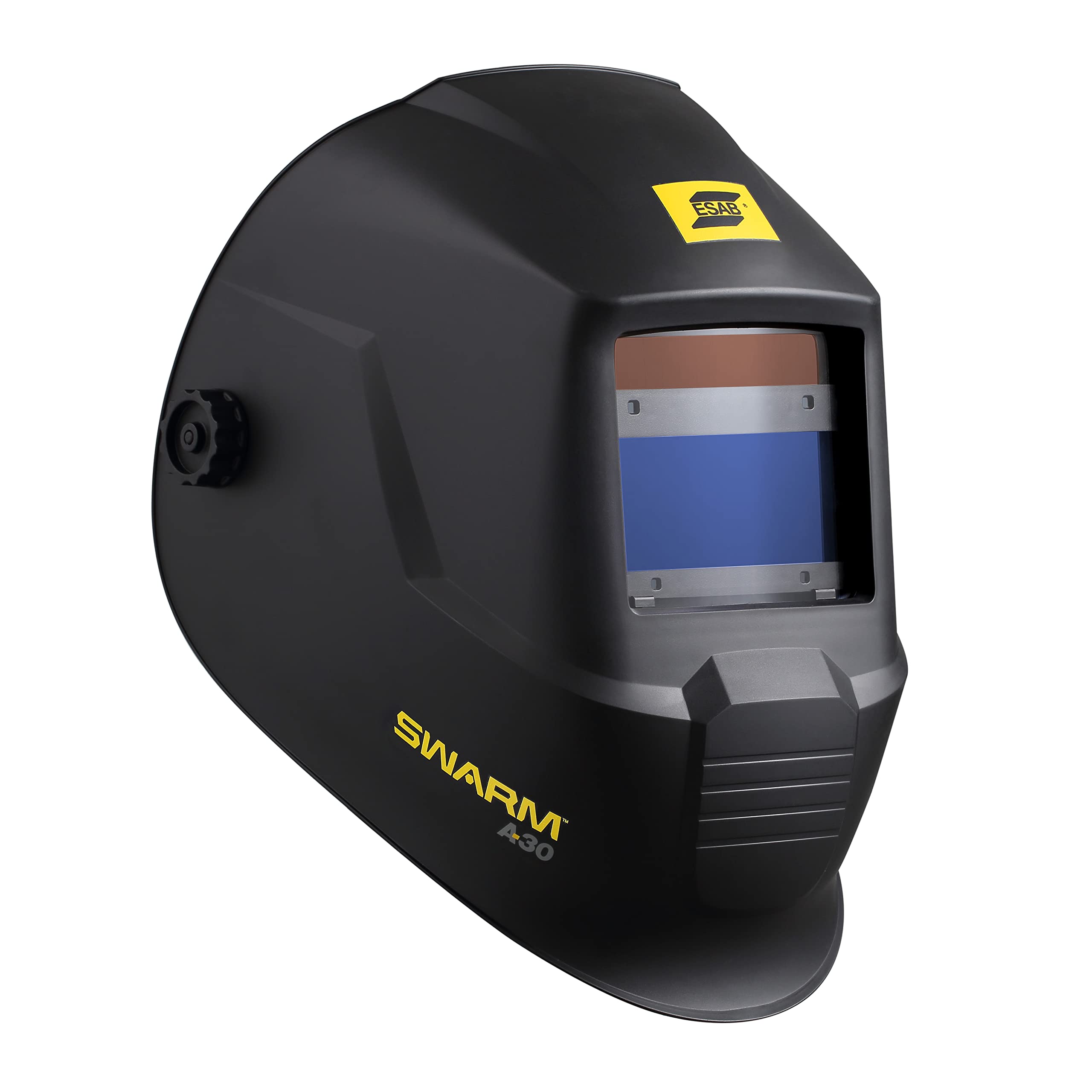
Şekil 1: Ön view of the ESAB SWARM A30 Auto-Darkening Welding Helmet. This image shows the helmet's overall design, including the auto-darkening filter window and the ESAB branding.
Güvenlik Önlemleri
- Always wear appropriate personal protective equipment (PPE) in addition to the welding helmet.
- Ensure the helmet is correctly adjusted and functioning before each use.
- Do not use the helmet if any part is damaged or defective.
- Never look directly at the welding arc with unprotected eyes.
- This helmet is not suitable for laser welding or overhead applications.
2. Ürün Özellikleri
The ESAB SWARM A30 Auto-Darkening Welding Helmet incorporates several features designed for optimal performance and user comfort:
- ADF ViewAlan: 98 x 43 mm (3.85 x 1.7 in.) for a clear view kaynak havuzunun.
- Renk Aralığı: DIN 4/9–13, offering versatility for various welding processes.
- Öğütme Modu: Accessible via an internal switch, allowing the helmet to be used for grinding without darkening.
- CE Optical Class: 1/1/1/2, indicating high optical quality.
- Ark Sensörleri: 4 independent sensors for reliable arc detection.
- Hızlı Anahtarlama Süresi: 0.08 millisecond, ensuring immediate protection upon arc strike.
- Ayarlanabilir Ayarlar: Internally-mounted and fully-adjustable delay and sensitivity settings for customized performance.
- Değiştirilebilir Pil: Uses 1 x CR2450 battery.
- Düşük Pil Göstergesi: LED indicator to alert when battery replacement is needed.
- ADF Test Button: Allows for quick verification of ADF function.
3. Kurulum
3.1 Pil Kurulumu
- Locate the battery compartment on the auto-darkening filter (ADF) unit.
- Bölme kapağını açın.
- Bir adet CR2450 pili, doğru kutuplara (+/-) dikkat ederek takın.
- Pil bölmesi kapağını sıkıca kapatın.
3.2 Başlık Ayarı
Proper headgear adjustment is crucial for comfort and stability.
- Headband Diameter: Adjust the knob at the back of the headgear to fit snugly around your head.
- Top Strap: Adjust the top strap to position the helmet correctly on your head, ensuring the viewing area is at eye level.
- Yüze olan mesafe: Adjust the side knobs to set the distance between the helmet and your face. This should allow for comfortable breathing and prevent fogging, without obstructing your view.
- Eğim Açısı: Adjust the tilt mechanism to find the most comfortable viewaçı.
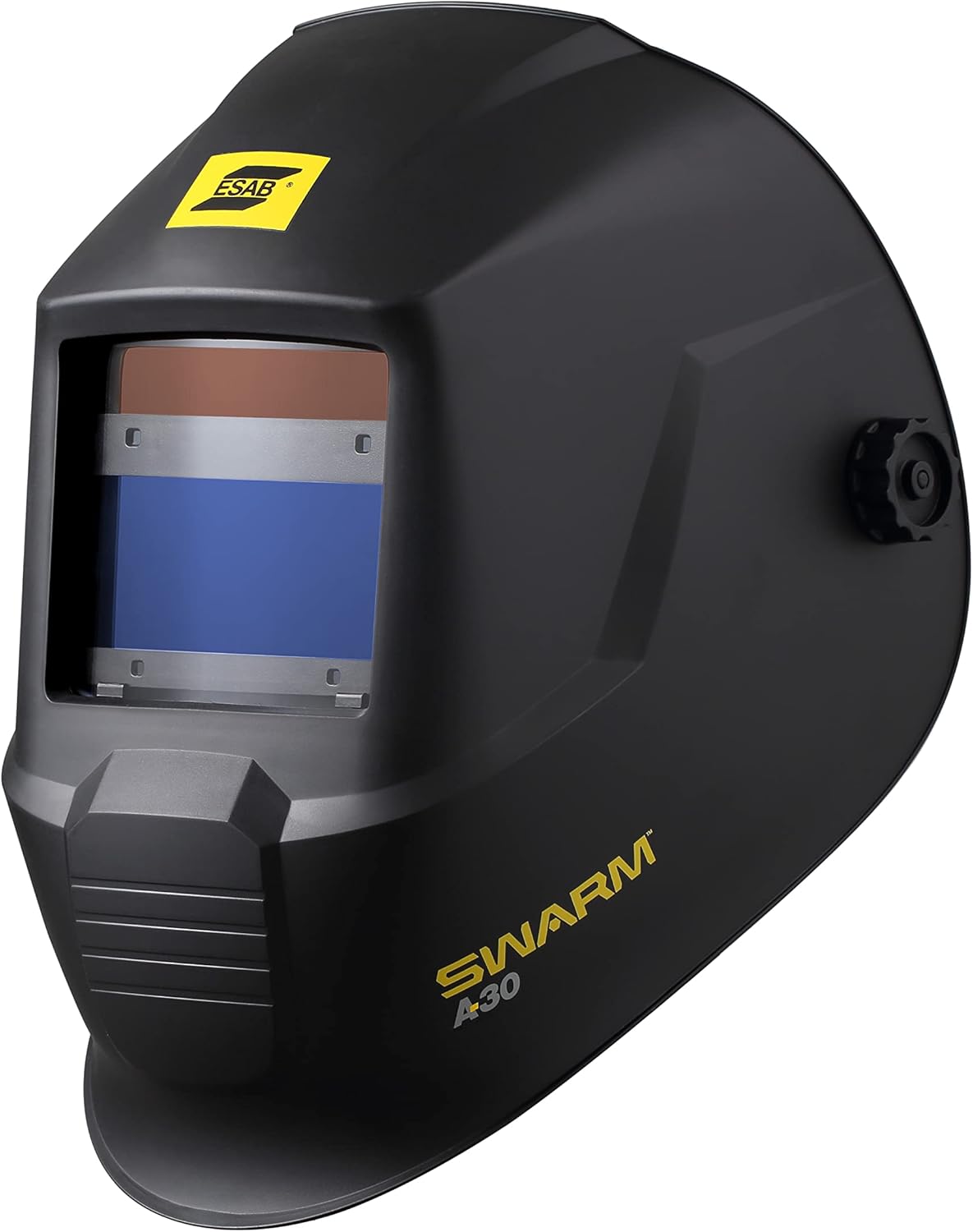
Şekil 2: Yan view of the ESAB SWARM A30 Welding Helmet, illustrating the headgear adjustment points. This image highlights the side knobs and the overall profile kaskın.
3.3 Initial Function Test
Before welding, perform a quick test to ensure the ADF is functioning correctly.
- Press the ADF test button located on the internal control panel.
- The filter should momentarily darken and then return to its light state. If it does not, check the battery or consult the troubleshooting section.
4. Kullanım Talimatları
4.1 Güç Açma/Kapatma
The ESAB SWARM A30 helmet features automatic power on/off. The ADF activates when exposed to light and deactivates after a period of inactivity.
4.2 Gölge Ayarı
The helmet offers a variable shade range from DIN 9 to DIN 13 for welding, and DIN 4 for the light state. Adjust the shade level using the internal control knob to match your welding process and current. Refer to welding safety standards for recommended shade levels.
4.3 Hassasiyet Ayarı
The sensitivity control adjusts how much light is required to trigger the ADF to darken. Adjust this setting using the internal knob:
- Yüksek Hassasiyet: Düşük için uygun ampKaynak sırasında veya ark kısmen engellendiğinde.
- Düşük Hassasiyet: Recommended for high amperage welding or in environments with other bright light sources to prevent false triggering.
4.4 Delay Adjustment
The delay control determines how long the filter remains dark after the welding arc extinguishes before returning to the light state. Adjust this setting using the internal knob:
- Short Delay: For quick, repetitive tack welding.
- Long Delay: Recommended for high amperage welding to protect against afterglow from the weld puddle.
4.5 Öğütme Modu
To activate grind mode, locate the internal switch and set it to the 'Grind' position. In this mode, the ADF remains in its light state (DIN 4) and will not darken, providing eye protection from grinding debris without the filter activating. Remember to switch back to 'Weld' mode before resuming welding operations.

Şekil 3: Diğer taraf view of the ESAB SWARM A30 Welding Helmet. This perspective shows the sleek design and the external adjustment knob for the headgear.
5. Bakım
5.1 Temizlik
- Kaskın dış yüzeyini hafif sabunlu su çözeltisiyle temizleyin. Sert çözücülerden kaçının.
- Clean the outer and inner cover lenses with a soft, clean cloth and a non-abrasive lens cleaner. Do not use abrasive materials or solvents that could scratch the lenses.
- Regularly inspect the headgear for wear and tear.
5.2 Lens Değişimi
Replace scratched or damaged outer and inner cover lenses immediately to maintain optical clarity and protection.
- Remove the retaining frame or clips holding the cover lens in place.
- Carefully remove the old lens.
- Insert a new, clean cover lens, ensuring it is seated correctly.
- Reattach the retaining frame or clips.
5.3 Pil Değişimi
When the low battery indicator LED illuminates, replace the CR2450 battery as described in Section 3.1. Always use a fresh, high-quality CR2450 battery.
6. Sorun Giderme
If you encounter issues with your ESAB SWARM A30 helmet, refer to the following table for common problems and solutions.
| Sorun | Olası Neden | Çözüm |
|---|---|---|
| ADF, ark oluştuğunda kararmaz. | Low battery; sensors obstructed; sensitivity too low; grind mode active. | Replace battery; clean sensors; increase sensitivity; switch out of grind mode. |
| Poor visibility through the filter. | Cover lenses scratched or dirty; incorrect shade setting. | Clean or replace cover lenses; adjust shade setting. |
| ADF flickers or darkens intermittently. | Low battery; sensitivity too high; other light sources interfering. | Replace battery; decrease sensitivity; shield from other light sources. |
| Low battery indicator LED is on. | Pil zayıf. | CR2450 pilini değiştirin. |
7. Özellikler
| Özellik | Şartname |
|---|---|
| Örnek | SWARM A30 |
| ADF ViewAlan | 98 x 43 mm (3.85 x 1.7 inç) |
| Açık Durum Gölgesi | DIN 4 |
| Koyu Renk Ton Aralığı | DIN 9–13 |
| Optik Sınıf | 1/1/1/2 |
| Ark Sensörleri | 4 |
| Geçiş Zamanı | 0.08 ms |
| Gecikme Kontrolü | Adjustable (Internal) |
| Hassasiyet Kontrolü | Adjustable (Internal) |
| öğütme modu | Yes (Internal Switch) |
| Güç Kaynağı | 1 x CR2450 Battery (Replaceable) |
| Düşük Pil Göstergesi | Evet (LED) |
| Malzeme | Alaşımlı Çelik |
| Ürün Ağırlığı | 1.9 Pound |
| Ürün Ölçüleri (Uzunluk x Genişlik x Kalınlık) | 1"L x 1"W x 1"Th (Note: These dimensions appear to be placeholder values and may not reflect the actual helmet size.) |
| Dahil Bileşenler | Welding Helmet and Batteries |
8. Garanti ve Destek
For warranty information and technical support, please refer to the documentation provided with your purchase or visit the official ESAB webSite. Satın alma belgenizi garanti talepleriniz için saklayın.
If you require further assistance or have questions not covered in this manual, please contact ESAB customer service.