
1. Giriş
This manual provides comprehensive instructions for the LENVII D7800 Desktop Automatic 2D Barcode Scanner. Please read this manual carefully before using the product to ensure proper operation and to maximize its performance and lifespan. Keep this manual for future reference.
2. Güvenlik Bilgileri
- Tarayıcıyı suya veya aşırı neme maruz bırakmayın.
- Avoid dropping the scanner from heights exceeding 1.2 meters to prevent damage, despite its anti-shock design.
- Tarayıcıyı kendiniz sökmeye veya onarmaya çalışmayın. Yetkili servis personeline başvurun.
- En iyi performansı sağlamak için tarama penceresini temiz tutun.
- Avoid direct eye exposure to the scanner's light source.
3. Paket İçeriği
Paketin içinde tüm öğelerin mevcut olduğundan emin olun:
- LENVII D7800 Desktop Automatic 2D Barcode Scanner
- USB Kablosu (entegre)
- Kullanım Kılavuzu (bu belge)

Şekil 3.1: Package contents including the scanner, USB cable, and user manual.
4. Ürün Bittiview
4.1 Temel Özellikler
- Eller Serbest Tasarım: Omnidirectional scanning for 1D, 2D, and QR codes.
- CCD Scanning Technology: Capable of reading barcodes from mobile phone and computer screens, as well as damaged, blurred, distorted, colorful, or reflective barcodes.
- Tak ve Çalıştır: No driver installation required.
- Geniş Uyumluluk: Works with Windows XP/7/8/10, Mac OS, and Linux operating systems.
- Ayarlanabilir Başlık: Features a 15° adjustable head for flexible scanning angles.
- Darbelere Karşı Tasarım: 1.2 metreye kadar yükseklikten düşmelere dayanacak şekilde tasarlanmıştır.
4.2 Boyutlar
The scanner has compact dimensions suitable for desktop use.

Şekil 4.1: Ön ve yan view of the LENVII D7800 scanner with dimensions indicated.
4.3 Anti-shock Design
The LENVII D7800 is designed for durability, capable of withstanding accidental drops from a height of 1.2 meters without affecting its functionality.

Şekil 4.2: Illustration of the scanner's anti-shock capability.
5. Kurulum
5.1 Tarayıcının Bağlanması
- Place the LENVII D7800 scanner on a stable, flat surface.
- Connect the integrated USB cable from the scanner to an available USB port on your computer (desktop or laptop).
- The scanner will power on automatically and initiate the "Plug and Play" process.

Şekil 5.1: The scanner connected to various devices, demonstrating its plug-and-play functionality.
5.2 Sürücü Kurulumu
The LENVII D7800 is a plug-and-play device. No additional drivers or software installation is required for basic operation. Your operating system (Windows, Mac OS, Linux) will automatically recognize the device.
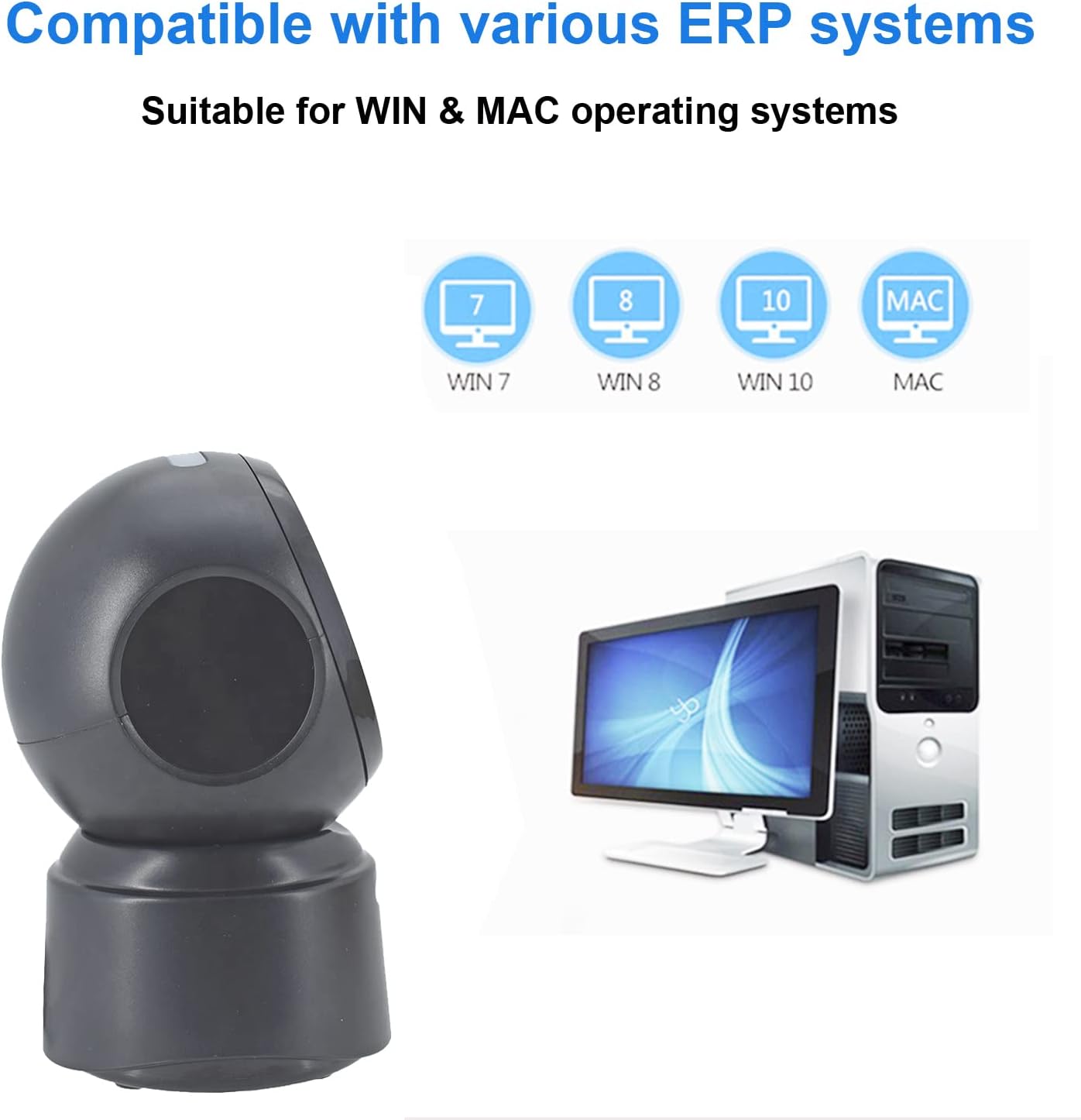
Şekil 5.2: Compatibility with various operating systems.
6. Kullanım Talimatları
6.1 Temel Tarama Prosedürü
The D7800 scanner operates in an automatic, hands-free mode. Once connected, it is ready to scan.
- Tarayıcının bilgisayarınıza bağlı ve açık olduğundan emin olun.
- Present the barcode to the scanning window. The scanner will automatically detect and read the barcode.
- A successful scan is typically indicated by an audible beep and/or a visual confirmation (e.g., LED indicator).
- The scanned data will be transmitted to your computer as keyboard input.
6.2 Scanning Barcode Types
The scanner supports a wide range of 1D, 2D, and QR codes, including those that are less than perfect.
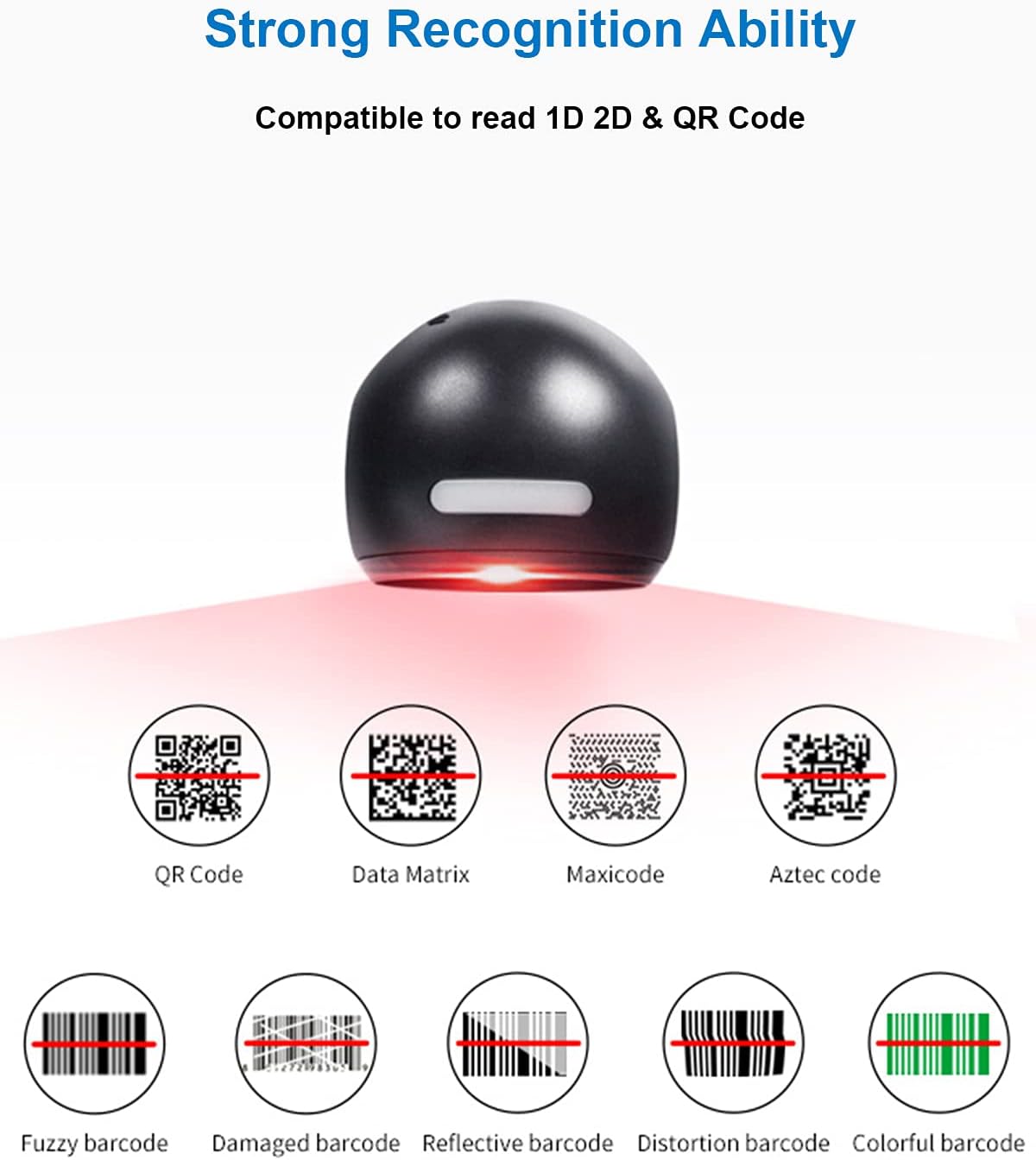
Şekil 6.1: Examples of various barcode types and conditions the scanner can recognize.
6.3 On-Screen Barcode Scanning
The D7800 is capable of scanning barcodes directly from digital displays, such as smartphones, tablets, and computer monitors.

Şekil 6.2: The scanner reading a barcode from a digital screen. Exampbarkod: 1234567890
6.4 Uygulama Senaryoları
The LENVII D7800 is suitable for various environments requiring efficient barcode scanning.
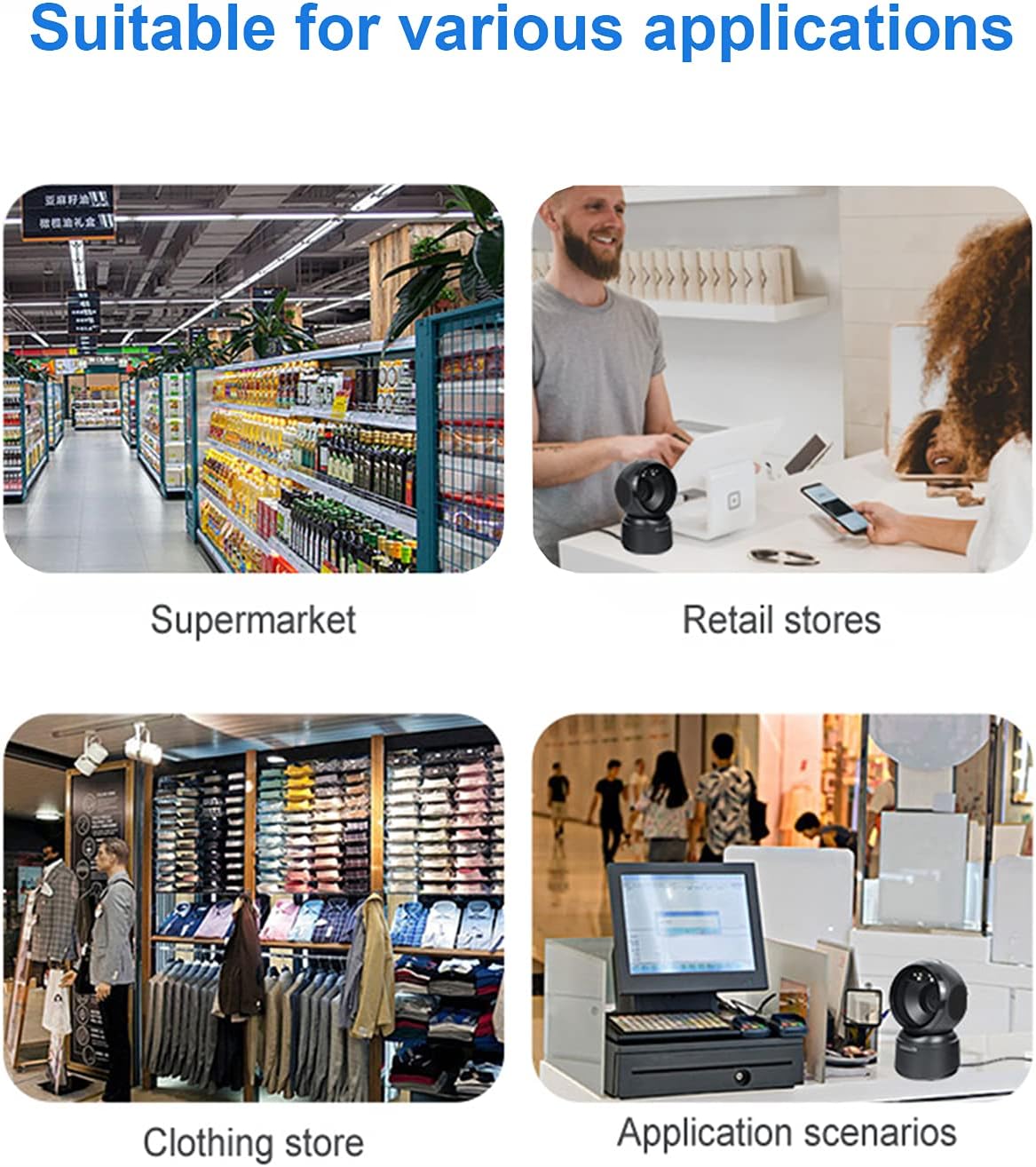
Şekil 6.3: Common application environments for the scanner.
7. Bakım
7.1 Tarayıcıyı Temizleme
- Temizlemeden önce tarayıcının güç kaynağından çıkarıldığından emin olun.
- Use a soft, dry, lint-free cloth to wipe the exterior of the scanner.
- Tarama penceresi için, lens temizleme bezi veya hafifçe silinmiş yumuşak bir bez kullanın.ampened with a mild, non-abrasive cleaning solution. Avoid spraying cleaners directly onto the scanner.
- Do not use harsh chemicals, solvents, or abrasive materials, as these can damage the scanner's surface or scanning window.
7.2 Depolama
When not in use, store the scanner in a cool, dry place, away from direct sunlight and extreme temperatures. The maximum storage temperature is 60°C (140°F).
8. Sorun Giderme
| Sorun | Olası Neden | Çözüm |
|---|---|---|
| Tarayıcı açılmıyor. | USB kablosu düzgün bağlanmamış veya USB portu arızalı. | Ensure the USB cable is securely connected. Try a different USB port on your computer. |
| Tarayıcı barkodları okumuyor. |
|
|
| Taranan veriler hatalı veya eksik. |
|
|
Bu çözümleri denedikten sonra sorun devam ederse lütfen müşteri desteğiyle iletişime geçin.
9. Özellikler
| Özellik | Detay |
|---|---|
| Örnek | D7800 |
| Tip | 2D CMOS Wired Barcode Scanner |
| Bağlantı Yöntemi | USB |
| Boyutlar (G x Y x D) | 84mm x 140.2mm x 90.1mm (yaklaşık 3.31 x 5.52 x 3.55 inç) |
| Ağırlık | 230g (yaklaşık 0.51 lbs) |
| Malzeme | ABS |
| Renk | Siyah |
| Işık kaynağı | 617nm LED (aimer); 6500K LEDs (illumination) |
| Görüntü Sensörü | 640*480 CMOS |
| İşlemci | ARM 32-bit |
| Tarama Hızı | 200 kez / s |
| Güç | Doğru Akım 5V |
| Akım | 400mA ±%5 |
| Uyumlu işletim sistemi | Windows XP/7/8/10, Mac OS, Linux |
| 1D Code Support | EAN-8, EAN-13, Codabar, CODE 39, CODE 93, CODE 128, China Post, GS1-128, UPC-A, UPC-E, ISBN/ISSN, ISBT, Interleaved 2 of 5, Standard 2 of 5, Matrix 2 of 5, Industrial 2 of 5, MSI, RSS, ITF14, Telepen, etc. |
| 2D/QR Code Support | Micro QR Code, Data Matrix, PDF417, Micro PDF417, Maxicode, Aztec, Hanxin, etc. |
| Maksimum Depolama Sıcaklığı | 60°C (140°F) |
10. Garanti ve Destek
10.1 Garanti Bilgileri
LENVII products are covered by a limited warranty against defects in materials and workmanship. Please refer to the warranty card included with your product or contact LENVII customer support for specific warranty terms and conditions.
10.2 Müşteri Desteği
For technical assistance, troubleshooting, or product inquiries, please contact LENVII customer support. Contact information can typically be found on the product packaging or the official LENVII webalan.