
1. Ürün Uyumluluğu
This keyboard case is designed for specific iPad models. Please verify your iPad model number before use.
- iPad Air 13-inch: M3 (2025), M2 (2024)
- iPad Pro 12.9 inç:
- 6th Generation (2022): Models A2436, A2437, A2764, A2766
- 5th Generation (2021): Models A2378, A2379, A2461, A2462
- 4th Generation (2020): Models A2229, A2069, A2232, A2233
- 3rd Generation (2018): Models A1876, A2014, A1895, A1983
Special Reminder: This 12.9-inch Pro keyboard case is NOT compatible with the iPad Pro 13-inch tablet. Please check your iPad's model before use.

Şekil 1: Uyumlu iPad Modelleri
2. Paket İçeriği
Paketin içeriği şu şekildedir:
- 1 x Keyboard for iPad Pro 12.9-inch (3rd, 4th, 5th, 6th Generation)
- 1 x Case for iPad Pro 12.9-inch (6th, 5th, 4th, 3rd Generation)
- 1 x USB-C Şarj Kablosu
- 1 x Kullanım Kılavuzu
Note: Tablet and Apple Pencil are NOT included.
3. Kurulum Talimatları
3.1 iPad'i Kılıfa Takma
The case features a magnetic adsorption design for secure attachment of your iPad. Align the iPad with the case, and the magnets will firmly hold it in place.
3.2 Klavyenin Bağlanması (Bluetooth Eşleştirme)
Klavyenizi iPad'inizle eşleştirmek için şu adımları izleyin:
- Switch the ON/OFF button on the keyboard (located on the top right) to the ON konum.
- Basın "connect" button on the keyboard.
- iPad'inizde şuraya gidin: Ayarlar > Bluetooth.
- Seçme "Bluetooth 3.0 Keyboard" Eşleştirme işlemini tamamlamak için mevcut cihazlar listesinden ilgili cihazı seçin.
Şekil 2: Bluetooth Bağlantı Adımları
4. Klavye Kılıfının Çalıştırılması
4.1 Ayarlanabilir Arka Aydınlatma
The keyboard features 7 colors of backlight and 3 levels of brightness. This allows for comfortable typing in various lighting conditions, including low-light environments. Adjust the backlight to your preference for improved visibility and work efficiency.

Figure 3: 7-Color Backlight Options
4.2 Yazma Deneyimi
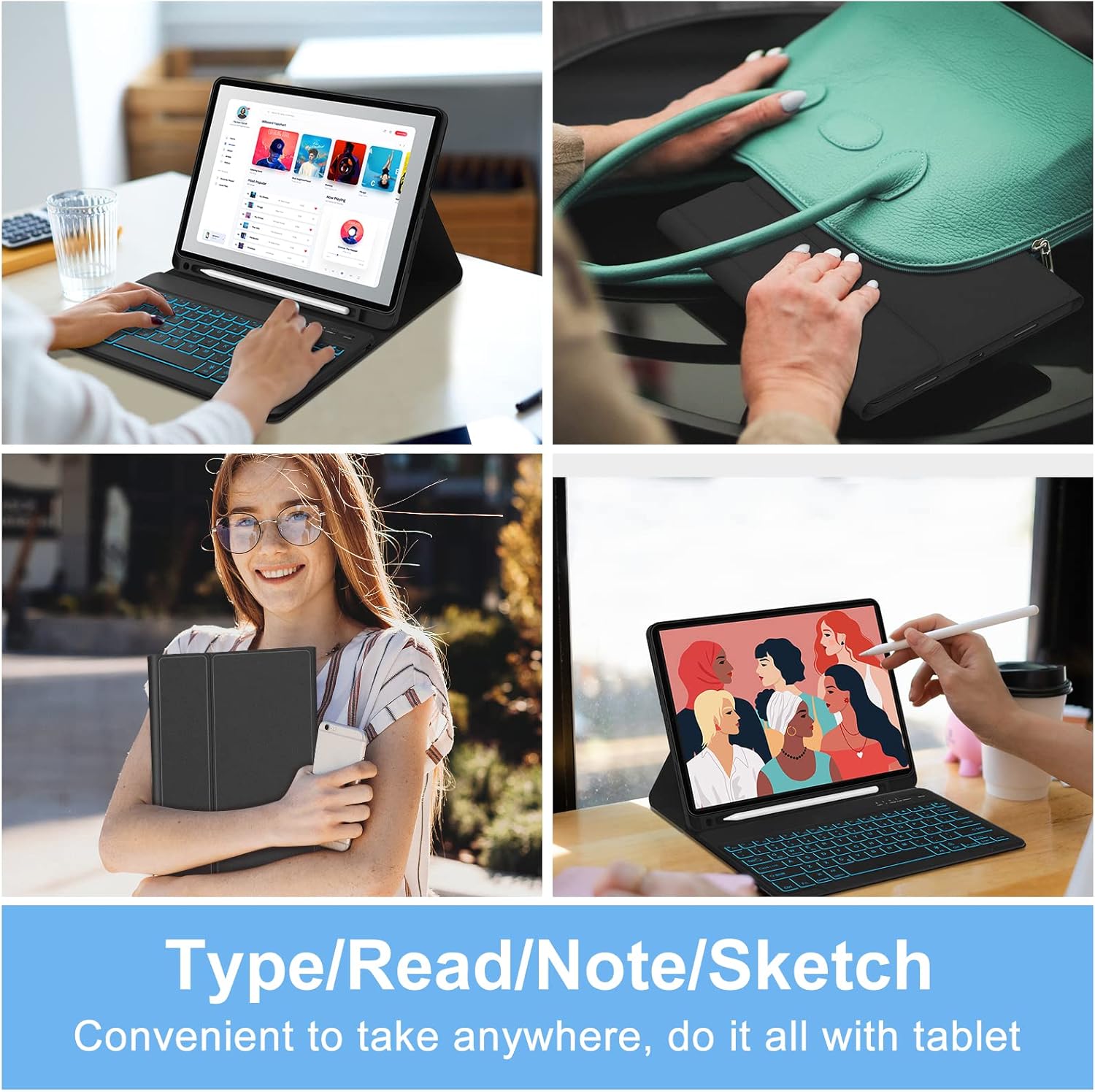
The keyboard features a professional 81-key layout designed for precise and comfortable typing. It transforms your iPad into a functional workstation, offering a laptop-like typing experience.

Figure 4: Typing on the Keyboard Case
4.3 iOS Touch Gestures and Shortcuts
The keyboard supports various iOS touch gestures and shortcuts to enhance productivity. Common shortcuts include:
- Command + Tab: Açık uygulamalar arasında geçiş yapın.
- Command + C / Command + V: Copy and Paste functions.
- Command key press: Displays a list of available shortcuts for the current application.
4.4 Integrated Pencil Holder
The smart cover includes a dedicated space for your Apple Pencil, allowing it to be charged and stored conveniently. This design prevents the stylus from getting lost or being inconvenient to carry.

Figure 5: Apple Pencil Holder
4.5 ÇokluView Açılar
The case offers adjustable viewing angles, typically supporting 115°, 120°, and 130° positions, to suit various tasks such as typing, viewçizmek veya çizmek.

Şekil 6: Ayarlanabilir ViewAçılar
5. Güç Yönetimi
5.1 Klavyeyi Şarj Etme
The keyboard is equipped with a built-in Lithium-ion battery and charges via a USB-C cable. A full charge takes approximately 2.5 hours and provides up to 70 hours of continuous use.

Figure 7: Keyboard Battery and Charging Information
5.2 Auto Wake/Sleep Function
The smart cover incorporates a magnetic switch that automatically wakes your iPad when opened and puts it to sleep when closed, conserving battery life.

Figure 8: Auto Wake/Sleep Feature
6. Bakım
6.1 Temizlik
Use the provided wiping cloth or a soft, dry cloth to clean the keyboard and case. Avoid using harsh chemicals or abrasive materials that could damage the surfaces.
6.2 Koruma
The case is constructed from premium PU leather and features a silicone inner shell, offering all-around protection against scratches, bumps, dents, and dust. The honeycomb grid pattern on the inner padding enhances heat dissipation by 80% compared to other protective cases, helping to keep your iPad cool.
7. Sorun Giderme
7.1 Keyboard Connection Issues
If the keyboard fails to connect to your iPad:
- Ensure the keyboard is powered ON ve tam şarjlı.
- iPad'inizde Bluetooth'un etkinleştirilmiş olduğundan emin olun.
- Tuşuna basmayı deneyin Fn + Q on the keyboard to switch it to iOS system mode.
- iPad'inizin Bluetooth ayarlarından cihazı unutun ve yeniden eşleştirmeyi deneyin.
- Hem iPad'inizi hem de klavyenizi yeniden başlatın.
8. Özellikler
| Özellik | Detay |
|---|---|
| Ürün Boyutları | 11.34 x 9.45 x 0.59 inç |
| Ürün Ağırlığı | 2.16 pound |
| Piller | 1 Lityum Polimer pil (dahil) |
| Bağlantı Teknolojisi | Bluetooth, USB-C |
| Klavye Açıklaması | Wireless / Rechargeable / Detachable / Backlight |
| Özel Özellikler | Backlit, Ergonomic, Hotkeys and Media Keys, Lightweight, Rechargeable |
| Renk | Siyah |
| Klavye Arka Aydınlatma Renk Desteği | RGB (7 renk) |
9. Garanti ve Destek
For detailed warranty information and customer support, please refer to the documentation included with your purchase or visit the official SENGBIRCH website. Contact information for support may also be found on the product packaging.