
1. Giriş
Thank you for choosing the Lecoo DS102 Wireless Bluetooth + AUX 6W Stereo Soundbar Portable Speaker. This device is designed to provide a high-quality audio experience with versatile connectivity options. Please read this manual carefully before use to ensure proper operation and to maximize the lifespan of your speaker.

Resim 1: Ön view of the Lecoo DS102 Soundbar Speaker.
2. Paket İçeriği
The package for your Lecoo DS102 speaker includes the following items:
- 1x Lecoo DS102 Wireless Bluetooth AUX Soundbar Speaker
- 1x Kullanım Kılavuzu
Video 1: Unboxing the Lecoo DS102 Soundbar Speaker, showing the speaker and included manual.
3. Kurulum
The Lecoo DS102 speaker is designed for easy setup. It receives power via a USB connection and offers both AUX and Bluetooth for audio input.
3.1 Güç Bağlantısı
- Connect the USB cable from the speaker to a powered USB port (e.g., computer, USB wall adapter).
- The speaker will power on automatically.
3.2 Ses Bağlantı Seçenekleri
The DS102 offers two primary ways to connect for audio playback:
Bluetooth Bağlantısı
- Hoparlörün açık olduğundan emin olun.
- Cihazınızda (akıllı telefon, tablet, bilgisayar) Bluetooth'u etkinleştirin ve kullanılabilir cihazları arayın.
- Select "Lecoo DS102" from the list to pair. A confirmation sound will indicate successful pairing.
AUX Bağlantısı
- 3.5 mm ses kablosunun (dahil değildir) bir ucunu hoparlörün AUX giriş portuna bağlayın.
- 3.5 mm ses kablosunun diğer ucunu cihazınızın ses çıkış jakına bağlayın.
- Hoparlör, kablo algılandığında otomatik olarak AUX moduna geçecektir.

Image 2: The Lecoo DS102 speaker showing Bluetooth and wired AUX connectivity.
Video 2: Demonstration of connecting the Lecoo DS102 speaker via USB for power and AUX for audio input.
4. Kullanım Talimatları
4.1 Ses Kontrolü
The Lecoo DS102 features a rotary control knob for easy volume adjustment. Rotate the knob clockwise to increase the volume and counter-clockwise to decrease it.

Image 3: Close-up of the rotary volume control knob.
Video 3: A hand adjusting the rotary volume control knob on the Lecoo DS102 speaker.
4.2 Ses Oynatma
Once connected via Bluetooth or AUX, simply start playing audio from your connected device. The soundbar will output the audio.
Video 4: The Lecoo DS102 speaker playing music, demonstrating its audio output.
5. Özellikler
- Exceptional Audio Performance: The Lecoo DS102 Bluetooth + Wired V5.0 Stereo 6W Soundbar Portable Speaker delivers a high-quality audio experience with 6W output power, filling your room with sound. Bluetooth 5.0 technology ensures seamless connectivity within 10 to 30 meters, allowing you to enjoy wireless music sharing.
- Çok Yönlü Bağlantı Seçenekleri: In addition to Bluetooth, the Lecoo DS102 is equipped with AUX and USB connections. This allows for easy connection to various devices, including wired connections. The rotary control knob provides convenient volume adjustment.
- Kompakt ve Zarif Tasarım: With its stylish and compact dimensions (380mm x 75mm x 60mm), the Lecoo speaker seamlessly fits into any environment. Enjoy excellent sound quality whether at home or during outdoor activities.
- Durable and Environmentally Adaptable: A wide operating temperature range of -20°C to +45°C makes the Lecoo DS102 suitable for use in various environments, from indoor spaces to outdoor events. Its durable construction ensures long-lasting use.
- Ideal for Home and Outdoor Use: The Lecoo DS102 is an excellent choice for those looking to create a home theater system or a high-quality audio system. It offers a rich sound experience with various audio outputs, ensuring impressive sound quality at all times.
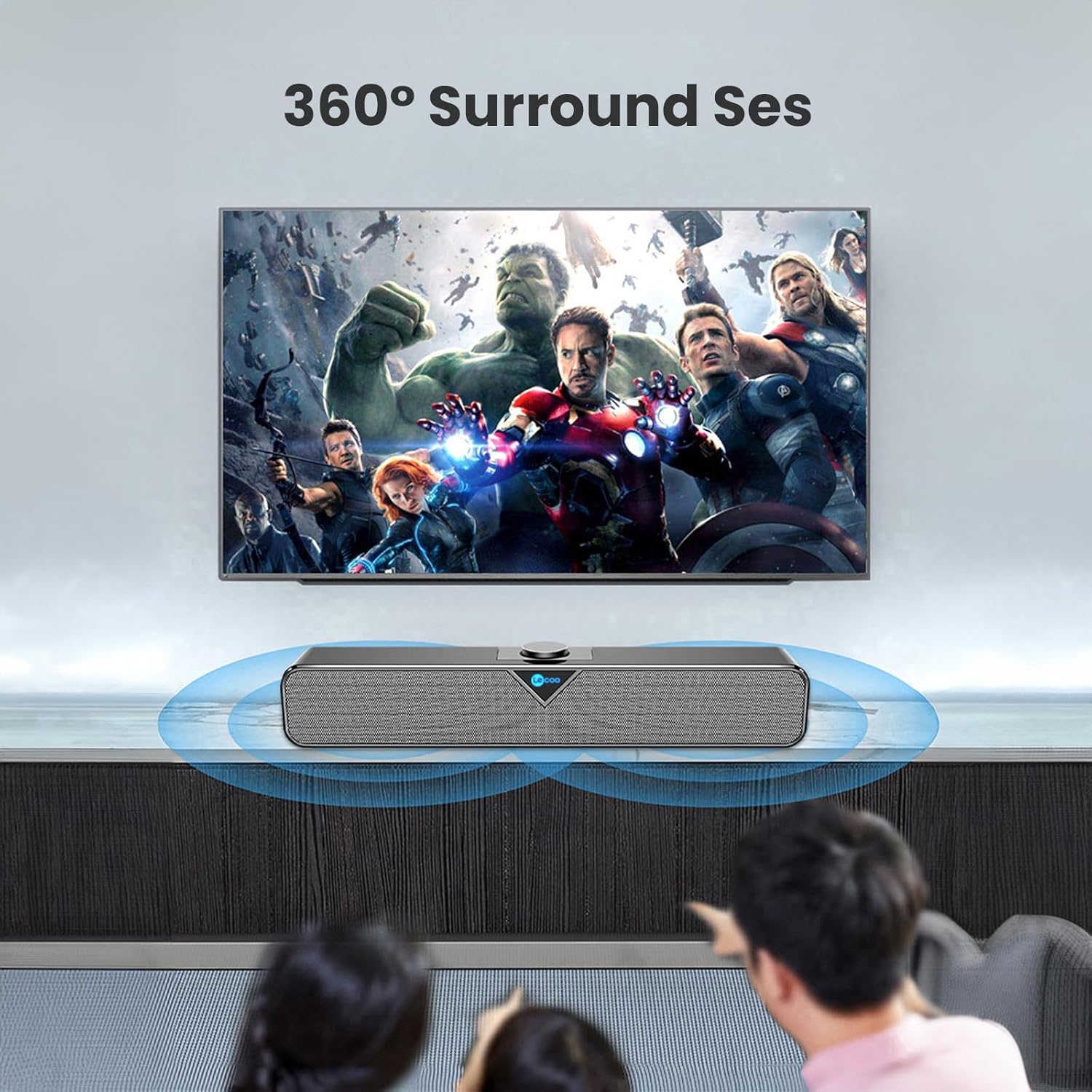
Image 4: The Lecoo DS102 speaker illustrating its sound projection.

Image 5: The Lecoo DS102 speaker integrated into a home entertainment setup.

Image 6: Internal diagram highlighting the dual speaker design.
6. Özellikler
| Şartname | Değer |
|---|---|
| Model Adı | DS102 |
| Hoparlör Tipi | Ses çubuğu |
| Temel Özellikler | Bass Boost, Shock Resistant, Lightweight, High-Resolution Audio |
| Önerilen Kullanımlar | Smartphones or Tablets, Computers, DVD Players, Music Players, Gaming Consoles, Surround Sound Systems, Televisions |
| Uyumlu Cihazlar | Monster, Samsung, Vestel, Xiaomi, iPhone |
| Renk | Siyah |
| Dahil Bileşenler | 1x User Manual, 1x Lecoo DS102 Wireless Bluetooth AUX Soundbar Speaker |
| Ürün Boyutları (D x G x Y) | 6D x 38G x 7.5Y cm |
| Ürün Ağırlığı | 1200 Gram |
| Empedans | 4 Ohm |
| Su geçirmez | HAYIR |
| Garanti Türü | Official Distributor Warranty |
| Maksimum Menzil (Bluetooth) | 10 metre (393.7 inç) |
| Miktar | 1 |
| Kontrol Yöntemi | Döner düğme |
| Kablosuz İletişim Teknolojisi | Bluetooth |
| Güç Kaynağı | Kablolu Elektrik (USB) |
| Üretici | Lecoo |
| İlk Mevcut Tarih | 1 Mart 2023 |
| Hoparlör Maksimum Çıkış Gücü | 6 Vat |
| Bağlantı Teknolojisi | Bluetooth+Wired (AUX) |
| Ses Çıkışı Modu | Mono |
| Montaj Tipi | Masaüstü Montajı |
7. Bakım
To ensure the longevity and optimal performance of your Lecoo DS102 speaker, follow these maintenance guidelines:
- Temizlik: Hoparlörün yüzeyini temizlemek için yumuşak, kuru bir bez kullanın. Sıvı temizleyiciler veya aşındırıcı malzemeler kullanmayın.
- Depolamak: Hoparlörü serin, kuru ve doğrudan güneş ışığından ve aşırı sıcaklıklardan uzak bir yerde saklayın.
- İşleme: Hoparlörü düşürmekten veya sert darbelere maruz bırakmaktan kaçının.
- Suya Maruz Kalma: Bu ürün su geçirmez değildir. Suya veya yüksek neme maruz bırakmaktan kaçının.
8. Sorun Giderme
If you encounter any issues with your Lecoo DS102 speaker, please refer to the following common problems and solutions:
- Ses Yok:
- Ensure the speaker is powered on and the USB cable is securely connected.
- Hem hoparlörünüzün hem de bağlı cihazınızın ses seviyesini kontrol edin.
- If using Bluetooth, ensure the speaker is paired correctly and within range. Try re-pairing.
- If using AUX, ensure the 3.5mm audio cable is fully inserted into both the speaker and your device.
- Verify that the correct audio output is selected on your source device.
- Bluetooth Bağlantı Sorunları:
- Ensure the speaker is not already connected to another device.
- Move your device closer to the speaker to ensure it is within the 10-30 meter range.
- Cihazınızdaki Bluetooth'u kapatıp tekrar açın, ardından tekrar eşleştirmeyi deneyin.
- Some users have noted that the Bluetooth feature is always active. Ensure no unintended devices are connected.
- Yüksek Ses Seviyesinde Ses Bozulması:
- Reduce the volume level on both the speaker and your source device.
- For optimal sound quality, it is recommended to use the speaker at around 80% of its maximum volume.
- No Power On/Off Button:
- The Lecoo DS102 does not feature a dedicated power on/off button. To power off the device, disconnect the USB power cable.
9. Garanti ve Destek
The Lecoo DS102 speaker comes with an Official Distributor Warranty in Turkey. For warranty claims, technical support, or further assistance, please contact your local Lecoo distributor or authorized service center.
Lütfen garanti amaçlı satın alma belgenizi saklayın.