
1. Giriş
Thank you for choosing the MOVESPEED 70000mAh Power Bank. This high-capacity portable charger is designed to provide reliable power for your electronic devices on the go. With its robust battery, multiple output ports, and fast-charging capabilities, it is an ideal companion for travel, outdoor activities, and daily use.
This manual provides essential information on how to safely and effectively use, maintain, and troubleshoot your power bank. Please read it thoroughly before first use and keep it for future reference.

Image: The MOVESPEED 70000mAh Power Bank, showcasing its compact design and the included USB charging cable.
2. Ürün Bittiview & Bileşenler
The MOVESPEED 70000mAh Power Bank features a durable design with multiple input and output ports to accommodate various devices. It includes an LED display for real-time battery status.
Temel Özellikler:
- 70000mAh Yüksek Kapasite: Birden fazla şarj için uzun süreli güç sağlar.
- 22.5W Two-Way Super Fast Charging: Supports PD3.0 & QC3.0 protocols for rapid charging and recharging.
- 4 Outputs & 2 Inputs: Includes two 5V/2.1A USB ports, one Type-C port, and one USB 22.5W fast charge output. Inputs are Micro USB and Type-C.
- Car-Grade Batteries: Utilizes high-quality polymer energy batteries for enhanced safety and longevity.
- LED Dijital Ekran: Kalan güç yüzdesini gösterir.tage.
Bileşen Tanımlaması:

Image: Detailed diagram illustrating the location and function of the Micro USB input, Type-C input/output, and multiple USB-A output ports (A1/A2, A3) on the power bank.
- Mikro USB Girişi: For recharging the power bank (up to 18W).
- C Tipi Bağlantı Noktası: Functions as both an input (up to 18W) and an output (PD 20W).
- USB-A1 / USB-A2 Outputs: Standard 5V/2.1A outputs for general device charging.
- USB-A3 Çıkışı: 22.5W fast charge output.
- LED ekran: Digital screen showing battery percentage.
- Güç Düğmesi: Activates the LED display and initiates charging.
3. Kurulum ve İlk Kullanım
Güç Bankasını Şarj Etme:
Before first use, it is recommended to fully charge your MOVESPEED Power Bank. This ensures optimal performance and battery calibration.
- Connect a compatible USB charging cable (Micro USB or Type-C) to one of the power bank's input ports.
- Connect the other end of the cable to a USB wall charger (not included) or a computer's USB port. For fastest charging, use a PD or QC compatible wall charger.
- LED ekran, şarj ilerlemesini ve pil yüzdesini gösterecektir.tage artışasing.
- Ekranda "100%" göründüğünde, power bank tamamen şarj olmuş ve kullanıma hazır demektir.
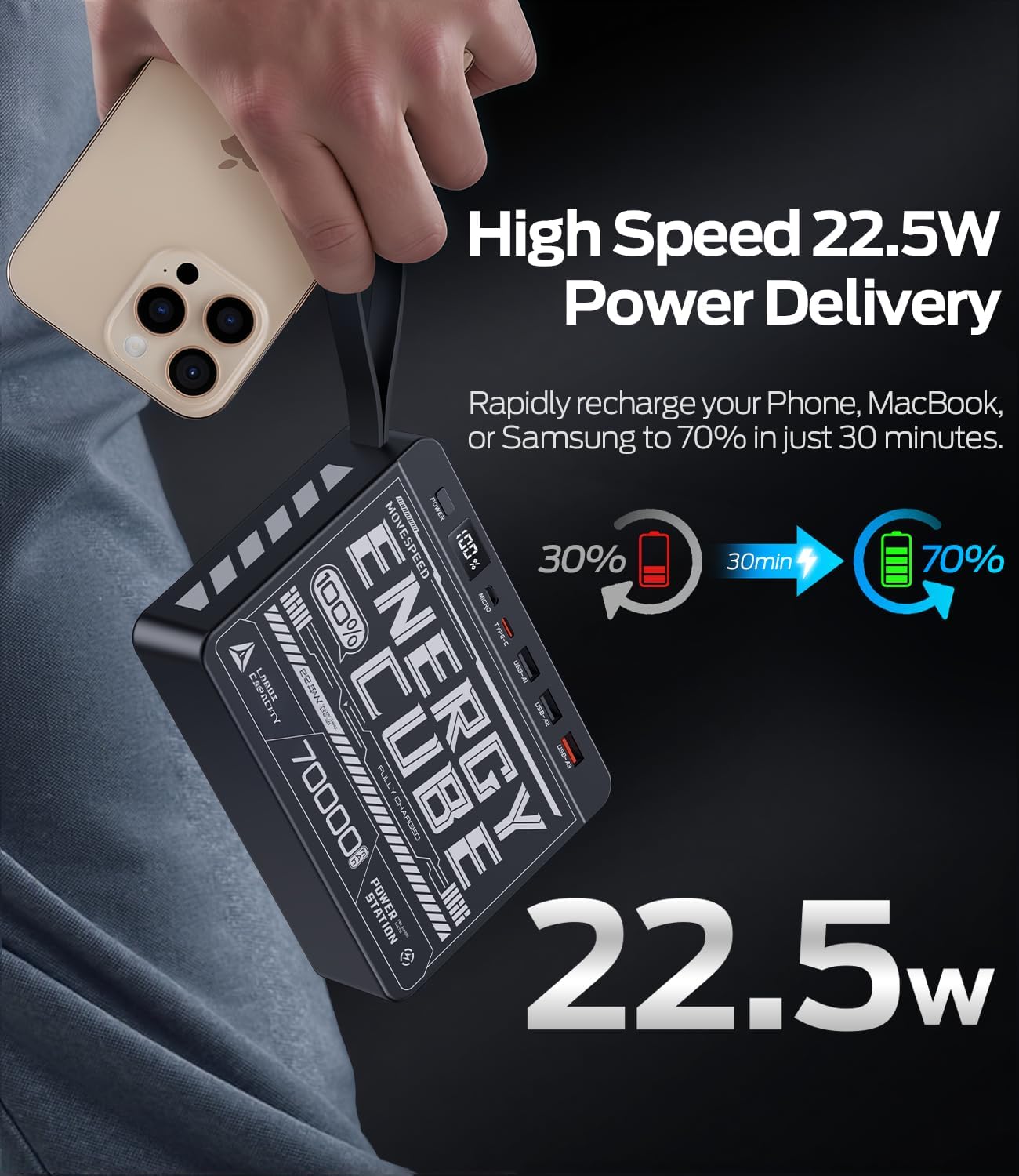
Image: The power bank's LED display clearly showing "100%", indicating a full charge.
4. Kullanım Talimatları
Harici Cihazların Şarj Edilmesi:
The power bank can charge up to four devices simultaneously.
- Identify the correct charging cable for your device (e.g., USB-A to Lightning, USB-C to USB-C).
- Şarj kablosunun bir ucunu cihazınıza bağlayın.
- Connect the other end of the cable to an available output port on the power bank (USB-A1, USB-A2, USB-A3, or Type-C).
- Press the power button on the power bank to initiate charging. The LED display will illuminate, showing the remaining battery percentage.
- Cihazınız şarj olmaya başlayacaktır.
For fast charging compatible devices, use the USB-A3 (22.5W) or Type-C (PD 20W) output ports with a compatible cable.
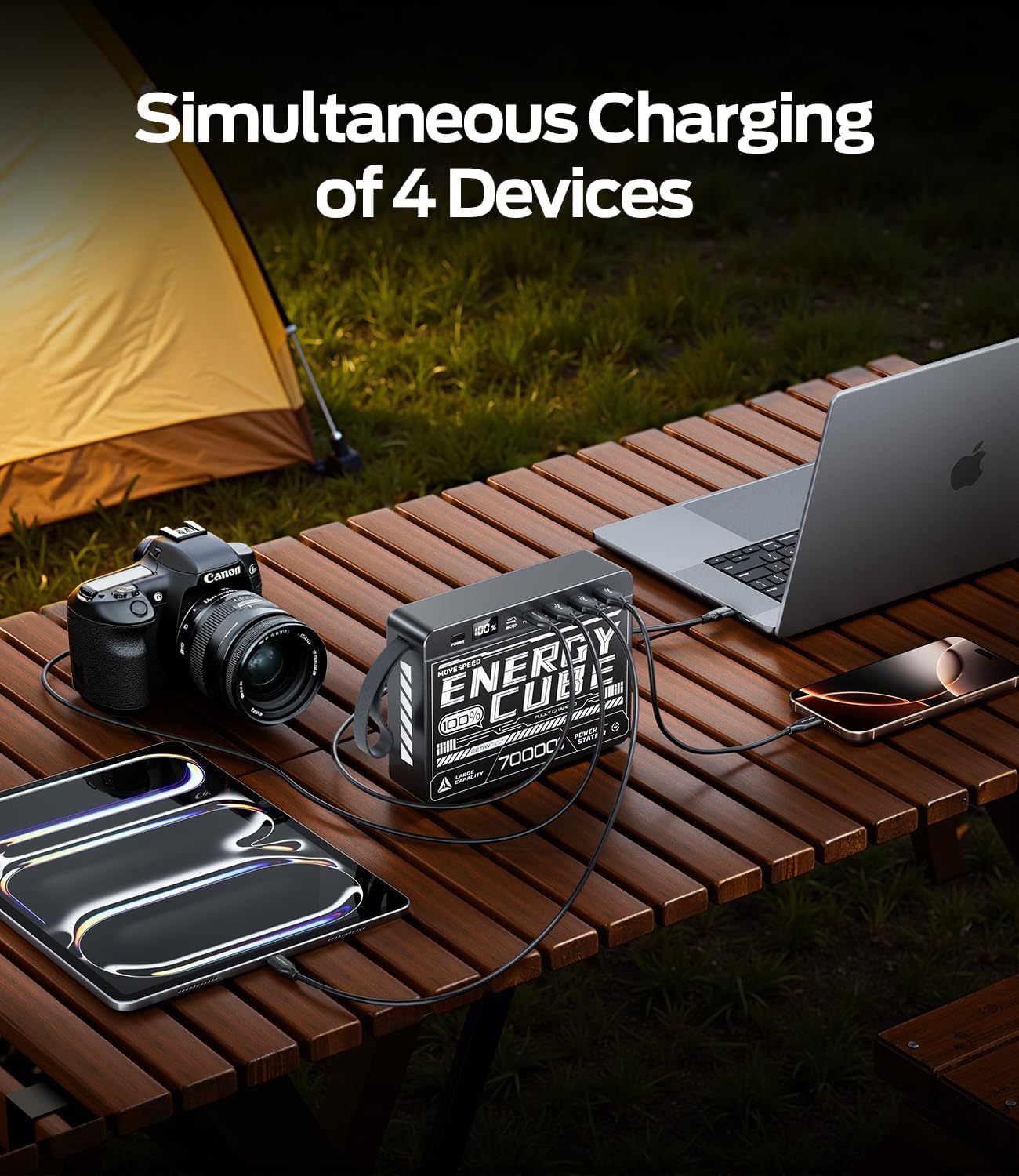
Image: The power bank connected to and charging multiple devices, including a laptop, smartphone, and tablet, demonstrating its simultaneous charging capability.
Pil Seviyesinin Kontrol Edilmesi:
Briefly press the power button to activate the LED display. The screen will show the current battery percentagpowerbank'ın e'si.
5. Güvenlik Bilgileri
Güvenli çalışma sağlamak ve power bank'inizin kullanım ömrünü uzatmak için lütfen aşağıdaki güvenlik yönergelerine uyun:
- Güç bankasını aşırı sıcaklıklara (60°C/140°F'nin üstü veya 0°C/32°F'nin altı), doğrudan güneş ışığına veya yüksek neme maruz bırakmayın.
- Cihazın düşürülmesinden, çarpılmasından veya sökülmesinden kaçınınız.
- Keep away from water, fire, and corrosive materials.
- Power bank hasarlı, şişmiş veya sızıntı yapıyorsa kullanmayın.
- Sadece sertifikalı şarj kabloları ve adaptörleri kullanın.
- Çocukların erişemeyeceği yerde saklayınız.
- Güç bankanızı yerel yönetmeliklere uygun şekilde sorumlu bir şekilde atın. Evsel atıklarla birlikte atmayın.
6. Bakım ve Onarım
Proper care will help maintain the performance and longevity of your power bank:
- Temizlik: Yüzeyi yumuşak, kuru bir bezle silin. Sert kimyasallar veya aşındırıcı temizleyiciler kullanmayın.
- Depolamak: Store the power bank in a cool, dry place when not in use. For long-term storage, it is recommended to keep the battery at around 50-70% charge.
- Pil Sağlığı: To maximize battery lifespan, avoid fully discharging the power bank frequently. Recharge it before it completely runs out of power.
7. Sorun Giderme
| Sorun | Olası Neden | Çözüm |
|---|---|---|
| Güç bankası şarj olmuyor | Kablo veya adaptör sorunu; power bank tamamen şarjlı; bağlantı noktası arızalı. | Try a different charging cable and wall adapter. Ensure the power bank is not already at 100%. Try a different input port (Micro USB or Type-C). |
| Cihaz güç bankasından şarj olmuyor | Power bank low on charge; cable issue; device not compatible; power button not pressed. | Recharge the power bank. Try a different charging cable. Ensure your device is compatible. Press the power button to activate output. |
| Yavaş şarj oluyor | Using a standard port instead of fast charge; cable not supporting fast charge; device not supporting fast charge. | Ensure you are using the USB-A3 (22.5W) or Type-C (PD 20W) output. Use a cable rated for fast charging. Verify your device supports fast charging protocols (PD/QC). |
| LED ekran çalışmıyor | Power bank tamamen boşaldı; dahili arıza. | Try charging the power bank for a few hours. If the issue persists, contact customer support. |
8. Özellikler
| Özellik | Detay |
|---|---|
| Model Numarası | 70000mah-us |
| Pil Kapasitesi | 70000mAh / 259Wh |
| Mikro USB Girişi | 18W Max |
| Tip-C Girişi | 18W Max |
| Tip-C Çıkışı | PD 20W Maks |
| USB-A1 / USB-A2 Output | 5V/2.1A |
| USB-A3 Çıkışı | 22.5W Max |
| Ürün Boyutları | 15.37x11.4x3.96 cm |
| Ürün Ağırlığı | 1.4 kilo |
| Özel Özellikler | Fast Charging, LED Display |
9. Garanti ve Destek
MOVE SPEED products are manufactured to high quality standards. For information regarding warranty coverage, please refer to the terms and conditions provided at the time of purchase or contact your retailer.
If you encounter any issues or have questions about your MOVESPEED 70000mAh Power Bank that are not addressed in this manual, please contact MOVE SPEED customer support through the retailer's platform or the official brand webyardım için site.

Image: The product packaging and included items, typically the power bank and a charging cable.