
giriiş
The iHome PlayGlow+ iBT820B is a versatile waterproof Bluetooth speaker designed for portable audio enjoyment. Featuring dynamic 360° LED color modes, a robust IP67 waterproof and sandproof rating, and a long-lasting rechargeable battery, this speaker is ideal for various environments, from outdoor adventures to poolside relaxation. This manual provides essential information for setting up, operating, and maintaining your speaker.

Image: The iHome PlayGlow+ speaker illuminated with vibrant colors next to a swimming pool at night, showcasing its ambient lighting capabilities.
Kutuda Neler Var?
Carefully unpack your iHome PlayGlow+ speaker. The package should contain the following items:
- iHome PlayGlow+ Waterproof Bluetooth Speaker (Model iBT820B)
- USB-C Şarj Kablosu
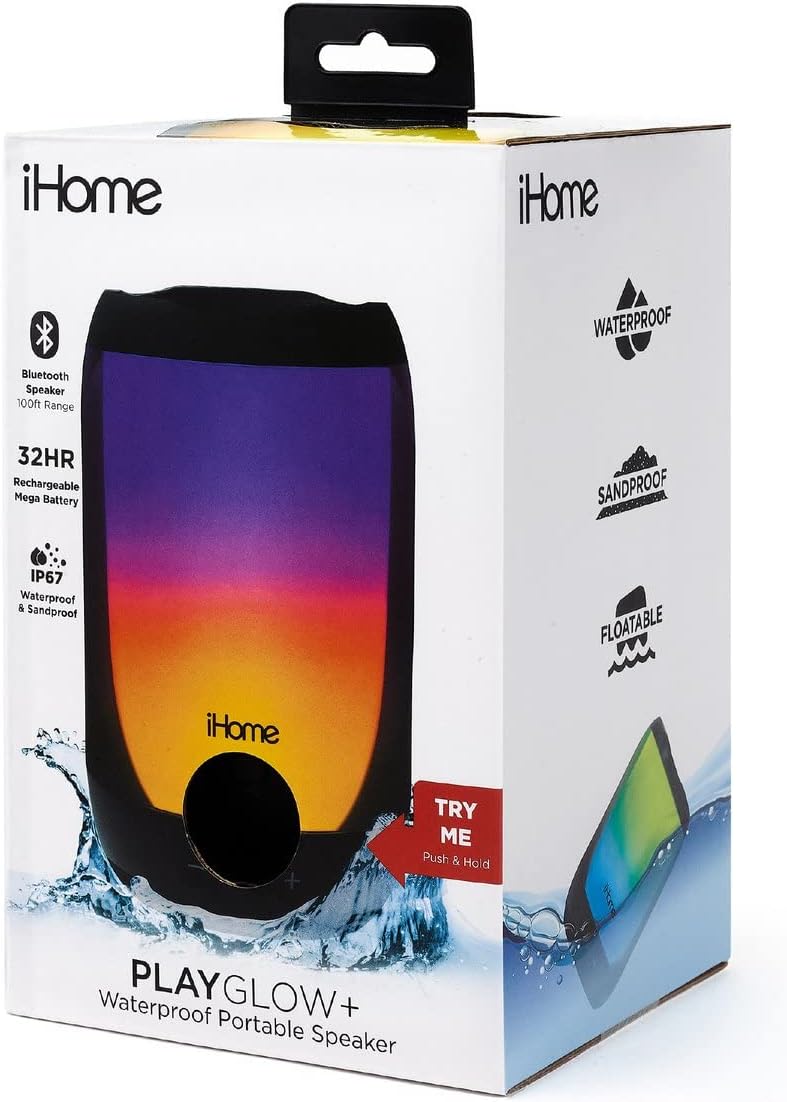
Image: The iHome PlayGlow+ speaker in its retail packaging, highlighting key features such as Bluetooth range, battery life, and waterproof rating.
Kontroller ve Özellikler
The iHome PlayGlow+ speaker is equipped with intuitive controls and features for an enhanced user experience:
- Güç Düğmesi: Located on the bottom of the speaker. Press and hold to power on/off.
- Ses Seviyesi Kontrolleri (-/+): Ses seviyesini ayarlayın.
- Oynat/Duraklat Düğmesi: Müzik çalmayı kontrol edin.
- Mod Düğmesi: Cycle through various LED light modes.
- Bluetooth Bağlantısı: Wireless audio streaming up to 100 feet.
- IP67 Waterproof & Sandproof: Certified to withstand immersion in water and exposure to sand. The speaker is also floatable when the jack cover is fully closed.
- Şarj Edilebilir Pil: Provides up to 32 hours of wireless audio playback on a full charge.
- USB-C Şarj Portu: Rahat ve hızlı şarj için.

Image: A collection of iHome PlayGlow+ speakers, each showcasing a different 360° LED color mode, illustrating the variety of lighting options available.

Image: The iHome PlayGlow+ speaker partially submerged in water, demonstrating its IP67 waterproof and sandproof certification and floatable design.

Image: A hand holding the iHome PlayGlow+ speaker, with icons indicating its Bluetooth streaming capability and long-lasting rechargeable battery.
Kurmak
Hoparlörü Şarj Etme
Before initial use, fully charge your iHome PlayGlow+ speaker. Use the provided USB-C charging cable to connect the speaker to a USB power source (e.g., computer USB port, USB wall adapter). The charging indicator light will show the charging status. A full charge can take several hours.
Bluetooth Eşleştirme
Hoparlörünüzü Bluetooth özellikli bir cihaza bağlamak için:
- Hoparlörün kapalı olduğundan emin olun.
- Press and hold the Power button (located on the bottom) until the speaker powers on and enters Bluetooth pairing mode. The Bluetooth indicator light will flash, indicating it is ready to pair.
- Ses cihazınızda (akıllı telefon, tablet, bilgisayar) Bluetooth'u etkinleştirin ve kullanılabilir cihazları arayın.
- Select "iHome PlayGlow+" from the list of devices.
- Once paired, the Bluetooth indicator light on the speaker will turn solid, and you will hear an audible confirmation.
The speaker will automatically attempt to re-pair with the last connected device when powered on.
İşletim
Güç Açık/Kapalı
- To power on: Press and hold the Power button until the speaker activates.
- To power off: Press and hold the Power button until the speaker deactivates.
Müzik Çalma
- Oynat/Duraklat: Ses dosyasını oynatmak veya durdurmak için Oynat/Duraklat düğmesine bir kez basın.
- Sesi aç: Sesi artırmak için '+' düğmesine basın.
- Sesi kıs: Sesi azaltmak için '-' düğmesine basın.
LED Işık Modları
Press the Mode button (often indicated by a sun or flower icon) to cycle through the available 360° LED color modes:
- No Color: Lights are off, only audio plays.
- Yavaş Solma: Colors slowly transition from one to the next with smooth gradients.
- Renk değişimi: The speaker cycles through 7 distinct solid colors.
- Favorite Color: To select a static color, cycle to the 'Color Change' mode, wait for your desired color to appear, then press the Mode button again. The speaker will hold that color.
- Pulse to Music: Lights change and pulse in sync with the rhythm of the music.
- Preset Pulse: A pre-programmed light show with changing gradients and patterns.
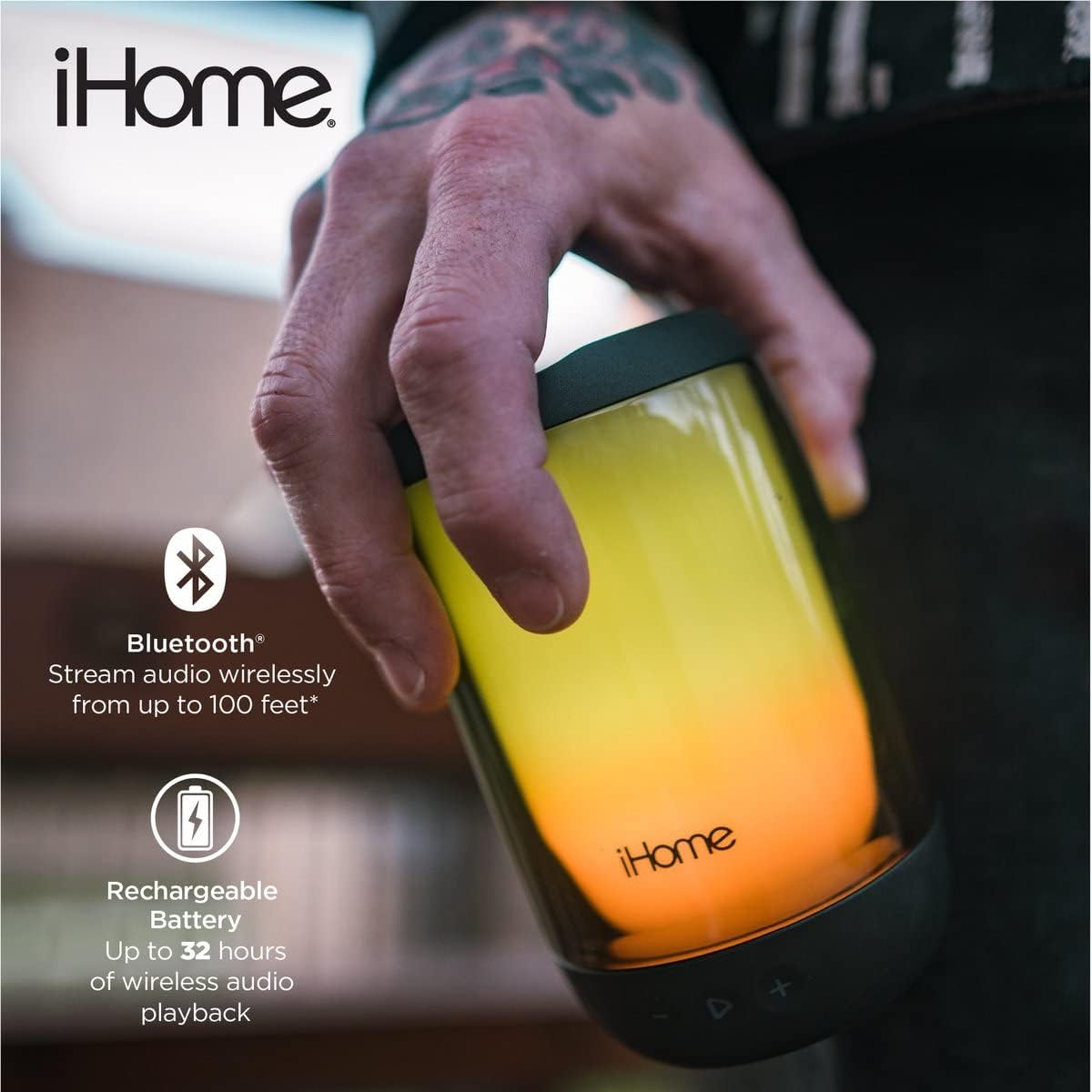
Image: The iHome PlayGlow+ speaker displaying its diverse light modes, accompanied by icons representing Bluetooth connectivity, 360° LED color, and rechargeable battery.
Bakım
To ensure the longevity and optimal performance of your iHome PlayGlow+ speaker:
- Always ensure the USB-C charging port cover is securely closed when using the speaker near water or sand to maintain its IP67 rating.
- Hoparlörü yumuşak bir bezle temizleyin.amp bez. Aşındırıcı temizleyiciler veya solventler kullanmaktan kaçının.
- Do not expose the speaker to extreme temperatures (hot or cold) for extended periods.
- Hoparlörü kullanılmadığı zaman serin ve kuru bir yerde saklayın.
Sorun giderme
If you encounter issues with your iHome PlayGlow+ speaker, refer to the following common problems and solutions:
| Sorun | Çözüm |
|---|---|
| Hoparlör açılmıyor. | Pilinin dolu olduğundan emin olun. Hoparlörü USB-C kablosu kullanarak bir güç kaynağına bağlayın. |
| Bluetooth üzerinden eşleştirme yapılamıyor. | Make sure the speaker is in pairing mode (flashing Bluetooth indicator). Ensure your device's Bluetooth is enabled and within range. Forget the device on your phone and try pairing again. |
| Ses yok veya ses seviyesi düşük. | Hem hoparlörün hem de bağlı cihazınızın ses seviyelerini kontrol edin. Hoparlörün doğru şekilde eşleştirildiğinden emin olun. |
| LED ışıklar çalışmıyor. | Press the Mode button to cycle through the light modes. Ensure the speaker is powered on. |
Özellikler
- Marka: iEv
- Model Numarası: iBT820B
- Bağlantı: Bluetooth, USB
- Suya Dayanıklılık: IP67 Certified Waterproof & Sandproof
- Pil Ömrü: 32 saate kadar
- Bluetooth Aralığı: 100 feet'e kadar
- Hoparlör Tipi: Açık Hava, Taşınabilir
- Kontrol Yöntemi: Dokunmatik düğmeler
- Şarj Portu: USB-C
Garanti ve Destek
The iHome PlayGlow+ speaker comes with a limited warranty. For detailed warranty information or technical support, please refer to the warranty card included with your product or visit the official iHome webSite. Satın alma fişinizi, garanti talepleriniz için satın alma belgeniz olarak saklayın.