
Weiser 9GED92600-002
Weiser SmartCode Keypad Deadbolt Instruction Manual
Model: 9GED92600-002
Marka: Weiser
Ürün Bittiview
The Weiser SmartCode Keypad Deadbolt provides a secure and convenient keyless entry solution for your home. This electronic deadbolt features a 10-button backlit keypad, allowing access with personalized user codes. It includes SmartKey re-key technology for enhanced security and ease of re-keying. Designed for traditional home decor, this lock offers a motorized deadbolt for quick and quiet operation.

Resim: Ön ve arka view of the Weiser SmartCode Keypad Deadbolt in Matte Black.
This deadbolt is suitable for various entry points including front doors, side doors, garage doors, and sheds, offering enhanced security and convenience without the need for traditional keys.

Image: The SmartCode Keypad Deadbolt shown installed on an entry door, with illustrations of its suitability for sheds, side doors, and garage doors.
Neler Dahil?
Kuruluma başlamadan önce, lütfen pakette tüm bileşenlerin mevcut olduğundan emin olun:
- Dıştan Kilit Mekanizması
- İç Mekan Sürgü Kilidi Tertibatı
- Ayarlanabilir Mandal
- Grev plakası
- Yaka
- Montaj Plakası
- Montaj Donanımı (vidalar, cıvatalar)
- 2 Weiser Anahtarı
- Akıllı Anahtar Aracı
- Kurulum Kılavuzu (bu kılavuz)

Image: A visual representation of all components included in the Weiser SmartCode Keypad Deadbolt package.
Kurulum
The Weiser SmartCode Keypad Deadbolt is designed for easy installation. For a seamless setup experience, it is highly recommended to use the free BILT app, which provides step-by-step interactive 3D instructions with voice and video guidance.
Kapı Uyumluluğu: This deadbolt is designed to fit standard doors with a thickness of 1-3/8 inches to 1-3/4 inches (35 mm - 44 mm). It features an adjustable backset for both 2-3/8 inches (60 mm) and 2-3/4 inches (70 mm) configurations, making it ideal for most exterior and interior residential doors.
Ensure your door preparation meets these specifications before proceeding with installation.
Operasyon
Anahtarsız Giriş
The primary method of operation is keyless entry using the keypad. To unlock the door, simply enter your personalized access code on the 10-button keypad. The keypad is backlit for improved visibility in low-light conditions and remains illuminated for 30 seconds after inactivity.
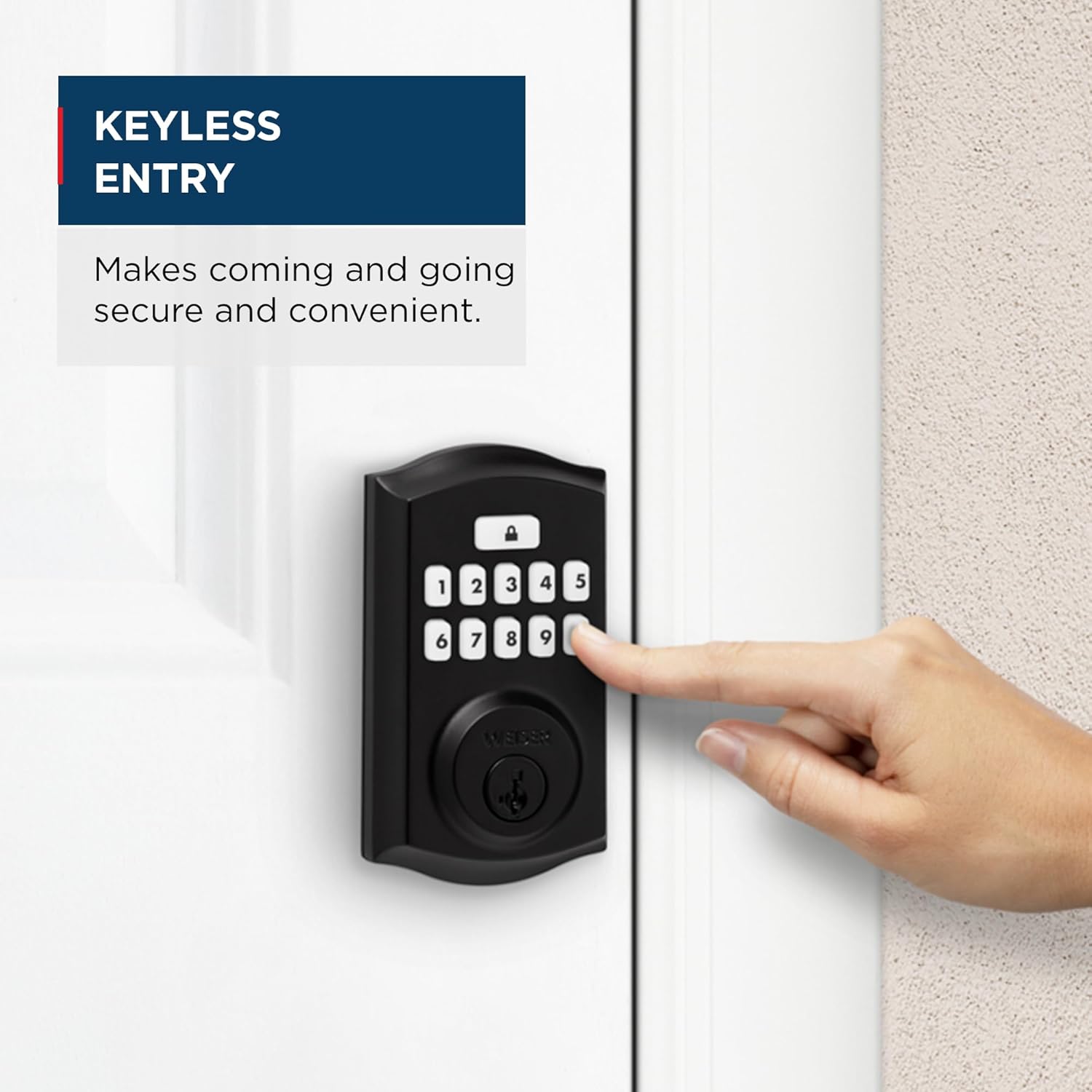
Image: A hand pressing buttons on the keypad for keyless entry, demonstrating the convenience of the system.

Image: The backlit keypad of the SmartCode deadbolt illuminated at night, showing its visibility in low light.
Otomatik Kilitleme Özelliği
The SmartCode deadbolt includes an auto-lock feature for added security. After a set period of time (configurable), the deadbolt will automatically extend and lock the door. This ensures your door is always secured, even if you forget to lock it manually.

Image: A woman and her dog exiting a house, illustrating the convenience of the auto-lock feature which secures the door with a single touch, eliminating the need for manual turning or twisting.
Multiple User Access Codes
The lock supports up to 50 unique user access codes, allowing you to provide personalized entry for family members, friends, or service providers. It also features one master code option for programming and managing user codes.
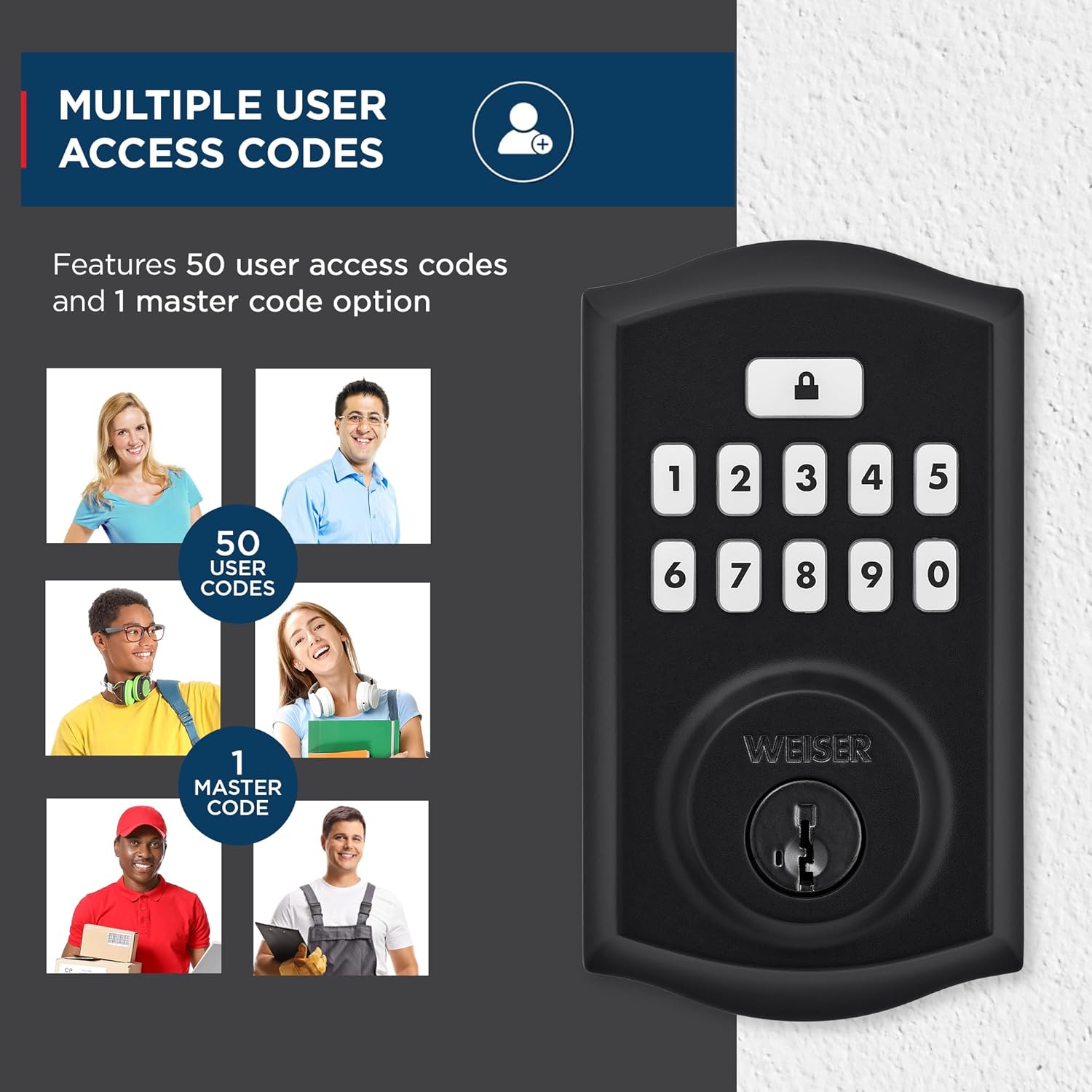
Image: The SmartCode keypad deadbolt with visual representations of various individuals, indicating the capacity for 50 user codes and 1 master code.
SmartKey Güvenliği
The Weiser SmartCode deadbolt incorporates SmartKey re-key technology. This feature allows you to re-key your lock in seconds, providing control over your keys and protecting against lost, stolen, or unauthorized keys without needing to remove the lock from your door. It offers advanced protection against common break-in techniques such as kick-in, bump, pick, drill, and saw attacks.

Image: A detailed diagram explaining SmartKey Security, showing how it protects against various break-in methods and allows for easy re-keying.

Image: A visual guide demonstrating the SmartKey re-keying process, showing the key and the reset tool insertion point.
Bakım
To ensure optimal performance and longevity of your Weiser SmartCode Keypad Deadbolt, follow these maintenance guidelines:
- Pil Değişimi: The lock operates on 4 AA batteries (not included). Replace batteries when the low battery indicator activates or if the lock becomes unresponsive. Use high-quality alkaline batteries for best performance.
- Temizlik: Tuş takımını ve dış yüzeyleri yumuşak bir bezle temizleyin.amp Bez. Cilaya veya elektronik bileşenlere zarar verebilecek aşındırıcı temizleyicilerden veya çözücülerden kaçının.
- Yağlama: Periodically lubricate the mechanical parts of the deadbolt, such as the latch and cylinder, with a silicone-based lubricant. Do not use oil-based lubricants.
- Kod Yönetimi: Düzenli olarak tekrarview and update user codes as needed for security purposes. Delete codes that are no longer required.
Sorun giderme
This section addresses common issues you might encounter with your Weiser SmartCode Keypad Deadbolt.
| Sorun | Olası Neden | Çözüm |
|---|---|---|
| Kilit, tuş takımı girişine yanıt vermiyor. | Low batteries; incorrect code entered; keypad malfunction. | Replace batteries. Ensure correct code is entered. If issue persists, perform a factory reset (refer to full installation guide). |
| Sürgü tam olarak açılıp kapanmıyor. | Misalignment of lock components; obstruction in door frame; low batteries. | Check door alignment and strike plate. Ensure no obstructions. Replace batteries. Re-install lock if necessary. |
| Auto-lock feature is not working. | Feature is disabled; incorrect setting. | Refer to the programming instructions to enable and configure the auto-lock feature. |
| Keypad backlight is not working. | Low batteries; internal issue. | Replace batteries. If the issue continues, contact customer support. |
For more detailed troubleshooting steps or issues not listed here, please consult the comprehensive installation and programming guide provided with your product or visit the official Weiser support webalan.
Özellikler

Image: Diagram showing the dimensions of the Weiser SmartCode Keypad Deadbolt, including the exterior keypad and interior unit, and the adjustable latch backset.
| Özellik | Detay |
|---|---|
| Model Numarası | 9GED92600-002 |
| Ürün Boyutları | 6.99 x 2.86 x 13.97 cm (2.75 x 1.13 x 5.5 inç) |
| Ürün Ağırlığı | 454 gr (1 lb) |
| Renk | Mat Siyah |
| Stil | Geleneksel |
| Malzeme | Metal |
| Bitiş Türü | Toz Boyalı |
| Kilit Tipi | Elektronik sürgü kilidi |
| Kullanıcı Kodları | Up to 50 user codes, 1 master code |
| Güç Kaynağı | 4 AA Pil (dahil değildir) |
| Kapı Kalınlığı Uyumluluğu | 1-3/8" to 1-3/4" (35mm - 44mm) |
| arka plan | Adjustable 2-3/8" or 2-3/4" (60mm or 70mm) |
| Özel Özellikler | Weather Resistant, Anti-Bump, Auto-Lock, One-Touch Lock, Back-Lit Keypad, SmartKey Security |
| ANSI Sınıfı | 2. Sınıf |
| Menşei ülke | Çin |
Garanti ve Destek
Garanti: The Weiser SmartCode Keypad Deadbolt comes with a 1-year warranty. Please retain your proof of purchase for warranty claims.
Müşteri Desteği: For technical assistance, troubleshooting beyond this manual, or warranty inquiries, please contact Weiser customer support. You can find contact information and additional resources on the official Weiser webalan: www.weiserlock.com/en/support.
Additionally, the free BILT app offers interactive 3D instructions for installation and setup, which can be a valuable resource for users.
Önemli Güvenlik Bilgileri
Kurulum ve kullanımdan önce lütfen tüm talimatları dikkatlice okuyun. Bu kılavuzu ileride başvurmak üzere saklayın.
- Do not attempt to disassemble or modify the lock beyond what is described in this manual. This may void the warranty and compromise security.
- Ensure all screws are tightened securely during installation to prevent loosening over time.
- Protect your user codes. Do not share them with unauthorized individuals. Change codes regularly, especially after service personnel have accessed your property.
- Always test the lock's functionality after installation and any programming changes.
- Do not expose the lock to extreme temperatures or direct water spray.
Ask a question about this manual
Ask about setup, troubleshooting, compatibility, parts, safety, or missing instructions. Manuals+ will review the question and use this page’s manual context to help answer it.