
1. Giriş
Welcome to the Nokia T10 Wi-Fi Tablet user manual. This guide provides essential information to help you set up, operate, maintain, and troubleshoot your new device. The Nokia T10 is an 8-inch HD Android 12 tablet designed for everyday use, offering a balance of performance and portability.
Please read this manual carefully to ensure proper use and to maximize the lifespan of your tablet.
2. Kutuda Neler Var?
Upon unboxing your Nokia T10 tablet, please verify that all the following items are included:
- Nokia T10 Tablet Device
- C Tipi USB Kablosu
- Şarj cihazı
- Hızlı Başlangıç Kılavuzu (QSG)
- Güvenlik Kitapçığı
- User Guide Band
- Plastic Bag (packaging material)
If any items are missing or damaged, please contact your retailer or Nokia customer support immediately.
3. Kurulum
3.1 Tableti Şarj Etme
Before first use, fully charge your Nokia T10 tablet. Connect the provided Type-C USB cable to the tablet's charging port and the other end to the charger. Plug the charger into a power outlet. The battery indicator on the screen will show the charging status.
3.2 Açma/Kapatma
- Açmak İçin: Nokia logosu görünene kadar Güç düğmesini basılı tutun.
- Kapatmak İçin: Press and hold the Power button until the power options appear on the screen. Select "Power off" and confirm.
- Yeniden başlatmak: Press and hold the Power button until the power options appear. Select "Restart" and confirm.
3.3 İlk Kurulum
When you power on your tablet for the first time, you will be guided through an initial setup process:
- Dil Seçimi: Tercih ettiğiniz dili seçin.
- Wi-Fi Bağlantısı: Connect to a Wi-Fi network to access the internet. This is crucial for downloading updates and setting up your Google account.
- Google hesabı: Sign in with your existing Google account or create a new one. This is necessary for accessing the Google Play Store, Gmail, and other Google services.
- Tarih & Saat: Doğru tarih ve saati ayarlayın veya ağın otomatik olarak ayarlamasına izin verin.
- Güvenlik: Set up a screen lock (PIN, pattern, password) and consider enabling AI Face Unlock for convenient access.
3.4 MicroSD Kart Takma
The Nokia T10 supports expandable storage via a MicroSD card. Locate the SIM/SD card tray on the side of the tablet. Use the provided SIM ejector tool to open the tray. Carefully place the MicroSD card into the designated slot with the gold contacts facing down, then reinsert the tray firmly.
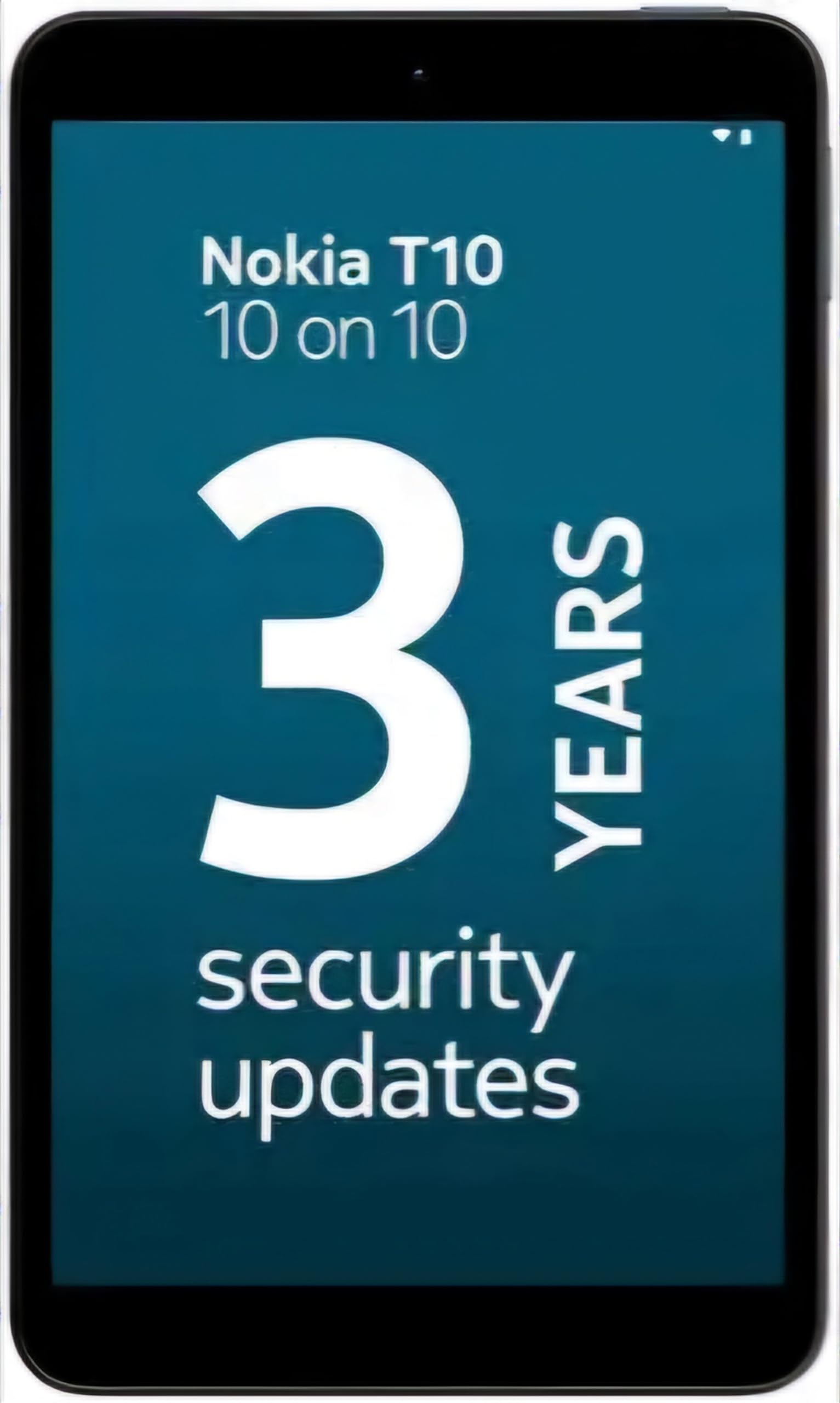
Image: Nokia T10 tablet, showcasing its sleek design and the rear camera module.
4. Kullanım Talimatları
4.1 Görüntüleme ve Gezinme
The Nokia T10 features an 8-inch HD display (1280x800 pixels). Navigate the interface using touch gestures:
- Musluk: Bir öğe seçin veya bir uygulama açın.
- Tokatlamak: Ekranlar, listeler veya içerikler arasında gezinin.
- Yakınlaştırmak için sıkıştırma: Fotoğrafları yakınlaştırın veya uzaklaştırın ve web sayfalar.
- Uzun basma: Bağlamsal menülere erişin veya uygulama simgelerini taşıyın.
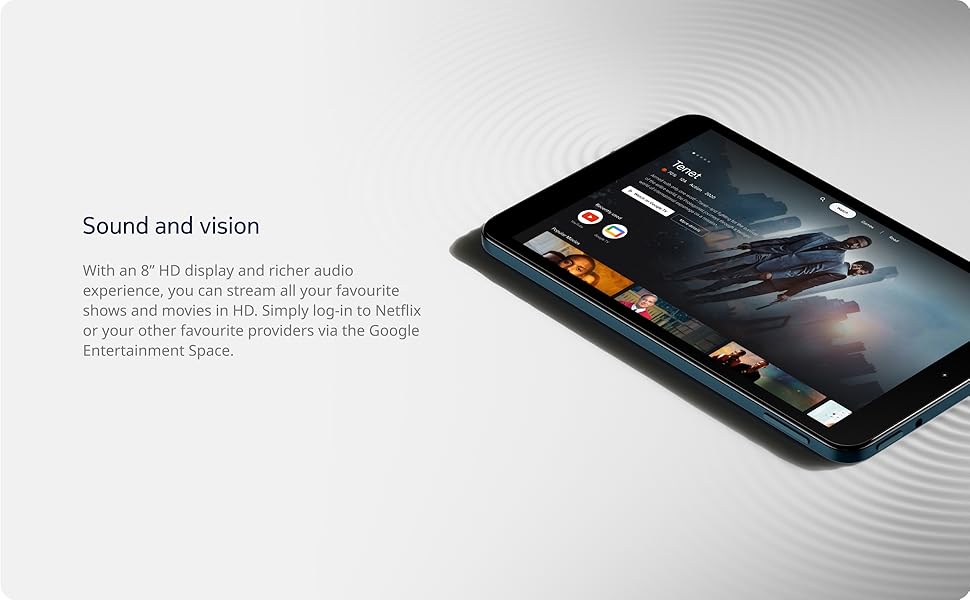
Image: The Nokia T10 tablet showcasing its 8-inch HD display with streaming video content.
4.2 Kamera Fonksiyonları
Your tablet is equipped with an 8MP rear camera with autofocus and flash, and a 2MP front camera.
- Fotoğraf çekmek: Kamera uygulamasını açın, çekiminizi çerçeveleyin ve deklanşöre dokunun.
- Videoları Kaydetme: Switch to video mode in the Camera app and tap the record button to start/stop. The tablet supports FHD 1080p video capture.
- Ön Kamera: Tap the camera switch icon to use the front camera for selfies or video calls.

Image: A Nokia T10 tablet displaying a video call, highlighting its front camera functionality.
4.3 Pil Yönetimi
The Nokia T10 has a 5250 mAh battery designed for all-day use. To optimize battery life:
- Ekran parlaklığını azaltın.
- Kullanmadığınız zaman Wi-Fi ve Bluetooth'u kapatın.
- Arka plan uygulamalarını kapatın.
- Enable battery saver mode in Settings.
4.4 Bağlantı
- Wifi: Connect to wireless networks via Settings > Network & internet > Wi-Fi. The tablet supports 802.11a/b/g/n/ac standards.
- Bluetooth: Pair with Bluetooth devices (headphones, speakers) via Settings > Connected devices > Bluetooth. The tablet features Bluetooth 5.0.
- USB Tip-C: Use the USB-C port for charging and data transfer.
4.5 Yapay Zeka Destekli Yüz Tanıma
For quick and secure access, set up AI Face Unlock:
- Go to Settings > Security > Face unlock.
- Yüzünüzü kaydetmek için ekrandaki talimatları izleyin.
- Ensure you are in a well-lit environment during setup and use.
4.6 Yazılım ve Güncellemeler
The Nokia T10 runs on Android 12. Nokia provides 2 years of OS updates and 3 years of monthly security updates to keep your device secure and up-to-date. You will receive notifications when updates are available. It is recommended to install updates over a Wi-Fi connection.
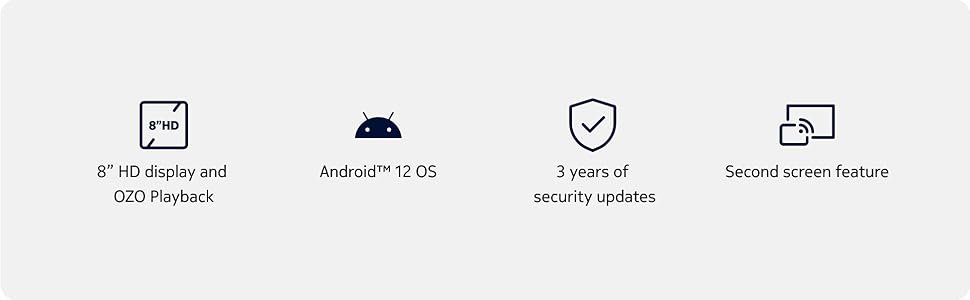
Image: Visual representation of Nokia T10 features including Android 12 OS and 3 years of security updates.
5. Bakım
5.1 Tabletinizi Temizleme
- Ekranı ve gövdeyi temizlemek için yumuşak, tiftiksiz bir bez kullanın.
- Sert kimyasallar, aşındırıcı temizleyiciler veya aerosol spreyler kullanmaktan kaçının.
- Do not expose the tablet to excessive moisture.
5.2 Yazılım Güncellemeleri
En iyi performansı ve güvenliği sağlamak için düzenli olarak yazılım güncellemelerini kontrol edin ve yükleyin. Ayarlar > Sistem > Sistem güncellemesi yolunu izleyin.
5.3 Depolama Yönetimi
Performansı korumak için tabletinizin depolama alanını düzenli olarak yönetin:
- Gereksiz uygulamaları silin ve files.
- Büyük hareket et files (photos, videos) to a MicroSD card or cloud storage.
- Clear app cache regularly via Settings > Apps > [App Name] > Storage & cache.
6. Sorun Giderme
If you encounter issues with your Nokia T10 tablet, try the following solutions:
| Sorun | Çözüm |
|---|---|
| Tablet açılmıyor | Pilin şarjlı olduğundan emin olun. Şarj cihazını bağlayın ve tekrar açmayı denemeden önce birkaç dakika bekleyin. |
| Wi-Fi bağlantı sorunları | Restart your Wi-Fi router. Go to Settings > Network & internet > Wi-Fi, turn Wi-Fi off and then on again. Forget the network and reconnect. |
| Yavaş performans | Close unused apps. Clear app caches. Restart the tablet. Check for available software updates. |
| Uygulamalar çöküyor veya donuyor | Force stop the app (Settings > Apps > [App Name] > Force stop). Clear the app's cache and data. Reinstall the app. |
| Pil çabuk bitiyor | Reduce screen brightness. Disable unnecessary features like GPS, Bluetooth, and Wi-Fi when not in use. Check battery usage in Settings to identify power-hungry apps. |
If the problem persists after trying these steps, please contact Nokia customer support.
7. Özellikler
Below are the key technical specifications for the Nokia T10 Wi-Fi Tablet:
- Model Adı: Nokia T10 TA-1472 WIFI 3/32
- İşletim Sistemi: Android 12
- İşlemci: Unisoc T606 (Sekiz çekirdekli, 1.6 GHz)
- Grafik Yardımcı İşlemcisi: Mali-G57
- VERİ DEPOSU: 3 GB
- Dahili Depolama: 32 GB
- Genişletilebilir Depolama: Yes, via MicroSD card (up to 512GB, sold separately)
- Görüntülemek: 8-inch HD (1280 x 800 pixels) TFT, 16:10 aspect ratio
- Arka Kamera: 8 MP with AF and Flash
- Ön Kamera: 2 MP
- Video Yakalama Çözünürlüğü: FHD 1080p at 30 fps
- Pil: 5250 mAh Lityum Polimer
- Bağlantı: Wi-Fi (802.11a/b/g/n/ac), Bluetooth 5.0, USB Type-C, 3.5mm Audio Jack
- Güvenlik Özellikleri: AI Yüz Kilidini Açma
- Ses: Stereo Speakers, OZO Playback
- Dimensions (L x W x Thickness): 20.8 cm Uzunluk x 12.3 cm Genişlik x 0.9 cm Kalınlık Santimetre
- Ağırlık: 375 Gram
- Renk: Mavi
8. Garanti Bilgileri
The Nokia T10 tablet comes with a 1 yıllık üretici garantisi for the device and battery from the date of purchase. In-box accessories are covered by a 6 ay üretici garantisi from the date of purchase. Please retain your proof of purchase for warranty claims. For detailed terms and conditions, refer to the warranty card included in your product packaging or visit the official Nokia support webalan.
9. Destek
Daha fazla yardım, teknik destek veya servis merkezleri bulmak için lütfen resmi Nokia destek sayfasını ziyaret edin. website or contact their customer service. You can typically find support contact information on the Nokia website or in the safety booklet provided with your tablet.
Çevrimiçi destek: Nokia Desteği Webalan