
1. Giriş
This manual provides essential information for the proper use and maintenance of your Forever ForeVive 2 Slim SB-325 Smartwatch. Please read it carefully before operating the device to ensure optimal performance and longevity.
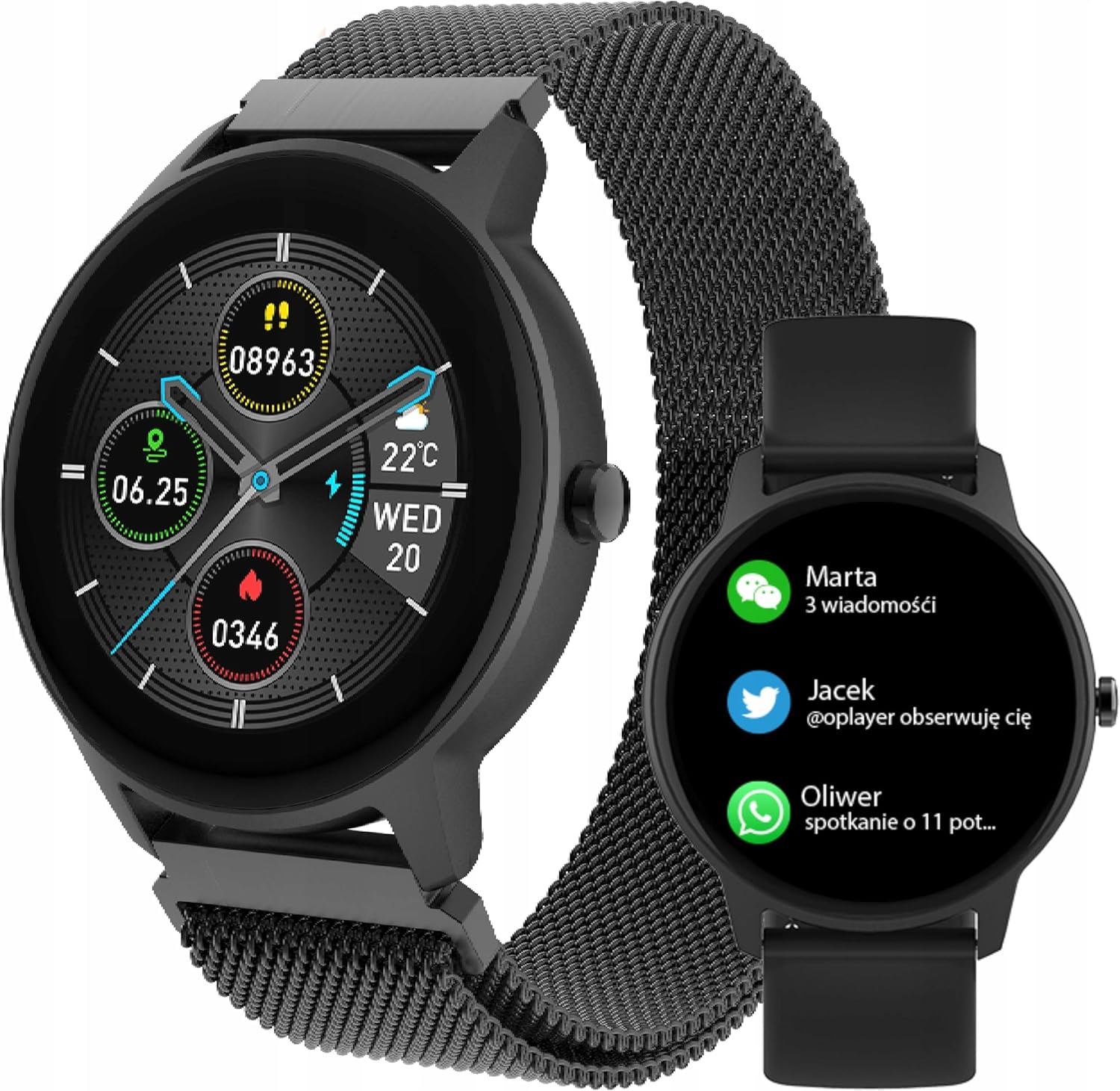
Image: The Forever ForeVive 2 Slim SB-325 Smartwatch in black with a mesh strap, displaying a digital watch face with weather, steps, and heart rate information.
2. Kutuda Neler Var?
Paketin tüm bileşenlerinin mevcut olduğunu doğrulayın:
- Forever ForeVive 2 Slim SB-325 Smartwatch
- USB Şarj Kablosu
- Additional Strap (Silicone)
- Kullanım Kılavuzu (bu belge)
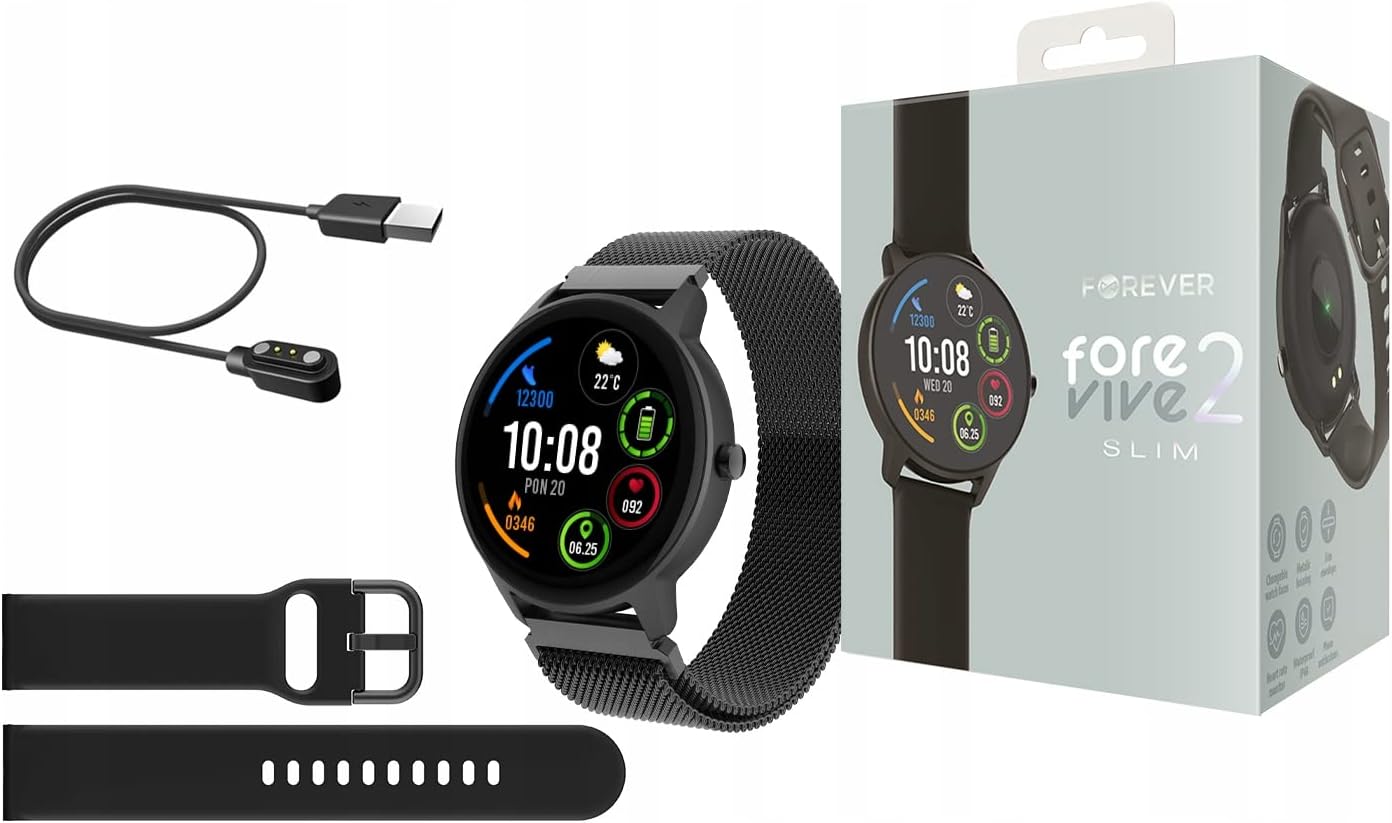
Image: Contents of the Smartwatch package, including the smartwatch with a mesh strap, a USB charging cable, an additional silicone strap, and the product box.
3. Kurulum
3.1. Cihazın Şarj Edilmesi
Before first use, fully charge your smartwatch. Connect the magnetic charging cable to the charging pins on the back of the watch and plug the USB end into a power adapter (not included) or a computer's USB port. The watch display will indicate charging status.
3.2. Güç Açma/Kapatma
- Açmak İçin: Ekran ışığı yanana kadar yan düğmeyi birkaç saniye basılı tutun.
- Kapatmak İçin: Yan düğmeye basılı tutun, ardından ekranda 'Kapat' seçeneğini seçin.
3.3. Uygulama Kurulumu ve Eşleştirme
To unlock the full potential of your smartwatch, download the dedicated application on your smartphone. Arama the 'Forever Smart' app (or similar, as specified in the quick start guide) in your device's app store (Google Play Store for Android, Apple App Store for iOS).
- Uygulamayı akıllı telefonunuza yükleyin.
- Akıllı telefonunuzda Bluetooth’u etkinleştirin.
- Open the app and follow the on-screen instructions to create an account and pair your smartwatch via Bluetooth.
- Ensure the smartwatch is close to your phone during the pairing process.

Image: A smartphone screen displaying the companion application interface for the smartwatch, showing activity data and sleep tracking.
4. Akıllı Saatin Çalıştırılması
4.1. Temel Gezinme
- Dokunmatik ekran: Menüler ve özellikler arasında gezinmek için sola/sağa, yukarı/aşağı kaydırın. Seçmek için dokunun.
- Yan Düğme: Ana ekrana dönmek veya cihazı uyandırmak için basın. Güç seçenekleri için uzun basın.
4.2. Bildirimler
Once paired with your smartphone, the smartwatch can display notifications from calls, messages, and various applications. Ensure notification permissions are granted in the companion app.

Image: The smartwatch screen showing incoming notifications from messaging apps and social media.
4.3. Kalp Hızı İzleme
The smartwatch features a built-in heart rate monitor. To measure your heart rate, navigate to the heart rate function on the watch. Ensure the watch is snug on your wrist for accurate readings.

Image: The smartwatch display showing a heart rate reading of 125 beats per minute (BPM) and calories burned.
4.4. Aktivite Takibi
The ForeVive 2 Slim tracks your daily activity, including steps taken, distance covered, and calories burned. This data can be viewed on the watch and synchronized with the companion app for detailed analysis.
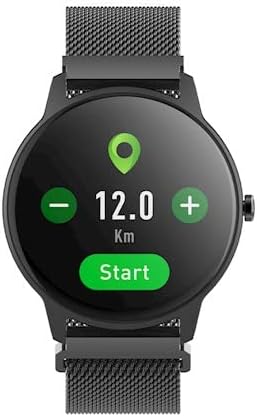
Image: The smartwatch display showing activity metrics such as distance in kilometers, steps, and calories burned.
4.5. Spor Modları
Select from various sport modes to track specific workouts more accurately. The watch can monitor data relevant to activities like running, cycling, football, basketball, and volleyball.

Image: The smartwatch display showing icons for various sport modes, including football, basketball, and volleyball.
4.6. Uyku İzleme
Wear the smartwatch to bed to automatically track your sleep patterns. The companion app provides detailed insights into your sleep quality, including deep sleep, light sleep, and awake times.
4.7. Suya Dayanıklılık
The smartwatch is designed with a degree of water resistance, making it suitable for daily use and exposure to splashes. However, it is not recommended for swimming or diving. Refer to the specifications for the exact IP rating.

Image: Two smartwatches, one black and one pink, partially submerged in water with splashes, demonstrating water resistance.
5. Bakım
5.1. Temizlik
Regularly clean your smartwatch and strap. Use a soft, damp cloth to wipe the screen and body. For the strap, follow the manufacturer's recommendations based on the material. Avoid using harsh chemicals or abrasive materials.
5.2. Pil Bakımı
- Pilin sık sık tamamen boşaltılmasından kaçının.
- Cihazı aşırı sıcaklıklara maruz bırakmayın.
- Yalnızca birlikte verilen şarj kablosunu kullanın.
5.3. Depolama
When not in use for extended periods, store the smartwatch in a cool, dry place. Charge it periodically to prevent deep discharge.
6. Sorun Giderme
6.1. Cihaz Açılmıyor
- Cihazın tamamen şarj olduğundan emin olun.
- Yan düğmeye daha uzun süre (10-15 saniye) basılı tutmayı deneyin.
6.2. Akıllı Telefonla Eşleştirilemiyor
- Akıllı telefonunuzda Bluetooth özelliğinin etkin olduğundan emin olun.
- Akıllı saatin Bluetooth menzili içinde (genellikle 10 metre) olduğundan emin olun.
- Hem akıllı saati hem de akıllı telefonunuzu yeniden başlatın.
- Telefonunuzdaki (Android) Bluetooth önbelleğini temizleyin veya cihazı unutun ve tekrar eşleştirmeyi deneyin.
6.3. Yanlış Okumalar
- Saatin bileğinize tam oturduğundan, çok gevşek veya çok sıkı olmadığından emin olun.
- Saatin arkasındaki sensörleri temizleyin.
- Ölçümler sırasında (örneğin kalp atış hızı ölçümü) aşırı hareketten kaçının.
6.4. Ekran Tepki Vermiyor
- Cihazı yeniden başlatın.
- Ekranın temiz ve kuru olduğundan emin olun.
7. Özellikler
| Özellik | Detay |
|---|---|
| Marka | SONSUZA KADAR |
| Örnek | SB-325 |
| Renk | Zenci (Siyah) |
| Şekil | Yuvarlak |
| İşletim Sistemi | AsteroidOS |
| Bellek Depolama Kapasitesi | 25 MB |
| Özel Özellik | Kalp Atış Hızı Monitörü |
| Pil Kapasitesi | 180 mAh (Lityum İyon) |
| Bağlantı Teknolojisi | USB, Bluetooth |
| Küresel Konumlama Sistemi | GPS yok |
| Kapanış | Toka tokası |
8. Garanti ve Destek
8.1. Garanti Bilgileri
Your Forever ForeVive 2 Slim SB-325 Smartwatch is covered by a manufacturer's warranty. Please refer to the warranty card included in your product packaging or visit the official FOREVER webGaranti kapsamı ve süresi ile ilgili detaylı şartlar ve koşullar için siteyi ziyaret edin.
8.2. Müşteri Desteği
For technical assistance, troubleshooting not covered in this manual, or service inquiries, please contact FOREVER customer support. Contact details can typically be found on the official FOREVER websitede veya ürün ambalajında yer almamaktadır.


