
HEYSONG SONIC BLAST
Heysong SONIC BLAST Bluetooth Speaker User Manual
Model: SONIC BLAST | Brand: HEYSONG
1. Giriş
Thank you for choosing the Heysong SONIC BLAST Bluetooth Speaker. This portable wireless speaker is designed to deliver high-fidelity 360° surround sound with powerful bass and a vibrant RGB light show. It features Bluetooth 5.0 connectivity, is waterproof, and supports multiple playback options including TF card and USB. Please read this manual carefully before use to ensure proper operation and to maximize your listening experience.
2. Güvenlik Bilgileri
- Hoparlörü uzun süre aşırı sıcaklıklara veya doğrudan güneş ışığına maruz bırakmayın.
- Hoparlörü düşürmekten veya sert darbelere maruz bırakmaktan kaçının.
- Hoparlörü tıbbi cihazlardan uzak tutun.
- Hoparlörü kendiniz sökmeye, onarmaya veya değiştirmeye çalışmayın. Bu, garantiyi geçersiz kılar.
- Ensure the charging port cover is securely closed when the speaker is exposed to water to maintain its waterproof rating.
- Yalnızca verilen şarj kablosunu veya sertifikalı bir eşdeğerini kullanın.
- Ürünü ve pilini yerel yönetmeliklere uygun şekilde sorumlu bir şekilde atın.
3. Paket İçeriği
- Heysong SONIC BLAST Bluetooth Speaker
- USB Şarj Kablosu
- AUX Ses Kablosu
- Kullanıcı Kılavuzu
- Kordon
4. Ürün Bittiview

Figure 4.1: Heysong SONIC BLAST Bluetooth Speaker (Mint Green)
The Heysong SONIC BLAST speaker features a cylindrical design with a durable mesh fabric exterior. The top panel includes control buttons, and the side features the brand logo. The speaker is designed to be portable and robust, suitable for various environments, including those with water exposure.
4.1 Düğme Fonksiyonları
| Düğme/Bağlantı Noktası | İşlev |
|---|---|
| Güç Düğmesi | Açmak/kapatmak için basılı tutun. Oynatmak/durdurmak için kısa süre basın. |
| Sesi Aç (+) | Kısa basışla sesi açın. Uzun basışla sonraki parçaya geçin. |
| Sesi kıs (-) | Kısa basıldığında ses kısılır. Uzun basıldığında önceki parça çalınır. |
| Mod Düğmesi (M) | Kısa basışla Bluetooth, AUX, TF Kartı ve USB modları arasında geçiş yapın. |
| Işık Düğmesi | Işık modları arasında geçiş yapmak veya ışıkları kapatmak için kısa süre basılı tutun. |
| Şarj Bağlantı Noktası (USB-C) | Connect USB charging cable to charge the speaker. |
| AUX Girişi Bağlantı Noktası | Harici ses cihazlarını 3.5 mm ses kablosuyla bağlayın. |
| TF Kart Yuvası | Doğrudan müzik çalmak için bir TF (Micro SD) kartı takın. |
| USB Bağlantı Noktası | Insert a USB flash drive for direct music playback. |
5. Kurulum
5.1 İlk Şarj
Before first use, fully charge the speaker. Connect the provided USB charging cable to the speaker's charging port and the other end to a USB power adapter (not included) or a computer's USB port. The charging indicator light will show charging status and turn off when fully charged.
5.2 Açma/Kapatma
- Açmak İçin: Sesli bir uyarı duyana ve gösterge ışığı yanana kadar Güç düğmesini 2-3 saniye basılı tutun.
- Kapatmak İçin: Sesli bir uyarı duyana ve gösterge ışığı sönene kadar Güç düğmesini 2-3 saniye basılı tutun.
6. Kullanım Talimatları
6.1 Bluetooth Eşleştirme

Şekil 6.1: Bluetooth 5.0 Bağlantısı
The speaker utilizes advanced Bluetooth 5.0 for a fast and stable connection.
- Hoparlörü açın. Yanıp sönen mavi LED ile belirtildiği gibi otomatik olarak Bluetooth eşleştirme moduna girecektir.
- Cihazınızda (akıllı telefon, tablet, bilgisayar) Bluetooth'u etkinleştirin.
- Arama "SONIC BLAST" in the list of available Bluetooth devices.
- Select "SONIC BLAST" to connect. Once connected, the LED will stop flashing and remain solid blue, and you will hear a confirmation sound.
- Hoparlör, menzil içinde olması koşuluyla, açıldığında en son eşleştirilen cihaza otomatik olarak yeniden bağlanacaktır.
6.2 AUX Modu
Connect one end of the 3.5mm AUX audio cable to the speaker's AUX-in port and the other end to the audio output of your device. The speaker will automatically switch to AUX mode, or you can press the Mode button to select AUX mode.
6.3 TF Kart / USB Oynatma
Insert a TF (Micro SD) card or a USB flash drive into the respective slot. The speaker will automatically detect the storage device and begin playing audio files. Press the Mode button to switch between different input sources if needed.
6.4 Işık Modları
The speaker features an RGB light show that synchronizes with the music. Short press the Light button to cycle through different light modes or to turn the lights off. The lights can create a party atmosphere and enhance your listening experience.
6.5 Gerçek Kablosuz Stereo (TWS) Eşleştirme
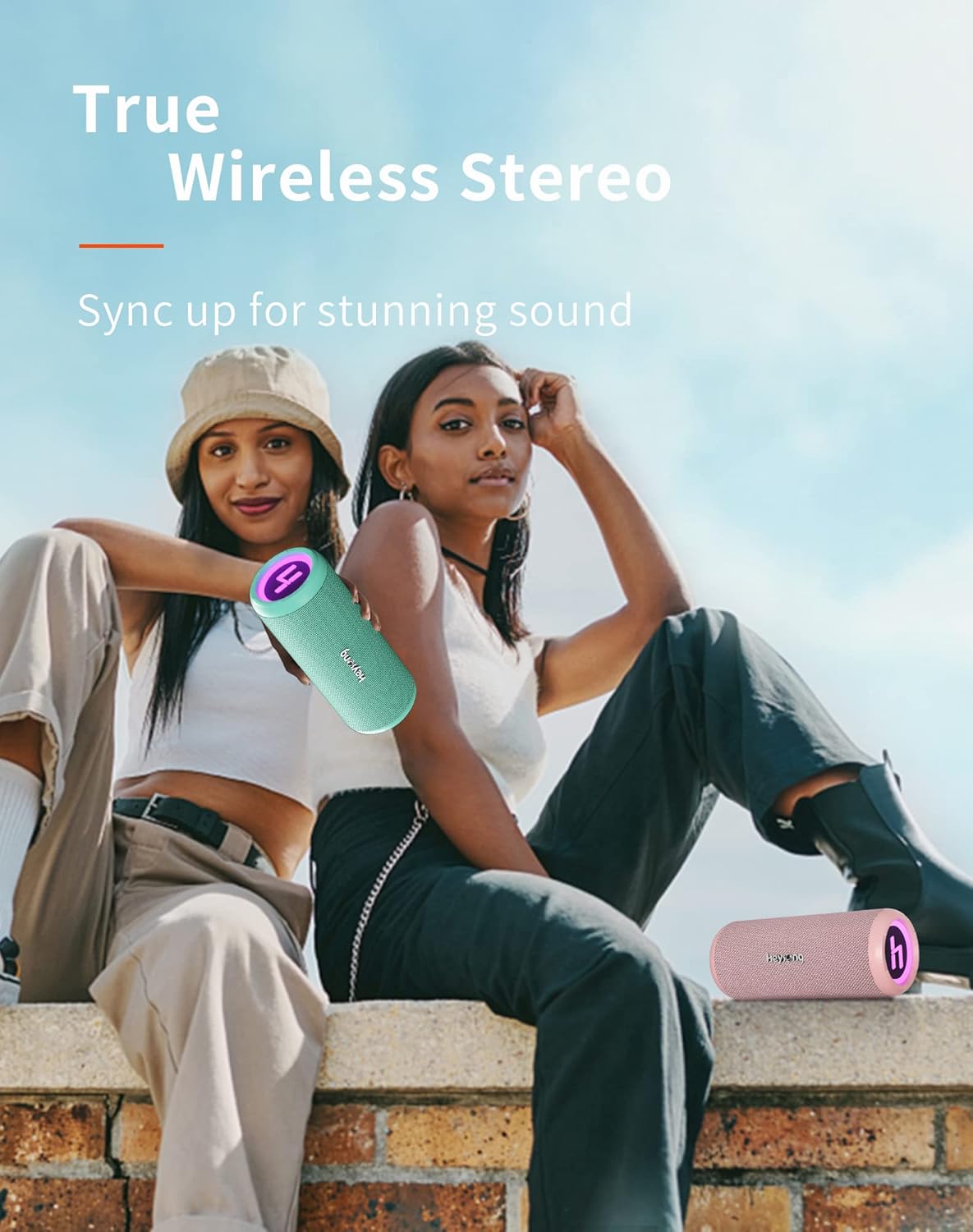
Şekil 6.2: Gerçek Kablosuz Stereo Eşleştirme
You can pair two Heysong SONIC BLAST speakers together to create a powerful stereo sound experience.
- Ensure both SONIC BLAST speakers are powered on and not connected to any Bluetooth device.
- On one speaker (this will be the primary speaker), double-press the Power button. You will hear a prompt indicating it's searching for another speaker.
- The two speakers will automatically connect to each other. Once successfully paired, you will hear a confirmation sound.
- Şimdi cihazınızı 6.1. bölümde anlatıldığı gibi Bluetooth aracılığıyla birincil hoparlöre bağlayın. Ses her iki hoparlörden de stereo olarak çalınacaktır.
7. Şarj Etme
The Heysong SONIC BLAST speaker is equipped with a built-in 4000mAh rechargeable lithium battery, providing up to 15 hours of playback time (at 50% volume). When the battery is low, you will hear an audible alert. Connect the speaker to a USB power source using the provided USB cable to charge. The charging indicator will illuminate during charging and turn off when the battery is full.
8. Bakım
- Temizlik: Hoparlörü temizlemek için yumuşak, kuru bir bez kullanın. İnatçı kirler için, biraz daha yumuşak bir bez yeterli olacaktır.amp cloth can be used, but ensure the charging port cover is sealed. Do not use harsh chemicals or abrasive cleaners.
- Depolamak: Store the speaker in a cool, dry place away from direct sunlight and extreme temperatures. If storing for a long period, charge the battery to about 50% every few months to prolong its lifespan.
- Suya Dayanıklılık: While waterproof, avoid prolonged submersion. Always ensure the charging port cover is tightly sealed before exposing the speaker to water.
9. Sorun Giderme
| Sorun | Olası Neden / Çözüm |
|---|---|
| Hoparlör açılmıyor. | Battery is depleted. Charge the speaker fully. |
| Bluetooth cihazıyla eşleştirilemiyor. |
|
| Ses yok veya ses seviyesi düşük. |
|
| Yüksek seste ses bozulması. | Reduce the volume on the speaker or the connected device. Ensure audio source quality is good. |
| TWS eşleştirmesi başarısız. |
|
10. Özellikler
| Özellik | Detay |
|---|---|
| Marka | HEYSONG |
| Model Adı | HEYSONG SONIC BLAST |
| ASIN | B0B5D99FVP |
| Bağlantı Teknolojisi | Bluetooth, Auxiliary Input, USB Playback, TF Card |
| Bluetooth Sürümü | 5.0 |
| Hoparlör Tipi | Su geçirmez |
| Özel Özellikler | Portable, Wireless, RGB Light Show, 360° Surround Sound, Dual Bass Driver |
| Maksimum Hoparlör Çıkış Gücü | 30 Watt |
| Pil Ömrü | 15 saat |
| Pil Kapasitesi | 4000 mAh (Lityum iyon) |
| Ürün Boyutları (U x G x Y) | 22 x 11 x 10.5 cm (8.66 x 4.33 x 4.13 inç) |
| Ürün Ağırlığı | 620 Gram (1.37 lbs) |
| Renk | Nane Yeşili |
| Kontrol Türü | Integrated Buttons |
| Çevresel Ses Kanalı Yapılandırması | 2.0 |
| Önerilen Kullanımlar | For television, Portable use, Outdoor/Indoor activities |
| Uyumlu Cihazlar | Laptop, Television, Smartphones, Tablets |
11. Garanti ve Destek
The Heysong SONIC BLAST Bluetooth Speaker comes with a 1 yıllık üretici garantisi Satın alma tarihinden itibaren geçerlidir. Bu garanti, üretim hatalarını ve işçilik kusurlarını kapsar. Yanlış kullanım, kazalar, yetkisiz değişiklikler veya normal aşınma ve yıpranmadan kaynaklanan hasarları kapsamaz.
For warranty claims, technical support, or any questions regarding your product, please contact HEYSONG customer service through the retailer where you purchased the product or visit the official HEYSONG webİletişim bilgileri için lütfen siteyi ziyaret edin. Destek ekibiyle iletişime geçerken lütfen satın alma fişinizi ve ürün model numaranızı hazır bulundurun.