
giriiş
This manual provides essential information for setting up, operating, maintaining, and troubleshooting your Acer Aspire 3 A315-58-79LA laptop. Please read this guide thoroughly to ensure proper use and longevity of your device.
1. Kurulum
1.1 Kutudan Çıkarma ve İlk İnceleme
Carefully remove the laptop and all accessories from the packaging. Inspect the device for any signs of damage. Retain the packaging for future transport or service needs.
1.2 Gücün Bağlanması
Connect the AC adapter to the laptop's power input port and then plug the adapter into a power outlet. The battery will begin charging automatically. It is recommended to fully charge the battery before the first use.
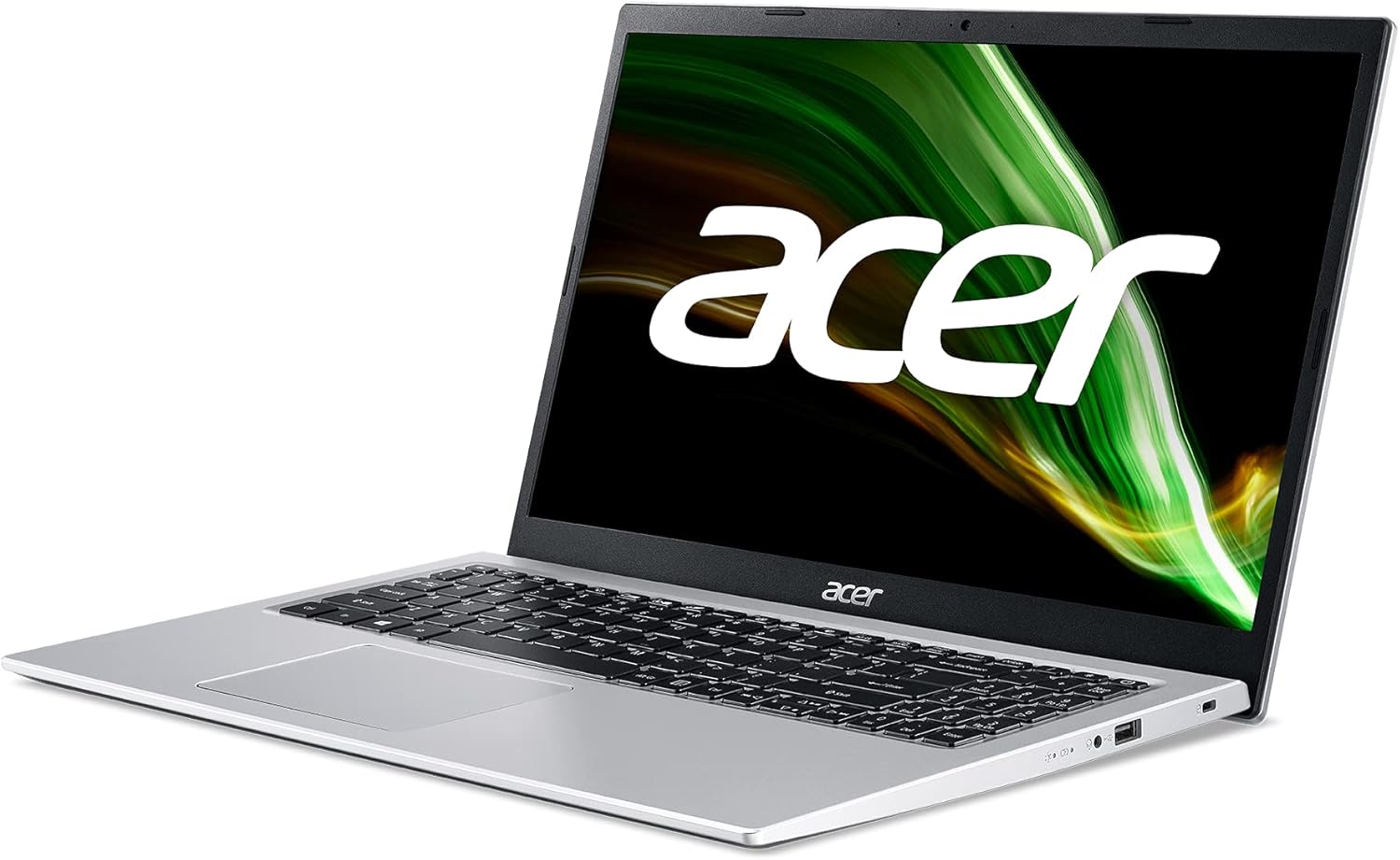
Resim: Sağ taraf view of the Acer Aspire 3 laptop, showing the power input port.
1.3 İlk Önyükleme ve Windows Kurulumu
Press the power button to turn on the laptop. Follow the on-screen instructions to complete the Windows 11 Home setup process. This includes selecting your language, region, connecting to a network, and creating a user account.
1.4 Çevre Birimlerini Bağlama
You can connect external devices such as a mouse, keyboard, or external storage via the available USB ports. For external displays, use the HDMI port.

Resim: Sol taraf view of the Acer Aspire 3 laptop, highlighting the HDMI and USB ports for connecting external devices.
2. Dizüstü Bilgisayarınızı Çalıştırma
2.1 Power On/Off and Sleep Modes
- Güç Açık: Klavyede bulunan güç tuşuna basın.
- Kapat: Başlat düğmesine, ardından Güç düğmesine tıklayın ve "Kapat"ı seçin.
- Uyumak: Dizüstü bilgisayarın kapağını kapatın veya Başlat düğmesine, ardından Güç düğmesine tıklayın ve "Uyku" seçeneğini belirleyin.
2.2 Klavye ve Dokunmatik Yüzey
The laptop features a QWERTY Spanish keyboard layout and a precision touchpad. Use the touchpad for navigation and gestures. Refer to Windows settings for touchpad customization.

Resim: Yukarıdan aşağıya view of the Acer Aspire 3 laptop, showing the QWERTY Spanish keyboard and the integrated touchpad.
2.3 Ağ Bağlantısı
- Wifi: Access Wi-Fi settings through the Windows taskbar network icon to connect to available wireless networks. The laptop supports Wi-Fi 5 (802.11a/b/g/n/ac).
- Bluetooth: Enable Bluetooth in Windows settings to pair with compatible devices like headphones or mice (Bluetooth version 5.0).
- Ethernet: Connect an Ethernet cable to the LAN port for a wired internet connection (up to 1000 Mbps).
3. Bakım
3.1 Dizüstü Bilgisayarınızı Temizleme
Yumuşak, tüy bırakmayan bir bez kullanınampened with a small amount of water or a specialized screen cleaner to clean the display and exterior surfaces. Avoid harsh chemicals or abrasive materials. For the keyboard, use compressed air to remove dust and debris.
3.2 Pil Bakımı
To maximize battery life, avoid extreme temperatures. Do not leave the laptop plugged in constantly after it is fully charged for extended periods. Periodically discharge and recharge the battery. The laptop uses a 1-cell Lithium Ion battery with an estimated life of 8 hours.
3.3 Yazılım Güncellemeleri
Regularly check for and install Windows updates to ensure your system has the latest security patches and performance improvements. Acer may also provide driver updates through their support webalan.
3.4 Depolama Yönetimi
Periyodik olarak yenidenview ve gereksiz olanları silin files to free up storage space on the 512GB SSD. Consider using cloud storage for large files to optimize local performance.
4. Sorun Giderme
4.1 Yaygın Sorunlar ve Çözümler
- Dizüstü bilgisayar açılmıyor: Ensure the AC adapter is securely connected and the power outlet is functional. Try a different power outlet. If the battery is completely drained, it may take a few minutes to show signs of life after plugging in.
- Display problems (no image, flickering): Connect an external monitor via HDMI to check if the issue is with the laptop's internal display. Restart the laptop. Update graphics drivers.
- Wi-Fi bağlantısı yok: Windows ayarlarında Wi-Fi'nin etkinleştirilmiş olup olmadığını kontrol edin. Yönlendiricinizi ve dizüstü bilgisayarınızı yeniden başlatın. Sürücülerin güncel olduğundan emin olun.
- Yavaş performans: Close unnecessary applications. Check for malware. Ensure sufficient free storage space. Update Windows and drivers.
4.2 Sistem Geri Yükleme
Windows 11 offers recovery options to reset your PC or restore from a previous point. Access these options via Windows Settings > System > Recovery.
4.3 Destek Ekibiyle Ne Zaman İletişime Geçilmeli
If you encounter persistent issues that cannot be resolved with the above steps, or if you suspect a hardware malfunction, contact Acer customer support or an authorized service center.
5. Özellikler
| Özellik | Detay |
|---|---|
| Model Adı | A315-58 |
| Ürün Model Numarası | NX.ADDEB.01L |
| İşlemci | Intel Core i7-1165G7 (4C/Quadcore 2.80GHz) |
| Grafikler | Intel Iris Xe Grafikleri (Tümleşik) |
| Veri deposu | 16 GB DDR4 SDRAM (2800 MHz, Max 64 GB, 3 total slots) |
| Depolamak | 512 GB SSD PCI Express (Solid State) |
| İşletim Sistemi | Windows 11 Ev |
| Görüntülemek | 15.6 inches, FullHD (1920 x 1080 pixels), LED LCD |
| Kablosuz Bağlantı | Wi-Fi 5 (802.11a/b/g/n/ac), Bluetooth 5.0 |
| Kablolu Bağlantı | Ethernet (1000 Mbps), HDMI (1 port), USB (3 ports) |
| Klavye Düzeni | QWERTY İspanyolca |
| İşaretleme Aygıtı | Dokunmatik yüzey |
| Webkam | Entegre |
| Mikrofon | Evet |
| Konuşmacılar | Entegre Stereo Hoparlörler |
| Pil | 1-cell Lithium Ion, 36 Watt-hours, approx. 8 hours life |
| Boyutlar (U x G x Y) | 36.3 cm x 2 cm x 23.8 cm |
| Ağırlık | 1.7 kilo |
| Renk | Gümüş |
| Model Yılı | 2022 |
6. Garanti Bilgileri
This Acer Aspire 3 laptop comes with a 3 yıllık sınırlı garanti. For detailed terms and conditions, including coverage, exclusions, and how to make a claim, please refer to the warranty documentation included with your product or visit the official Acer support webalan.
7. Destek
Daha fazla yardım, teknik destek veya en yeni sürücüleri ve yazılımları indirmek için lütfen resmi Acer destek sitesini ziyaret edin. webSitede genellikle SSS'leri, sorun giderme kılavuzlarını ve müşteri hizmetleri iletişim bilgilerini bulabilirsiniz.
Acer Desteği Webalan: www.acer.com/support