
1. Giriş ve Üzeriview
The EXO Blackhawk 2 Pro is a professional-grade drone designed for aerial photography and videography. It features advanced imaging capabilities, robust flight performance, and intelligent flight modes to enhance your flying experience.
Temel Özellikler:
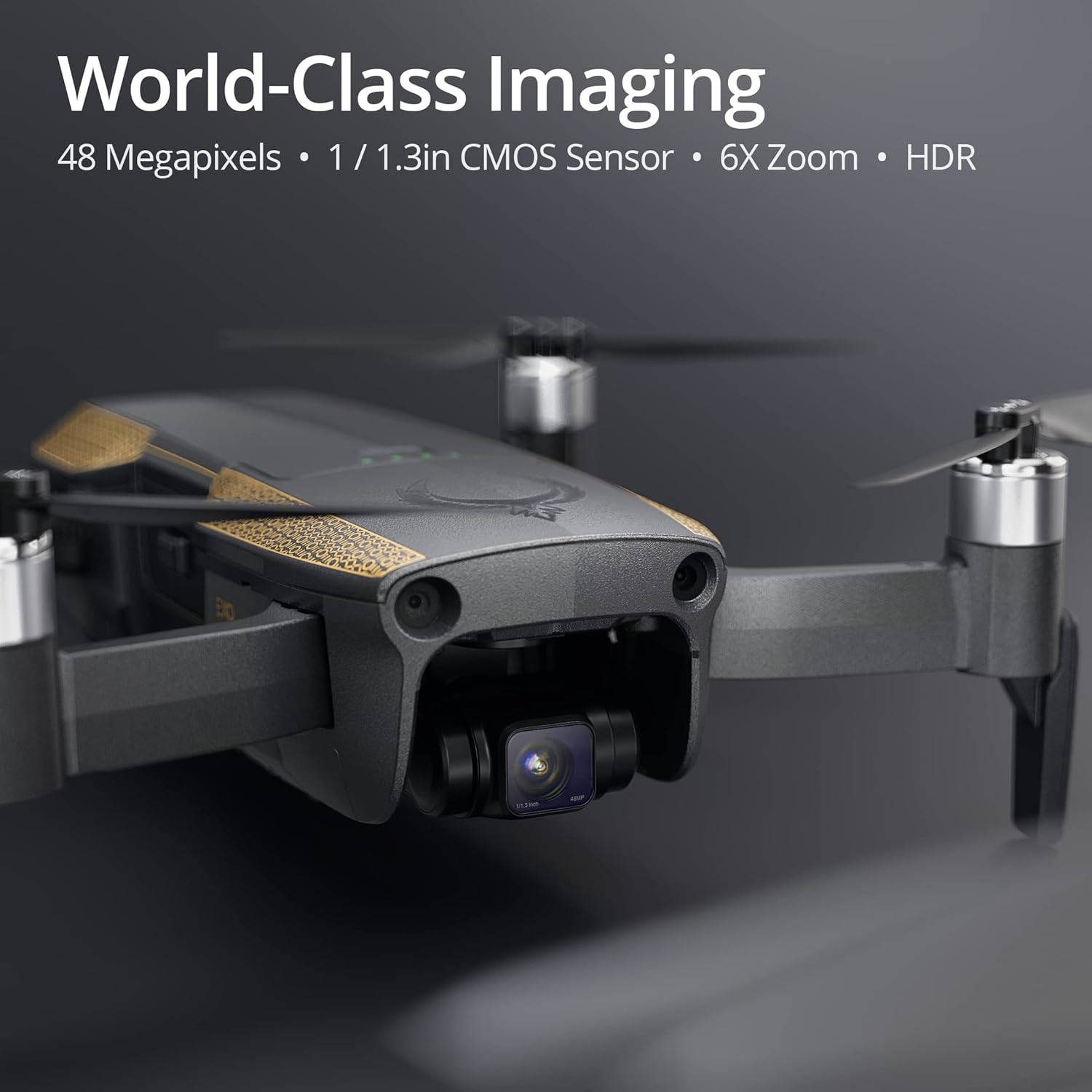
- World-Class Photo Quality: Capture stunning 48-megapixel photos with a 1/1.3-inch CMOS sensor, HDR, f/1.85 aperture, and night mode for exceptional detail and clarity in various lighting conditions.
- Profesyonel Video Özellikleri: Record 4K UHD HDR video at 200mbps, stabilized by an advanced 3-axis gimbal for clear, crisp, and cinema-grade footage.
- Industry-Leading Power: Experience a flight range of over 5 miles and a flight time of 35 minutes. The drone features a 3-way obstacle avoidance system and 30+ MPH wind resistance for stable and secure flights.
- Kullanıcı Dostu Yazılım: Utilize smart features such as obstacle avoidance, Follow-Me mode, Return to Home, Quickshots, and Hyperlapse for simplified flight control and creative content capture.
- Kapsamlı Destek: Benefit from complimentary accessories, exclusive access to a free Part 107 course for commercial flight certification, lifetime technical support, and EXO repair service.

Official Product Video: Meet EXO Blackhawk 2
2. Kurulum
Kutudan Çıkarma ve İlk Hazırlık:
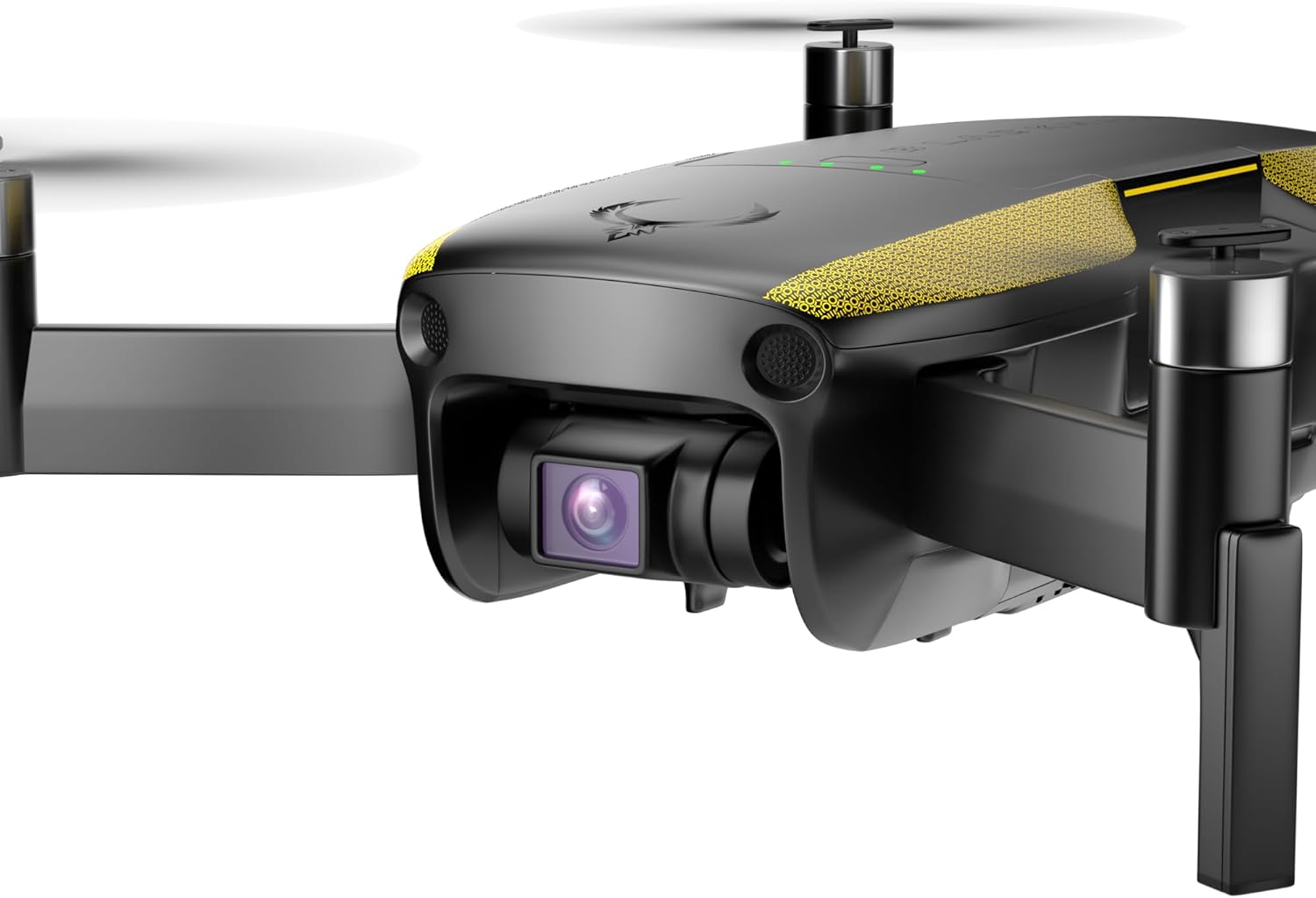
- Carefully remove all components from the packaging. The drone comes with a battery, camera, 3-axis gimbal, remote control, and sensors.
- Unfold the drone's arms and propellers. Ensure all propellers are securely attached and free from damage.
- Tamamen şarj edilmiş pili drone'a takın.
- Charge the remote control using the provided USB cable.
- Download and install the official EXO drone application on your smartphone or tablet.
3. İHA'nın Çalıştırılması
Temel Uçuş Kontrolleri:
Power on the remote control and the drone. Connect your smartphone to the remote control and launch the EXO app. Follow the on-screen instructions for calibration and pre-flight checks. Use the joysticks on the remote control to maneuver the drone. Refer to the app for real-time flight data and camera view.
Kameranın Çalışması:
The Blackhawk 2 Pro is equipped with a high-resolution camera for both photos and videos.
- Fotoğrafçılık: Capture 48MP still images with a 1/1.3-inch CMOS sensor. Utilize HDR and night mode for enhanced image quality.
- Videografi: Record 4K UHD HDR video at 200mbps. The 3-axis gimbal ensures smooth and stable footage.

Akıllı Uçuş Modları:
- 3-Way Obstacle Avoidance: The drone automatically detects and avoids obstacles, providing a safer flight experience.
- Follow-Me Mode: The drone can autonomously follow a designated subject, keeping it centered in the frame.
- Ana Sayfaya Dön (RTH): At the press of a button or in case of low battery/signal loss, the drone will automatically return to its takeoff point.
- Quickshots & Hyperlapse: Access pre-programmed cinematic flight paths and time-lapse video modes for creative shots.


4. Bakım
Pervanenin Değiştirilmesi:
In case of damage, replace propellers using the provided screwdriver and spare propellers. Ensure the correct propellers are installed on the corresponding motors (indicated by markings on the propellers and drone arms).
Pil Bakım:
- Always use the official charger for the drone battery.
- Pili aşırı şarj etmeyin veya tamamen boşaltmayın.
- Pilleri doğrudan güneş ışığından uzak, serin ve kuru bir yerde saklayın.
Gimbal and Camera Protection:
Always attach the gimbal protector when transporting the drone to prevent damage to the camera and gimbal system.
5. Sorun Giderme
Yaygın Sorunlar ve Çözümleri:
- Drone açılmıyor: Ensure the battery is fully charged and correctly inserted. Check for any visible damage to the battery or drone.
- Loss of signal: Ensure the remote control is fully charged and within the operational range (up to 5 miles). Avoid areas with strong electromagnetic interference.
- Kararsız uçuş: Perform IMU and compass calibration as per the app's instructions. Check propellers for damage or incorrect installation. Ensure flight is conducted in suitable weather conditions (within 30+ MPH wind resistance limits).
- Engellerden kaçınma işe yaramıyor: Ensure sensors are clean and unobstructed. Check app settings to confirm obstacle avoidance is enabled.
For further assistance, refer to the detailed troubleshooting guide in the EXO app or contact customer support.
6. Özellikler
| Özellik | Şartname |
|---|---|
| Marka | EKZO |
| Model Adı | EXO Blackhawk 2 Pro |
| Etkili Hareketsiz Çözünürlük | 48 MP |
| Video Yakalama Çözünürlüğü | 4K UHD HDR (200mbps) |
| Optik Sensör Teknolojisi | 1/1.3in CMOS |
| Maksimum Menzil | 5 Mil |
| Uçuş Süresi | 35 Dakika |
| Engel Kaçınma | 3-Yönlü |
| Rüzgar Direnci | Level 8 (30+ MPH) |
| Dengeleme halkası | 3 Eksen |
| Bağlantı Teknolojisi | Wi-Fi, Bluetooth |
| Kontrol Türü | Uygulama Kontrolü |
| Pil Kapasitesi | 3800 Miliamp Saat |
| Ürün Ağırlığı | 550 Gram |
| Ürün Boyutları U x G x Y | 5.1"U x 3.14"G x 2.16"Y |
7. Garanti ve Destek
The EXO Blackhawk 2 Pro drone comes with comprehensive support to ensure your satisfaction.
- Ömür Boyu Teknik Destek: Access expert assistance for any questions or issues you may encounter throughout your drone's lifespan.
- EXO Repair Service: Benefit from dedicated repair services for your drone.
- Part 107 Course Access: Gain exclusive access to a free Part 107 course, enabling you to obtain commercial flight certification and extensive knowledge for professional drone operation.
For support, please visit the official EXO websiteye gidin veya doğrudan müşteri hizmetleriyle iletişime geçin.