
1. Giriş
Thank you for choosing the BONTEC OOXM3308 Adjustable Tilting Ceiling TV Mount. This product is designed to securely hold most 26-55 inch televisions, offering versatile viewing angles and space-saving installation. Please read this manual thoroughly before installation to ensure safe and correct assembly and operation. Keep this manual for future reference.
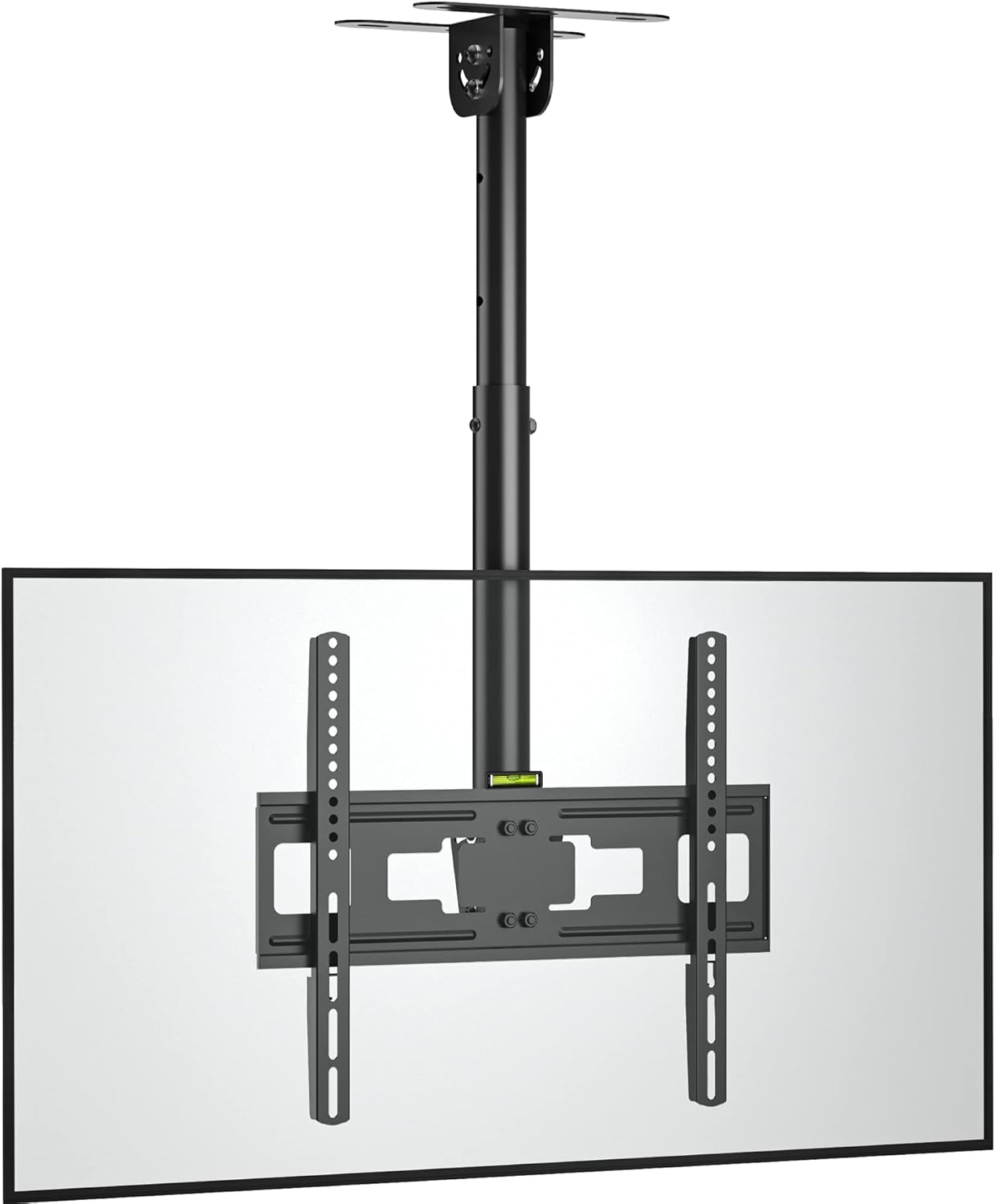
Image 1.1: The BONTEC OOXM3308 Ceiling TV Mount with a television attached.
2. Güvenlik Bilgileri
UYARI: Failure to read and follow all instructions may result in personal injury, property damage, or voiding of warranty. Improper installation can lead to serious injury.
- Bu kılavuzda yer alan tüm talimatları ve uyarıları okuyup anlamadan kuruluma başlamayın.
- Montaj yüzeyinin, montaj aparatı ve televizyonun toplam ağırlığını güvenli bir şekilde taşıyabileceğinden emin olun.
- Use only the provided hardware. Do not use damaged parts.
- Bu ürün yalnızca iç mekanda kullanıma yöneliktir.
- 45 kg (99 lbs) maksimum ağırlık kapasitesini aşmayın.
- Ensure VESA patterns are compatible (75x75mm to 400x400mm).
- Always use a qualified technician for installation if you are unsure about the process.
- Do not use concrete anchors on wood studs. Do not mount on drywall alone.
3. Paket İçeriği
Verify that all components are present and undamaged before installation. If any parts are missing or defective, contact BONTEC customer support.

Resim 3.1: Üzeriview of height adjustment and included fitting hardware.
Fitting Hardware Included:
- Concrete Anchors (x6)
- Lag Bolts (x6)
- Washers (φ8mm) (x6)
- İngiliz anahtarı (x1)
TV Mounting Screws:
- M4*30mm Vidalar
- M6*16mm Vidalar
- M8*16mm Vidalar
- M4/M6/M8 Square Washers
- M6*30mm Vidalar
- M8*50mm Vidalar
- D8*5mm Spacers
- D8*10mm Spacers
4. Ürün Özellikleri
The BONTEC OOXM3308 mount offers several features for optimal TV placement and viewDeneyim.

Image 4.1: Multiple features including forward tilt and swivel adjustment.
- Evrensel Uyumluluk: Designed for most 26-55 inch televisions.
- Sağlam Yapı: Made from strong alloy steel, supporting up to 45 kg (99 lbs).
- VESA Uyumluluğu: Supports VESA patterns from 75x75mm to 400x400mm.
- Adjustable Swivel: Features a ±90° swivel adjustment for flexible viewaçıları.
- Eğme Mekanizması: The TV plate can be tilted downwards by 25° to reduce glare and optimize viewIng.
- Integrated Height Adjustment: The mount offers an adjustable height range from 580mm to 840mm. Adjustments can be made using manual screws and the provided wrench.
- Secure Ceiling Attachment: Six locating holes ensure the mount is securely fastened to the ceiling.

Image 4.2: Illustration of the strong steel central column and secure locating holes.

Image 4.3: VESA compatibility and screen size range (26-55 inches).

Image 4.4: Low-profile tilting design with maximum capacity and VESA specifications.
5. Kurulum ve Kurulum
Follow these steps carefully for safe and secure installation.
5.1 Kurulum Öncesi Kontroller
- Televizyonun Ağırlığı: Ensure your TV weighs no more than 45 kg (99 lbs).
- VESA Modeli: Check the VESA mounting holes on the back of your TV. They must be between 75x75mm and 400x400mm.
- Tavan Tipi: Identify your ceiling type (wood stud, concrete, or brick) to use the correct hardware.
5.2 Mounting the Ceiling Plate
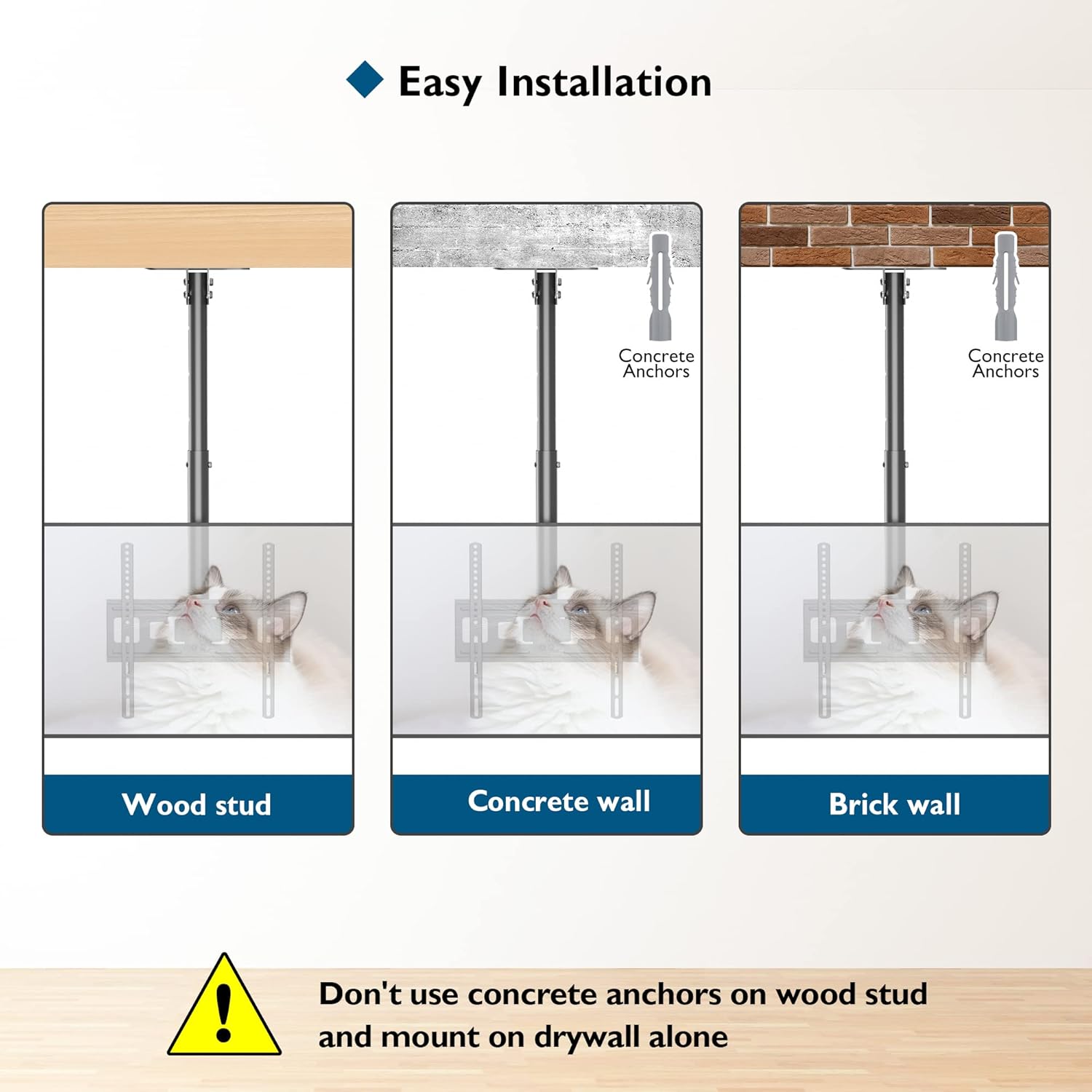
Image 5.1: Easy installation methods for various ceiling types.
- Position the ceiling plate at the desired location. Use a pencil to mark the six mounting holes.
- For Wood Stud: Drill pilot holes into the center of the wood stud. Secure the ceiling plate using the Lag Bolts and Washers.
- For Concrete/Brick Wall: Drill holes using an appropriate drill bit for concrete/brick. Insert the Concrete Anchors into the drilled holes. Secure the ceiling plate using the Lag Bolts and Washers.
- Ensure the ceiling plate is firmly attached and level.
5.3 Attaching the TV to the Mount
- Attach the TV mounting arms to the back of your television using the appropriate M4, M6, or M8 screws and spacers from the provided hardware kit. Ensure the arms are centered and securely fastened.
- Carefully lift the television and hook the mounting arms onto the main bracket of the ceiling mount.
- Secure the TV to the mount using the safety screws or locking mechanism, if applicable, to prevent accidental dislodgement.
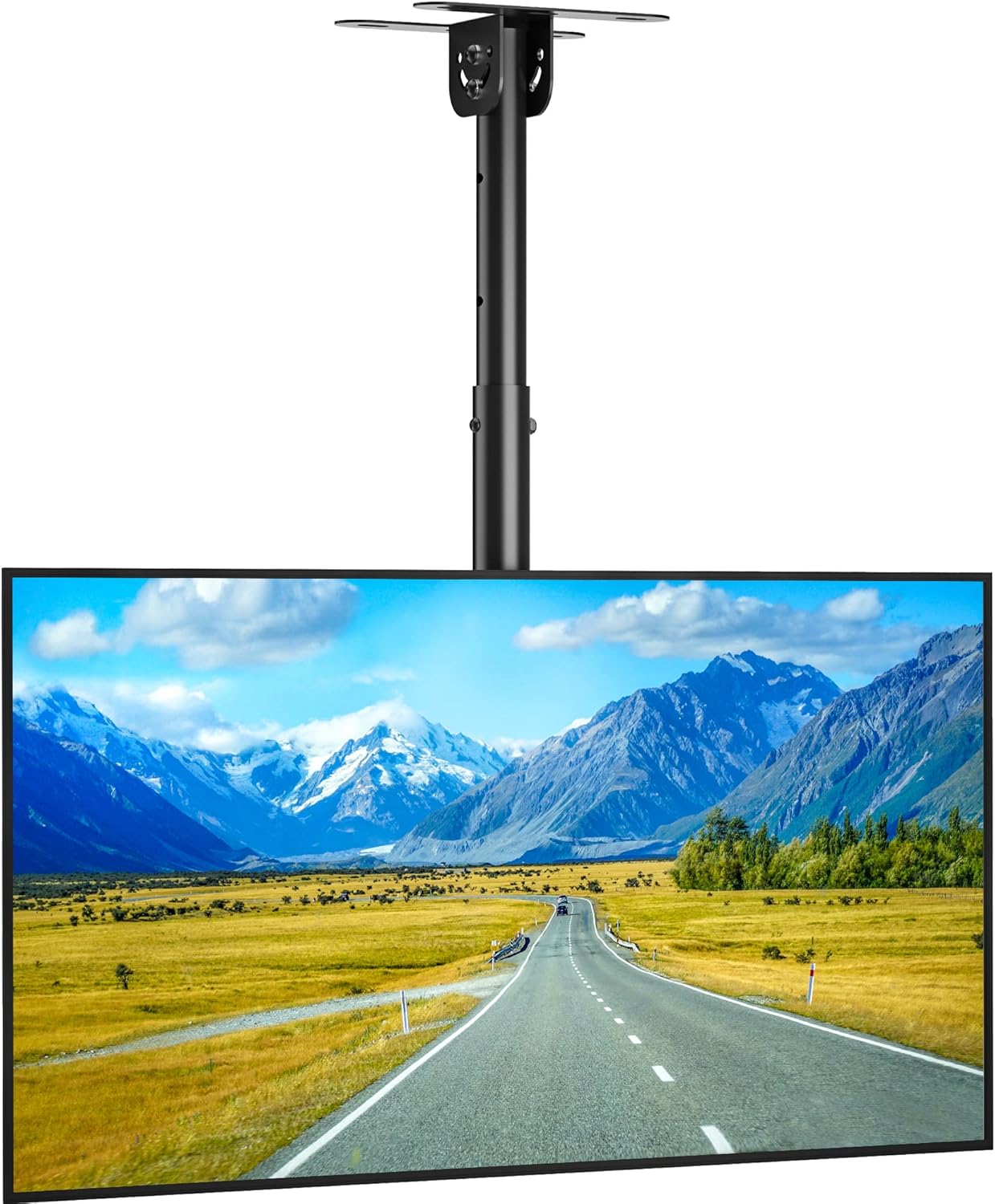
Image 5.2: The BONTEC ceiling TV mount with a television installed.
6. Kullanım Talimatları
Once installed, the BONTEC OOXM3308 mount allows for various adjustments to achieve your preferred viewaçı.
6.1 Yükseklik Ayarı
The mount offers a height range of 580mm to 840mm. To adjust the height:
- Loosen the manual screws on the central column.
- Carefully slide the TV and lower column to the desired height.
- Tighten the manual screws firmly to secure the height.
6.2 Eğim Ayarı
The TV plate can be tilted downwards by 25°.
- Locate the tilt adjustment knob or mechanism on the mount.
- Loosen the knob/mechanism.
- Televizyonu istediğiniz eğim açısına ayarlayın.
- Tighten the knob/mechanism to lock the tilt in place.
6.3 Döner Ayar
The mount allows for a ±90° swivel.
- Gently rotate the TV to the left or right to achieve the desired viewaçı.
- The swivel mechanism is designed to hold its position once adjusted.

Resim 6.1: Örn.amples of the wide range of applications for the BONTEC ceiling TV mount.
7. Bakım
- Tüm vidaların ve bağlantıların sıkı ve güvenli olduğundan emin olmak için düzenli olarak kontrol edin.
- Montaj parçasını yumuşak, kuru bir bezle temizleyin. Aşındırıcı temizleyicilerden veya çözücülerden kaçının.
- Do not hang objects from the mount or TV.
8. Sorun Giderme
- Televizyon düz durmuyor: Check the ceiling plate installation for levelness. Adjust the TV mounting arms if they allow for minor leveling adjustments.
- Montaj yeri dengesiz görünüyor: Re-check all mounting screws and bolts. Ensure they are tightened according to the instructions. Verify the ceiling structure can support the weight.
- Eğim/döndürme ayarında zorluk: Ensure no locking mechanisms or knobs are overtightened. Apply a small amount of silicone lubricant to moving parts if necessary, avoiding contact with electrical components.
- Kayıp parçalar: Refer to Section 3, "Package Contents." Contact BONTEC customer support for replacement parts.
9. Özellikler
| Şartname | Detay |
|---|---|
| Marka | BONTEK |
| Örnek | OOXM3308 |
| Uyumlu TV Boyutları | 26 - 55 inç |
| Ağırlık Kapasitesi | 45 kg'a (99 lbs) kadar |
| VESA Uyumluluğu | 75x75mm ila 400x400mm |
| Eğim Açısı | 25° Aşağıya |
| Dönme Açısı | ±90° |
| Yükseklik Ayar Aralığı | 580 mm - 840 mm |
| Malzeme | Alaşımlı Çelik |
| Montaj Tipi | Tavan Montajı |
| Ürün Ağırlığı | 3.71 kilo |
10. Garanti ve Destek
BONTEC products are designed for durability and performance. For warranty information, technical support, or assistance with installation, please contact BONTEC customer service through the retailer where the product was purchased or visit the official BONTEC webalan.
Garanti talepleri için lütfen satın alma belgenizi saklayın.