
BoxWave MagnetoSnap PD AllCharge Cable (100W)
BoxWave MagnetoSnap PD AllCharge Cable (100W) User Manual
Model: MagnetoSnap PD AllCharge Cable (100W)
giriiş
This manual provides detailed instructions for the BoxWave MagnetoSnap PD AllCharge Cable (100W). Please read this manual thoroughly before using the product to ensure proper operation and longevity.
The MagnetoSnap PD AllCharge Cable is a versatile charging and data transfer solution featuring a braided nylon cable, magnetic interchangeable tips (USB-C and Micro USB), and support for up to 100W Power Delivery.
Paket İçeriği
- 1 x BoxWave MagnetoSnap PD AllCharge Cable (100W)
- 1 x USB-C Magnetic Tip
- 1 x Micro USB Magnetic Tip
- (Note: ONN Tablet (10.1 in) device not included)
Ürün Bittiview

The BoxWave MagnetoSnap PD AllCharge Cable shown with its three interchangeable magnetic tips: USB-C, Micro USB, and a third tip (likely Apple connector based on other images, though not explicitly listed in features).

Daha yakın view of the braided cable and the magnetic tips, highlighting their design for easy attachment and detachment.

This graphic demonstrates how the magnetic tips snap into the cable, providing a secure connection for charging.

An illustration detailing the three types of magnetic connectors included: Apple Connector, USB-C, and Micro USB, making the cable compatible with a wide range of devices.

This image highlights the cable's built-in USB Type-C adapter, accessible by pulling away the USB-A end, allowing for versatile power source connections.
Kurulum ve Bağlantı
- Doğru ucu seçin: Identify the charging port type on your device (USB-C or Micro USB).
- Insert the Magnetic Tip: Gently insert the chosen magnetic tip into your device's charging port. The tip is designed to remain in the port for convenience.
- Kabloyu bağlayın: Bring the magnetic end of the MagnetoSnap PD AllCharge Cable close to the inserted tip. The magnets will automatically snap the cable into place, establishing a connection.
- Güç Kaynağına Bağlan: Plug the USB-A end of the cable into a compatible power adapter (e.g., wall charger, power bank, computer USB port). For USB-C power sources, pull away the built-in USB-A adapter to reveal the USB Type-C port and connect.
- Bağlantıyı Doğrulayın: Ensure the cable is securely connected and your device indicates that it is charging.
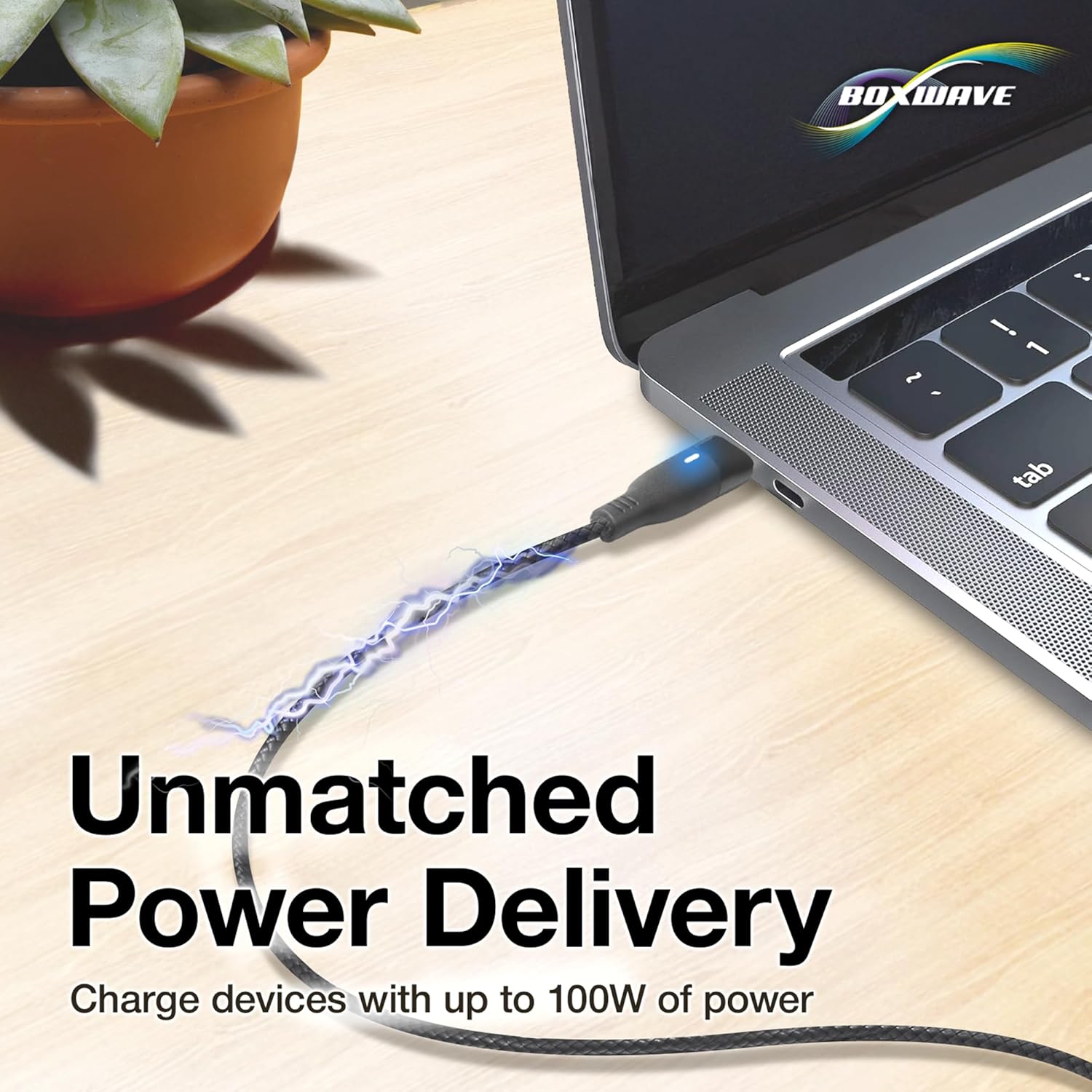
The cable connected to a laptop, demonstrating its capability to deliver up to 100W of power for high-demand devices.
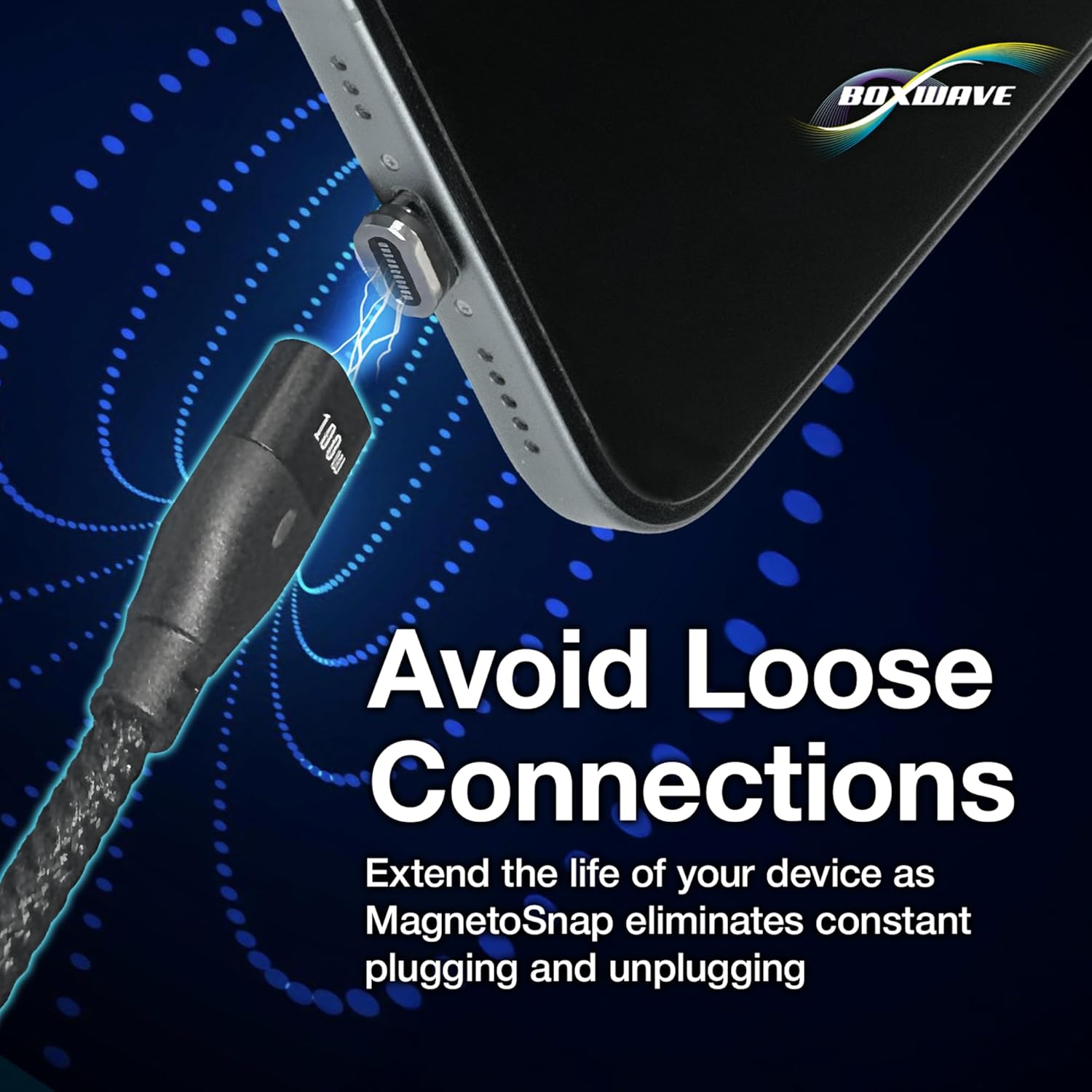
This image illustrates how the magnetic connection helps prevent wear and tear on your device's charging port by eliminating constant plugging and unplugging.
Kullanım Talimatları
Cihazınızı Şarj Etme
Once the magnetic tip is inserted into your device and the cable is connected to a power source, your device will begin charging. The cable supports Power Delivery (PD) up to 100W, allowing for rapid charging of compatible devices, including laptops.
Veri Transferi
The MagnetoSnap PD AllCharge Cable also supports data transfer. To transfer data, connect the cable to your device and then plug the other end into a computer's USB port. The cable supports data transfer speeds up to 480Mbps.

A visual representation of the cable's dual functionality: simultaneously charging a smartphone and syncing data with a laptop.
Bakım ve Özen
- Temizlik: Use a soft, dry cloth to clean the cable and magnetic tips. Avoid using harsh chemicals or abrasive materials.
- Depolamak: When not in use, store the cable in a cool, dry place, away from direct sunlight and extreme temperatures.
- İşleme: Do not bend the cable excessively or apply undue force to the connectors. The braided nylon design enhances durability, but proper handling is still recommended.
- Magnetic Tips: Ensure the magnetic tips remain free of dust and debris to maintain optimal connection.
Sorun giderme
| Sorun | Olası Neden | Çözüm |
|---|---|---|
| Cihaz şarj olmuyor. | Loose connection; Power source issue; Incorrect tip; Device issue. | Ensure magnetic connection is secure. Try a different power adapter or USB port. Verify the correct magnetic tip is used for your device. Test with another device if possible. |
| Yavaş şarj. | Low power output from source; Device not supporting fast charging; Background apps. | Use a power adapter that supports Power Delivery (PD) for faster charging. Close unnecessary background applications on your device. |
| Veri aktarımı çalışmıyor. | Loose connection; Driver issues on computer; Device settings. | Ensure cable is firmly connected to both device and computer. Check your device's USB connection settings (e.g., "File Transfer" mode). Try a different USB port on your computer. |
| Magnetic tip not staying in device. | Incorrect tip size; Damaged tip or port. | Ensure the tip is fully inserted and compatible with your device's port. If the tip or port appears damaged, discontinue use and contact support. |
Özellikler
| Özellik | Detay |
|---|---|
| Marka | Kutu dalgası |
| Model Adı | MagnetoSnap PD AllCharge Cable (100W) |
| Bağlayıcı Türü | Micro USB, USB Type C (Magnetic Interchangeable Tips) |
| Kablo Tipi | USB |
| Güç Dağıtımı | 100W'a kadar |
| Veri Aktarım Hızı | 480Mbps'ye kadar |
| Uyumlu Cihazlar | PC, Tablet, and other devices with USB-C or Micro USB ports |
| Özel Özellik | Braided Nylon, Data Transfer, Fast Charging, Magnetic Connectors |
| Renk | Jet Siyahı |
| Kablo Uzunluğu | Yaklaşık 3 fit |
| Ürün Ağırlığı | 0.8 Ons |
| Paket Boyutları | 3.54 x 2.99 x 0.47 inç |
Garanti ve Destek
For warranty information and technical support, please refer to the official BoxWave website or contact their customer service directly. Limited 3rd party tech support for your device (up to 3 inquiries via messaging) is mentioned, but for product-specific warranty, the manufacturer's official channels are recommended.
BoxWave Corporation Contact Information:
- Webalan: www.boxwave.com (Example link, actual link not provided in JSON)
- Müşteri Hizmetleri: Lütfen şu adrese başvurun: website for contact methods.
Ask a question about this manual
Ask about setup, troubleshooting, compatibility, parts, safety, or missing instructions. Manuals+ will review the question and use this page’s manual context to help answer it.