
TRAMSMART A19
TRAMSMART Smart Bulb A19 User Manual
Modeli: A19
giriiş
Thank you for choosing the TRAMSMART Smart Bulb A19. This smart LED bulb offers a wide range of colors, tunable white light, and smart control features through WiFi and Bluetooth. It is compatible with voice assistants like Amazon Alexa and Google Assistant, allowing for convenient hands-free operation. This manual provides detailed instructions for installation, setup, operation, and troubleshooting to ensure you get the most out of your smart lighting experience.
Güvenlik Bilgileri
- Ensure the power is turned off before installing or removing the bulb.
- Do not use with standard dimmers. This bulb is dimmable only via the smart app or voice control.
- Sadece kuru yerlerde kullanıma uygundur. Suya veya neme maruz bırakmayın.
- Do not disassemble the bulb. This will void the warranty.
- Belirtilen hacim dahilinde çalıştırıntage aralığı.
Paket İçeriği
- TRAMSMART Smart Bulb A19 (quantity as purchased, e.g., 4-pack)
- Kullanıcı Kılavuzu
Ürün Özellikleri
Çok Renkli ve Ayarlanabilir Beyaz
Experience 16 million colors and adjustable white light from warm (2700K) to cool (6500K) to match any mood or activity.

Image: A smart bulb illustrating its capability to produce 16 million colors and tunable white light from warm (2700K) to cool (6500K).
Ses Kontrolü Uyumluluğu
Seamlessly integrate with Amazon Alexa and Google Assistant for convenient voice commands to control your lighting.

Image: A user interacting with an Amazon Echo device to control the smart bulb, demonstrating voice control functionality.
Uzaktan ve Grup Kontrolü
Control individual bulbs or create groups to manage multiple bulbs simultaneously from anywhere using the dedicated app.
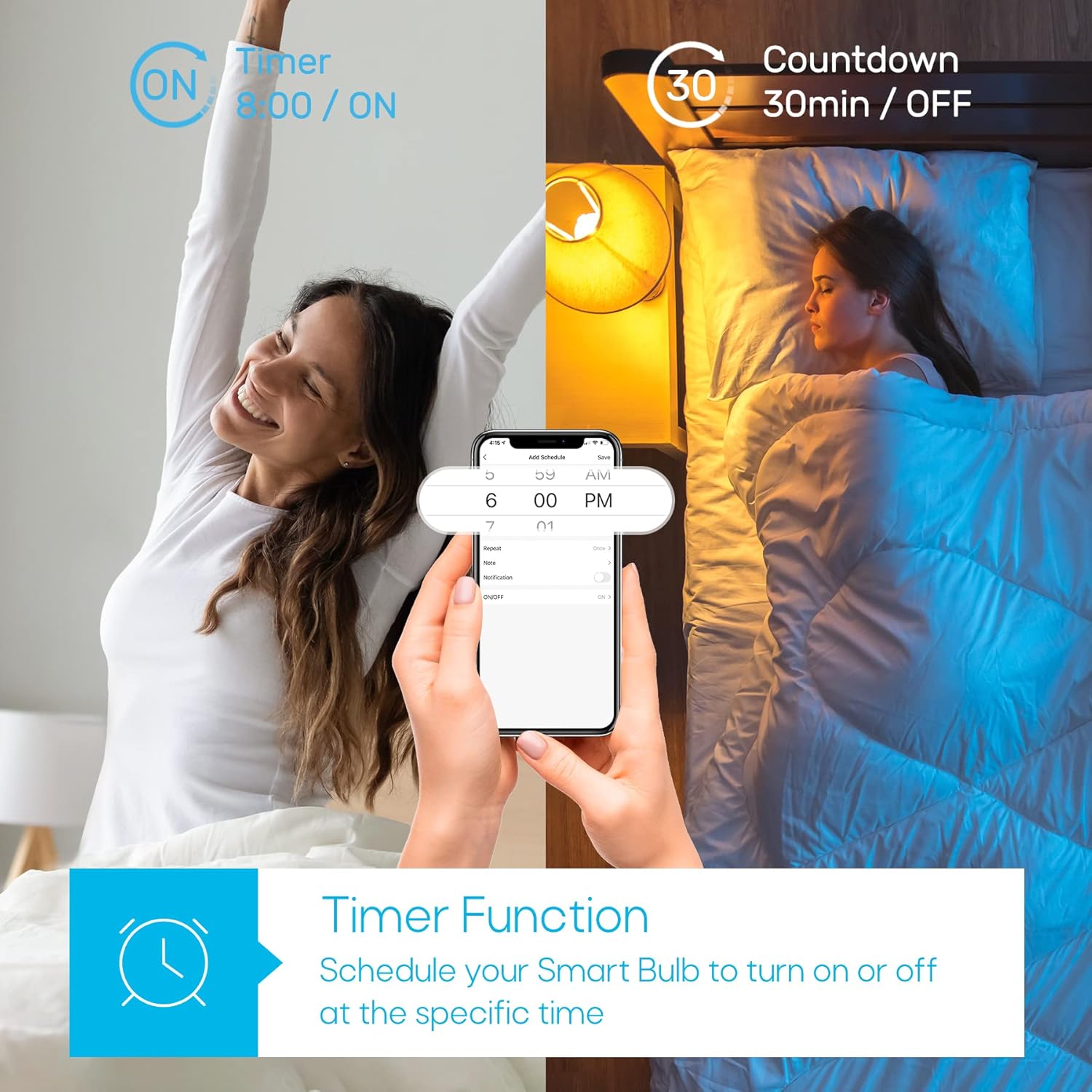
Image: A house with various rooms illuminated by smart bulbs, illustrating remote and group control capabilities through a mobile application.
Timer Function & Schedules
Set schedules for your bulbs to turn on or off at specific times, or use the countdown timer for temporary lighting needs.
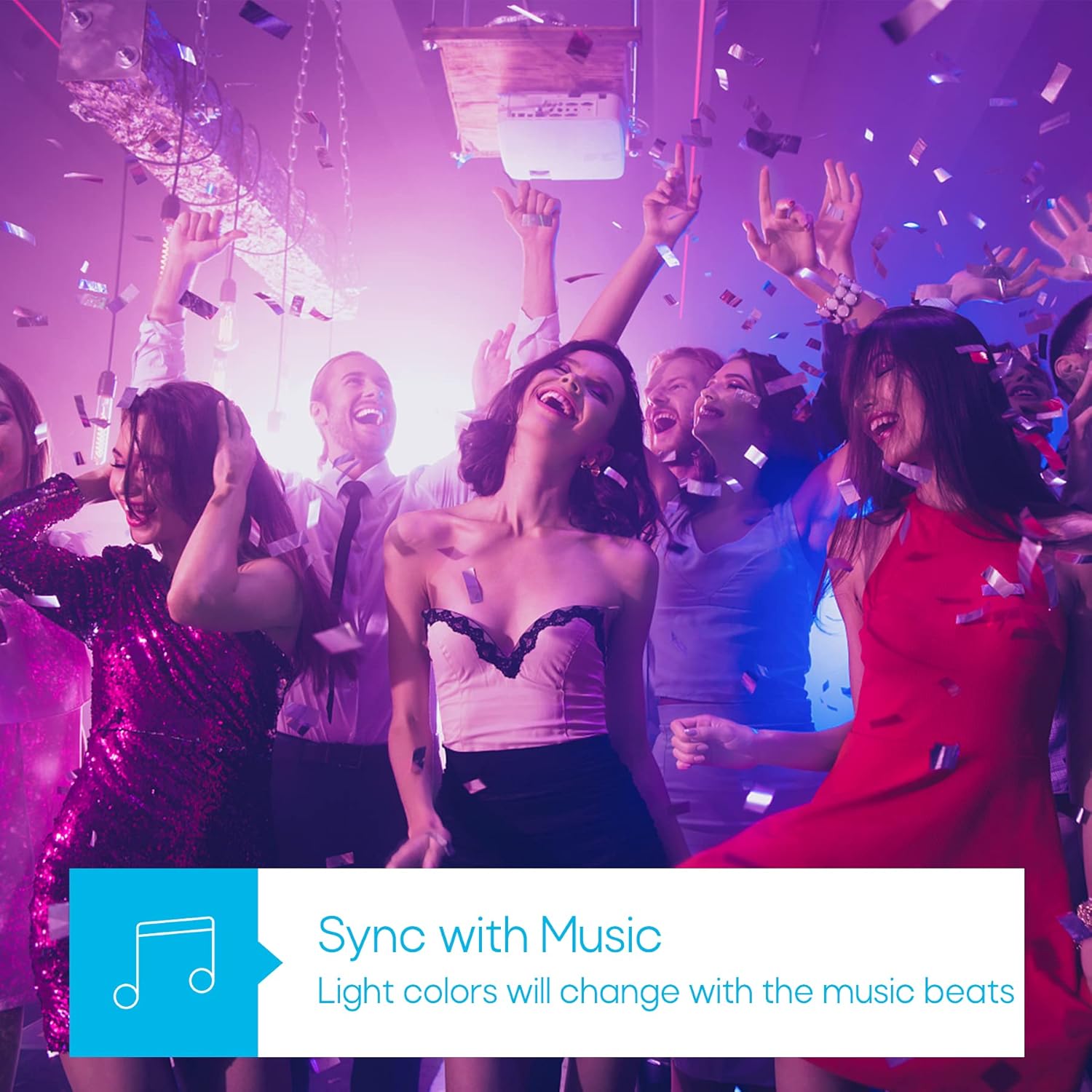
Image: A visual representation of the timer function, showing a smart bulb turning on for waking up and turning off for sleeping, managed via a smartphone app.
Müzik Senkronizasyonu Modu
Synchronize your lighting with music beats for an immersive audio-visual experience, perfect for parties or relaxation.

Image: A group of people enjoying a party with dynamic, color-changing smart lighting synchronized to music.
Biorhythm Mode
Adjust lighting automatically throughout the day to mimic natural sunlight, supporting your body's natural circadian rhythm.

Image: A visual guide to the Biorhythm mode, demonstrating how the smart bulb adjusts its light temperature and brightness to align with natural daylight patterns.
Kurulum Talimatları
- Ampulü takın: Screw the TRAMSMART Smart Bulb A19 into a standard E26/E27 light socket. Ensure the power is off before installation.
- Güç Açık: Turn on the light switch. The bulb should blink rapidly, indicating it's in pairing mode. If it doesn't blink, turn the light switch off and on three times (on-off-on-off-on) to reset it.
- Uygulamayı indirin: Download the recommended smart home app (e.g., Smart Life, Tuya Smart) from your smartphone's app store (iOS or Android).
- Kayıt Ol/Giriş Yap: Uygulamayı açın ve yeni bir hesap oluşturun veya halihazırda bir hesabınız varsa giriş yapın.
- Cihaz Ekle: In the app, tap "Add Device" or the "+" icon. Select "Lighting" then "Light Source (Wi-Fi)".
- Wi-Fi'ye bağlanın: Confirm the bulb is blinking rapidly. Enter your 2.4 GHz Wi-Fi network password. Note: The bulb only supports 2.4 GHz Wi-Fi networks.
- Eşleştirme: The app will begin pairing with the bulb. Once connected, you can rename the bulb and start controlling it.
- Connect to Voice Assistant (Optional):
- Alexa'ya yönelik: Open the Alexa app, go to "Skills & Games," search for the smart home app (e.g., Smart Life), enable the skill, and link your account. Then, discover devices.
- Google Asistan için: Open the Google Home app, tap "Set up device," then "Works with Google," search for the smart home app, link your account, and assign the bulb to a room.
Kullanım Talimatları
Using the Smart Home App:
- Açık/Kapalı: Ampulün adının yanındaki güç simgesine dokunarak ampulü açıp kapatabilirsiniz.
- Renk Ayarı: Select the bulb, then navigate to the "Color" tab. Choose from the color wheel or preset scenes.
- Beyaz Işık Ayarı: Select the bulb, then navigate to the "White" tab. Adjust brightness and color temperature (warm to cool white).
- Karartma: Use the brightness slider in either the "Color" or "White" tab to adjust the light intensity from 1% to 100%.
- Sahne Seçimi: The app offers various preset scenes (e.g., Reading, Party, Relax). You can also create custom scenes.
- Zamanlayıcı ve Program: Access the "Schedule" or "Timer" function within the bulb's settings to set automated on/off times or countdowns.
- Müzik Senkronizasyonu: In the app, select the "Music" mode. The bulb's colors will change in rhythm with music played through your phone's microphone.
- Grup Kontrolü: Create groups of bulbs in the app to control multiple lights simultaneously.
Sesli Komutları Kullanma:
Once connected to Alexa or Google Assistant, use commands such as:
- "Alexa/Hey Google, turn on [Bulb Name]."
- "Alexa/Hey Google, turn off [Bulb Name]."
- "Alexa/Hey Google, set [Bulb Name] to blue."
- "Alexa/Hey Google, dim [Bulb Name] to 50%."
- "Alexa/Hey Google, make [Bulb Name] warmer/cooler."
Bakım
- Temizlik: Temizlemeden önce ampulün kapalı ve soğuk olduğundan emin olun. Yumuşak, kuru bir bezle silin. Sıvı temizleyiciler kullanmayın.
- Depolamak: Ampulü uzun süre saklayacaksanız, serin, kuru ve doğrudan güneş ışığından uzak bir yerde muhafaza edin.
- Donanım Yazılımı Güncellemeleri: Periodically check the smart home app for firmware updates to ensure optimal performance and security.
Sorun giderme
| Sorun | Olası Neden | Çözüm |
|---|---|---|
| Ampul yanmıyor. | No power; loose connection; bulb faulty. | Check light switch and power supply. Ensure bulb is screwed in tightly. Test bulb in another fixture. |
| Bulb not pairing/connecting to app. | Incorrect Wi-Fi band (not 2.4 GHz); incorrect password; bulb not in pairing mode; Wi-Fi signal too weak. |
|
| Ses kontrolü çalışmıyor. | Not linked to Alexa/Google Assistant; incorrect device name; internet connectivity issues. |
|
| Ampul sık sık bağlantısını kesiyor. | Zayıf Wi-Fi sinyali; ağ yoğunluğu. |
|
| Colors appear dim or inaccurate. | Brightness setting too low; specific color limitations. |
|
Özellikler
| Özellik | Detay |
|---|---|
| Örnek | A19 |
| Marka | TRAMSMART |
| Netage | 9 Watt |
| Lümen Çıkışı | 800 Lümen |
| Renk Sıcaklığı | 2700K - 6500K (Ayarlanabilir Beyaz) |
| Renk Seçenekleri | 16 Milyon RGB Renk |
| Bağlantı | Wi-Fi (2.4 GHz only) & Bluetooth |
| Sesli Asistan Uyumluluğu | Amazon Alexa, Google Asistan |
| Kısılabilir | Evet (uygulama/sesli kontrol yoluyla) |
| Özel Özellikler | Dimmable, Color Changing, Music Sync, Timer, Schedule, Group Control, Biorhythm Mode |
| Ampul Şekli Boyutu | A19 |
| Boyutlar (yaklaşık) | 14.1 x 12.8 x 12.6 cm (Paket) |
| Piller Gerekli | HAYIR |
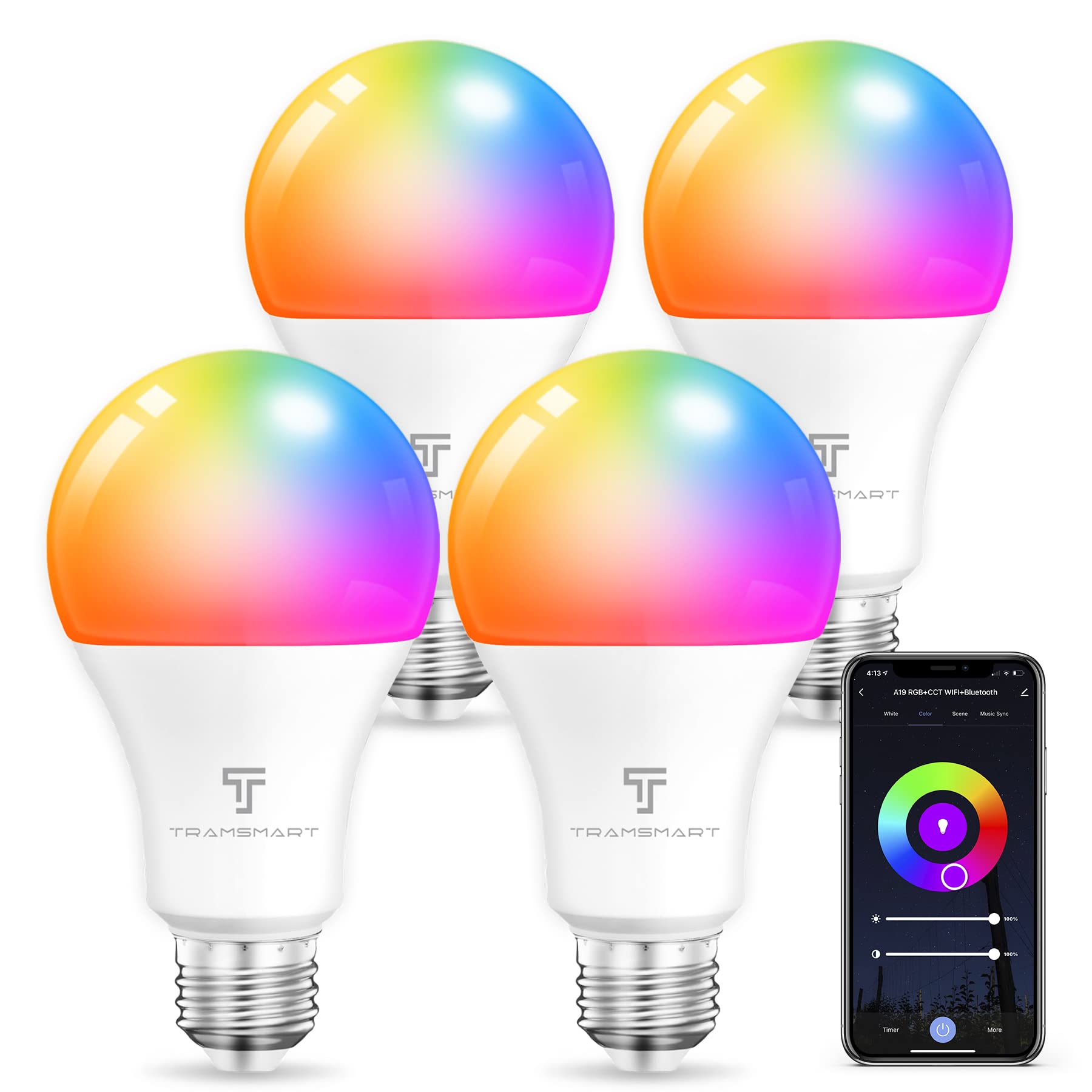
Image: TRAMSMART Smart Bulb A19 showing its physical dimensions and a summary of its features.
Garanti ve Destek
TRAMSMART products typically come with a limited warranty. Please refer to the warranty card included with your purchase or visit the official TRAMSMART website for detailed warranty information and terms. For technical support, troubleshooting assistance, or any product-related inquiries, please contact TRAMSMART customer service through their official channels. Contact information can usually be found on the product packaging or the brand's webalan.
Not: Garanti talepleri için satın alma belgesi olarak satın alma fişinizi saklayın.
Ask a question about this manual
Ask about setup, troubleshooting, compatibility, parts, safety, or missing instructions. Manuals+ will review the question and use this page’s manual context to help answer it.