
giriiş
The Ozeri Pro Digital Kitchen Food Scale is engineered for precise measurement in culinary applications. This manual provides essential information for the proper setup, operation, and maintenance of your scale to ensure optimal performance and longevity.
Ürün Özellikleri
- Hassas Derecelendirmeler: Measures with accuracy of 0.05 oz or 1 gram.
- Wide Capacity Range: Supports weights from 0.05 oz up to 12 lbs (1 gram to 5.4 kg).
- Kullanıcı Dostu Arayüz: Features oversized buttons for easy operation.
- Büyük LCD Ekran: Provides clear weight readings in pounds (lbs), kilograms (kg), grams (g), and ounces (oz).
- Automatic Tare Function: Calculates net weight by subtracting the container's weight.
- Otomatik Kapanma: Conserves battery life with a 3-minute auto turn-off feature.
- Kompakt Tasarım: Lightweight and easy to store.
Kurmak
Pil Kurulumu
The Ozeri Pro Digital Kitchen Food Scale requires two (2) AAA batteries for operation. These batteries are included with your purchase.
- Terazinin alt tarafında bulunan pil yuvasını bulun.
- Pil bölmesinin kapağını açın.
- İki adet AAA pili, kutupların doğru olmasına dikkat ederek (+/-) takın.
- Pil bölmesi kapağını sıkıca kapatın.

Video: Demonstrating battery installation on the Ozeri Digital Kitchen Scale.
Not: For optimal performance, use fresh batteries. Remove batteries if the scale will not be used for an extended period.
Kullanım Talimatları
Açma/Kapatma
- Basın AÇIK/KAPALI/TARA button to turn the scale on. The LCD will display '0.00' when ready.
- Kapatmak için basılı tutun. AÇIK/KAPALI/TARA button for a few seconds, or allow the automatic 3-minute shut-off feature to activate.
Ölçü Birimlerini Değiştirme
The scale can display measurements in grams (g), ounces (oz), pounds (lb), and kilograms (kg).
- Tartı açıkken, basın. BİRİM Mevcut birimler arasında geçiş yapmak için düğmeye basın.
- Select your desired unit (g, oz, lb, kg) before weighing.
Dara İşlevini Kullanma
The Tare function allows you to subtract the weight of a container or previous ingredients, ensuring you measure only the new item.
- Tartım platformuna boş bir kap yerleştirin. Ekranda ağırlığı görülecektir.
- Basın AÇIK/KAPALI/TARA düğmesine basın. Ekran '0.00' değerine sıfırlanacaktır.
- Add your ingredients to the container. The display will now show only the weight of the added ingredients.
- Repeat the Tare function as needed for multiple ingredients.
Video: Demonstrating the unit and tare functions of the Ozeri Digital Kitchen Scale.
Video: Bittiview of the Ozeri Pro Digital Food Scale, highlighting its features and ease of use.
Tartım Öğeleri
- Ensure the scale is on and displaying '0.00' in your desired unit.
- Carefully place the item(s) to be weighed onto the center of the weighing platform.
- LCD ekranda görüntülenen ağırlığı okuyun.
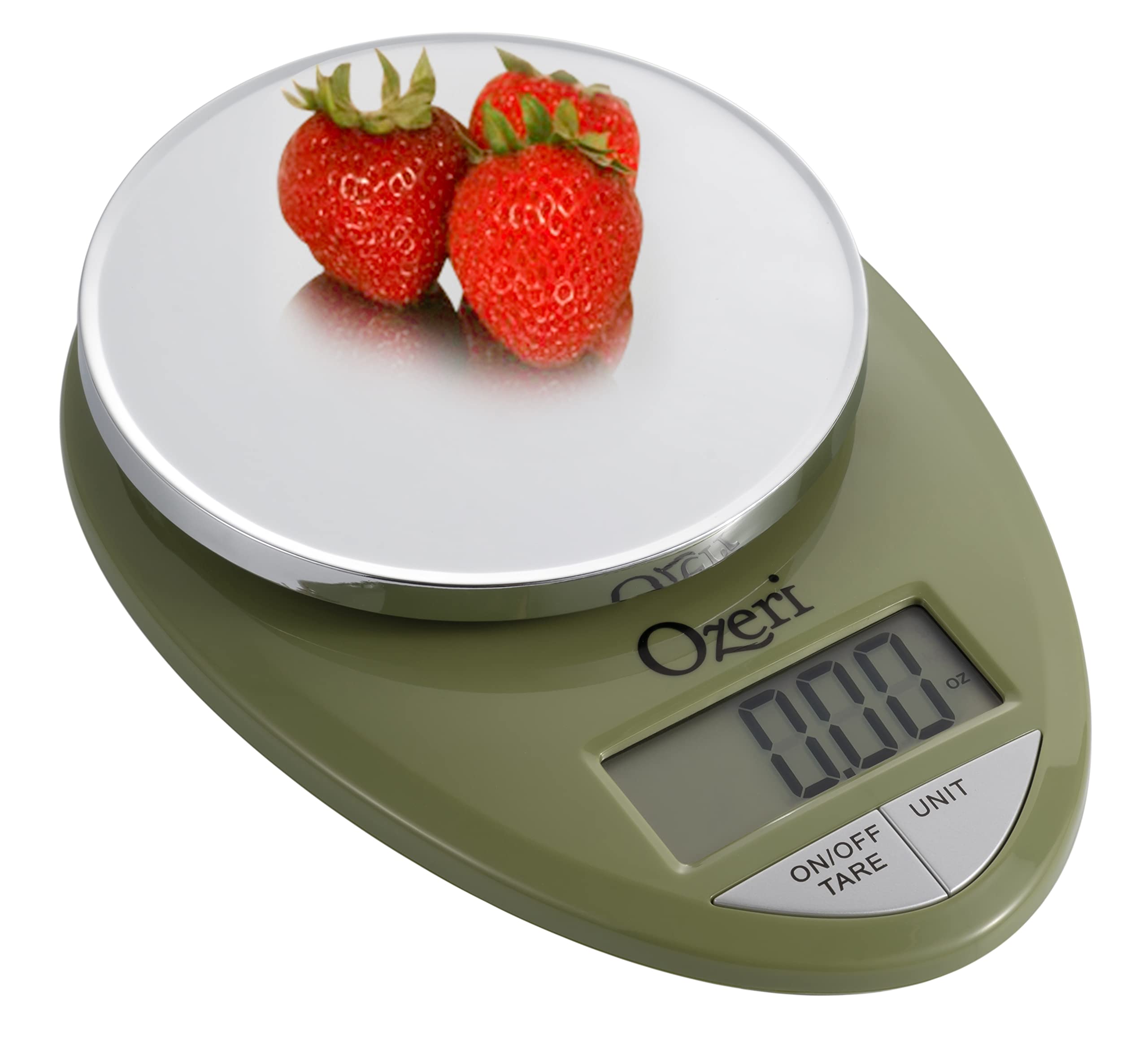
Image: The Ozeri Pro Digital Kitchen Food Scale displaying a weight with a small bowl of herbs on its platform.

Image: The Ozeri Pro Digital Kitchen Food Scale displaying a weight with a small ramekin of blueberries on its platform.
Bakım
Temizlik
- Wipe the scale surface clean with a damp cloth. Avoid abrasive cleaners or submerging the unit in water.
- Saklamadan veya bir sonraki kullanımdan önce terazinin kuru olduğundan emin olun.
Depolamak
The compact design of the Ozeri Pro Digital Kitchen Food Scale allows for easy storage in a drawer or cabinet when not in use.

Resim: Bir taraf view of the Ozeri Pro Digital Kitchen Food Scale, demonstrating its slim profile Kolay saklama için.
Sorun giderme
- Yanlış Okumalar: Ensure the scale is placed on a flat, stable surface. Avoid placing items that exceed the maximum weight capacity.
- Ekran Açılmıyor: Pillerin doğru şekilde takılıp takılmadığını ve yeterli şarja sahip olup olmadığını kontrol edin. Gerekirse pilleri değiştirin.
- Hata Mesajlarını Görüntüle: Refer to the full product manual (if available) or contact Ozeri customer support for specific error code interpretations.
Özellikler
| Özellik | Detay |
|---|---|
| Marka | Özeri |
| Model Numarası | ZK12-GN |
| Kapasite | 0.05 ons ila 12 pound (1 gram ila 5.4 kg) |
| Mezuniyet | 0.05 ons veya 1 gram |
| Görüntü Türü | LCD |
| Ölçüm Birimleri | grams, ounces, pounds, kilograms |
| Özel Özellikler | Automatic Tare, 3-minute Auto Shut-off, Large Display |
| Güç Kaynağı | 2 adet AAA pil (dahil) |
| Malzeme | Polikarbonat |
| Ürün Boyutları | 10 x 7 x 4 inç |
| Ürün Ağırlığı | 9.6 ons |
Garanti ve Destek
For information regarding product warranty, returns, or technical support, please refer to the official Ozeri website or contact their customer service directly. Details are typically provided in the packaging or on the manufacturer's official support pages.