1. Giriş
The OREI HD-1016 is a professional 1x16 HDMI Splitter designed to distribute a single HDMI source to sixteen HDMI displays simultaneously. It supports Full HD 1080P and 3D content, making it suitable for various residential and commercial applications.
Paket İçeriği:
- 1 x OREI HD-1016 HDMI Splitter
- 1 x DC Power Adapter (100-240V, US Plug)
- 1 x Kullanım Kılavuzu
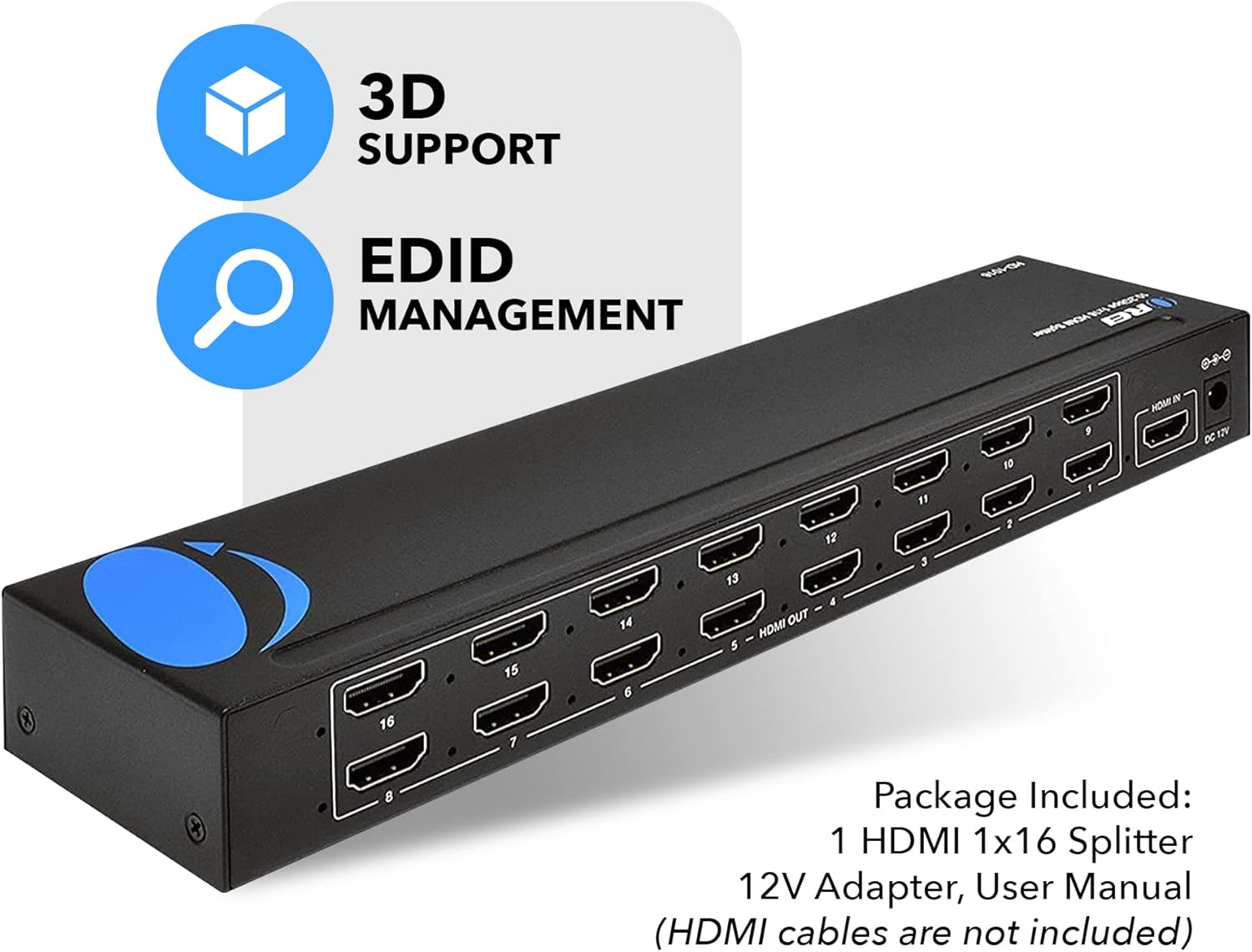
Image: OREI HD-1016 HDMI Splitter and its included accessories.
2. Temel Özellikler
- 1 Input to 16 Outputs: Connects one HDMI source to sixteen HDMI displays.
- Full HD 1080P & 3D Support: Compatible with 480i/576i/480p/576p/720p/1080i/1080p resolutions and 3D content.
- Buffering and Amplifying: Splits the HDMI signal completely without loss, with built-in signal buffering and amplifikasyon yetenekleri.
- Heavy-Duty Metal Enclosure: Dayanıklı metal casing provides protection and aids in heat dissipation.
- Tak ve oyna: Simple setup with no software or drivers required.
- EDID Yönetimi: Features EDID management for optimal display compatibility.
- Geniş Uyumluluk: Works with various HDMI devices such as Xbox, PS4, PS3, Fire Stick, Blu-Ray players, and Apple TV.
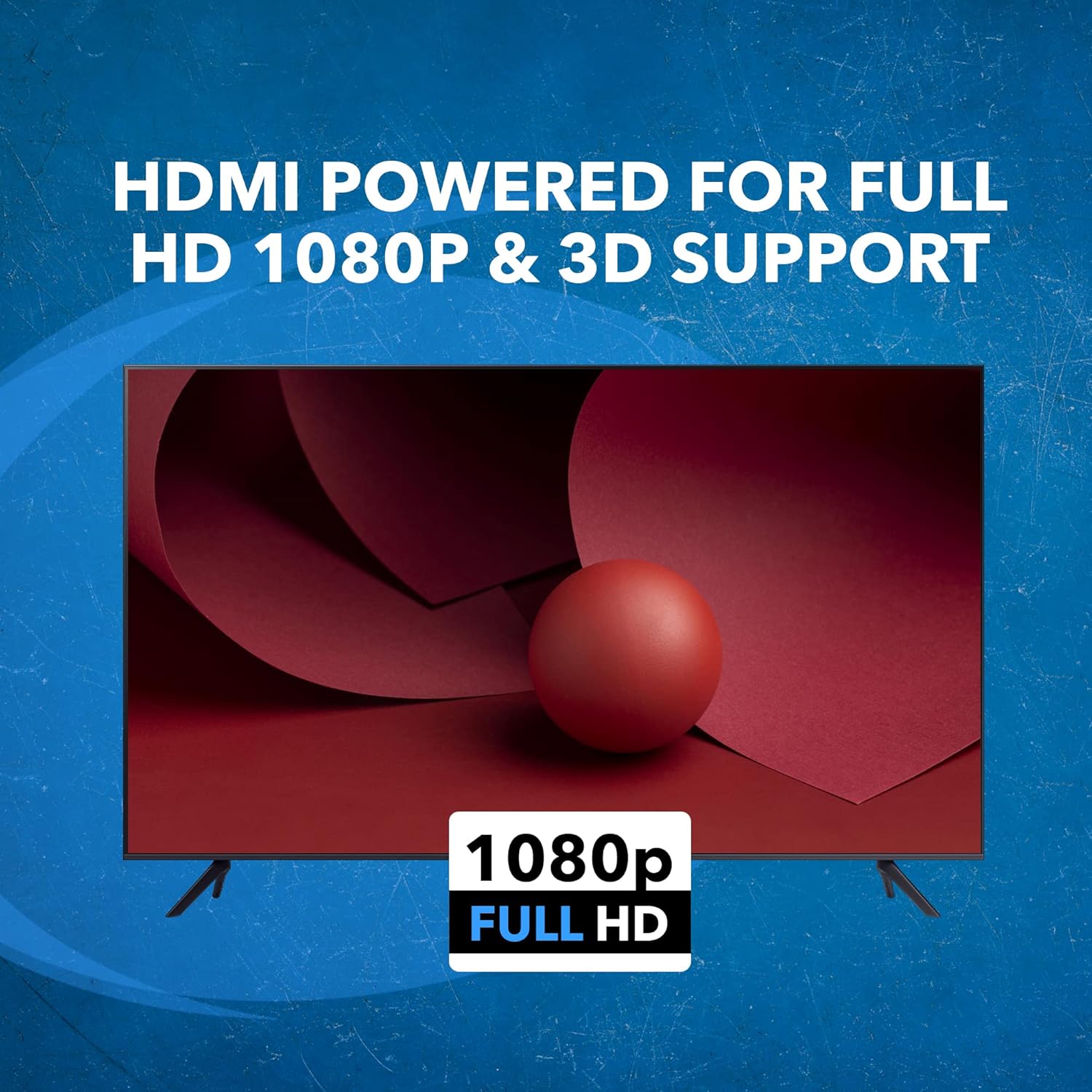
Image: The OREI HD-1016 HDMI Splitter supports Full HD 1080P and 3D content.
3. Kurulum Talimatları
Follow these steps to set up your OREI HD-1016 HDMI Splitter:
- HDMI Kaynağını Bağlayın: Connect your HDMI source device (e.g., Blu-Ray player, game console) to the 'HDMI IN' port on the splitter using a high-quality HDMI cable.
- HDMI Ekranları Bağlayın: Connect up to sixteen HDMI displays (e.g., TVs, monitors, projectors) to the 'HDMI OUT' ports (1-16) on the splitter using high-quality HDMI cables. For optimal performance, it is recommended to use HDMI cables that are 30 feet or shorter.
- Güç Adaptörünü Bağlayın: Plug the included DC Power Adapter into the 'DC 12V' port on the splitter and then into a power outlet.
- Güç Açık: Ensure all connected devices and the splitter are powered on. The splitter will automatically detect the input signal and distribute it to all connected displays.

Image: Connection diagram for the OREI HD-1016 HDMI Splitter.
4. Kullanım Talimatları
The OREI HD-1016 HDMI Splitter is designed for simple plug-and-play operation. Once all connections are made and devices are powered on, the splitter will automatically duplicate the single HDMI input signal to all sixteen connected displays.
EDID Yönetimi:
The splitter features EDID (Extended Display Identification Data) management. This allows the splitter to communicate with the connected displays and the source device to ensure optimal resolution and audio settings are used across all outputs. Refer to the EDID switch settings on the device for specific configurations if needed.

Image: EDID Management feature icon.
Resmi Ürün Videosu:
Video: This video demonstrates the functionality of an HDMI splitter, showing one input signal being distributed to multiple outputs. It provides a visual guide to the core operation of the device.
5. Özellikler
| Özellik | Detay |
|---|---|
| Model Numarası | HD-1016 |
| Giriş Portları | 1 x HDMI |
| Çıkış Portları | 16 x HDMI |
| Desteklenen Çözünürlükler | 480i/576i/480p/576p/720p/1080i/1080p |
| 3D Desteği | Evet |
| Ürün Boyutları | 14.02 x 7.99 x 2.01 inç |
| Ürün Ağırlığı | 1 pound |
| Renk | Siyah |
| Bağlayıcı Türü | HDMI'dan HDMI'ya |
| Güç Kaynağı | DC 12V (Adapter Included) |

Image: Technical specifications and dimensions of the OREI HD-1016 HDMI Splitter.
6. Sorun Giderme
If you encounter issues with your OREI HD-1016 HDMI Splitter, please refer to the following common troubleshooting steps:
- Ekranda Sinyal Yok:
- Ensure all HDMI cables are securely connected to both the source, splitter, and displays.
- Verify that the power adapter is correctly connected and the splitter is powered on.
- Check if the input source is active and outputting a signal.
- Try connecting the HDMI source directly to a single display to confirm the source and display are working correctly.
- Test with different HDMI cables, especially if they are longer than 30 feet.
- Poor Picture Quality or Flickering:
- Ensure you are using high-quality HDMI cables.
- Reduce the length of HDMI cables if possible.
- Check the resolution settings on your source device to ensure compatibility with all connected displays.
- Verify EDID settings on the splitter are configured correctly for your displays.
- Ses Sorunları:
- Confirm that your displays support the audio format being sent by the source.
- Check audio settings on both the source device and the displays.
7. Garanti ve Destek
The OREI HD-1016 HDMI Splitter comes with a 1 Yıl Üretici Garantisi. OREI also offers Ömür Boyu OREI Teknik Desteği for their products.
For technical assistance or warranty claims, please contact OREI customer support through their official website veya ürün ambalajınızda yer alan iletişim bilgileri.