
1. Giriş
This manual provides instructions for the proper use, setup, and maintenance of your MESTEK Short Power Bank Charging USB Data Cable. Please read this manual carefully before using the product to ensure optimal performance and longevity. This cable is designed for efficient charging and data transfer with compatible Apple iPhone models.
2. Ürün Bittiview
The MESTEK Short Power Bank Charging USB Data Cable is engineered for convenience and durability. It features a braided nylon exterior for enhanced strength and tangle-free use, along with fast charging capabilities. The cable includes a standard USB-A connector on one end and a Lightning connector on the other, making it compatible with various Apple iPhone models.
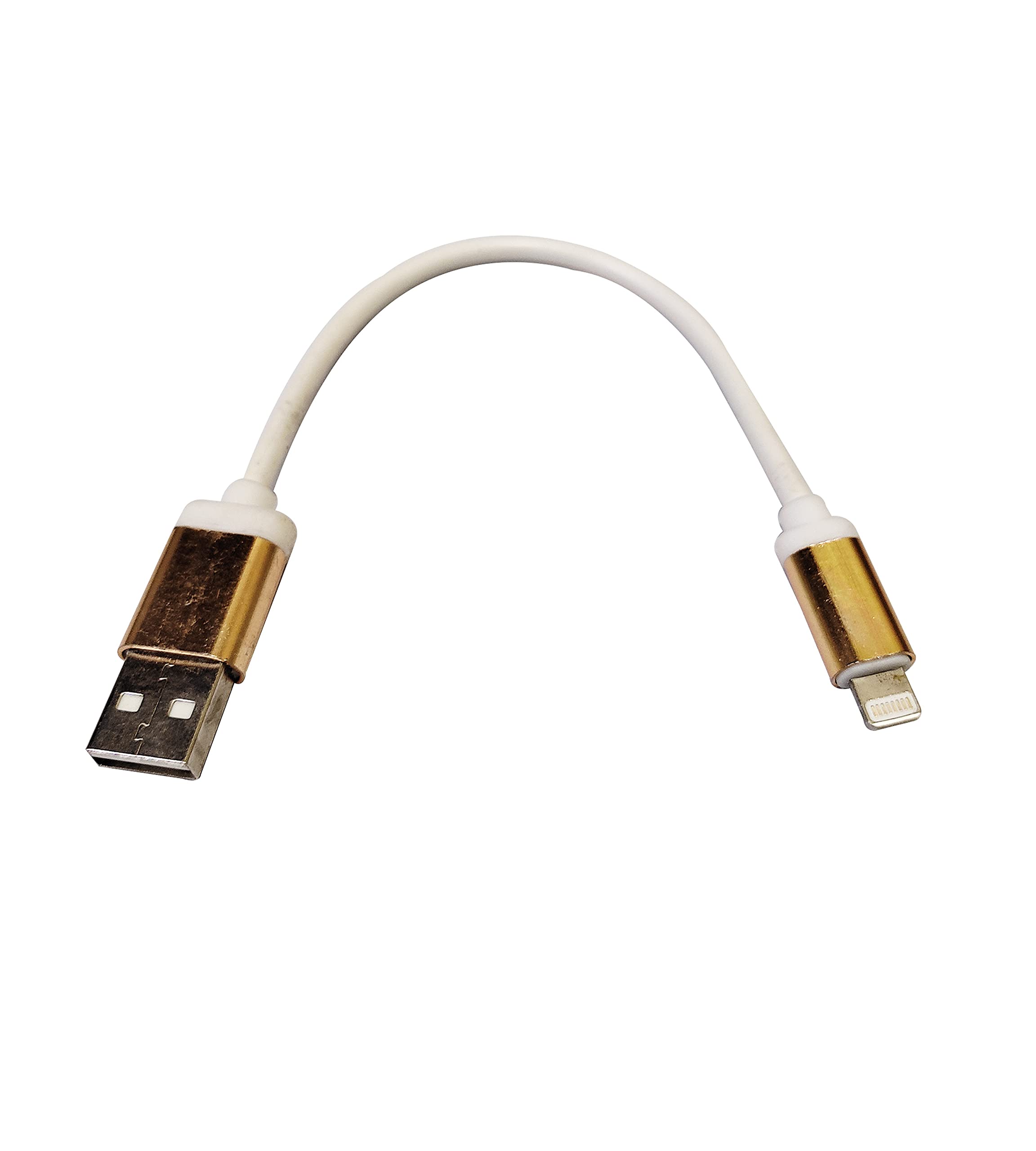
Image 1: MESTEK Short Power Bank Charging USB Data Cable. This image displays the white braided cable with gold-colored USB-A and Lightning connectors against a white background.
Temel Özellikler:
- Hızlı Şarj: Uyumlu cihazlara hızlı güç iletimini destekler.
- Braided Nylon Exterior: Provides durability and resistance to wear and tear.
- Karışmayan Tasarım: Reduces knots and makes storage easier.
- Kompakt Uzunluk: Ideal for use with power banks or in situations requiring a short cable.
3. Kurulum
Setting up your MESTEK USB Data Cable is straightforward. Follow these steps to begin charging or transferring data:
- Güç Kaynağına Bağlan: Insert the USB-A end of the cable into a compatible USB power adapter, power bank, or computer USB port.
- Cihaza Bağlan: Insert the Lightning connector end of the cable into the charging port of your Apple iPhone.
- Bağlantıyı Doğrulayın: Ensure both ends are securely connected. Your iPhone should indicate that it is charging or connected for data transfer.
4. Kullanım Talimatları
4.1 Cihazınızı Şarj Etme
- Once connected as described in the Setup section, your iPhone will begin charging automatically.
- For optimal fast charging, use a power adapter or power bank that supports fast charging protocols compatible with your iPhone.
- Monitor your device's battery indicator to confirm charging status.
4.2 Veri Aktarımı
- Connect the USB-A end to a computer's USB port and the Lightning end to your iPhone.
- Your computer should recognize the iPhone as a connected device.
- Follow your computer's operating system or iTunes/Finder instructions to transfer photos, videos, music, or other data.
5. Bakım
Proper care and maintenance will extend the life of your MESTEK USB Data Cable:
- Temizlik: Kabloyu ve bağlantı noktalarını kuru, yumuşak bir bezle nazikçe silin. Sert kimyasallar veya aşındırıcı malzemeler kullanmaktan kaçının.
- Depolamak: Store the cable in a cool, dry place away from direct sunlight and extreme temperatures. Avoid tightly coiling or bending the cable at sharp angles, especially near the connectors.
- İşleme: Always grasp the connector head when plugging or unplugging the cable. Do not pull on the cable itself, as this can damage the internal wires.
- Sudan Kaçının: Keep the cable away from water and other liquids to prevent damage.
6. Sorun Giderme
If you encounter issues with your MESTEK USB Data Cable, consider the following troubleshooting steps:
- Cihaz Şarj Olmuyor:
- Kablonun her iki ucunun da güvenli bir şekilde bağlandığından emin olun.
- Farklı bir güç adaptörü veya USB portu kullanmayı deneyin.
- Test the cable with another compatible device to rule out a device-specific issue.
- Check the charging port on your iPhone for any debris or damage.
- Yavaş Şarj:
- Ensure your power source (adapter/power bank) provides sufficient output for fast charging.
- Close unnecessary apps on your iPhone to reduce power consumption during charging.
- Veri Aktarım Sorunları:
- Bilgisayarınızın sürücülerinin güncel olduğundan emin olun.
- Bilgisayarınızda farklı bir USB bağlantı noktası deneyin.
- Restart both your iPhone and computer.
- Confirm that you have granted permission for the computer to access your iPhone's data if prompted.
If problems persist after attempting these steps, please contact MESTEK customer support.
7. Özellikler
| Bağlanmak | Detay |
|---|---|
| Marka | MESTEK |
| Özel Özellikler | Braided, Fast Charging, Tangle Free |
| Uyumlu Telefon Modelleri | Apple iPhone 5, 5S, 6, 6 Plus, 6S, 6S Plus, 7, 7 Plus, 8, 8 Plus, X, XS, XR |
| Dış Malzeme | Naylon |
| Ürün Ağırlığı | Yaklaşık 200 gr |
8. Garanti ve Destek
For warranty information or technical support, please refer to the product packaging or contact MESTEK customer service directly. Keep your purchase receipt as proof of purchase for any warranty claims.
MESTEK Customer Support: Please visit the official MESTEK website or contact your retailer for support contact details.