
1. Ürün Bittiview
The Ratakee Digital Alarm Clock Radio is designed to provide reliable timekeeping, dual alarm functionality, and AM/FM radio reception. It features a large LED display with adjustable brightness for comfortable viewing day and night. This manual provides detailed instructions for setting up and operating your device.

Resim: Ön view of the Ratakee Digital Alarm Clock Radio, displaying the time 12:00 in blue LED digits.
2. Kurulum
2.1 Güç Bağlantısı
To power the clock radio, plug the AC adapter into any standard 110V wall outlet. The display will illuminate, indicating the unit is receiving power.
2.2 Yedek Pil Kurulumu
For battery backup, insert two (2) AAA batteries (not included) into the battery compartment located on the bottom of the unit. These batteries will preserve your time and alarm settings during a power outage, but will not power the display or alarm functions.
2.3 Başlangıç Zaman Ayarı
Upon first power-up or after a prolonged power interruption without battery backup, the display may show a default time. Refer to the 'Setting Time' section under 'Operating' for instructions on how to set the current time.
3. Kullanım Talimatları
3.1 Ayar Süresi
- Basılı tutun SAAT AYARI Saat haneleri yanıp sönmeye başlayana kadar düğmesine basın.
- Kullanın SAAT Ve DAKİKA Zamanı ayarlamak için düğmeler.
- Basmak SAAT AYARI Tekrar onaylamak ve zaman ayarı modundan çıkmak için.
3.2 Display Brightness (Dimmer)
The clock features a 1.6-inch LED display with adjustable brightness. To adjust the display brightness:
- Basın DİMMER button repeatedly to cycle through the 4 available brightness levels. Select the level most comfortable for your environment.

Image: Comparison of the clock display at high and low brightness settings, demonstrating the dimmer function.
3.3 Alarm Ayarları (Çift Alarm)
This clock supports two independent alarms (Alarm 1 and Alarm 2). Each alarm can be set to a beep sound or a radio station.
- Basılı tutun ALARM 1 or ALARM 2 Alarm saati rakamları yanıp sönene kadar düğmesine basın.
- Kullanın SAAT Ve DAKİKA İstediğiniz alarm saatini ayarlamak için butonlara basın.
- Basın ALARM 1 or ALARM 2 button again to select the alarm source (Beep or Radio). The corresponding icon will appear on the display.
- Basın ALARM 1 or ALARM 2 button a third time to confirm and activate the alarm.
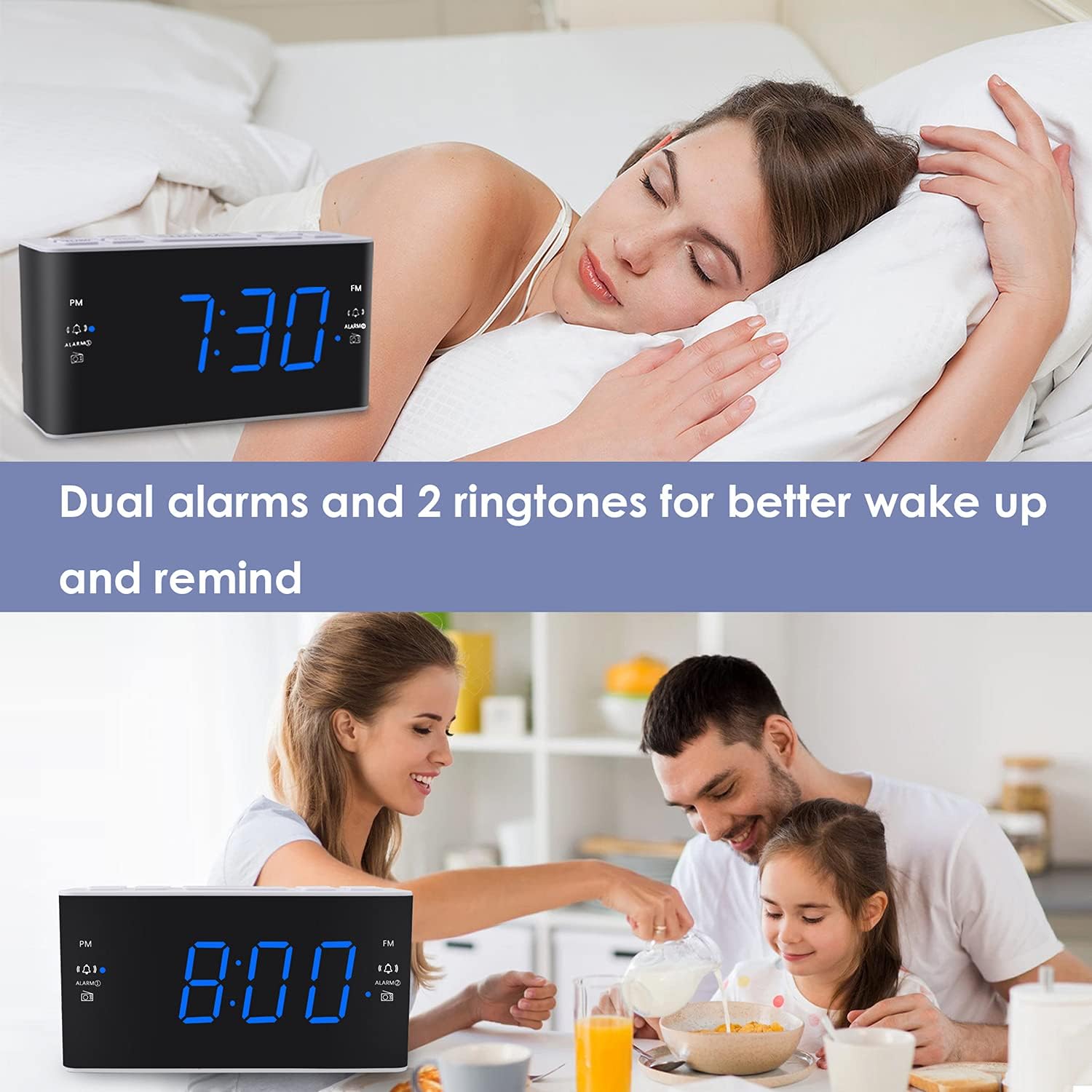
Image: Visual representation of the dual alarm feature, showing the clock used for different wake-up scenarios.
3.4 Erteleme İşlevi
Alarm çaldığında, büyük düğmeye basın. UYUKLAMA button on top of the unit to temporarily silence the alarm for 9 minutes. The alarm will sound again after this period. You can repeat the snooze function up to 5 times.
To turn off the alarm completely for 24 hours, press any other button on the clock (e.g., Radio, Time Set, Alarm 1/2) while the alarm is sounding.
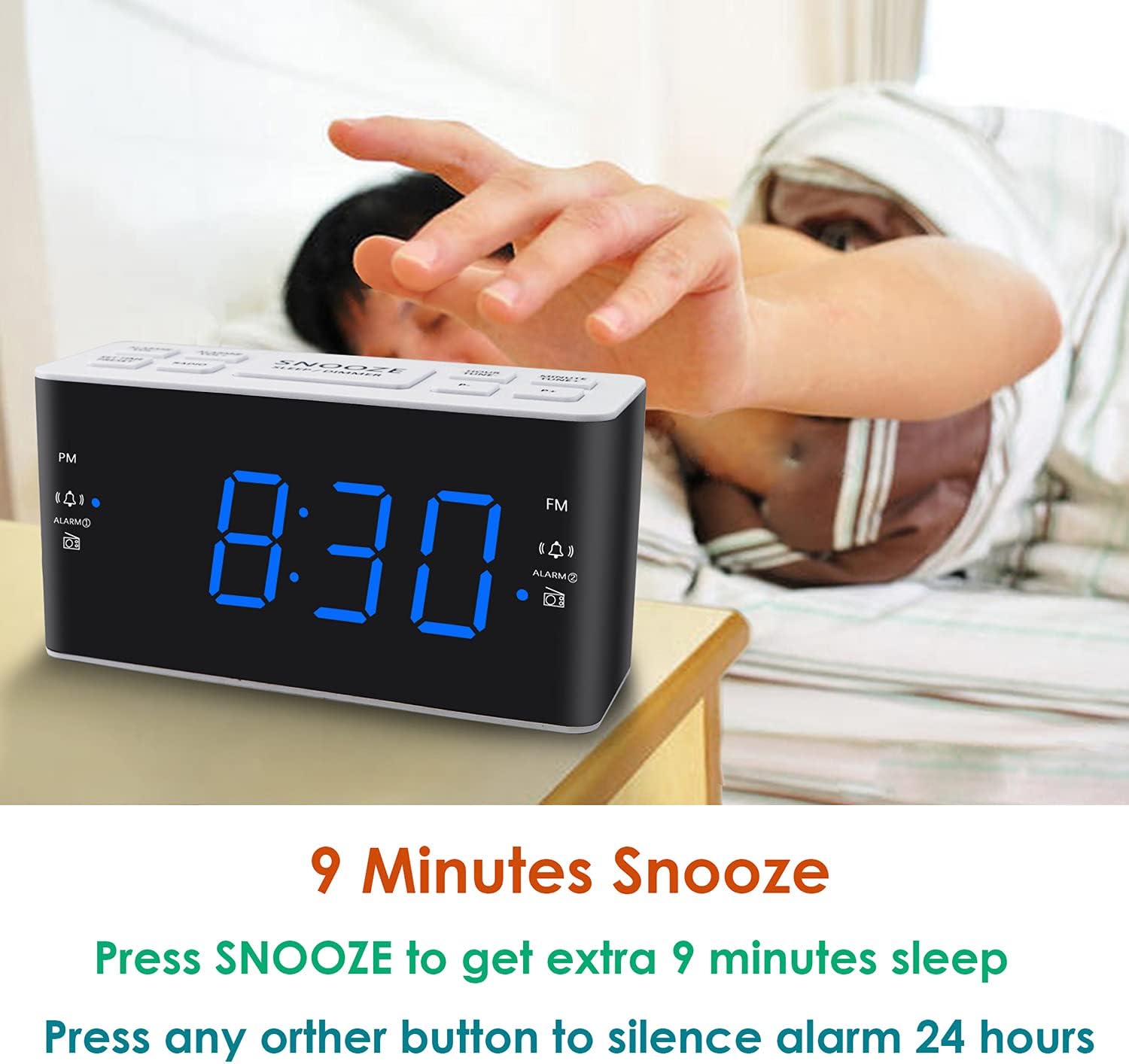
Image: Demonstrates the easy access and function of the snooze button for an additional 9 minutes of sleep.
3.5 AM/FM Radyo Çalışması
The clock radio features digital tuning for AM and FM bands.
- Basın RADYO Radyoyu açıp kapatmak için kullanılan düğme.
- Kullanın DÜZENLE+ Ve AYAR- İstenilen frekansı manuel olarak ayarlamak için düğmeler.
- Basılı tutun DÜZENLE+ or AYAR- Bir sonraki müsait istasyonu otomatik olarak taramak için.
- kullanarak ses seviyesini ayarlayın. HACİM+ Ve cilt buttons (0-15 levels).
3.6 Saving Radio Presets
You can save up to 20 AM stations and 20 FM stations for quick access.
- İstediğiniz radyo istasyonunu ayarlayın.
- Basılı tutun ÖN AYAR Önceden ayarlanmış sayı yanıp sönene kadar düğmeye basın.
- Kullanın DÜZENLE+ or AYAR- İstenilen ön ayar numarasını seçmek için düğmeler (P01-P20).
- Basmak ÖN AYAR İstasyonu tekrar onaylayıp kaydedin.
To recall a saved preset, briefly press the ÖN AYAR Kaydedilmiş istasyonlarınız arasında geçiş yapmak için düğmeye art arda basın.
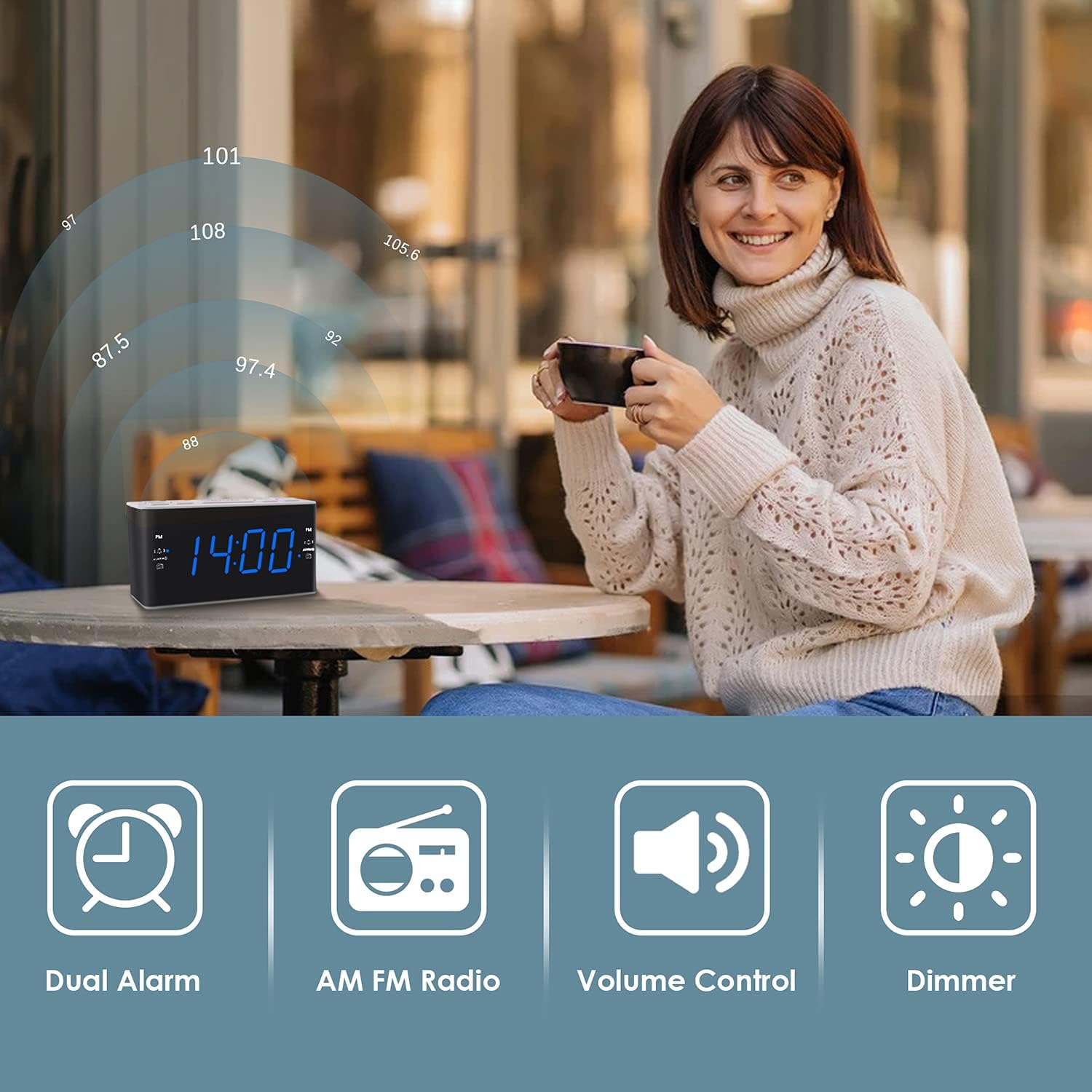
Image: Illustrates the various features of the clock radio, including AM/FM radio functionality.
3.7 Uyku Zamanlayıcısı
Uyku zamanlayıcısı, radyoyu dinleyerek uykuya dalmanızı sağlar; radyo belirli bir süre sonra otomatik olarak kapanır.
- Radyo çalarken, tuşuna basın. UYUMAK button repeatedly to cycle through the available sleep timer durations (10-90 minutes).
- Radyo, seçilen süre boyunca çalacak ve ardından otomatik olarak kapanacaktır.
4. Bakım
4.1 Temizlik
To clean the clock radio, gently wipe the surface with a soft, dry cloth. Do not use abrasive cleaners, waxes, or solvents as they may damage the finish. Ensure the unit is unplugged before cleaning.
4.2 Pil Değişimi
Elektrik kesintisi sırasında saat zaman veya alarm ayarlarını kaybedersetage, the AAA backup batteries may need replacement. Replace both batteries simultaneously with new ones, ensuring correct polarity.
5. Sorun Giderme
If you encounter issues with your Ratakee Digital Alarm Clock Radio, please refer to the following common solutions:
- Güç Yok/Ekran Kapalı: Ensure the AC adapter is securely plugged into both the clock and a working wall outlet. Check if the outlet has power.
- Alarm Çalmıyor: Verify that the alarm is activated (alarm icon visible on display) and the alarm time is correctly set. Check the alarm volume level.
- Radyo paraziti/Kötü sinyal: Extend the FM wire antenna fully for better reception. Try repositioning the clock radio to a different location to improve signal strength. For AM reception, rotate the unit to find the best signal.
- Time/Settings Lost After Power Outage: Ensure fresh AAA batteries are installed correctly in the battery backup compartment.
Bu çözümleri denedikten sonra sorun devam ederse, lütfen daha fazla yardım için müşteri desteğiyle iletişime geçin.
6. Özellikler
| Marka | Komisyoncu |
| Model Numarası | H249US |
| Renk | Mavi Led |
| Ürün Boyutları | 15.49x7.87x5.59 cm |
| Ürün Ağırlığı | 350 gr |
| Malzeme | Plastik |
| Görüntü Türü | NEDEN OLMUŞ |
| Güç Kaynağı | AC Powered (110V) |
| Pil Yedekleme | 2 x AAA pil (dahil değildir) |
| FM Frekans Aralığı | 87.5-108 MHz |
| AM Frekans Aralığı | 520-1710 KHz |
| Özel Özellikler | Alarm, Brightness Dimmer, Radio |

Image: Product dimensions of the Ratakee Digital Alarm Clock Radio.
7. Garanti ve Destek
Ratakee is committed to providing quality products and customer satisfaction. If you have any questions regarding the operation, setup, or performance of your alarm clock radio, please do not hesitate to contact our customer support team.
In the event that the product is deemed defective, you may be eligible for a hassle-free replacement or refund. For specific inquiries or to report an issue, please reach out to us directly. We are dedicated to assisting you and ensuring a positive experience with your Ratakee product.