
1. Giriş
The Qilmy 1080P Wireless WiFi Home Security Camera is designed to provide reliable surveillance for your home. This device combines a high-definition camera with motion detection, night vision, and remote viewing capabilities, all integrated into a standard light bulb form factor for easy installation. This manual will guide you through the installation, setup, and operation of your new security camera.
2. Temel Özellikler
- Tam HD 1080P Çözünürlük: Net ve detaylı video sağlartage.
- Kablosuz WiFi Bağlantısı: Easy connection to your home network for remote access.
- Motion Detection & Instant Alarm: Automatically detects movement and sends alerts to your connected device.
- Net Gece Görüşü: Loş ışık koşullarında görünürlüğü sağlar.
- Uzak ViewTürkçe: Monitor your property from anywhere using a smartphone app.
- Integrated Flood Light: Features 3 built-in flood lights that can activate automatically upon motion detection.
- Kolay Kurulum: Screws into a standard E27 light socket.
- Mikro SD Kart Yuvası: For local storage of recordings.

Resim: Üzeriview of the Qilmy Home Security Camera's key features, including 1080P resolution, video recording, 360 panoramic viewing, Wi-Fi connection, light function, motion detection, remote viewing, and Micro SD card slot.
3. Kutuda Neler Var?
- Qilmy 1080P Wireless WiFi Home Security Camera (Bulb-shaped)
- E27 Light Socket Adapter (for mounting)
- Montaj Vidaları ve Duvar Dübelleri
- Hızlı Başlangıç Kılavuzu

Image: Contents of the Qilmy Home Security Camera package, showing the camera, an E27 socket adapter, mounting hardware, and a quick start guide.
4. Kurulum
4.1 Fiziksel Kurulum
- Bir Konum Seçin: Select a location with a standard E27 light socket that provides the desired viewing angle and is within range of your 2.4GHz Wi-Fi network.
- Kapat: Ensure the power to the light socket is turned off at the circuit breaker before installation.
- Kamerayı Yükle: Carefully screw the Qilmy security camera into the E27 light socket. If no existing socket is available, use the provided E27 adapter and mounting hardware to install it on a wall or ceiling.
- Güç Açık: Restore power to the light socket. The camera will power on and emit a voice prompt indicating it is ready for configuration.

Image: A person's hands installing the Qilmy Home Security Camera into a ceiling light fixture, demonstrating its easy and quick installation process.
4.2 Wi-Fi Bağlantısı ve Uygulama Kurulumu
- İndir uygulaması: Download the recommended mobile application (e.g., "iCSee" or similar as indicated in the Quick Start Guide) from your smartphone's app store.
- Hesap Kaydı: Open the app and register a new user account if you don't already have one.
- Cihaz Ekle: Follow the in-app instructions to add a new device. This typically involves scanning a QR code on the camera or selecting the device type and following prompts.
- Wi-Fi'ye bağlanın: Connect the camera to your 2.4GHz Wi-Fi network. Ensure your smartphone is also connected to the same 2.4GHz network during the setup process.
- Yapılandırma: The camera will confirm successful connection with a voice prompt. Once connected, you can access live video and adjust settings through the app.

Image: A smartphone displaying the live feed from the Qilmy Home Security Camera, illustrating Wi-Fi connection and remote viewing capabilities from anywhere, anytime.
5. Kullanım Talimatları
5.1 Canlı ViewKaydetme ve Kaydetme
- Mobil uygulamayı açın view Kameranızdan gelen canlı yayın.
- Uygulama arayüzünü kullanarak manuel olarak video kaydedebilir veya ekran görüntüsü alabilirsiniz.
- Kayıtlı foo'ya erişintage stored on the Micro SD card or cloud storage (if subscribed).
5.2 Hareket Algılama ve Uyarılar
- Uygulama ayarlarında hareket algılamayı etkinleştirin.
- Yanlış alarmları en aza indirmek için hassasiyet seviyelerini ayarlayın.
- Hareket algılandığında akıllı telefonunuza anında bildirimler alın.
- The camera can automatically activate its floodlights and siren alarm upon detecting motion, deterring intruders.
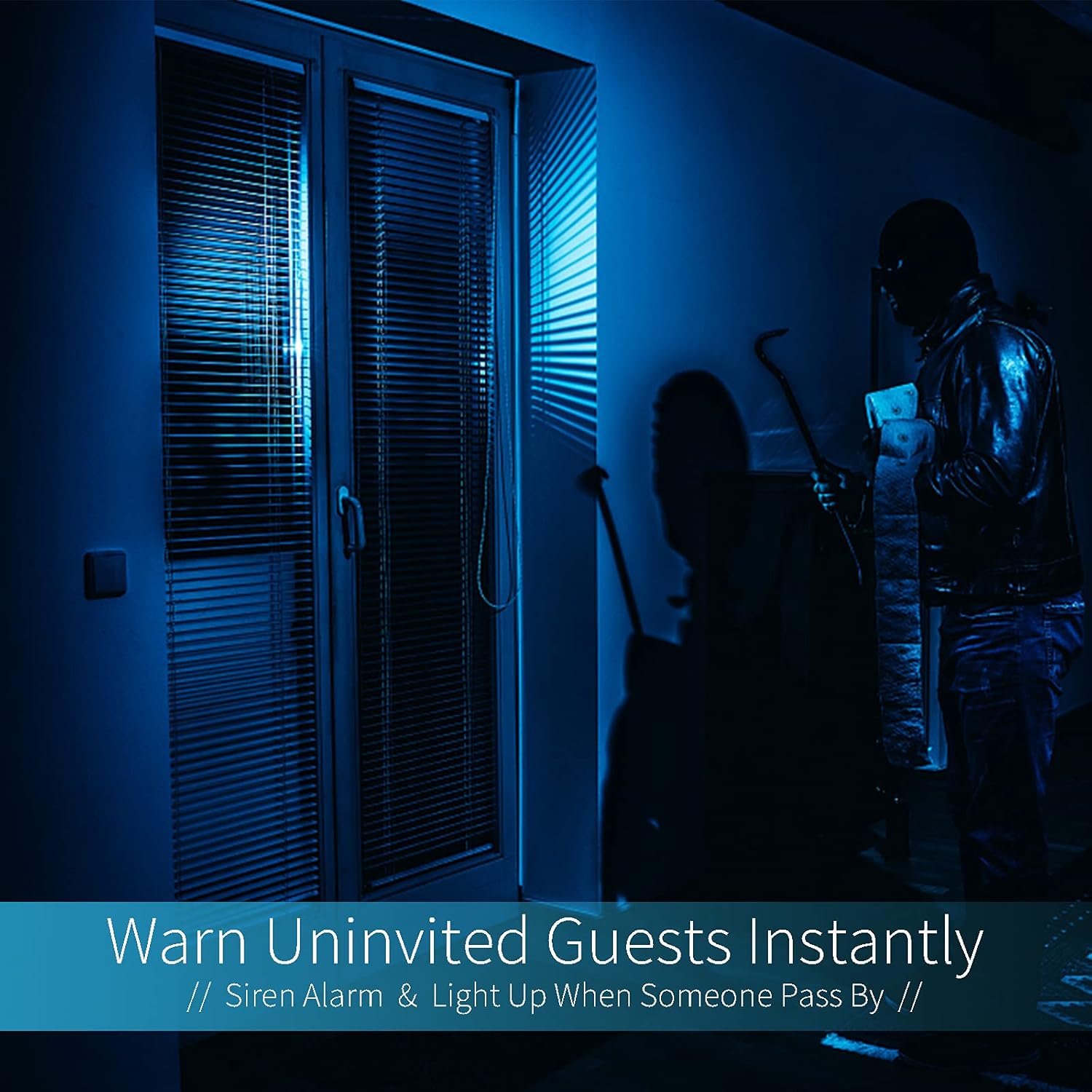
Image: A dark room with a security camera's light illuminating a figure, depicting the camera's ability to warn uninvited guests instantly with a siren alarm and light activation upon motion detection.
5.3 Işık Fonksiyonu
- The camera features built-in floodlights.
- Control the floodlights manually through the app.
- Configure the floodlights to turn on automatically when motion is detected, especially during nighttime.

Image: A comparison of a standard light bulb and the Qilmy Home Security Camera, highlighting its dual function as both a light bulb and a security camera with 3W consumption.
6. Bakım
- Temizlik: Kamera lensini ve gövdesini yumuşak ve kuru bir bezle nazikçe silin. Sert kimyasallar veya aşındırıcı temizleyiciler kullanmayın.
- Donanım Yazılımı Güncellemeleri: En iyi performans ve güvenliği sağlamak için mobil uygulamada bulunan yazılım güncellemelerini düzenli olarak kontrol edin.
- SD Kart Yönetimi: Mikro SD kart kullanıyorsanız, periyodik olarak yeniden yükleyin.view ve eski yiyecekleri siltagYer açmak için veya uygulama tarafından destekleniyorsa döngüsel kaydı etkinleştirmek için e seçeneğini kullanın.
- Ağ Kararlılığı: Kameranın kesintisiz çalışması için Wi-Fi ağınızın istikrarlı ve güçlü olduğundan emin olun.
7. Sorun Giderme
| Sorun | Olası Neden | Çözüm |
|---|---|---|
| Kamera açılmıyor. | No power to the light socket; camera not screwed in properly. | Check the circuit breaker. Ensure the camera is securely screwed into the E27 socket. |
| Wi-Fi'ye bağlanılamıyor. | Yanlış Wi-Fi şifresi; kamera yönlendiriciden çok uzakta; 5 GHz Wi-Fi ağı kullanılıyor. | Verify Wi-Fi password. Move camera closer to router. Ensure you are connecting to a 2.4GHz Wi-Fi network. |
| Hareket algılama uyarısı yok. | Hareket algılama devre dışı; hassasiyet çok düşük; uygulama bildirimleri engellendi. | Enable motion detection in the app. Increase sensitivity. Check app notification settings on your phone. |
| Kötü video kalitesi. | Zayıf Wi-Fi sinyali; kirli lens. | Improve Wi-Fi signal strength. Clean the camera lens with a soft cloth. |
| Uzak viewÇalışmıyor. | Internet connection issue on camera or phone; app not updated. | Check internet connectivity for both camera and phone. Update the app to the latest version. |
8. Özellikler
- Model Numarası: ZXL2023011
- Video Yakalama Çözünürlüğü: 1080p Full HD
- Bağlantı Teknolojisi: Kablosuz (Wi-Fi)
- Kablosuz İletişim Teknolojisi: Wi-Fi (sadece 2.4 GHz)
- Güç Kaynağı: AC/DC (E27 light socket)
- Netage: 3 watt
- Özel Özellikler: Motion Sensor, Night Vision, Integrated Flood Light
- Form Faktörü: Dome (Bulb-shaped)
- Montaj Tipi: Wall Mount (via E27 adapter)
- Öğe Boyutları (U x G x Y): 6.45 x 4.1 x 3.54 inç
- Ürün Ağırlığı: 7.8 ons (222 Gram)
- Uluslararası Koruma Derecelendirmesi: IP67
- Uyumlu Cihazlar: Akıllı telefon
- UPC: 605660998393
9. Garanti ve Destek
Specific warranty information and detailed support contact details are typically provided with the product packaging or on the manufacturer's official website. Please refer to the documentation included with your purchase for the most accurate and up-to-date warranty terms and customer support options.