
giriiş
This manual provides essential information for the safe and efficient use of your Apple 11-inch iPad Pro (2021 Model). It covers setup, operation, maintenance, and troubleshooting to help you maximize your device's capabilities. The iPad Pro features the Apple M1 chip, an 11-inch Liquid Retina display, advanced camera systems, and high-speed Wi-Fi connectivity.
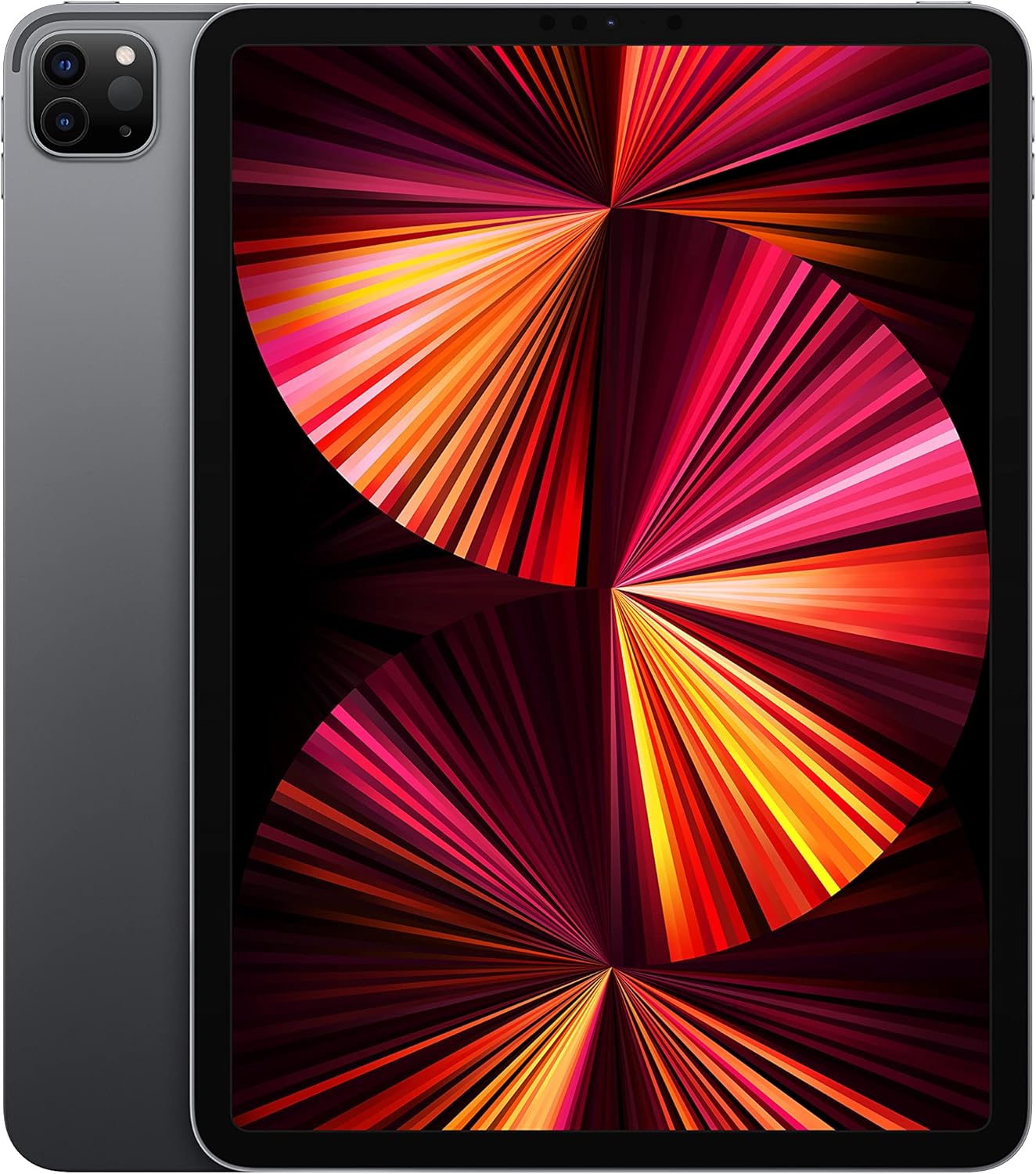
Image: The Apple 11-inch iPad Pro (2021 model) in Space Gray, showcasing its sleek design with the display active and the rear camera module visible.
Kurmak
1. Kutudan Çıkarma ve İçerik
Tüm parçaları ambalajından dikkatlice çıkarın. Aşağıdaki bileşenlerin eksiksiz olduğundan emin olun:
- iPad Pro
- USB-C Şarj Kablosu (1 metre)
- 18 W USB-C Güç Adaptörü
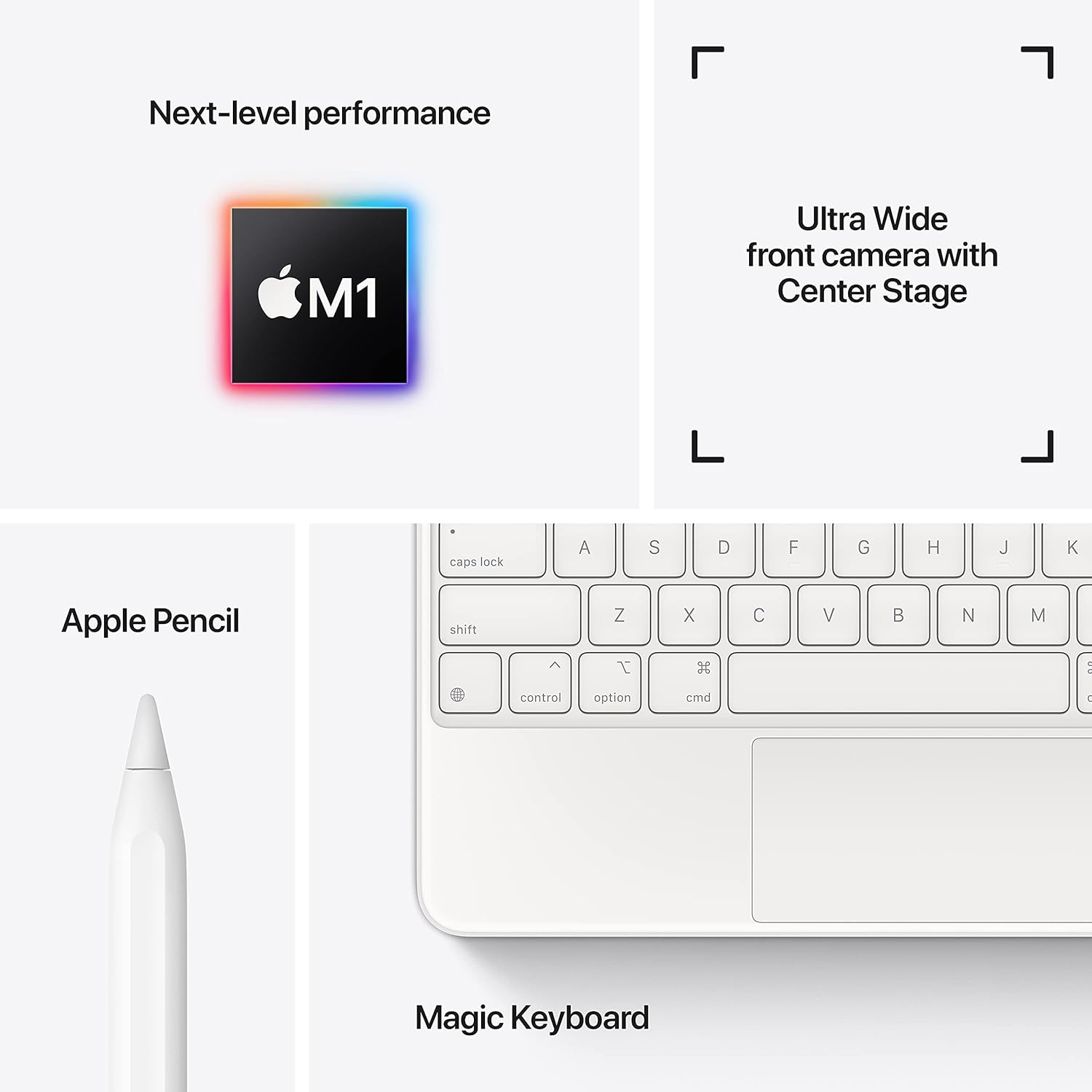
Image: A visual representation of the items included in the iPad Pro packaging: the iPad Pro device, a USB-C charging cable, and a USB-C power adapter.
2. İlk Ücret
Before first use, connect your iPad Pro to the power adapter using the provided USB-C cable and charge it until the battery indicator shows a full charge. This ensures optimal battery calibration.
3. Açma/Kapama
- Açmak İçin: Apple logosu görünene kadar üst düğmeyi basılı tutun.
- Kapatmak İçin: Press and hold the top button and either volume button simultaneously until the power off slider appears. Drag the slider to shut down the device.
4. İlk Kurulum Adımları
Follow the on-screen instructions to configure your iPad Pro:
- Dilinizi ve bölgenizi seçin.
- Bir Wi-Fi ağına bağlanın.
- Set up Face ID for secure authentication.
- Apple Kimliğinizle oturum açın veya yeni bir tane oluşturun.
- Configure data and privacy settings.
İşletim
1. Temel Gezinme
The iPad Pro uses intuitive multi-touch gestures for navigation:
- Ana Ekran: Ekranın alt kenarından yukarı doğru kaydırın.
- Uygulama Değiştirici: Ekranın alt kenarından yukarı doğru kaydırın ve ekranın ortasında duraklatın.
- Kontrol Merkezi: Ekranın sağ üst köşesinden aşağı doğru kaydırın.
- Bildirimler: Swipe down from the top-left corner or center of the screen.
2. Yüz Tanıma
Face ID allows you to securely unlock your iPad, authorize purchases, and sign in to apps using facial recognition. Ensure your face is clear and visible to the TrueDepth camera.
3. Aksesuarların Bağlanması
The iPad Pro supports various accessories to enhance productivity and creativity:
- Apple Pencil (2. Nesil): Attach the Apple Pencil magnetically to the side of your iPad Pro to pair and charge it.
- Magic Keyboard / Smart Keyboard Folio: Attach the keyboard magnetically to the Smart Connector on the back of your iPad Pro. No pairing is required.

Image: A user engaged in creative work on an iPad Pro, utilizing both the Magic Keyboard and Apple Pencil for enhanced interaction.

Image: An infographic illustrating the core features of the iPad Pro, including the M1 chip for performance, the Ultra Wide front camera with Center Stage, and compatibility with Apple Pencil and Magic Keyboard.
4. Kameraların Kullanımı
The iPad Pro features a 12MP Wide camera, 10MP Ultra Wide camera, and a LiDAR Scanner on the rear, and a 12MP Ultra Wide TrueDepth front camera with Center Stage. Merkez StagVideo görüşmeleri sırasında sizi otomatik olarak kadrajda tutar.
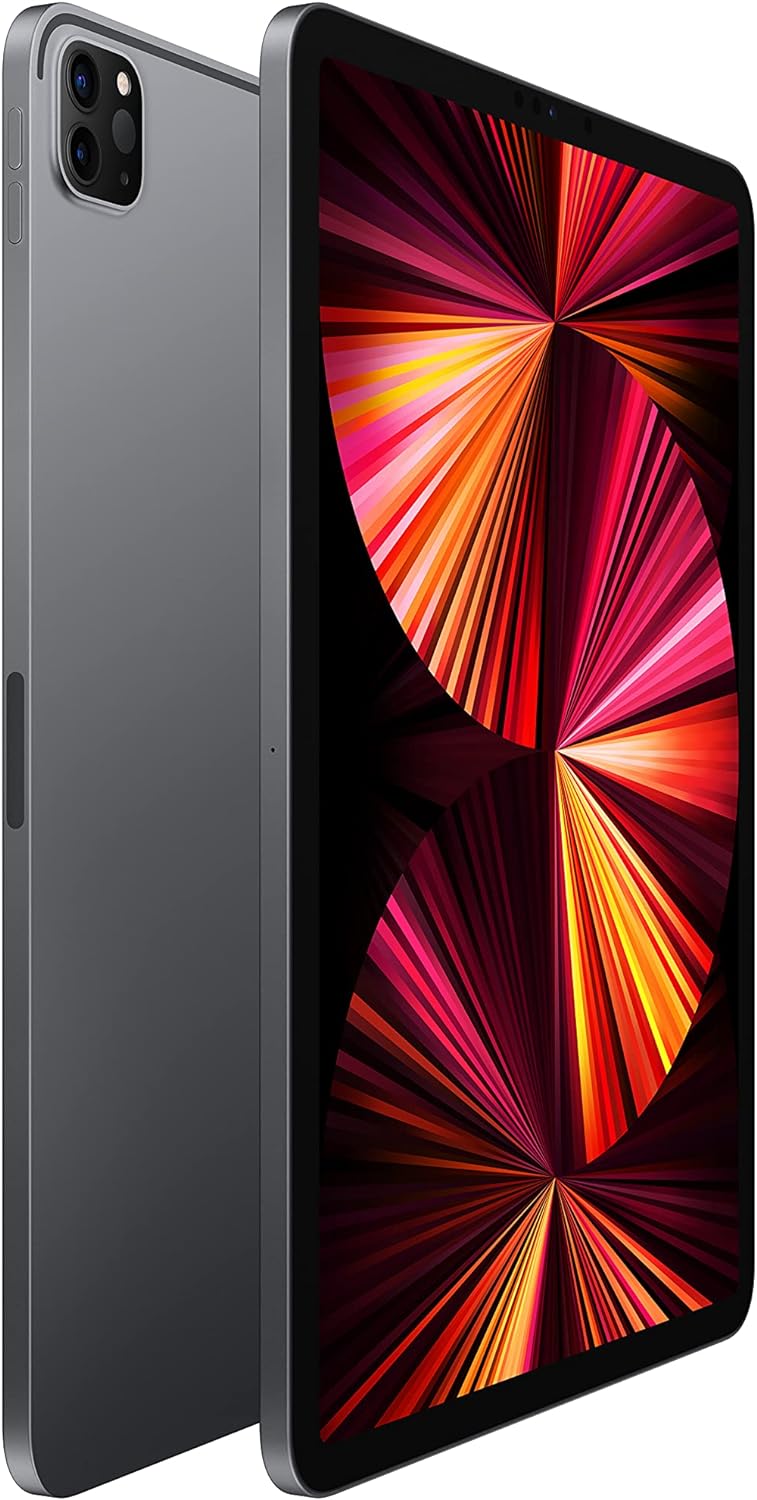
Image: A detailed close-up of the iPad Pro's advanced camera system and its sleek side design, with a glimpse of the Magic Keyboard in the background.
5. Wi-Fi Bağlantısı
Bir Wi-Fi ağına bağlanmak için şuraya gidin: Ayarlar > Wi-Fi, select your desired network, and enter the password if prompted. The iPad Pro supports ultrafast Wi-Fi for reliable internet access.
Bakım
1. Ekranı Temizleme
Use a soft, lint-free cloth to clean the display. For stubborn smudges, slightly dampBezi suyla nemlendirin. Aşındırıcı malzemeler veya kimyasal temizleyiciler kullanmaktan kaçının.
2. Pil Bakımı
Pil ömrünü uzatmak için:
- Aşırı sıcaklıklardan kaçının.
- Keep the software updated.
- Optimize settings such as screen brightness and background app refresh.
iPad Pro, 10 saate kadar kullanım süresi sunuyor. web surfing on Wi-Fi or video playback.
3. Yazılım Güncellemeleri
Regularly check for and install software updates to ensure your iPad Pro has the latest features, security enhancements, and performance improvements. Go to Ayarlar > Genel > Yazılım Güncelleme.
Sorun giderme
1. Cihaz Yanıt Vermiyor
iPad Pro'nuz yanıt vermiyorsa, zorla yeniden başlatma gerçekleştirin:
- Sesi Açma düğmesine basıp hemen bırakın.
- Sesi Azaltma düğmesine basıp hemen bırakın.
- Apple logosu görünene kadar Üst düğmeye basılı tutun.
2. Wi-Fi Bağlantı Sorunları
- Wi-Fi'nin etkinleştirildiğinden emin olun Ayarlar > Wi-Fi.
- Wi-Fi yönlendiricinizi yeniden başlatın.
- Ağı unutun ve yeniden bağlanın: Settings > Wi-Fi > (i) icon > Forget This Network.
3. App Not Working Correctly
- Uygulamayı kapatıp yeniden açın.
- App Store'da uygulama güncellemelerini kontrol edin.
- Uygulamayı silin ve yeniden yükleyin.
4. Fabrika Ayarlarına Sıfırlama (Son Çare)
If issues persist, you may need to erase all content and settings. This will delete all data on your iPad. Go to Ayarlar > Genel > iPad'i Aktar veya Sıfırla > Tüm İçeriği ve Ayarları Sil. İşleme başlamadan önce verilerinizin yedeğini alın.
Özellikler
| Özellik | Detay |
|---|---|
| Model Numarası | MHQR3LL/A |
| Marka | Elma |
| Model Adı | iPad Pro |
| Ürün Boyutları | 9.74 x 7.02 x 0.23 inç (247.6 x 178.5 x 5.9 mm) |
| Ürün Ağırlığı | 1.03 pound (466 gram) Wi-Fi modeli |
| Ekran Boyutu | 11 inç |
| Görüntülemek | Liquid Retina display with ProMotion technology and True Tone |
| Ekran Çözünürlüğü Maksimum | 2388x1668 piksel çözünürlük, inç başına 264 piksel (ppi) |
| Çip | Apple M1 çipi (8 çekirdekli CPU, 8 çekirdekli GPU, 16 çekirdekli Nöral Motor) |
| Kapasite | 128GB (as per this model variant) |
| Arka Kamera | 12MP Wide and 10MP Ultra Wide cameras with Smart HDR and LiDAR Scanner |
| Video Kaydı | 4K video at 24 fps, 30 fps, or 60 fps |
| Ön Kamera | Portre modu, Portre Aydınlatma ve Akıllı HDR 3 özelliklerine sahip 12 MP Ultra Geniş TrueDepth ön kamera |
| Pil Ömrü | 10 saate kadar web surfing on Wi-Fi, watching video, or listening to music |
| Bağlayıcı | USB-C |
| Piller | 1 Lityum Polimer pil (dahil) |
| İlk Mevcut Tarih | 30 Nisan 2021 |
Garanti ve Destek
Your Apple iPad Pro is covered by Apple's standard limited warranty. For detailed warranty information, please refer to the documentation included with your purchase or visit the official Apple webalan.
For technical assistance, troubleshooting, and service, please visit the Apple Desteği webalan veya doğrudan Apple müşteri hizmetleriyle iletişime geçin.