
1. Ürün Bittiview
The Tzumi Aura LED Cosmic Speaker is a portable wireless speaker designed to deliver HD sound with a unique visual experience. It features a shimmering, multifaceted LED display with customizable colors and patterns, making it suitable for various environments. This speaker connects wirelessly via Bluetooth 5.0 and is powered by a rechargeable lithium battery.
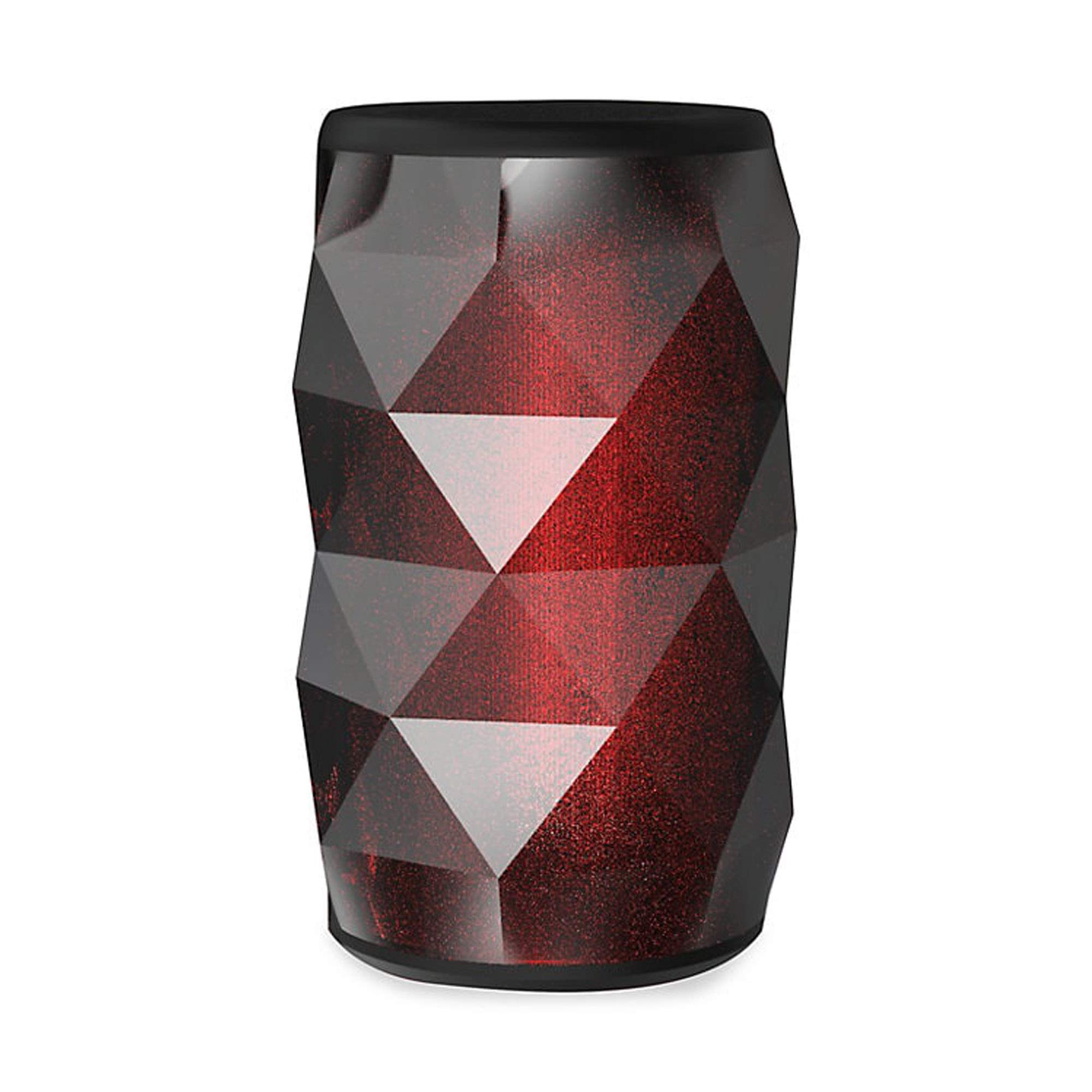
Image 1.1: The Tzumi Aura LED Cosmic Speaker shown alongside its retail packaging, highlighting its design and key features.
Temel Özellikler:
- Bluetooth 5.0 Bağlantısı: Ensures stable and efficient wireless connection with compatible devices.
- 360° Powerful HD Sound: Delivers clear and robust audio from all directions.
- Özelleştirilebilir LED Işıklar: Choose from 6 distinct colors and 4 dynamic glowing patterns to match your mood or environment.
- Taşınabilir Tasarım: Kolay taşıma için kompakt ve hafif.
- Şarj Edilebilir Pil: Provides up to 3 hours of play time on a single charge.
- Ses Çıkışı: 3 Watt.
2. Kurulum
2.1 Kutudan Çıkarma ve İlk İnceleme
Carefully remove the speaker and all accessories from the packaging. Verify that all components are present: the Aura LED Cosmic Speaker and a USB charging cable. Inspect the speaker for any signs of damage.
2.2 Hoparlörü Şarj Etme
Before first use, fully charge the speaker. Locate the charging port, typically a micro-USB port, on the device. Connect the provided USB charging cable to the speaker and plug the other end into a standard USB power adapter (not included) or a computer's USB port. The LED indicator will typically show charging status (e.g., red for charging, off or blue for fully charged). A full charge provides approximately 3 hours of play time.
2.3 Açma/Kapatma
- Açmak İçin: Press and hold the Power button (usually marked with a power symbol) for a few seconds until you hear an audible prompt or see the LED lights activate.
- Kapatmak İçin: Hoparlör kapanana kadar Güç düğmesini birkaç saniye daha basılı tutun.
2.4 Bluetooth Eşleştirme
Once powered on, the speaker will automatically enter Bluetooth pairing mode, indicated by a flashing LED light. Follow these steps to connect:
- Akıllı telefonunuzda, tabletinizde veya diğer ses cihazınızda Bluetooth'un etkinleştirildiğinden emin olun.
- Go to your device's Bluetooth settings and search for available devices.
- Select "Aura LED Cosmic Speaker" (or similar name) from the list.
- Once connected, the speaker will provide an audible confirmation, and the LED light will typically stop flashing and remain solid or display a pattern.
The speaker will attempt to reconnect to the last paired device automatically when powered on, if that device is within range and has Bluetooth enabled.
3. Hoparlörün Çalıştırılması
3.1 Ses Oynatma
After successful Bluetooth pairing, you can play audio from your connected device. Use your device's media player controls to play, pause, skip tracks, and adjust volume. The speaker may also have dedicated buttons for these functions.
3.2 Ses Kontrolü
Volume can be adjusted directly from your connected Bluetooth device. Some speakers may also feature volume up (+) and volume down (-) buttons on the unit itself. Press these buttons to increase or decrease the speaker's output volume.
3.3 LED Işık Kontrolü
The Aura LED Cosmic Speaker features customizable LED lights. Look for a dedicated 'Light Mode' or 'LED' button on the speaker. Pressing this button will cycle through the available 6 colors and 4 glowing patterns. Continue pressing until you find your desired light effect.

Resim 3.1: Yakın çekim view of the Tzumi Aura LED Cosmic Speaker, showcasing its dynamic LED lighting effects in blue and green hues.
4. Bakım
4.1 Temizlik
To clean the speaker, use a soft, dry, lint-free cloth. Do not use abrasive cleaners, solvents, or strong chemicals, as these can damage the surface or internal components. Avoid getting moisture into any openings.
4.2 Depolama
Uzun süre kullanılmadığında, hoparlörü serin, kuru ve doğrudan güneş ışığından ve aşırı sıcaklıklardan uzak bir yerde saklayın. Pilin sağlığını korumak için periyodik olarak (örneğin, 3-6 ayda bir) şarj edilmesi önerilir.
4.3 Pil Bakımı
To prolong the life of the rechargeable lithium battery:
- Pilin sık sık tamamen boşaltılmasından kaçının.
- Hoparlörü aşırı sıcağa veya soğuğa maruz bırakmayın.
- Yalnızca kutu içeriğinde bulunan veya onaylı bir USB şarj kablosu kullanın.
5. Sorun Giderme
5.1 Speaker Does Not Power On
- Pilinin dolu olduğundan emin olun. Hoparlörü bir güç kaynağına bağlayın ve tekrar açmayı denemeden önce en az 30 dakika şarj olmasına izin verin.
- Press and hold the Power button firmly for several seconds.
5.2 Bluetooth Aygıtıyla Eşleştirilemiyor
- Ensure the speaker is in pairing mode (flashing LED). If not, power it off and on again.
- Make sure Bluetooth is enabled on your device and it is within 30 feet (10 meters) of the speaker.
- Forget or remove the speaker from your device's Bluetooth list and try pairing again.
- Hem hoparlörünüzü hem de Bluetooth cihazınızı yeniden başlatın.
5.3 Ses Yok
- Hem hoparlörünüzdeki hem de bağlı cihazınızdaki ses seviyelerini kontrol edin.
- Hoparlörün cihazınızla başarıyla eşleştirildiğinden ve bağlandığından emin olun.
- Cihazınızdaki farklı bir uygulamadan veya kaynaktan ses çalmayı deneyin.
5.4 LED Lights Not Working Correctly
- Hoparlörün açık olduğundan emin olun.
- Press the 'Light Mode' or 'LED' button to cycle through patterns and colors.
- If the issue persists, power cycle the speaker (turn off and on).
6. Özellikler
| Özellik | Şartname |
|---|---|
| Model Numarası | 5939-9 |
| Bağlantı Teknolojisi | Bluetooth 5.0 |
| Ses Çıkışı | 3 Watt |
| Oyun Zamanı | 3 saate kadar |
| Güç Kaynağı | Pil ile Çalışır (Şarj Edilebilir Lityum) |
| LED Temalar | 6 Colors, 4 Glowing Patterns |
| Ebatlar (Paket) | 7.05 x 4.29 x 4.09 inç |
| Ürün Ağırlığı | 13.7 ons |
| Üretici | Tzumi |
7. Garanti ve Destek
Garanti bilgileri veya teknik destek için lütfen satın alma işleminizle birlikte gelen belgelere bakın veya resmi Tzumi web sitesini ziyaret edin. webSite. Satın alma belgenizi garanti talepleriniz için saklayın.