
1. Giriş
The Plugable USB-C Hub 7-in-1 is a versatile multiport adapter designed to expand the connectivity of your USB-C or Thunderbolt 3/4 enabled laptop, tablet, or smartphone. This compact and driverless hub provides essential ports for enhanced productivity and convenience.
It features a 4K HDMI display output, three USB 3.0 ports for high-speed data transfer, dedicated SD and microSD card readers, and a USB-C Power Delivery charging port, allowing you to charge your host device while using the hub.

Image: The Plugable USB-C 7-in-1 Hub showcasing its various connectivity options with connected peripherals.
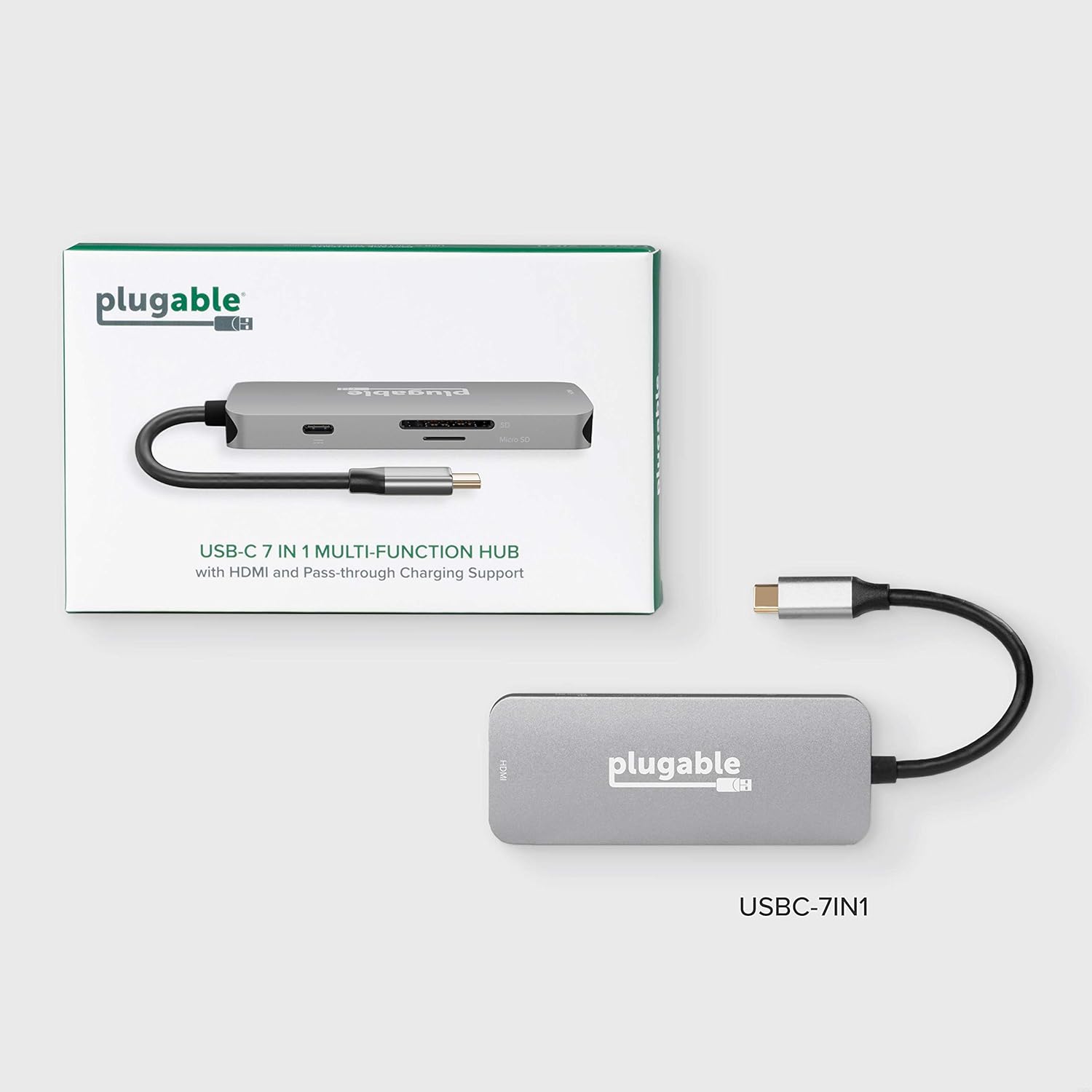
Image: The compact design of the Plugable USB-C Hub, highlighting its portability for on-the-go use.
2. Kurulum ve Bağlantı
Follow these steps to set up your Plugable USB-C Hub:
- Ana Bilgisayara Bağlan: Plug the integrated USB-C cable from the hub into an available USB-C or Thunderbolt 3/4 port on your laptop, tablet, or smartphone. The hub is driverless and should be recognized automatically by your operating system (Windows, macOS, ChromeOS, etc.).
- Gücü Bağlayın (İsteğe bağlı): If your host device requires charging or if you are connecting power-intensive peripherals, connect your original USB-C power adapter to the USB-C Power Delivery (PD) port on the hub. The hub supports up to 100W pass-through charging.
- HDMI Ekranını Bağlayın: Connect an HDMI cable from your monitor or TV to the HDMI port on the hub. Ensure your display is set to the correct input source. The hub supports resolutions up to 4K at 30Hz. For 4K 60Hz, your host device must support DisplayPort 1.4.
- USB Cihazlarını Bağlayın: Plug your USB peripherals (e.g., mouse, keyboard, external hard drive, USB flash drives) into the three USB 3.0 ports on the hub. These ports offer data transfer speeds up to 5Gbps.
- Hafıza Kartlarını Takın: Insert your SD or microSD cards into the corresponding slots on the hub for data access.

Image: A detailed diagram illustrating the various ports available on the Plugable USB-C 7-in-1 Hub.

Image: Illustration of the pass-through USB-C charging feature, allowing your laptop to charge while connected to the hub.
3. Kullanım Talimatları
Once connected, the Plugable USB-C Hub operates seamlessly with your device. Here are key functionalities:
- HDMI Display Output: Use the HDMI port to extend or mirror your desktop to an external display. This is ideal for presentations, multitasking, or enjoying media on a larger screen. Ensure your display settings are configured correctly in your operating system.
- USB 3.0 Veri Aktarımı: The three USB 3.0 ports provide high-speed data transfer for external storage devices, ensuring quick file transfers. They are also suitable for connecting standard USB peripherals like keyboards, mice, and webkamlar.
- SD and MicroSD Card Readers: Access photos, videos, and other files directly from your camera's memory cards. The hub supports simultaneous reading of both SD and microSD cards.
- Güç Teslimatı: The USB-C PD port allows your laptop to receive power through the hub, eliminating the need for a separate power connection to your laptop's dedicated charging port.
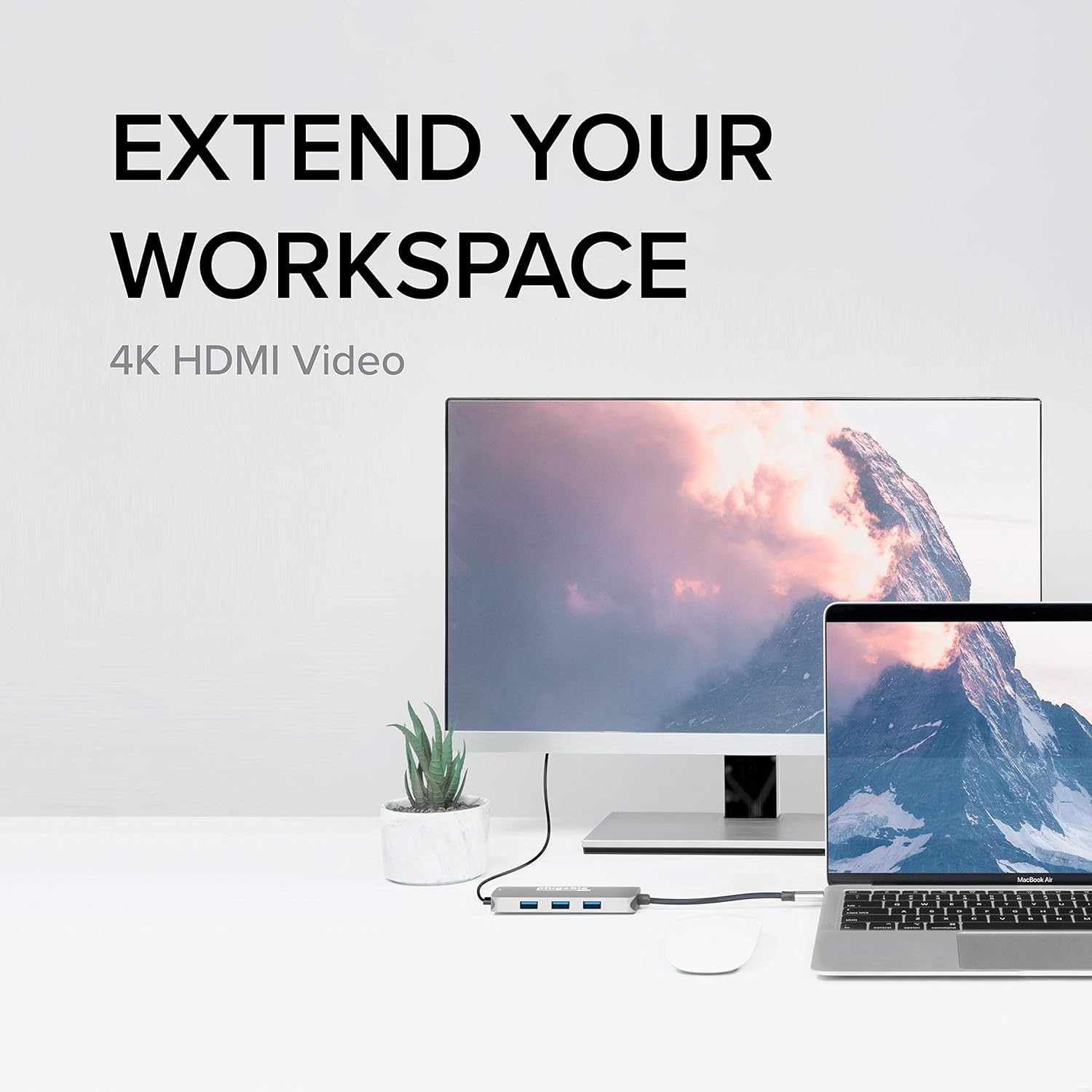
Image: The hub enabling an extended workspace by connecting a laptop to an external 4K HDMI monitor.
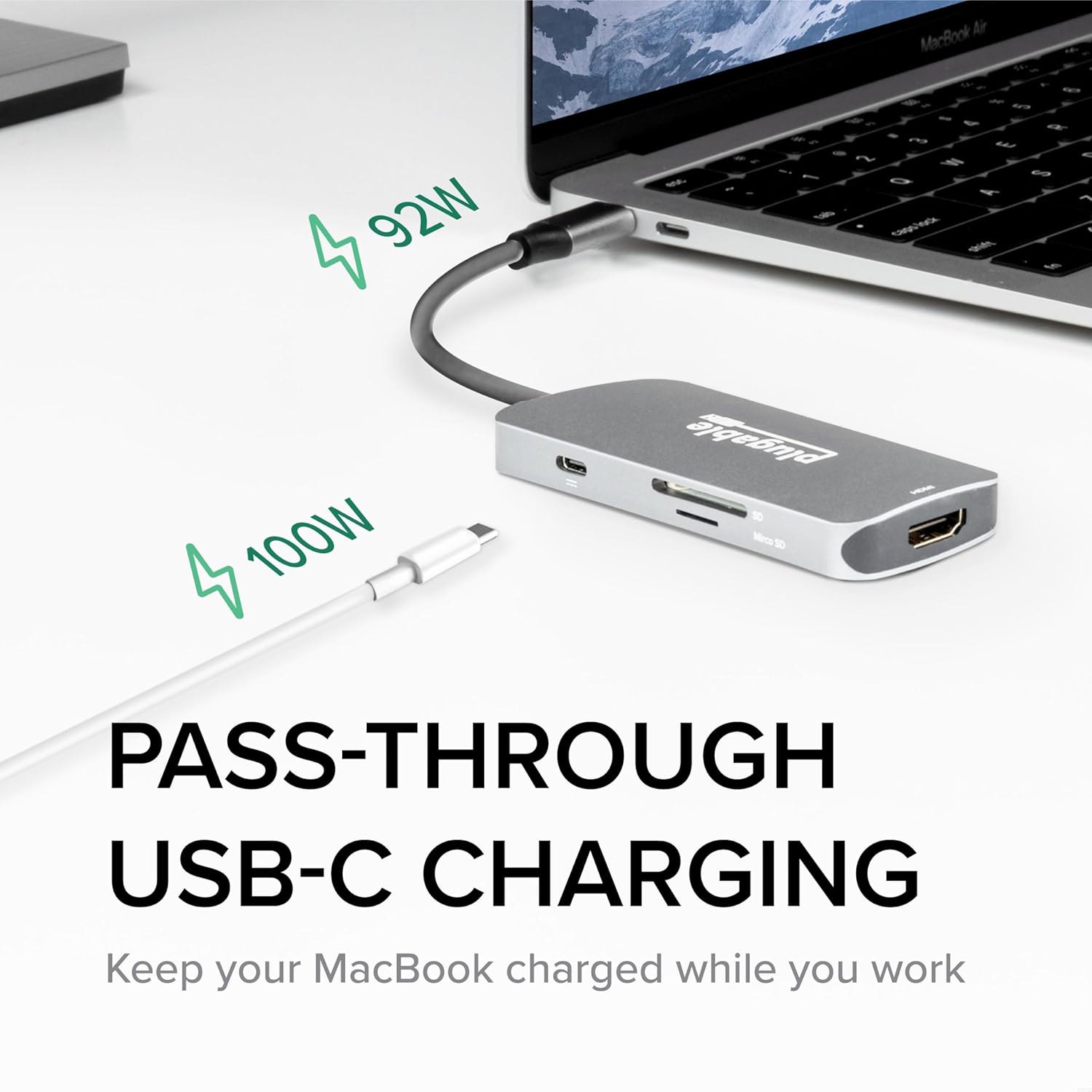
Image: The three USB 3.0 ports on the hub, capable of 5Gbps data transfer speeds, shown with USB drives connected.
4. Bakım
To ensure the longevity and optimal performance of your Plugable USB-C Hub, follow these simple maintenance guidelines:
- Temizlik: Use a soft, dry, lint-free cloth to gently wipe the surface of the hub. Avoid using liquid cleaners, aerosols, or abrasive materials, as these can damage the device.
- Depolamak: Kullanılmadığı zaman göbeği serin, kuru ve doğrudan güneş ışığından ve aşırı sıcaklıklardan uzak bir yerde saklayın.
- İşleme: Avoid dropping the hub or subjecting it to strong impacts. Do not bend or excessively pull the integrated USB-C cable.
- Havalandırma: Ensure the hub has adequate ventilation, especially during prolonged use, to prevent overheating.
5. Sorun Giderme
If you encounter issues with your Plugable USB-C Hub, refer to the following common troubleshooting tips:
- HDMI Üzerinden Görüntü Çıkışı Yok:
- HDMI kablosunun hem hub'a hem de monitöre güvenli bir şekilde bağlı olduğundan emin olun.
- Monitörünüzün doğru HDMI giriş kaynağına ayarlı olduğundan emin olun.
- Check your computer's display settings to ensure the external display is detected and configured (e.g., extended, mirrored).
- If attempting 4K 60Hz, confirm your host device supports DisplayPort 1.4 over USB-C. The hub supports 4K 30Hz universally.
- Try a different HDMI cable or monitor to rule out external component issues.
- USB Aygıtları Tanınmıyor:
- USB aygıtının hub'ın portuna tamamen takıldığından emin olun.
- Try connecting the USB device to a different port on the hub or directly to your computer to confirm functionality.
- For some older USB-A 2.0 devices, if connectivity is intermittent, try flipping the USB-A plug's orientation. This is a known characteristic of some USB-A/USB-C connections.
- If using power-intensive USB devices (e.g., external hard drives), ensure your host device is connected to power via the hub's PD port.
- Şarj Sorunları:
- Verify that your USB-C power adapter is connected to the hub's PD port and is functioning correctly.
- Güç adaptörünüzün yeterli su sağladığından emin oluntage for your laptop and connected devices.
- Aralıklı Bağlantı:
- Ensure the hub's integrated USB-C cable is firmly seated in your host device's port.
- Try disconnecting and reconnecting the hub.
- Ana bilgisayarınızı yeniden başlatın.
Bu adımlar sorununuzu çözmezse, daha fazla yardım için lütfen "Garanti ve Destek" bölümüne bakın.
6. Özellikler
| Özellik | Detay |
|---|---|
| Model Numarası | USBC-7IN1 |
| Ürün Boyutları | 6.3 x 3.94 x 0.71 inç |
| Ürün Ağırlığı | 3.52 ons |
| HDMI Çıkışı | Up to 4K 30Hz (4K 60Hz with DisplayPort 1.4 host) |
| USB Bağlantı Noktaları | 3 x USB 3.0 (5Gbps data transfer) |
| Kart Okuyucular | SD and microSD |
| USB-C Güç Dağıtımı | Up to 100W pass-through charging |
| Donanım Arayüzü | USB Tip C |
| Uyumlu Cihazlar | USB-C Chromebooks, Thunderbolt 3/4 MacBooks (M1/M2/M3 and Intel-based), USB-C Microsoft Surface line, HP Spectre x360, Dell XPS, Lenovo Thinkpad T series, Huawei Matebook Pro, LG Gram, Samsung Galaxy TabPro S, iPhone 15 Pro/Plus/Max |
| Üretici | Takılabilir |
| Menşei ülke | Çin |
7. Garanti ve Destek
Plugable stands behind the quality of its products. The Plugable USB-C Hub 7-in-1 is backed by a 2 Yıllık Garanti.
For technical assistance, troubleshooting, or warranty claims, please contact Plugable's NA-Based Technical Support team. You can find contact information and additional resources on the official Plugable webalan:
Visit Plugable Support Webalan
Plugable is committed to providing excellent customer service and support, as evidenced by positive customer feedback regarding their responsiveness and willingness to assist with product issues.