
BoxWave Micro USB DuraCable
BoxWave Micro USB DuraCable Instruction Manual
Model: Micro USB DuraCable
giriiş
The BoxWave Micro USB DuraCable is a high-quality, durable charging and data synchronization cable. Designed with a braided nylon exterior and reinforced strain reliefs, it offers enhanced longevity and reliable performance. This cable is compatible with any device featuring a Micro USB port, including the Cowon Plenue L, and connects to any standard USB-A port for charging or data transfer.
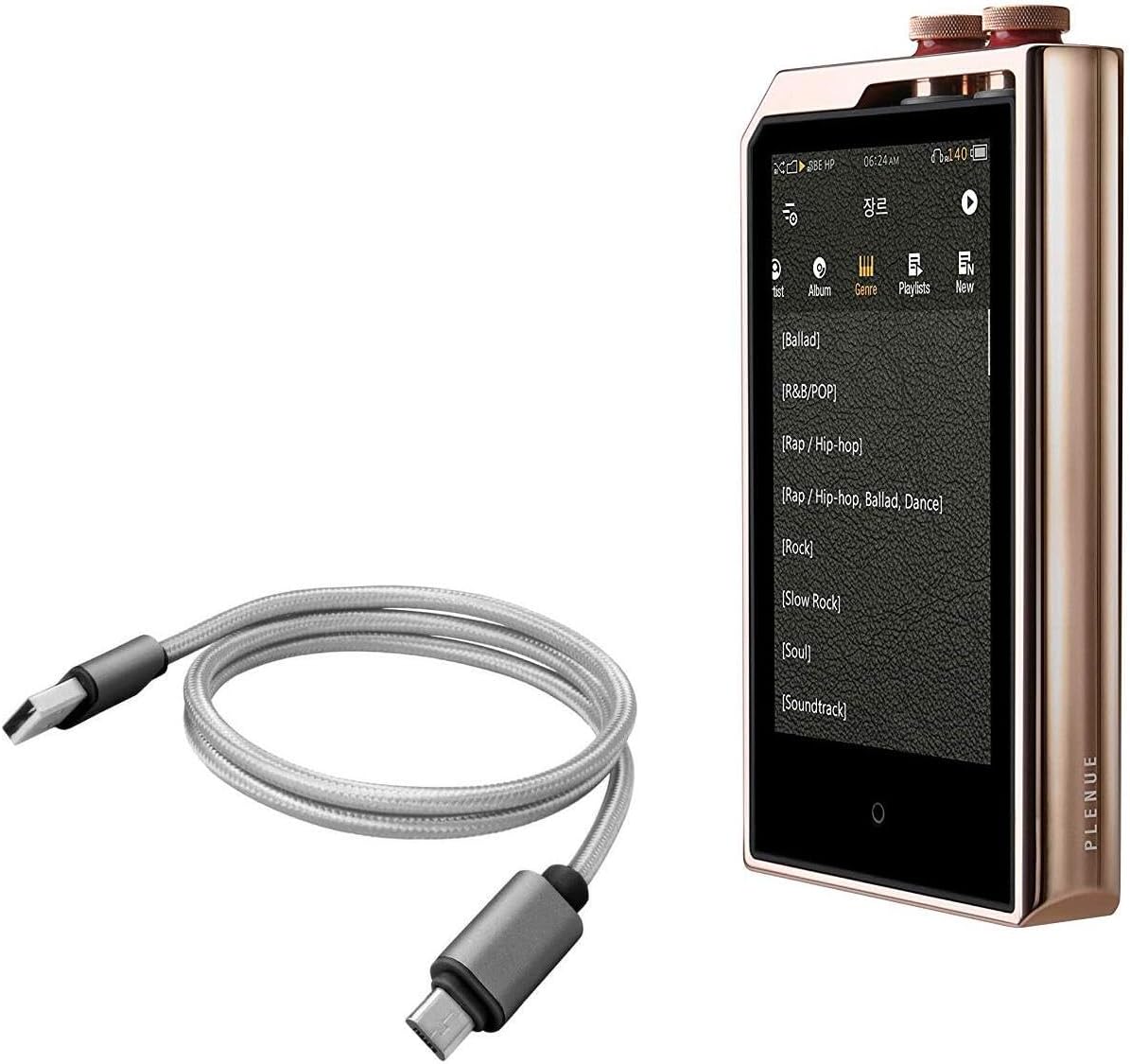
This image displays the BoxWave Micro USB DuraCable alongside a Cowon Plenue L portable music player, illustrating the cable's compatibility and intended use.
Kurmak
Setting up your BoxWave Micro USB DuraCable is straightforward. Simply identify the appropriate ports on your devices.
- Bağlayıcıları Tanımlayın: The DuraCable has two ends: a standard USB-A connector and a Micro USB connector.
- Cihaza Bağlan: Insert the Micro USB end of the cable into the Micro USB port of your compatible device (e.g., smartphone, portable music player). Ensure it is inserted correctly and fully.
- Connect to Power/Data Source: Insert the standard USB-A end of the cable into a USB-A port on a power adapter (for charging), a computer (for charging and data sync), or a power bank.
- Bağlantıyı Doğrulayın: Once connected, your device should indicate that it is charging or that a data connection has been established.
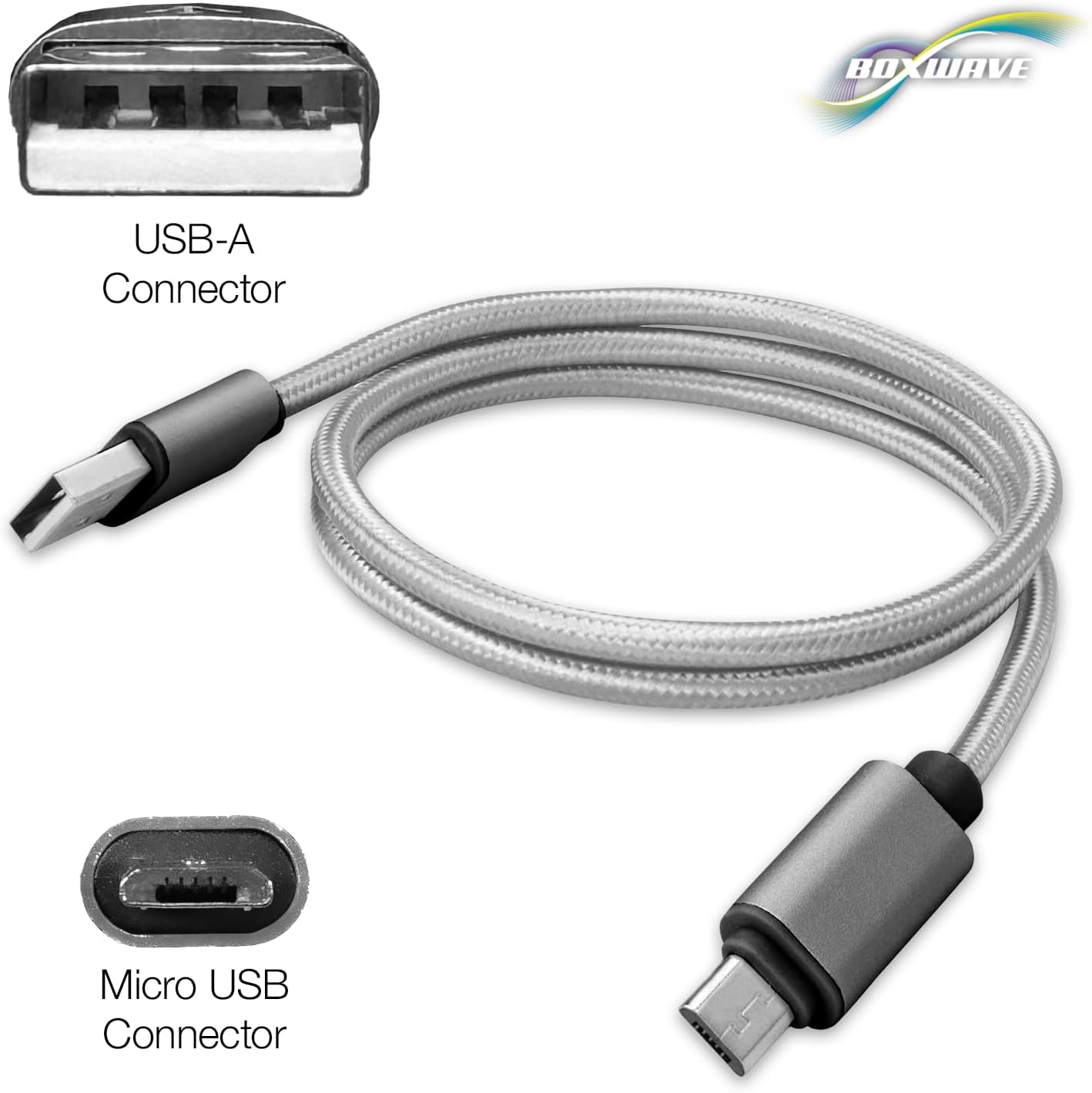
This image clearly labels the two types of connectors on the cable: the standard USB-A connector and the Micro USB connector, indicating their respective shapes.
Kullanım Talimatları
The BoxWave Micro USB DuraCable is designed for dual functionality: charging and data synchronization.
- Şarj: When connected to a power source (such as a wall adapter, car charger, or computer USB port), the cable will deliver power to your device's battery, allowing it to charge.
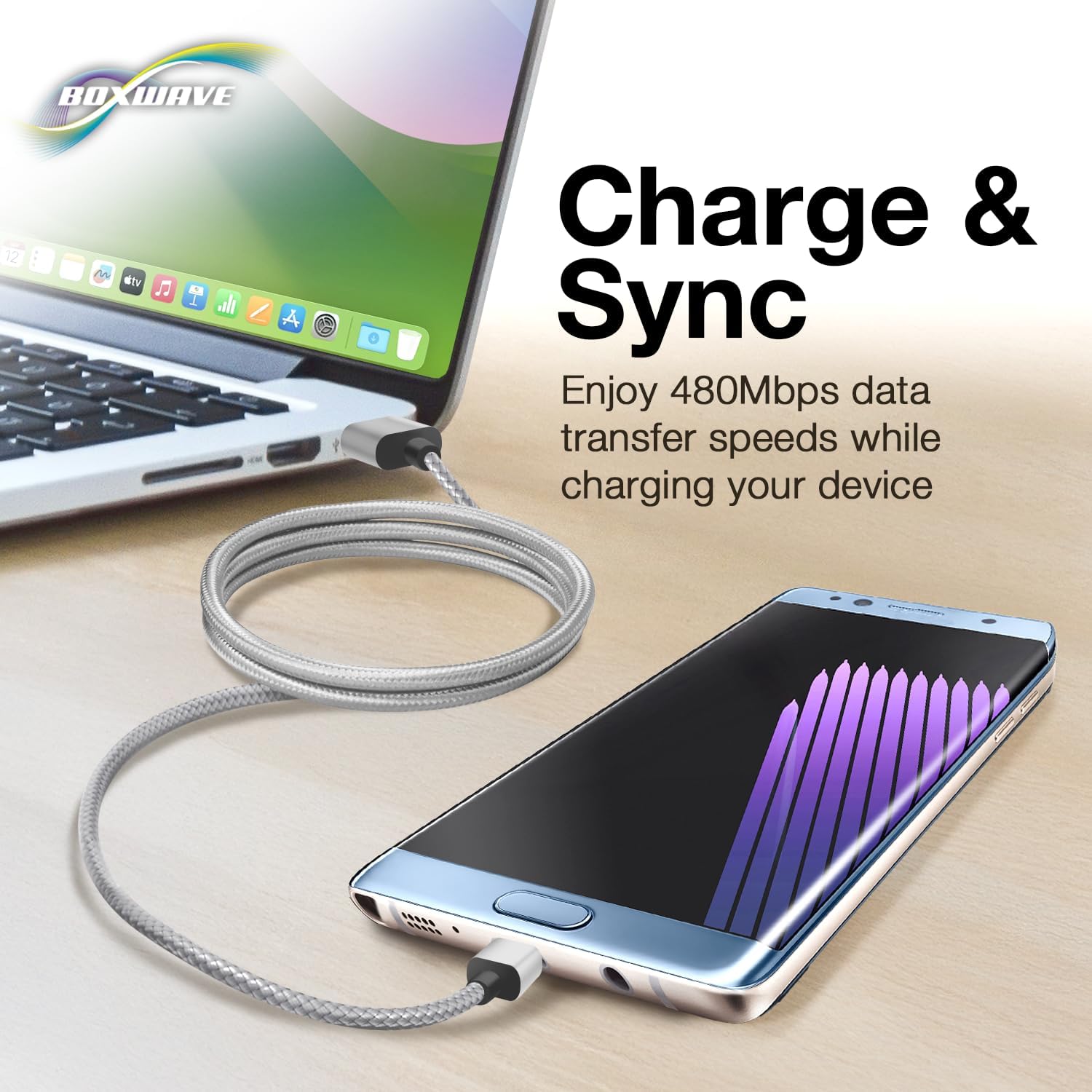
- Veri Senkronizasyonu: When connected to a computer, the cable enables high-speed data transfer. You can sync files, photos, videos, and other data between your device and the computer. The cable supports USB 2.0 standards, providing data transfer speeds up to 480Mbps.

This graphic demonstrates the cable's dual functionality, allowing simultaneous charging and data transfer at speeds up to 480Mbps between a computer and a compatible device.
Bakım
To ensure the longevity and optimal performance of your BoxWave Micro USB DuraCable, follow these maintenance guidelines:
- Keskin Virajlardan Kaçının: Do not excessively bend or kink the cable, especially near the connectors. The braided nylon construction and reinforced strain reliefs are designed to resist damage, but extreme bending can still cause internal wire damage over time.
- Uygun Şekilde Saklayın: When not in use, coil the cable loosely. Avoid tightly wrapping it around objects or tying it in knots.
- Temiz tut: If the connectors become dirty, gently wipe them with a dry, lint-free cloth. Avoid using liquids or abrasive cleaners.
- Dikkatli Kullanın: Always pull from the connector housing, not the cable itself, when unplugging from a device or power source.
An illustration emphasizing the durable braided nylon construction of the cable, designed to prevent tangles and resist fraying for extended longevity.

This image highlights the reinforced, rubberized strain relief at the cable's connectors, engineered to prevent kinking and tearing, thereby enhancing the cable's durability.
Sorun giderme
If you encounter issues with your BoxWave Micro USB DuraCable, consider the following common solutions:
| Sorun | Olası Çözüm |
|---|---|
| Cihaz şarj olmuyor. | Ensure both ends of the cable are securely connected. Try a different power adapter or USB port. Verify the device's charging port is clean and undamaged. |
| Device not syncing data. | Confirm the cable is connected to a computer's USB port. Check your device's settings to ensure data transfer mode is enabled (e.g., 'File Transfer' or 'MTP'). Try restarting both the device and the computer. |
| Kablo hasar görmüş gibi görünüyor. | Inspect the cable for visible signs of fraying, kinking, or bent connectors. If damage is present, discontinue use and replace the cable. |
| Slow charging/data transfer. | Ensure you are using a compatible power adapter. Some USB ports (especially on older computers) may provide less power or slower data speeds. Close unnecessary applications on your computer or device. |
Özellikler
| Özellik | Detay |
|---|---|
| Ürün Adı | BoxWave Micro USB DuraCable |
| Bağlayıcılar | USB-A to Micro USB |
| Kablo Uzunluğu | 3 fit (yaklaşık 0.91 metre) |
| Veri Aktarım Hızı | Up to 480Mbps (USB 2.0 Standard) |
| Yapı | Braided Nylon with Rubberized Strain Reliefs |
| Renk | Uzay Grisi |
| Ürün Ağırlığı | 0.7 ons (yaklaşık 19.8 gram) |
| Üretici | Kutu dalgası |
| Menşei ülke | Çin |
Garanti ve Destek
BoxWave products are manufactured with quality and reliability in mind. For specific warranty information regarding your Micro USB DuraCable, please refer to the packaging or visit the official BoxWave website. For technical support or inquiries, please contact BoxWave customer service through their official channels. Limited third-party technical support may be available for your device (up to 3 inquiries via messaging) – please note this is not affiliated with or endorsed by Cowon.
Ask a question about this manual
Ask about setup, troubleshooting, compatibility, parts, safety, or missing instructions. Manuals+ will review the question and use this page’s manual context to help answer it.