
1. Giriş
This manual provides instructions for the ZdalaMit XRT136 Replacement Remote Control. This remote is designed to function as a direct replacement for your original Vizio Smart TV remote without requiring any programming or pairing.
Compatible Vizio Smart TV Models:
- M657-G0
- M557-G0
- PX65-G1
- P659-G1
- P759-G1
- D60-F3
2. Paket İçeriği
Paketin içerisinde tüm ürünlerin mevcut olduğundan emin olun:
- 1 x ZdalaMit XRT136 Replacement Remote Control
3. Kurulum
3.1 Pil Kurulumu
The remote control requires two (2) AAA alkaline batteries (not included) for operation.
- Uzaktan kumandanın arkasındaki pil bölmesini bulun.
- Pil bölmesi kapağını açmak için aşağı doğru kaydırın.
- İki adet yeni AAA pil takın ve pozitif (+) ve negatif (-) kutupların bölmenin içindeki işaretlerle doğru şekilde hizalandığından emin olun.
- Pil bölmesi kapağını yerine güvenli bir şekilde oturana kadar kaydırın.

Resim: Arka view of the XRT136 remote control, illustrating the battery compartment location.
Once batteries are installed, the remote is ready for use. No programming or pairing is required.
4. Kullanım Talimatları
To operate your Vizio Smart TV, point the ZdalaMit XRT136 remote control directly at the television's infrared receiver. Press the desired buttons to control your TV's functions.

Resim: Ön view of the XRT136 remote control, displaying the layout of all buttons.
4.1 Temel Fonksiyonlarview
The remote features standard television control buttons, including:
- Güç Düğmesi: Televizyonu açar veya kapatır.
- Giriş Düğmesi: Selects video input sources (HDMI, AV, etc.).
- Gezinme Paneli (Yukarı, Aşağı, Sol, Sağ, Tamam): Menüde gezinme ve seçim için.
- Sesi Aç/Kapat: Televizyonun ses düzeyini ayarlar.
- Kanal Yukarı/Aşağı: Televizyon kanallarını değiştirir.
- Sessiz tuşu: Televizyonun sesini susturur.
- Sayısal Tuş Takımı (0-9): For direct channel entry.
- Geri/Çıkış Butonları: Navigates back in menus or exits current functions.
- Menü/Bilgi Düğmeleri: Accesses TV menus and displays information.
- Özel Uygulama Düğmeleri: Quick access to streaming services (e.g., VUDU, Netflix, Amazon, Xumo, Crackle, iHeartRadio).

Image: A user holding the XRT136 remote control, demonstrating typical usage by pointing it at a television.
5. Bakım
5.1 Temizlik
Uzaktan kumandayı temizlemek için yumuşak, kuru bir bez kullanın. Sıvı temizleyiciler, spreyler veya aşındırıcı malzemeler kullanmayın, çünkü bunlar uzaktan kumandanın yüzeyine veya iç bileşenlerine zarar verebilir.
5.2 Pil Bakımı
- Replace batteries when the remote's performance diminishes or stops working.
- Eski ve yeni pilleri veya farklı pil türlerini karıştırmayın.
- Uzaktan kumandayı uzun süre kullanmayacaksanız pil sızıntısını önlemek için pilleri çıkarın.
- Kullanılmış pilleri yerel düzenlemelere göre atın.
6. Sorun Giderme
6.1 Uzaktan Yanıt Vermiyor
- Pilleri Kontrol Edin: Pillerin doğru kutuplara (+/-) dikkat edilerek düzgün şekilde takıldığından emin olun.
- Pilleri Değiştirin: If the batteries are old or depleted, replace them with two new AAA alkaline batteries.
- Görüş Hattı: Ensure there are no obstructions between the remote control and the TV's infrared receiver. Point the remote directly at the TV.
- Mesafe: Confirm you are within the effective operating range (up to 33 feet).
6.2 Sınırlı İşlevsellik
- Verify that your Vizio Smart TV model is listed under the compatible models in Section 1.
- Some advanced TV features or smart functions may require the original remote or specific TV settings. This remote is designed for primary control functions.
7. Özellikler
| Marka | Zdalamit |
| Model Adı | XRT136 (Mfr Part Number: fghea-593) |
| Uyumlu Cihazlar | Vizio Smart Televisions (M657-G0, M557-G0, PX65-G1, P659-G1, P759-G1, D60-F3) |
| Bağlantı Teknolojisi | Kızılötesi |
| Denetleyici Türü | Düğme Kontrolü |
| Düğme Sayısı | 18 |
| Güç Kaynağı | 2 x 1.5V AAA Alkaline Batteries |
| Maksimum Menzil | 33 Ayak (10 metre) |
| Ürün Boyutları (U x G x Y) | 6.75" x 1.79" x 0.55" (17.15 cm x 4.55 cm x 1.4 cm) |
| Ürün Ağırlığı | 1.6 ons (45 gram) |
| Özel Özellik | Ergonomik tasarım |
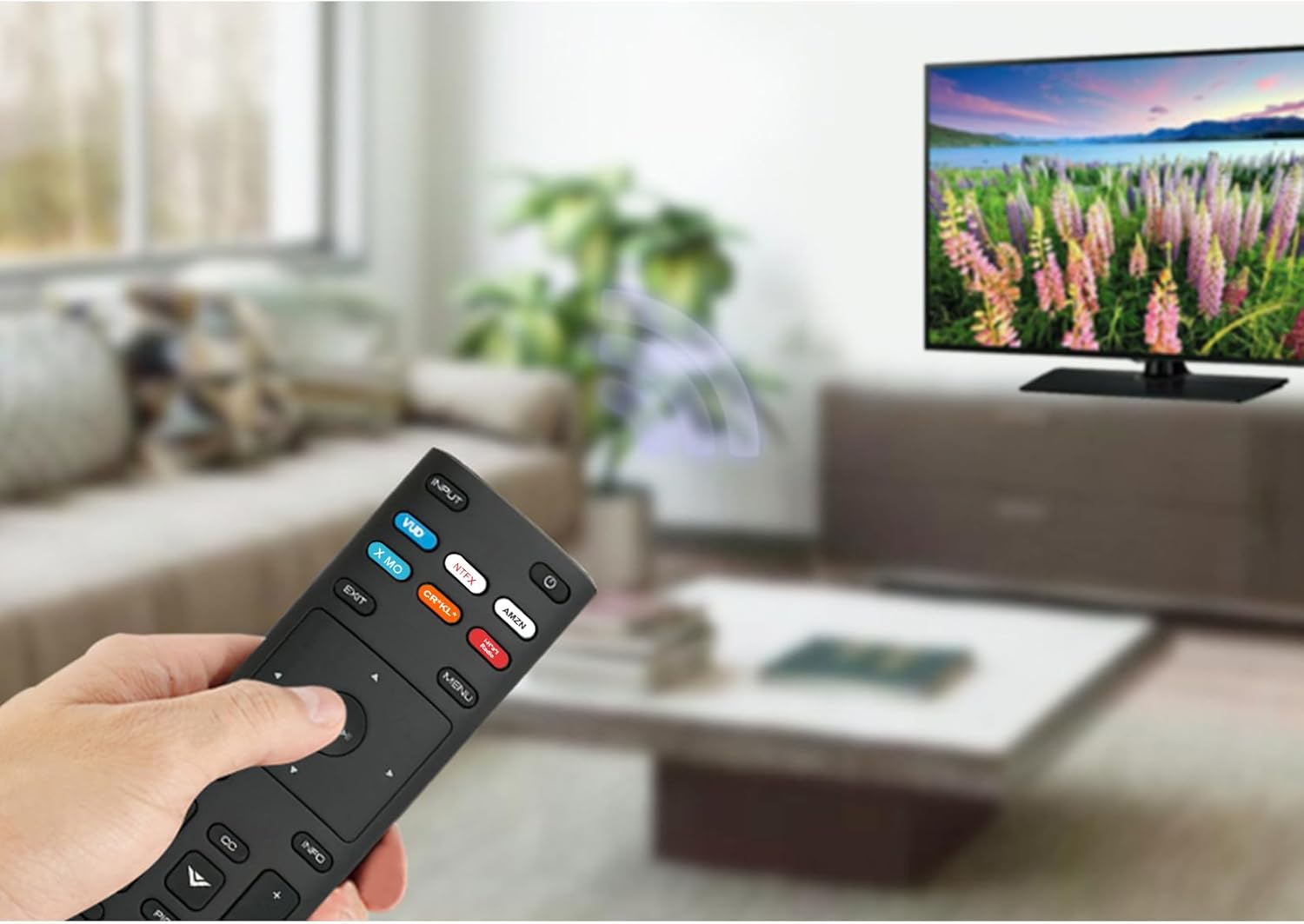
Image: The XRT136 remote control with its physical dimensions highlighted.
8. Garanti Bilgileri
This ZdalaMit product comes with a 1 yıllık garanti Satın alma tarihinden itibaren geçerlidir. Bu garanti, normal kullanım koşullarındaki üretim hatalarını kapsar. Yanlış kullanım, kazalar, yetkisiz değişiklikler veya pil sızıntısından kaynaklanan hasarları kapsamaz.
9. Destek
If you encounter any issues or have questions regarding your ZdalaMit XRT136 Replacement Remote Control that are not addressed in this manual, please contact the seller or manufacturer for assistance. Provide your product model (XRT136) and a detailed description of the issue for efficient support.