
NETVUE Vigil
NETVUE Vigil Outdoor Security Camera User Manual
Model: Vigil | Brand: NETVUE
1. Giriş
The NETVUE Vigil Outdoor Security Camera is designed to provide reliable surveillance for your property. Featuring 1080p Full HD video, advanced night vision, two-way audio communication, and smart motion detection, this camera ensures comprehensive monitoring day and night. Its robust, weather-resistant design allows for outdoor installation in various conditions.

Image: The NETVUE Vigil camera provides clear 1080p video both during the day and at night, as illustrated by the comparison of a driveway scene.
2. Paket İçeriği
Lütfen paketinizde tüm öğelerin mevcut olduğundan emin olun:
- NETVUE Vigil Outdoor Security Camera
- Güç Adaptörü
- Montaj Vidaları ve Duvar Dübelleri
- Montaj Şablonu
- Kullanım Kılavuzu (bu belge)
3. Kurulum ve Kurulum
3.1 Kurulumdan Önce
- Ensure your Wi-Fi network operates on the 2.4GHz band. The camera does not support 5GHz Wi-Fi.
- Position the camera within range of your Wi-Fi router for a stable connection. The camera features an enhanced 5dBi antenna for improved signal strength.
- Prepare a power outlet near the intended installation location.
3.2 Fiziksel Kurulum
The NETVUE Vigil camera can be mounted on a wall or ceiling/roof. Choose a location that provides the desired viewing angle and is within reach of a power source.
- Use the provided mounting template to mark drill holes on the desired surface.
- Duvar üzerine monte edilecekse delikler açın ve duvar dübelleri takın.
- Secure the camera's mounting base using the screws.
- Kamera açısını gerektiği gibi ayarlayın.
- Güç adaptörünü kameraya bağlayın ve elektrik prizine takın.

Image: The NETVUE Vigil camera offers flexible installation options for both wall and roof mounting.

Image: The camera features a 5dBi antenna designed for a more stable Wi-Fi connection.
3.3 Uygulama Kurulumu
- Download the 'Netvue' app from your mobile device's app store (iOS or Android).
- Yeni bir hesap oluşturun veya zaten bir hesabınız varsa giriş yapın.
- Follow the in-app instructions to add your new NETVUE Vigil camera. This typically involves scanning a QR code on the camera or manually entering its details.
- Connect the camera to your 2.4GHz Wi-Fi network as prompted by the app.
4. Kameranın Çalıştırılması
4.1 Canlı View ve Uzaktan Erişim
Access your camera's live feed anytime, anywhere through the Netvue app on your smartphone or tablet. You can also integrate the camera with Amazon Alexa for voice control and viewuyumlu cihazlarda çalışır.
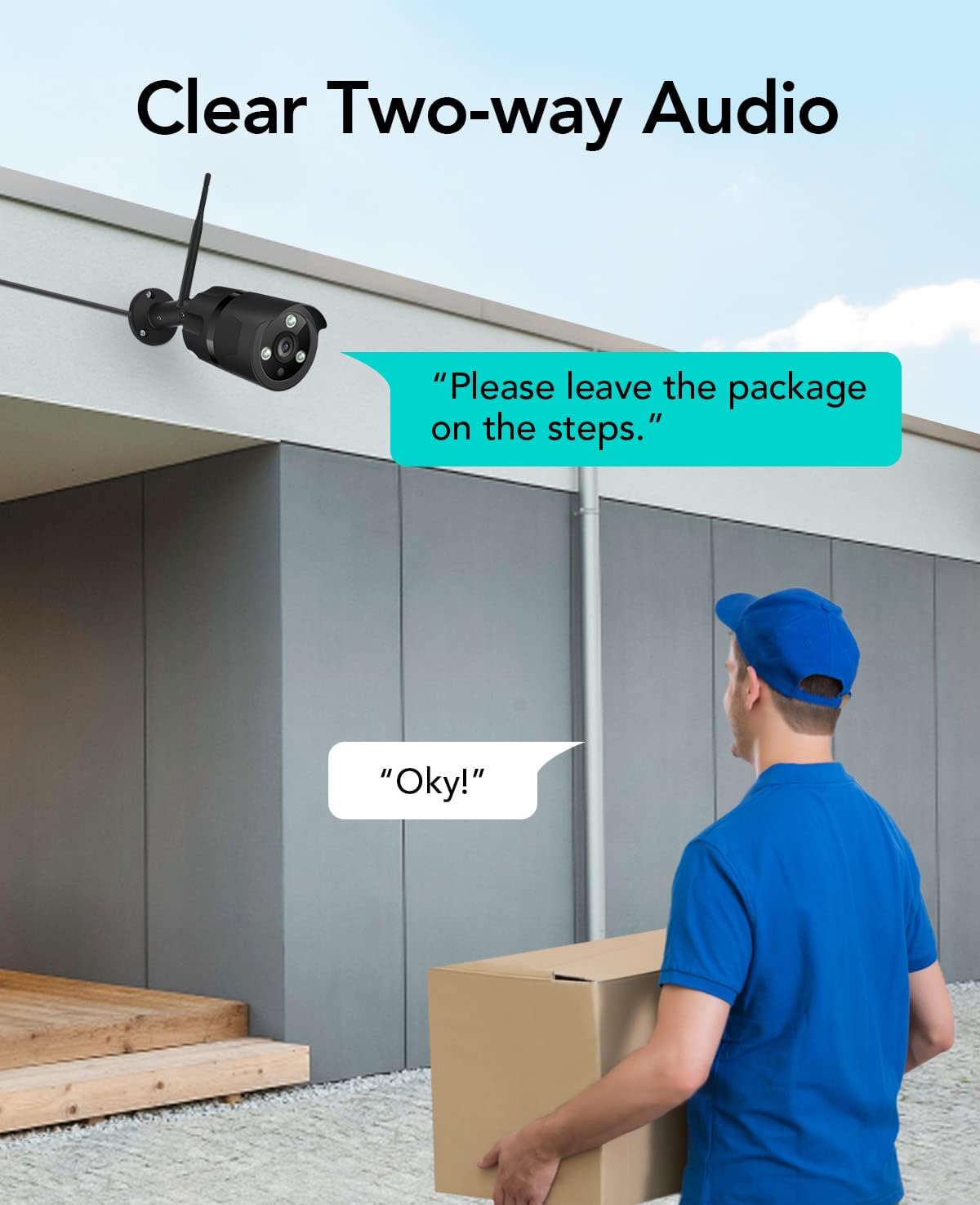
Image: The NETVUE Vigil camera is compatible with Amazon Alexa, allowing you to view the live feed on devices like the Echo Show.
4.2 İki Yönlü Ses
The built-in microphone and speaker allow for two-way communication. Use this feature to speak with visitors or deter unwanted guests directly through the Netvue app.

Image: Engage in clear two-way audio communication with individuals near your camera, such as a delivery person.
4.3 Hareket Algılama ve Uyarılar
The camera features smart motion detection. When motion is detected, you will receive instant notifications on your mobile phone. You can customize motion detection zones, sensitivity levels, and alert schedules within the Netvue app to focus on areas of importance.

Image: The camera sends smart motion alerts to your phone when activity is detected, as shown with a person at a door.
4.4 Gece Görüşü
Equipped with infrared LEDs and IR-Cut technology, the camera automatically switches to night vision mode in low-light conditions, providing clear video up to 19.8 meters (65 feet) in complete darkness.
4.5 Video Depolama
The NETVUE Vigil camera supports two storage options:
- Yerel Depolama: Insert a microSD card (up to 128GB, not included) into the camera for continuous recording or event-triggered recordings. You can view playback directly from the Netvue app.
- Bulut Depolama: Optional cloud storage plans are available through the Netvue app for secure, off-site video backup and advanced AI features like person/vehicle detection. Subscription fees apply for cloud services.

Image: The camera supports both local storage via an SD card and optional cloud storage for video recordings.
5. Bakım
- Temizlik: Periodically clean the camera lens with a soft, dry cloth to ensure clear image quality. Do not use harsh chemicals.
- Donanım Yazılımı Güncellemeleri: Keep your camera's firmware updated through the Netvue app to ensure optimal performance and access to new features.
- Bağlantı Kontrolü: Regularly verify the camera's Wi-Fi connection status in the app to ensure continuous operation.
6. Sorun Giderme
6.1 Kamera Wi-Fi'ye Bağlanmıyor
- Wi-Fi ağınızın 2.4 GHz olduğundan emin olun.
- Check if the camera is within range of your router.
- Uygulamaya girdiğiniz Wi-Fi şifresinin doğru olduğundan emin olun.
- Yönlendiricinizi ve kameranızı yeniden başlatın.
6.2 Düşük Görüntü Kalitesi
- Kamera lensini temizleyin.
- En iyi gündüz görüşü için yeterli aydınlatma sağlayın.
- İnternet bağlantı hızınızı kontrol edin.
6.3 No Motion Alerts
- Verify motion detection is enabled in the Netvue app.
- Check motion detection zone settings and sensitivity.
- Telefonunuzda uygulama bildirimlerinin etkinleştirildiğinden emin olun.
For further assistance, please refer to the support section or contact NETVUE customer service.
7. Özellikler
| Özellik | Şartname |
|---|---|
| Model Numarası | Nöbet |
| Video Çözünürlüğü | 1080p (1920 x 1080 piksel) |
| Foto Sensör Çözünürlüğü | 2 MP |
| Gece Görüş Aralığı | 19.8 metreye (65 feet) kadar |
| Bağlantı | Wireless (2.4GHz Wi-Fi), Ethernet |
| Hava Direnci | IP66 (Su geçirmez) |
| Çalışma Sıcaklığı | -15.6 °C to 50.0 °C (-20 °C to 50 °C) |
| Güç Kaynağı | AC |
| Uyumlu Cihazlar | Akıllı telefon (iOS/Android), Amazon Alexa |
| Depolama Seçenekleri | MicroSD Kart (128 GB'a kadar), Bulut Depolama (abonelik gereklidir) |
| Boyutlar | 20.1x12.4x8.1 cm |
8. Garanti ve Destek
NETVUE products come with a limited warranty. Please refer to the warranty card included in your package or visit the official NETVUE webAyrıntılı garanti şartları ve koşulları için siteyi ziyaret edin.
For technical support, product inquiries, or warranty claims, please contact NETVUE customer service through their official website or the contact information provided in the Netvue app. Our support team is available to assist you with any questions or issues you may encounter.
Çevrimiçi Kaynaklar:
- Official NETVUE Webalan: www.netvue.com
- Netvue App: Available on Apple App Store and Google Play Store
Ask a question about this manual
Ask about setup, troubleshooting, compatibility, parts, safety, or missing instructions. Manuals+ will review the question and use this page’s manual context to help answer it.