giriiş
This manual provides detailed instructions for the safe and effective use of your OneOdio A70 Wireless Bluetooth Headphones. Please read this manual thoroughly before using the product and retain it for future reference.

Image: OneOdio A70 Wireless Bluetooth Headphones in red and black, shown with 3.5mm and 6.35mm audio cables.
Paket İçeriği
Paketin içerisinde tüm ürünlerin mevcut olduğundan emin olun:
- OneOdio A70 Fusion Headphones
- 3.5mm to 3.5mm Jack Cable with Microphone (1.2 M)
- 3.5mm to 6.35mm Jack Cable with Spring Wire (2-3 M)
- Micro-USB Charging Cable (0.6 M)
- Koruyucu Kese
- Kullanım Kılavuzu (bu belge)

Resim: Üzeriview of the OneOdio A70 package contents, including the headphones, various cables, and a carrying pouch.
Ürün Bittiview
The OneOdio A70 headphones feature a versatile design for both wireless and wired use, offering high-quality audio and comfortable wear.
- Ses Sürücüleri: Equipped with 40mm drivers for powerful bass and clear treble.
- Bağlantı: Bluetooth 5.2 for wireless connection, and multiple wired options (3.5mm, 6.35mm).
- Pil Ömrü: Up to 72 hours of playback on a single charge (at 50% volume).
- Mikrofon: Integrated CVC 8.0 noise-cancelling microphone for clear calls.
- Paylaşım Bağlantı Noktası: Allows two headphones to connect to one audio source for shared listening.
- Konfor: Thick foam ear pads and a foldable, adjustable headband for extended wear comfort.
- Jack Lock: Secure locking mechanism for the auxiliary stereo cable.
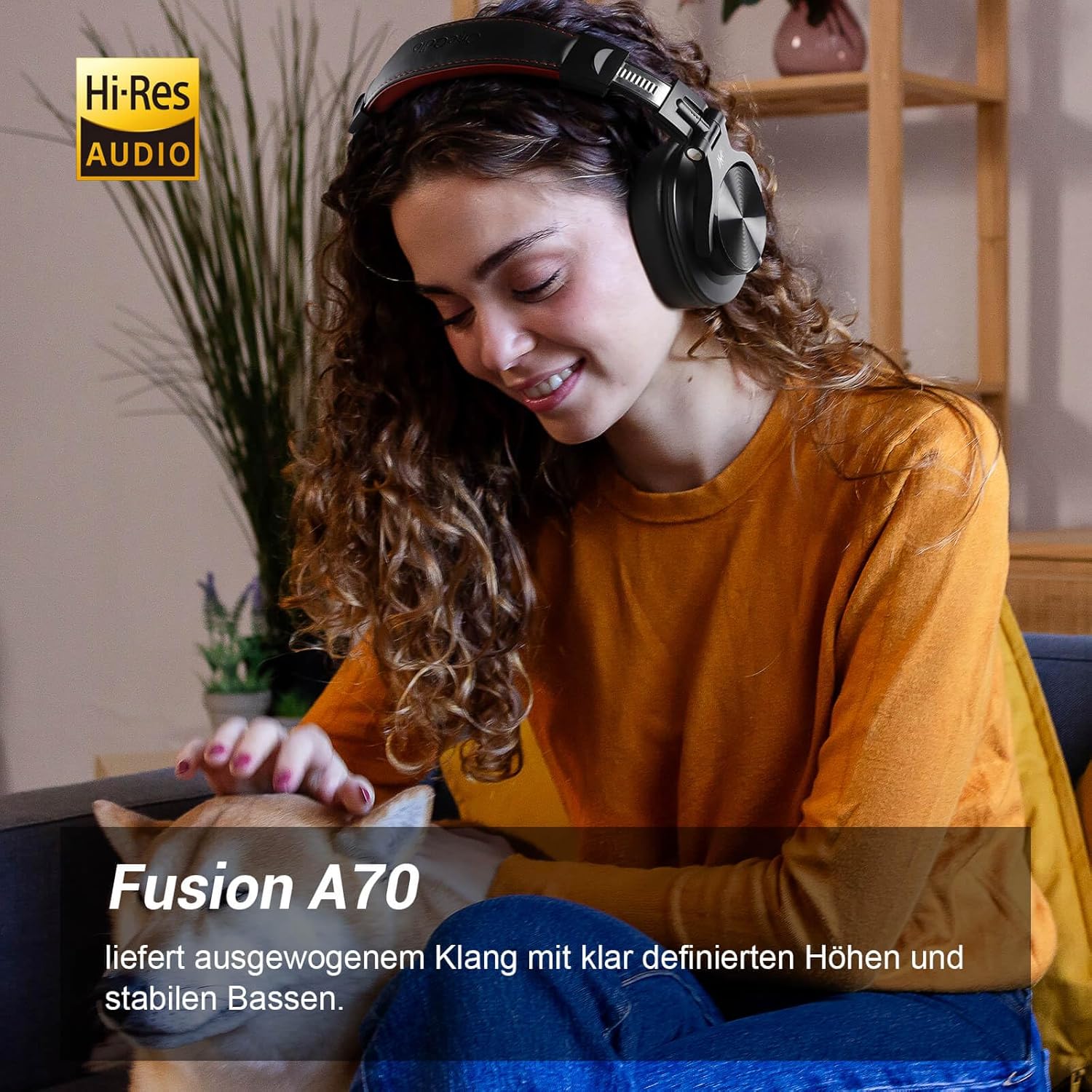
Image: A woman wearing the OneOdio A70 headphones, emphasizing the Hi-Res Audio capability.
Kurmak
Kulaklıkları Şarj Etme
Before first use, fully charge the headphones. Use the provided Micro-USB charging cable.
- Connect the Micro-USB end of the charging cable to the charging port on the headphone.
- USB-A ucunu bir USB güç adaptörüne (dahil değildir) veya bilgisayarın USB portuna bağlayın.
- LED göstergesi şarj durumunu gösterecektir (örneğin, kırmızı şarj oluyor, mavi tamamen şarj oluyor).

Resim: Ayrıntılı view of the headphone's side, showing the Micro-USB charging port and control buttons.
Bluetooth Eşleştirme
Kulaklıklarınızı kablosuz olarak bağlamak için:
- Kulaklığınızın şarjlı ve kapalı olduğundan emin olun.
- Press and hold the Multi-function button (usually the power button) for approximately 5 seconds until the LED indicator flashes red and blue alternately, indicating pairing mode.
- Cihazınızda (akıllı telefon, tablet, PC) Bluetooth'u etkinleştirin ve kullanılabilir cihazları arayın.
- Select "OneOdio A70" from the list of devices.
- Bağlantı sağlandığında LED göstergesi sabit mavi renge dönecek veya yavaşça mavi renkte yanıp sönecektir.
Kablolu bağlantı
A70 kulaklıklar iki tür kablolu bağlantıyı destekler:
- 3.5 mm - 3.5 mm Kablo: For connecting to smartphones, tablets, laptops, and other devices with a 3.5mm audio jack. This cable includes an in-line microphone for calls.
- 3.5 mm - 6.35 mm Kablo: For connecting to professional audio equipment like DJ mixers, amplifiers, and guitars.
To use a wired connection, simply plug the appropriate cable into the headphone's corresponding port and the other end into your audio source. The headphones will automatically switch to wired mode when a cable is inserted.

Image: A visual guide illustrating the wide compatibility of the OneOdio A70 headphones with different devices using 3.5mm and 6.35mm cables.
Kullanım Talimatları
Basic Controls (Bluetooth Mode)
| İşlev | Aksiyon |
|---|---|
| Güç Açık/Kapalı | Press and hold Multi-function button for 3 seconds. |
| Oynat/Duraklat | Press Multi-function button once. |
| Sesi Aç | '+' düğmesine basın. |
| Sesi Azalt | '-' düğmesine basın. |
| Sonraki Parça | Press and hold '+' button. |
| Önceki Parça | Press and hold '-' button. |
| Cevapla/Çağrıyı Sonlandır | Press Multi-function button once. |
| Çağrıyı Reddet | Press and hold Multi-function button for 2 seconds. |
| Sesli Asistanı Etkinleştir | Double-press Multi-function button. |

Image: Controls for the in-line microphone on the 3.5mm cable, detailing functions like play, pause, answer, and end calls.
Port Paylaşım Fonksiyonu
The OneOdio A70 headphones feature a unique Share Port, allowing two headphones to share audio from one source.
- Connect the 3.5mm to 3.5mm cable to the 3.5mm input port on your A70 headphones.
- Connect the other end of this cable to the 3.5mm output port of another headphone (e.g., another A70 or compatible headphone).
- Ensure the primary A70 headphone is connected to your audio source (via Bluetooth or 6.35mm cable).
- Artık her iki kulaklık da aynı kaynaktan ses alacak.

Image: Two individuals sharing audio from a single device using the Share Port technology of the OneOdio A70 headphones.
Bakım ve Özen
- Kulaklığınızı düzenli olarak yumuşak ve kuru bir bezle temizleyin. Aşındırıcı temizleyiciler veya çözücüler kullanmayın.
- Store the headphones in the provided protective pouch when not in use to prevent scratches and damage.
- Kulaklıklarınızı aşırı sıcaklıklara, neme veya doğrudan güneş ışığına maruz bırakmaktan kaçının.
- Kulaklıkları sökmeye veya üzerinde değişiklik yapmaya çalışmayın, aksi takdirde garanti geçersiz olur.
- The headphones are not waterproof. Avoid contact with liquids.

Image: The OneOdio A70 headphones in their folded configuration, ready for storage in the protective pouch.
Sorun giderme
| Sorun | Olası Neden | Çözüm |
|---|---|---|
| Ses yok (Bluetooth) | Headphones not paired or connected. Low battery. Volume too low. | Ensure headphones are in pairing mode and connected. Recharge headphones. Increase volume on headphones and device. |
| Ses yok (Kablolu) | Cable not fully inserted. Incorrect cable used. Device volume too low. | Ensure cables are securely plugged in. Use the correct cable for your device. Increase volume on device. |
| Kötü ses kalitesi | Interference (Bluetooth). Damaged cable. Low quality audio source. | Move closer to the Bluetooth device. Try a different cable. Test with a different audio source. |
| Mikrofon çalışmıyor | Using wrong cable (only 3.5mm to 3.5mm has mic). Mic muted on device. | Ensure you are using the 3.5mm cable with the in-line microphone. Check microphone settings on your device. |
| Kulaklıklar açılmıyor | Pil tamamen boşalmış. | Charge the headphones for at least 30 minutes before attempting to power on. |
Özellikler
| Özellik | Detay |
|---|---|
| Model Adı | OneOdio A70 Fusion |
| Bağlantı Teknolojisi | Bluetooth 5.2, Wired (3.5mm, 6.35mm) |
| Sürücü Boyutu | 40mm |
| Frekans Aralığı | 20 Hz - 20,000 Hz |
| Empedans | 32 ohm |
| Hassasiyet | 110 dB |
| Pil Bileşimi | Lityum-polimer |
| Pil Ömrü | 72 saate kadar (% 50 ses seviyesinde) |
| Ağırlık | 250 Gram |
| Malzeme | Leather (earpads/headband) |
| Özel Özellikler | Volume Control, Noise Isolation, Built-in Microphone (CVC 8.0), Foldable Design, Share Port, Jack Lock |
Garanti ve Destek
OneOdio ürünleri en yüksek kalite standartlarına göre tasarlanmış ve üretilmiştir. Garanti bilgileri ve müşteri desteği için lütfen resmi OneOdio web sitesine bakın. websiteye gidin veya doğrudan müşteri hizmetleriyle iletişime geçin.
Üretici: OneOdio
Satıcı: OneOdio EU (via Amazon.com.be)
Daha fazla yardım için şu adresi ziyaret edin: OneOdio Mağazası Amazon'da.