
Apple AirPods Pro
Apple AirPods Pro Wireless Earbuds User Manual
giriiş
Welcome to your Apple AirPods Pro. These advanced wireless earbuds offer Active Noise Cancellation, Transparency Mode, and adaptive equalization for an immersive audio experience. This manual provides essential information for setting up, operating, maintaining, and troubleshooting your device.
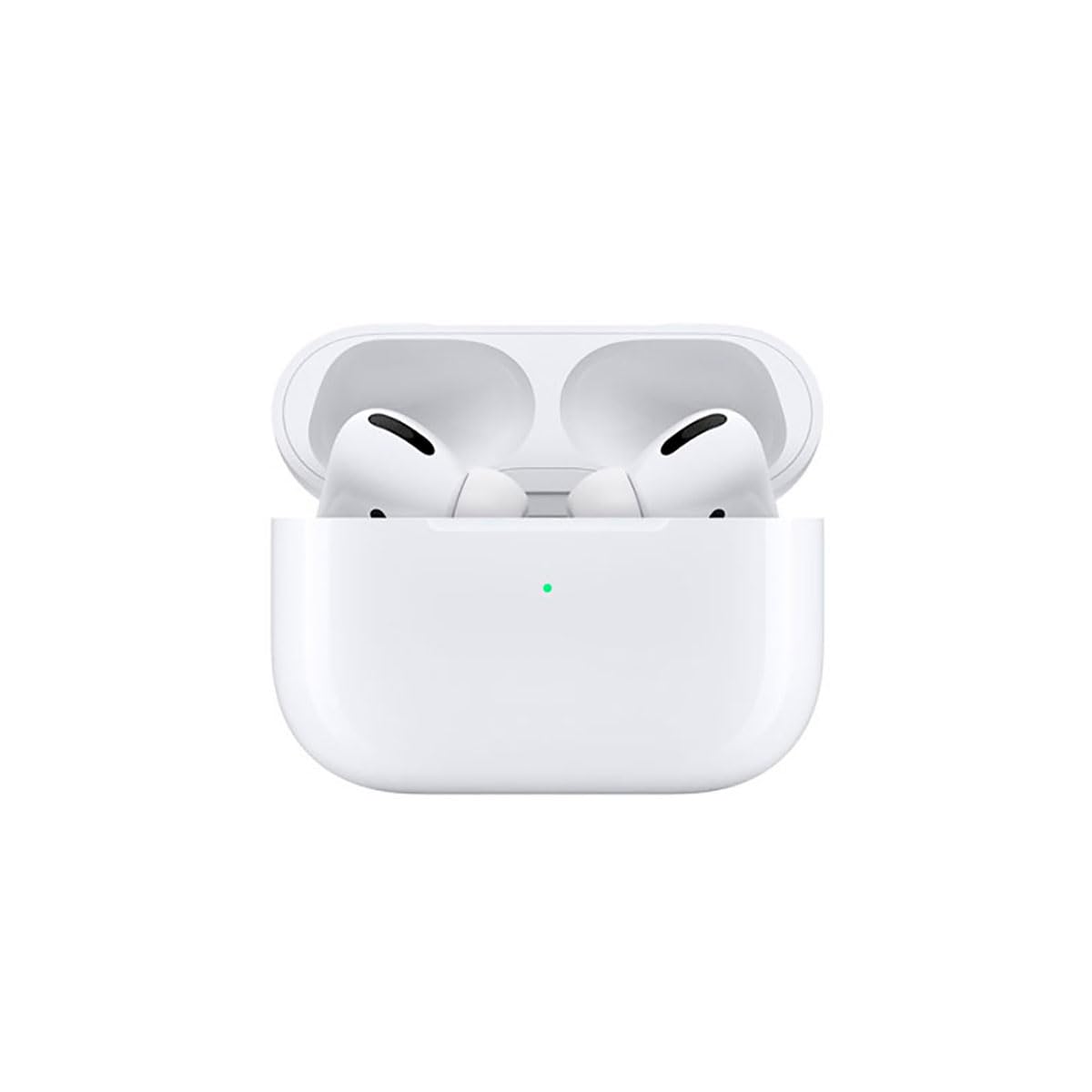
Image: A person wearing Apple AirPods Pro earbuds, demonstrating their use in a daily setting.
1. Başlarken
1.1 Kutudan Çıkarma ve Şarj Etme
Your AirPods Pro come with a Wireless Charging Case, silicone ear tips in three sizes, and a Lightning to USB-C cable.
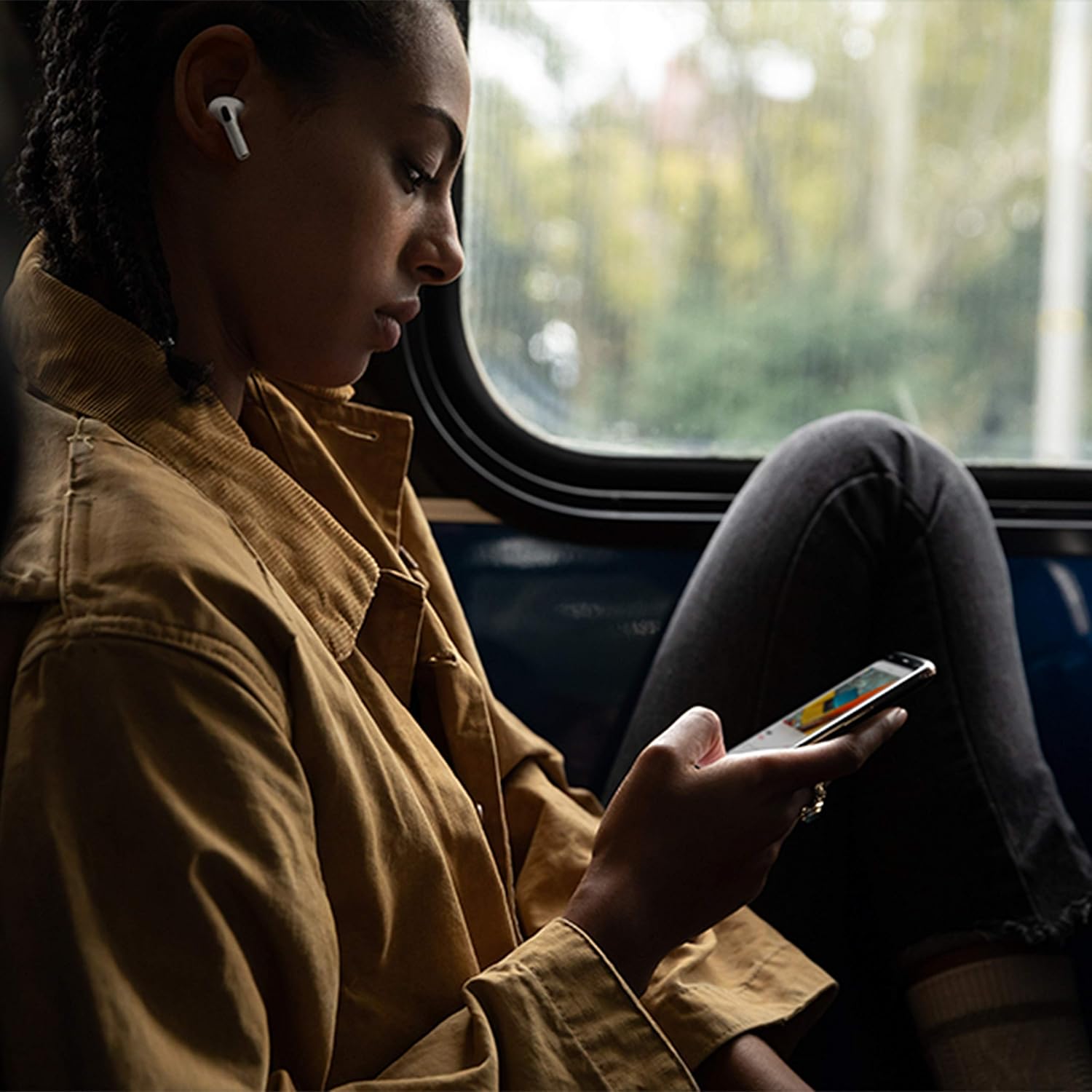
Image: Apple AirPods Pro earbuds inside their wireless charging case, with the status indicator light visible.
Before first use, ensure your AirPods Pro and their charging case are fully charged. Connect the Lightning to USB-C cable to the charging case and a power adapter, or place the case on a Qi-certified wireless charging mat.
1.2 Cihazınızla Eşleştirme
To pair your AirPods Pro with an Apple device:
- Ensure your Apple device (iPhone, iPad, or iPod touch) is running the latest iOS version.
- Cihazınızın kilidini açın ve Ana ekrana gidin.
- Open the charging case lid with your AirPods Pro inside, and hold it near your device.
- Cihazınızın ekranında bir kurulum animasyonu görünecektir. Ekrandaki talimatları izleyin.
- Bağlandıktan sonra AirPods Pro'nuz iCloud hesabınızda oturum açmış tüm desteklenen cihazlarla otomatik olarak eşleşecektir.
To pair with a non-Apple device (e.g., Android phone):
- AirPods Pro'nuzu şarj kutusuna koyup kapağını açın.
- Durum ışığı beyaz renkte yanıp sönene kadar kasanın arkasındaki kurulum düğmesini basılı tutun.
- On your device, go to Bluetooth settings and select "AirPods Pro" from the list of available devices.
1.3 Finding Your Best Fit
Achieving the right fit is crucial for optimal sound quality and Active Noise Cancellation. Your AirPods Pro come with small, medium, and large silicone ear tips.

Resim: Yakın çekim view of two individual Apple AirPods Pro earbuds, highlighting the silicone ear tips.
- Try each size of ear tip to find the ones that provide the best seal and comfort.
- iPhone'unuzda şuraya gidin: Ayarlar > Bluetooth, tap the "i" icon next to your AirPods Pro, then tap "Ear Tip Fit Test." Follow the on-screen instructions to check the seal.
2. Using Your AirPods Pro
2.1 Kontroller
The force sensor on the stem of each AirPod Pro allows you to control audio playback and calls.
- Bir kez basın: Oynatın, duraklatın veya telefon görüşmesine cevap verin.
- İki kez basın: Ileri atlamak.
- Üç kez basın: Geriye Atla.
- Basılı tutun: Aktif Gürültü Önleme ve Şeffaflık modu arasında geçiş yapın.
2.2 Active Noise Cancellation and Transparency Mode
Your AirPods Pro offer two primary listening modes:
- Aktif Gürültü Önleme (ANC): Blocks out external sounds, allowing you to focus on your audio.
- Şeffaflık Modu: Sesli içerik dinlerken çevrenizi de duymanızı sağlar; kalabalık ortamlarda farkındalığı artırmak için faydalıdır.
Switch between these modes by pressing and holding the force sensor on an AirPod stem, or via Control Center on your Apple device.
2.3 Siri Activation
Activate Siri by saying "Hey Siri" or by pressing and holding the force sensor on an AirPod stem (if configured in settings).
2.4 Su ve Ter Direnci
AirPods Pro are sweat and water resistant for non-water sports and exercise. They are not waterproof and should not be submerged in water. Resistance may decrease as a result of normal wear.
3. Bakım ve Onarım
3.1 Cleaning Your AirPods Pro and Case
Regularly clean your AirPods Pro and their charging case to maintain performance and hygiene.
- Wipe the AirPods and case with a soft, dry, lint-free cloth.
- Do not use abrasive materials, sprays, or solvents.
- For ear tips, remove them from the AirPods and rinse with water. Dry thoroughly before reattaching.
3.2 Pil Bilgileri
The AirPods Pro and charging case contain rechargeable batteries. Battery life is dependent on usage and settings. Over time, the capacity of all rechargeable batteries diminishes. To maximize battery lifespan:
- Aşırı sıcaklıklardan kaçının.
- Kullanmadığınız zaman serin ve kuru bir yerde saklayınız.
- Charge regularly, but avoid leaving them fully charged or fully depleted for extended periods.
4. Yaygın Sorunların Giderilmesi
4.1 Bağlantı Sorunları
If your AirPods Pro are not connecting:
- Cihazınızda Bluetooth'un etkin olduğundan emin olun.
- Place AirPods Pro in the charging case, close the lid, wait 15 seconds, then open the lid.
- If issues persist, try resetting your AirPods Pro: With the lid open, press and hold the setup button on the back of the case for about 15 seconds until the status light flashes amber, then white. Re-pair them with your device.
4.2 Ses Kalitesi Sorunları
If you experience poor sound quality or ineffective noise cancellation:
- Ensure ear tips are clean and properly fitted. Perform the Ear Tip Fit Test.
- Check for debris in the speaker mesh.
- Ensure your device's volume is adjusted correctly.
4.3 Şarj Sorunları
If your AirPods Pro or case are not charging:
- Verify the Lightning cable is securely connected to both the case and the power adapter.
- If using wireless charging, ensure the case is correctly positioned on the charging mat.
- Kasanın üzerindeki şarj portunu temizleyin.
5. Ürün Özellikleri
| Özellik | Detay |
|---|---|
| Marka | Elma |
| Model Adı | Apple AirPods Pro |
| Form Faktörü | Kulak içi |
| Gürültü Kontrolü | Aktif Gürültü Önleme |
| Bağlantı Teknolojisi | Bluetooth |
| Kablosuz İletişim Teknolojisi | Bluetooth |
| Renk | Beyaz |
| Yaş Aralığı (Açıklama) | Yetişkin |
5.1 Kutuda Neler Var?
- AirPods Pro
- Kablosuz Şarj Kutusu
- Silicone Ear Tips (three sizes)
- Lightning - USB-C Kablosu
- Belgeleme
6. Garanti ve Destek
6.1 Garanti Bilgileri
Apple AirPods Pro come with a standard limited warranty. For detailed warranty terms and conditions, please refer to the documentation included with your product or visit the official Apple support webalan.
6.2 Müşteri Desteği
Daha fazla yardım, teknik destek veya servis için lütfen resmi Apple Destek sayfasını ziyaret edin. websiteyi ziyaret edin veya doğrudan Apple müşteri hizmetleriyle iletişime geçin.
Ask a question about this manual
Ask about setup, troubleshooting, compatibility, parts, safety, or missing instructions. Manuals+ will review the question and use this page’s manual context to help answer it.