
giriiş
Thank you for choosing the Conceptronic REGAS01B Optical Desktop Mouse. This manual provides essential information for setting up, operating, and maintaining your new mouse. Please read these instructions carefully before use to ensure proper functionality and longevity of your device.
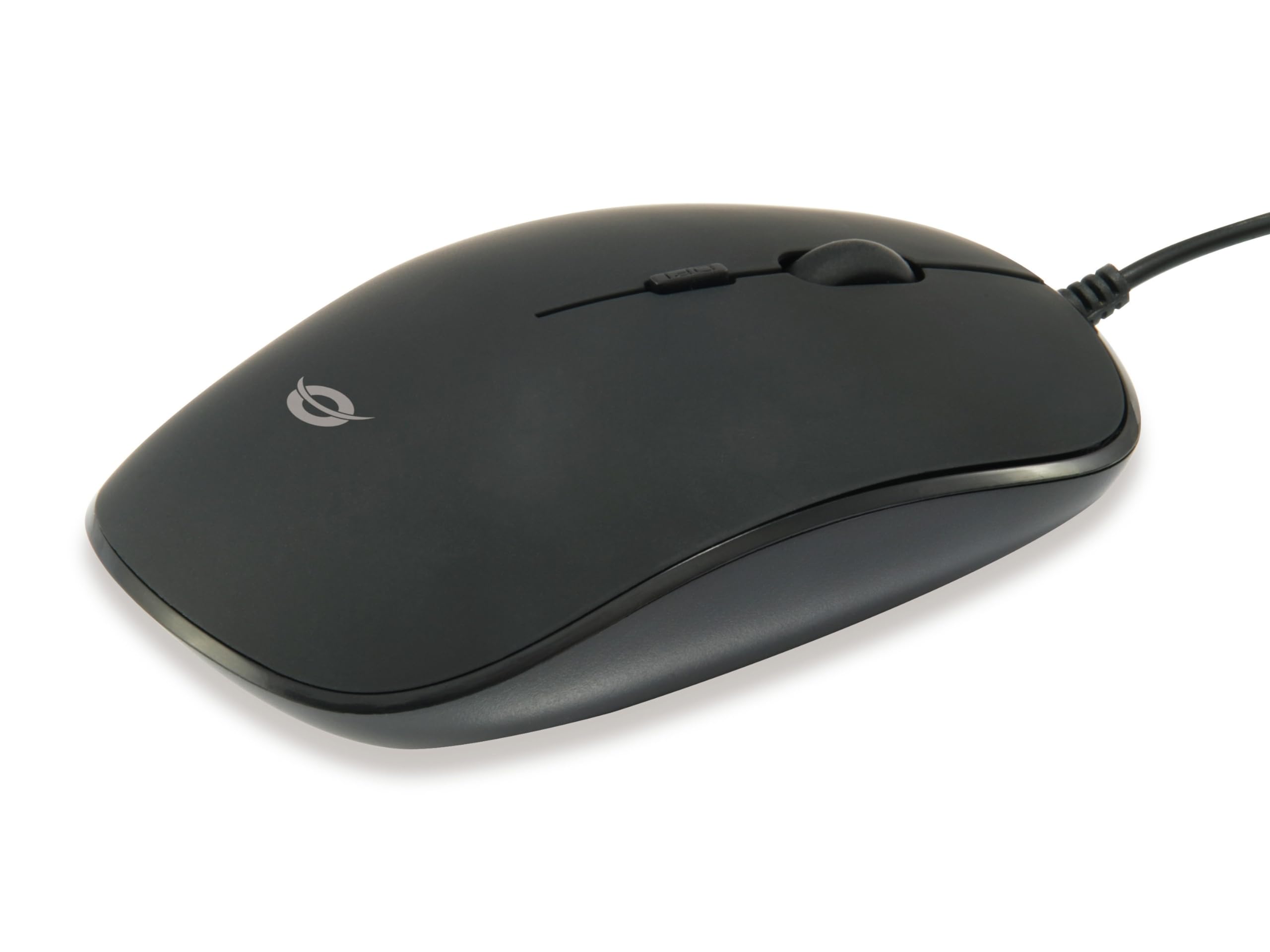
Resim: Üst view of the Conceptronic REGAS01B Optical Desktop Mouse, showcasing its ergonomic black design.
Paket İçeriği
Paketin içerisinde tüm ürünlerin mevcut olduğundan emin olun:
- Conceptronic REGAS01B Optical Desktop Mouse
- Kullanım Kılavuzu (bu belge)
- Note: This is a wired USB mouse and does not require external batteries for operation, despite some generic product data indicating otherwise.
Özellikler
- DPI Anahtarı: Adjustable sensitivity (800/1000/1200 DPI) for precise control.
- Tak ve Çalıştır: Ek sürücüye ihtiyaç duymadan kolay kurulum.
- Çok Yönlü Tasarım: Comfortable for both left and right-handed users.
- Rubberized Surface: Provides enhanced grip and comfort during extended use.
- Optik Takip: Reliable and accurate cursor movement.
- USB Bağlantısı: Standard wired connection for stable performance.
Kurmak
- Fareyi Bağlayın: Locate an available USB port on your computer. Insert the USB connector of the Conceptronic REGAS01B mouse into the USB port.
- Otomatik Kurulum: Your operating system (Windows, Linux, etc.) will automatically detect and install the necessary drivers. This process typically takes a few seconds.
- Kullanıma hazır: Once the installation is complete, the mouse is ready for immediate use. No additional software is required.

Resim: Yakın çekim view of the mouse's scroll wheel and the DPI switch button, located behind the scroll wheel.
Kullanım Talimatları
Temel Fonksiyonlar
- Sol tık: Öğeleri seçmek ve açmak için sol düğmeye basın. files veya işlevleri etkinleştirin.
- Sağ tık: Bağlam menülerini açmak veya ek seçeneklere erişmek için sağ düğmeye basın.
- Kaydırma tekerleği: Belgeler arasında gezinmek için fare tekerleğini yukarı veya aşağı kaydırın. web Sayfalar. Yazılım yapılandırmasına bağlı olarak, kaydırma tekerleğine basılarak orta tıklama işlevi de gerçekleştirilebilir.
DPI Hassasiyetinin Ayarlanması
The Conceptronic REGAS01B mouse features a DPI switch to adjust cursor sensitivity on the fly. This allows you to quickly change between different tracking speeds for various tasks, such as precise editing or fast-paced gaming.
- DPI Değiştirme Düğmesi: Located behind the scroll wheel.
- Hassasiyet Seviyeleri: Press the DPI switch button to cycle through 800, 1000, and 1200 DPI settings.
- Seçim: Each press will change the sensitivity, allowing you to find the optimal speed for your current activity.
Bakım
- Temizlik: Fare yüzeyini temizlemek için yumuşak, kuru bir bez kullanın. İnatçı kirler için hafifçe kurulayın.ampBezi su veya hafif bir temizleme solüsyonuyla yıkayın. Sert kimyasallardan veya aşındırıcı malzemelerden kaçının.
- Optik sensör: Doğru izlemeyi sağlamak için farenin alt tarafındaki optik sensörü temiz ve tozdan veya kalıntılardan uzak tutun.
- Depolamak: When not in use, store the mouse in a clean, dry environment.
- Sıvılardan Kaçının: Do not expose the mouse to excessive moisture or immerse it in liquids.
Sorun giderme
Fare Yanıt Vermiyor
- USB Bağlantısını Kontrol Edin: USB kablosunun bilgisayarınızdaki çalışan bir USB bağlantı noktasına güvenli bir şekilde takılı olduğundan emin olun. Farklı bir USB bağlantı noktası deneyin.
- Bilgisayarı yeniden başlat: Sometimes a simple computer restart can resolve connectivity issues.
- Başka Bir Bilgisayarda Test Edin: Mümkünse, sorunun fareden mi yoksa bilgisayarınızın ayarlarından mı kaynaklandığını belirlemek için fareyi başka bir bilgisayarda test edin.
Inaccurate Cursor Movement
- Temiz Optik Sensör: Farenin altındaki optik sensörün temiz ve toz veya kirden arındırılmış olduğundan emin olun.
- Mouse Pad/Yüzey: Fareyi temiz, yansıtıcı olmayan ve düzgün bir yüzeyde kullanın. Çok yansıtıcı veya şeffaf yüzeylerden kaçının.
- DPI ayarını yapın: Experiment with the DPI switch to find a sensitivity setting that provides accurate tracking for your needs.
Özellikler
| Özellik | Detay |
|---|---|
| Marka | Konseptronik |
| Model Adı | REGAS01B |
| Renk | Siyah |
| Bağlantı Teknolojisi | USB (Kablolu) |
| Hareket Algılama Teknolojisi | Optik |
| DPI Ayarları | 800 / 1000 / 1200 DPI (Ayarlanabilir) |
| Düğme Miktarı | 3 (Left, Right, Scroll Wheel/Middle Click) + DPI Switch |
| El Yönelimi | İki elini de kullanabilen |
| Uyumlu Cihazlar | Kişisel Bilgisayar |
| İşletim Sistemi Uyumluluğu | Linux, Windows 7, Windows XP (ve daha yeni sürümleri) |
| Ürün Ağırlığı | 61 Gram |
| Özel Özellikler | Ergonomic Design, Rubberized Surface, Plug & Play |
| Üretici Parça Numarası | REGAS01B |
| GTIN (UPC) | 04015867208526 |
Garanti ve Destek
Garanti bilgileri ve teknik destek için lütfen resmi Conceptronic web sitesine başvurun. webSatın alma belgenizi saklayın veya yerel perakendecinizle iletişime geçin. Garanti talepleriniz için satın alma belgenizi saklayın.
- Çevrimiçi destek: Ziyaret etmek www.concepttronic.net (Not: Bu bir yer tutucudur URL, please replace with the actual support URL eğer mümkünse.)
- Temas etmek: Refer to the contact information provided on the product packaging or the Conceptronic webmüşteri hizmetleri sitesi.