
1. Giriş
The Viotek GN32DB is a 32-inch curved gaming monitor designed to deliver an immersive visual experience. It features a WQHD (2560x1440p) resolution, a 144Hz refresh rate, and AMD FreeSync technology, ensuring smooth and responsive gameplay. This manual provides essential information for setting up, operating, maintaining, and troubleshooting your monitor.

Image: The Viotek GN32DB monitor showcasing its 144Hz WQHD display capabilities.
2. Kurulum
2.1 Kutudan Çıkarma ve Montaj
Carefully remove the monitor and all components from the packaging. Ensure all parts are present before proceeding with assembly. Attach the stand base to the stand neck, then secure the assembled stand to the back of the monitor using the provided screws. The monitor also supports VESA mounting (75x75mm) for alternative installation options.
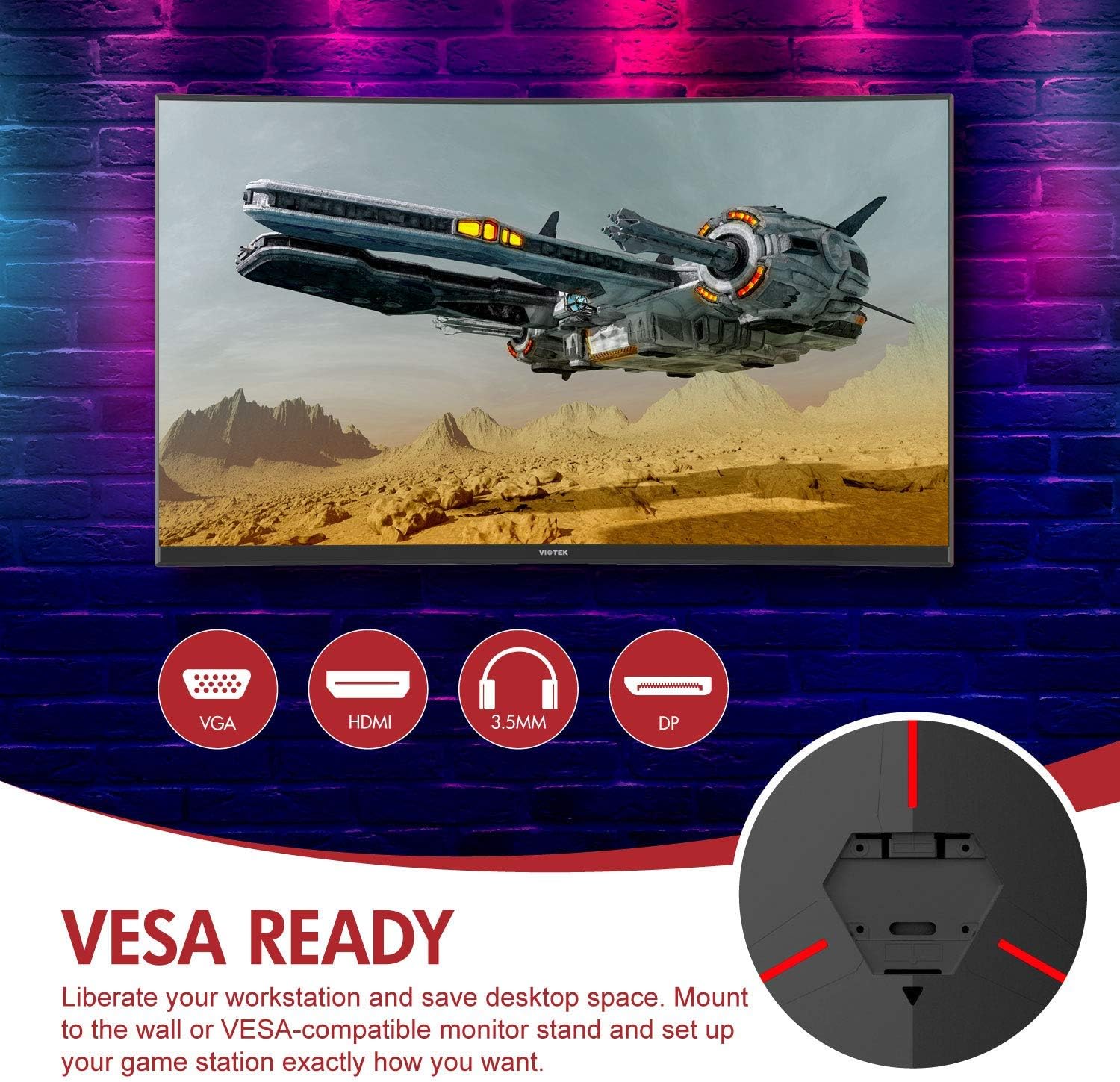
Resim: Arka view of the monitor highlighting VESA compatibility and available ports.
2.2 Cihaza Bağlanma
Connect your computer or gaming console to the monitor using one of the available input ports:
- DisplayPort (DP 1.2): For optimal performance, including 144Hz refresh rate and FreeSync.
- HDMI (HDMI 2.0): Supports high-resolution and refresh rates.
- DVI: Uyumlu cihazlar için.
Connect the power adapter to the monitor and then to a power outlet. The monitor also features a 3.5mm audio output jack for external sound systems.

Resim: Ayrıntılı view of the monitor's rear panel with input ports.
3. Monitörü Çalıştırma
3.1 Güç Açma/Kapatma
Monitörü açmak veya kapatmak için monitör üzerinde bulunan güç düğmesine basın. Güç gösterge ışığı monitörün durumunu gösterecektir.
3.2 Ekran Üstü Görüntüleme (OSD) Menüsü
Navigate the OSD menu using the buttons or joystick (if present) on the monitor. The OSD allows you to adjust various settings:
- Resim Ayarları: Parlaklığı, kontrastı, keskinliği ve renk sıcaklığını ayarlayın.
- Renk Modları: Önceden tanımlanmış renk seçeneklerinden birini seçin.fileveya kendinizinkini özelleştirin.
- Giriş kaynağı: Manually select the active input (DP, HDMI, DVI).
- Ses: Adjust volume for the 3.5mm audio output.
3.3 Oyun Özellikleri
- AMD FreeSync: This technology synchronizes the monitor's refresh rate with your GPU's frame rate to eliminate screen tearing and stuttering. Ensure FreeSync is enabled in both the monitor's OSD and your graphics card settings.
- FPS/RTS Modes: Optimize display settings for specific game genres.
- Oyun Artı: Activate on-screen crosshairs for improved aiming accuracy.

Image: Visual demonstration of AMD FreeSync technology in action.
3.4 Düşük Mavi Işık Modu
Activate the Low Blue Light mode to reduce blue light emissions, which can help minimize eye strain during extended use.
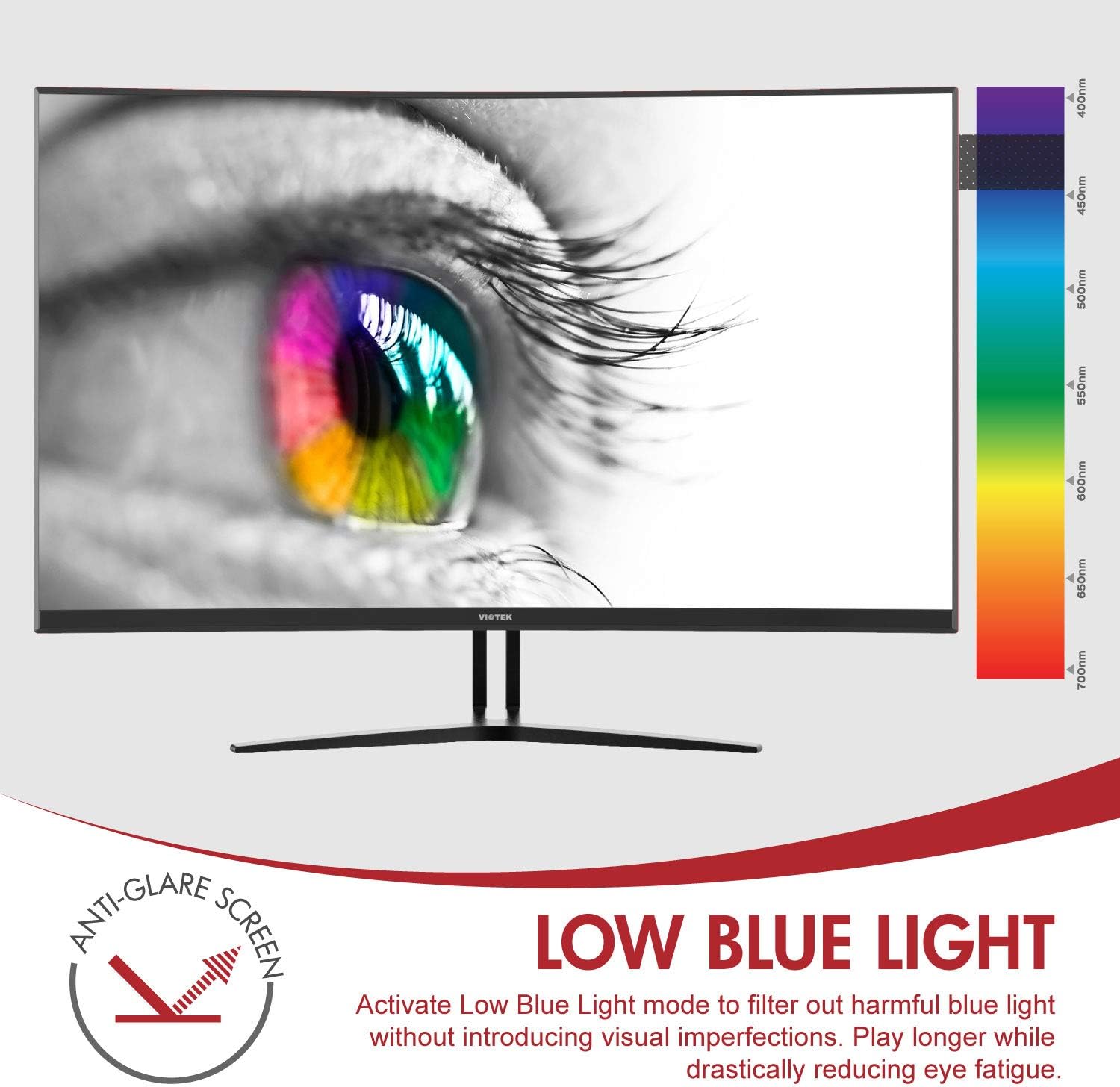
Image: The monitor's Low Blue Light feature for eye comfort.
3.5 Console Compatibility
The GN32DB is compatible with various gaming consoles, including Xbox One S/X and PlayStation 4, via DP 1.2 or HDMI connections. Enjoy FreeSync compatibility with supported Xbox consoles for smoother gameplay.

Image: Monitor compatibility with gaming consoles and adjustable tilt angle.
4. Bakım
To ensure the longevity and optimal performance of your Viotek GN32DB monitor, follow these maintenance guidelines:
- Ekranın Temizlenmesi: Ekranı yumuşak, tiftiksiz bir bezle nazikçe silin. İnatçı lekeler için hafifçe silin.ampBezi su veya ekrana özel bir temizleme solüsyonuyla silin. Sert kimyasallar veya aşındırıcı malzemeler kullanmaktan kaçının.
- Genel Temizlik: Monitörü temizlemek için yumuşak ve kuru bir bez kullanın.asing and stand.
- Havalandırma: Aşırı ısınmayı önlemek için monitörün havalandırma deliklerinin kapatılmadığından emin olun.
- Depolamak: Monitörü uzun süre kullanılmadığı zamanlarda, serin ve kuru bir yerde, tercihen orijinal ambalajında saklayın.
5. Sorun Giderme
Monitörünüzde sorunlarla karşılaşırsanız, aşağıdaki yaygın sorunlara ve çözümlere bakın:
| Sorun | Olası Neden | Çözüm |
|---|---|---|
| Ekranda görüntü yok | Power cable disconnected, incorrect input source, faulty video cable. | Check power connections. Select correct input source via OSD. Replace video cable. |
| Titreyen veya bo distorted görüntü | Loose video cable, incorrect resolution/refresh rate, FreeSync issue. | Ensure video cable is secure. Adjust display settings on your device. Verify FreeSync settings. |
| No sound from 3.5mm audio out | Volume too low, external speakers not connected, audio source issue. | Increase monitor volume. Connect speakers correctly. Check audio settings on your device. |
| Monitör açılmıyor | Power supply issue, faulty power button. | Verify power outlet and adapter. Contact support if issue persists. |
If the problem persists after attempting these solutions, please contact Viotek customer support.
6. Özellikler
| Özellik | Detay |
|---|---|
| Marka | Viotek |
| Model Numarası | GN32DB |
| Ekran Boyutu | 31.5 inç |
| Çözünürlük | QHD Geniş 1440p (2560x1440) |
| En Boy Oranı | 16:9 |
| Yenileme Hızı | 144 Hz |
| Tepki Süresi | 4 Milliseconds (with Automatic Overdrive) |
| Görüntü Türü | LED (Samsung VA Panel) |
| Eğrilik | 1800R |
| Renk Gamı | %115 sRGB / %85 NTSC |
| Kontrast Oranı | 3000:1 (Static), 1,000,000:1 (Dynamic) |
| Parlaklık | 250 cd/m² |
| ViewAçı | 178 Derece |
| Uyarlanabilir Senkronizasyon | Serbest Senkronizasyon |
| Bağlantı | 1x DisplayPort 1.2, 1x HDMI 2.0, 1x DVI, 1x 3.5mm Audio Output |
| Montaj Tipi | VESA Mount (75x75mm) |
| Ek Özellikler | Anti-Glare Screen, Low Blue Light, FPS/RTS Modes, Game Plus |
| Ürün Ağırlığı | 17.2 Pound |
7. Garanti
The Viotek GN32DB monitor is protected by a 3 Yıllık Sınırlı Garanti. This warranty includes a Ölü Piksel Toleransı Sıfır Politikası, ensuring that your monitor is free from dead pixels upon purchase. For detailed terms and conditions, please refer to the official Viotek warranty documentation.

Image: Viotek's 3-Year Limited Warranty and Zero-Tolerance Dead Pixel Policy.
8. Destek
For any questions, technical assistance, or warranty claims, please contact Viotek's customer service. Our 100% U.S.-based customer service team is available 7 days a week to provide support.
Contact information can be found on the official Viotek websitenizde veya ürün ambalajınızda.