
TP-Link Deco X20
TP-Link Deco X20 AX1800 Whole Home Mesh Wi-Fi System User Manual
Model: Deco X20
giriiş
The TP-Link Deco X20 AX1800 Whole Home Mesh Wi-Fi System provides seamless Wi-Fi 6 coverage throughout your home. This system replaces traditional routers and Wi-Fi extenders, offering faster connections, increased capacity, and reduced latency for a superior online experience. It includes features like HomeCare for security and parental controls, and is compatible with Alexa for voice control.
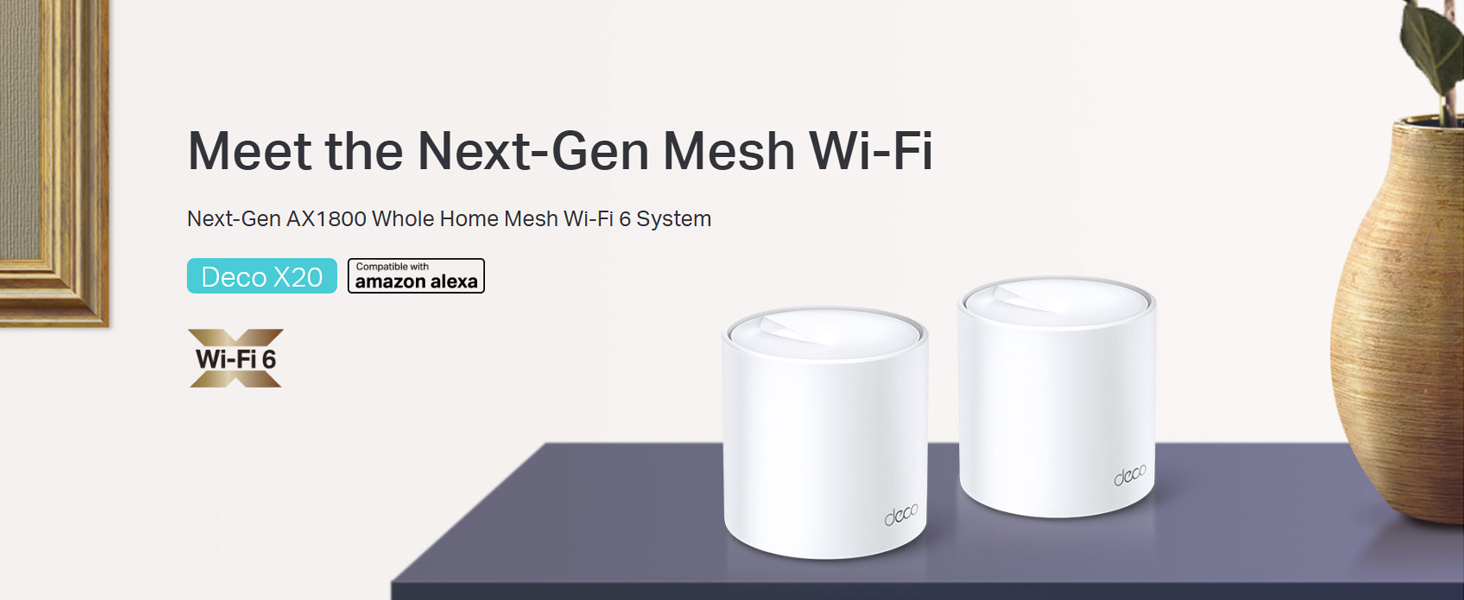
Image: Two TP-Link Deco X20 units on a table, showcasinÜrün tasarımını g ile ifade etmek.
Kutuda Neler Var?
The Deco X20 (2-Pack) system typically includes the following components:
- 2 x Deco X20 Units
- 1 x RJ45 Ethernet Kablosu
- 2 x Güç Adaptörleri
- 1 x Hızlı Kurulum Kılavuzu

Image: The TP-Link Deco X20 (2-Pack) retail box, displaying the included items.
Kurulum Kılavuzu
Setting up your TP-Link Deco X20 system is designed to be straightforward using the Deco app. Follow these steps for initial installation:
- Deco Uygulamasını İndirin: Arama "TP-Link Deco" in the App Store (iOS) or Google Play Store (Android) and install the application on your smartphone or tablet.
- Ana Dekoratif Üniteyi Bağlayın:
- Modeminizi kapatın.
- Sağlanan Ethernet kablosunu kullanarak bir Deco ünitesini modeminize bağlayın.
- Power on your modem, then power on the Deco unit. Wait for the Deco unit's LED to pulse blue.
- Deco Uygulamasını Başlatın: Open the Deco app and follow the on-screen instructions to create a TP-Link ID and set up your main Deco unit.
- Ek Dekoratif Üniteler Ekleyin: Once the main unit is configured, the app will guide you through adding the remaining Deco units. Place them strategically around your home for optimal coverage.
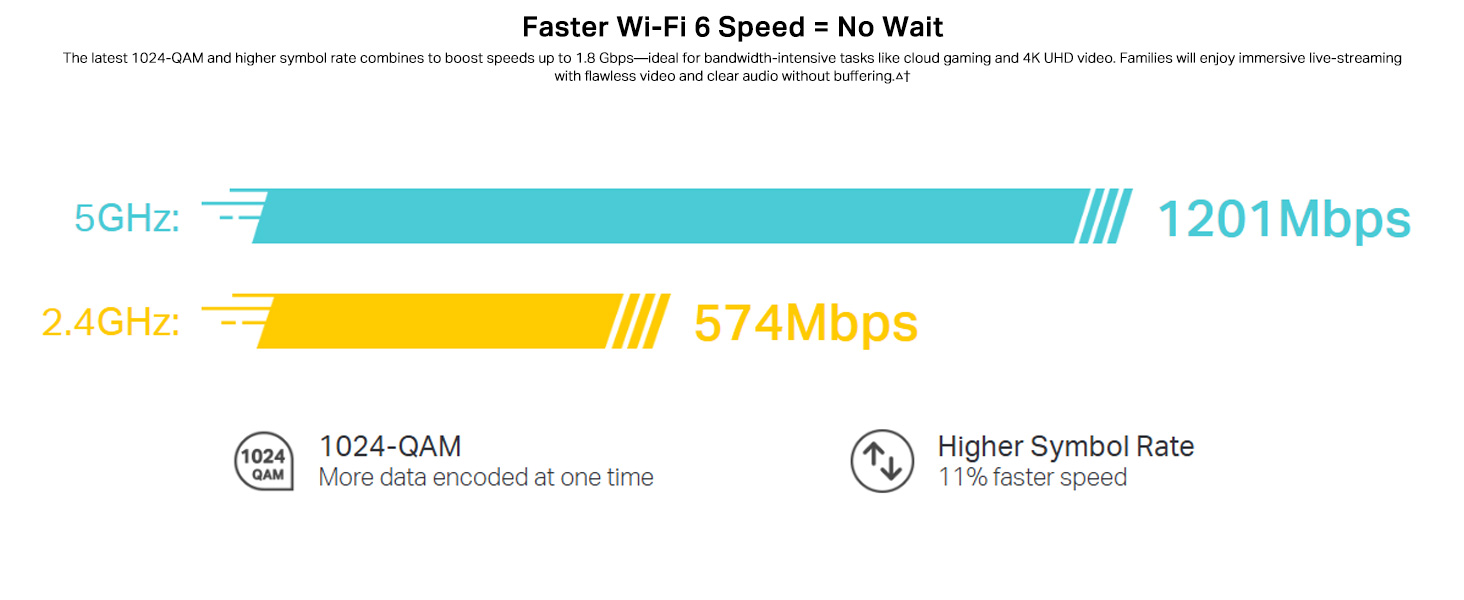
Image: Visual guide for setting up the Deco X20 system via the Deco mobile application.
Kullanım Talimatları
The TP-Link Deco X20 system operates as a unified network, providing seamless Wi-Fi coverage. Management is primarily done through the Deco mobile application.
Deco App Features:
- Ağ Yönetimi: View connected devices, prioritize network traffic (QoS), and manage guest networks.
- Ebeveyn Kontrolleri: Set time limits, block inappropriate content, and monitor online activity for family members.
- Antivirus (HomeCare/HomeShield): Protect your network and connected devices from malicious threats.
- Donanım Yazılımı Güncellemeleri: The app facilitates easy firmware updates to ensure your system has the latest features and security enhancements.
- Ses Kontrolü: Integrate with Amazon Alexa for convenient voice commands to manage your Wi-Fi.

Image: The Deco app interface, demonstrating various control and monitoring features.
Sorunsuz Dolaşım:
The Deco system creates a single Wi-Fi network name (SSID) throughout your home. As you move, your devices automatically connect to the Deco unit with the strongest signal, ensuring an uninterrupted connection.
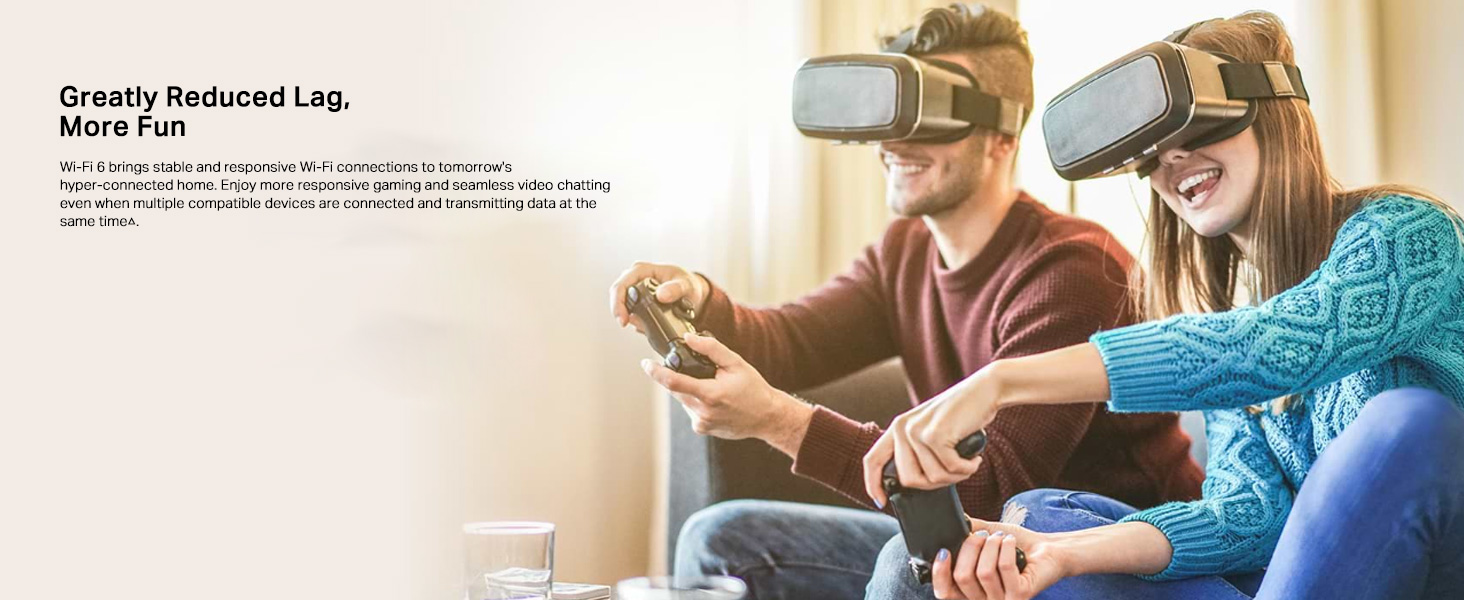
Image: Comparison of seamless roaming with Deco versus a traditional router and extender setup.
Temel Özellikler
- Wi-Fi 6 Technology (802.11ax): Provides faster speeds up to 1800 Mbps (1201 Mbps on 5GHz and 574 Mbps on 2.4GHz), increased capacity, and reduced network congestion.
- Whole Home Mesh Coverage: Eliminates Wi-Fi dead zones, covering up to 4000 sq ft with a 2-pack system.
- Connect More Devices: OFDMA and MU-MIMO technologies allow simultaneous data transmission to multiple devices, supporting over 150 connected devices without performance degradation.
- Ultra Düşük Gecikme: Enhances responsiveness for gaming and video calls.
- TP-Link HomeCare/HomeShield: Offers comprehensive network security, robust parental controls, and Quality of Service (QoS) for a safer and optimized online experience.
- AI-Driven Mesh: The system intelligently learns your network environment and user behavior to optimize Wi-Fi performance continuously.
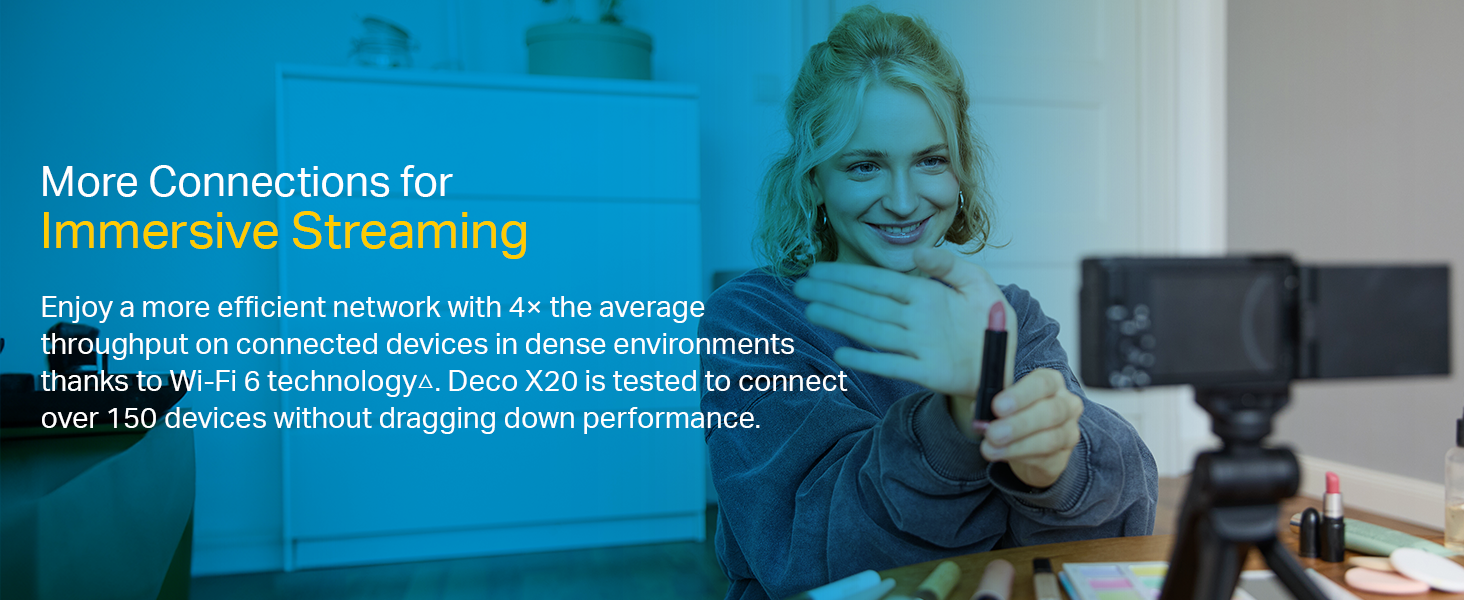
Image: Infographic highlighting the advantages of Wi-Fi 6, such as speed and efficiency.
Bakım
To ensure optimal performance and security of your Deco X20 system, consider the following maintenance practices:
- Düzenli Ürün Yazılımı Güncellemeleri: Check the Deco app periodically for available firmware updates. Installing updates ensures you have the latest security patches and performance improvements.
- Optimum Yerleştirme: Ensure Deco units are placed in open areas, away from obstructions like large metal objects, thick walls, and other electronic devices that may cause interference.
- Temizlik: Keep the Deco units clean and free from dust to prevent overheating and maintain proper airflow. Use a soft, dry cloth for cleaning.
- Ağ İzleme: Use the Deco app to monitor network activity and identify any unusual behavior or unauthorized devices.
Sorun giderme
If you encounter issues with your Deco X20 system, try the following troubleshooting steps:
- İnternet bağlantısı yok:
- Modeminizin düzgün çalışıp çalışmadığını kontrol edin.
- Ensure the Ethernet cable between the main Deco unit and the modem is securely connected.
- Modeminizi ve ana Deco ünitesini yeniden başlatın.
- Zayıf Wi-Fi Sinyali veya Ölü Bölgeler:
- Relocate Deco units closer to each other or to the areas with weak signals.
- Ensure there are no major physical obstructions (e.g., thick concrete walls) between Deco units.
- Consider adding another Deco unit if coverage is still insufficient.
- Dekoratif Ünite LED Durumu:
- Düz Yeşil: Deco normal şekilde çalışıyor.
- Yanıp Sönen Mavi: Deco kuruluma hazır.
- Düz Kırmızı: Deco'nun bir sorunu var (örneğin, internet bağlantısı yok).
- Darbeli Kırmızı: Deco is disconnected from the main unit.
- Cannot Connect to Deco App:
- Ensure your smartphone is connected to the Deco Wi-Fi network.
- Restart the Deco app.
- Reinstall the Deco app if the issue persists.
Daha fazla yardım için TP-Link destek sayfasına başvurun. website veya müşteri hizmetleriyle iletişime geçin.
Özellikler
| Özellik | Detay |
|---|---|
| Marka | TP-Link |
| Model Adı | Deko X20 |
| kablosuz standardı | 802.11ax (Wi-Fi 6) |
| Frekans Bant Sınıfı | Çift Bant (2.4 GHz ve 5 GHz) |
| Veri Aktarım Hızı (Maks) | 1800 Mbps (5 GHz'de 1201 Mbps, 2.4 GHz'de 574 Mbps) |
| Kapsam | 4000 metrekareye kadar (2 paket) |
| Port Sayısı | 2 Gigabit Ethernet ports per Deco unit |
| Güvenlik Protokolü | WPA-PSK, WPA2-PSK, WPA3 |
| Kontrol Yöntemi | Deco App, Amazon Alexa |
| Boyutlar (U x G x Y) | 11U x 11G x 11.4Y Santimetre |
| İşletim Sistemi | RouterOS (dahili) |
| RAM Belleği Takılı | 16 GB (Note: This value is from the provided product data and may refer to flash storage or a specific component, as typical router RAM is lower.) |
Garanti ve Destek
Garanti Bilgileri:
The TP-Link Deco X20 comes with a 3 yıllık garanti. For any product quality related issues, it is recommended to reach out to TP-Link's customer service support for resolution.
Müşteri Desteği:
For technical support, warranty claims, or general inquiries, please contact TP-Link customer service:
- Ücretsiz: 1800-209-4168
- E-posta: destek.in@tp-link.com
- Üretici Adresi: TP-Link Systems Inc. 10 Mauchly, Irvine, CA 92618, USA or TP-Link India Private Limited Office No.1, Tower 2, Level 2, Raiaskaran Tech Park, Andheri Kurla Road, M.V Road, Andheri East-400072
Please retain your proof of purchase for warranty services.
Önemli Güvenlik Bilgileri
- Cihazı suya veya neme maruz bırakmayın.
- Cihazı kendiniz sökmeye veya onarmaya çalışmayın.
- Yalnızca verilen güç adaptörlerini kullanın.
- Ensure proper ventilation around the Deco units to prevent overheating.
Ask a question about this manual
Ask about setup, troubleshooting, compatibility, parts, safety, or missing instructions. Manuals+ will review the question and use this page’s manual context to help answer it.