
Viotek NB24CW
Viotek NB24CW 24-Inch Curved Monitor User Manual
Model: NB24CW
giriiş
This manual provides essential information for the safe and efficient operation of your Viotek NB24CW 24-Inch LED Curved Monitor. Please read this guide thoroughly before using the product and retain it for future reference.
The Viotek NB24CW is a 24-inch curved LED monitor featuring a 1920x1080p Full-HD resolution, 75Hz refresh rate, and FreeSync technology. It includes built-in speakers, VGA and HDMI 1.4 ports, and is VESA mount compatible. Its bezel-less design offers an immersive viewing experience for both work and entertainment.
Güvenlik Bilgileri
Güvenli çalışma sağlamak ve hasarı önlemek için aşağıdaki önlemlere uyun:
- Monitörü yağmura, neme veya aşırı sıcaklıklara maruz bırakmayın.
- Monitörü ısı kaynaklarının yakınına veya doğrudan güneş ışığına maruz bırakmayın.
- Yalnızca monitörle birlikte verilen güç adaptörünü kullanın.
- Havalandırma açıklıklarını kapatmayın.
- Ekranı yumuşak, tüy bırakmayan bir bezle temizleyin. Aşındırıcı temizleyicilerden kaçının.
- If any issues arise, disconnect the power cable and contact customer support.
Paket İçeriği
Paketin içinde tüm öğelerin mevcut olduğundan emin olun:
- Viotek NB24CW Monitor
- Monitör Standı (Taban ve Boyun)
- Güç Adaptörü
- HDMI Kablosu
- VESA Adapter (75x75mm)
- Kullanım Kılavuzu (bu belge)
Kurmak
1. Standın Montajı
- Monitörü ambalajından dikkatlice çıkarın.
- Verilen vidaları kullanarak stand boynunu monitör paneline takın.
- Sehpa tabanını sehpa boynuna sabitleyin.
- Montajı tamamlanmış monitörü sağlam, düz bir yüzeye yerleştirin.
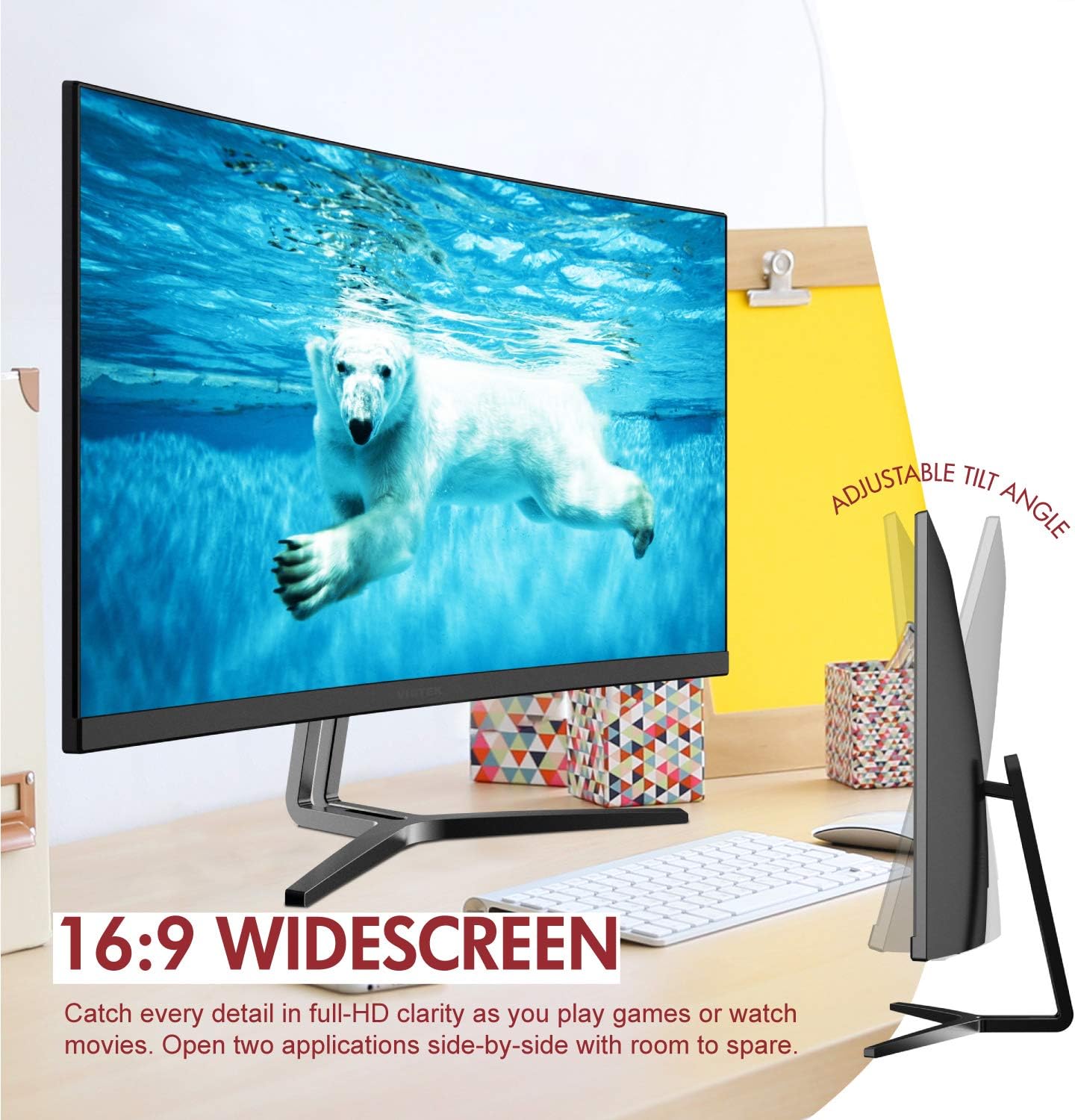
Image: The Viotek NB24CW monitor with its stand, highlighting the 16:9 widescreen aspect ratio and adjustable tilt angle. The monitor is shown displaying a polar bear underwater.
2. Bir Cihaza Bağlanma
Monitör HDMI ve VGA bağlantılarını desteklemektedir.
- HDMI Bağlantısı: Connect one end of the HDMI cable (included) to the HDMI port on your computer or gaming console, and the other end to the HDMI 1.4 port on the monitor.
- VGA Bağlantısı: Connect one end of the VGA cable (not included) to the VGA port on your computer, and the other end to the VGA port on the monitor.

Resim: Ayrıntılı view of the monitor's rear panel, illustrating the HDMI 1.4 and VGA input ports for connecting to various devices.
3. Güç Bağlantısı
Güç adaptörünü monitörün güç girişine bağlayın, ardından adaptörü bir elektrik prizine takın.
4. VESA Montajı (İsteğe bağlı)
The monitor is VESA 75x75mm compatible. Use the included VESA adapter to mount the monitor to a wall or compatible monitor arm.

Image: The back of the Viotek NB24CW monitor, highlighting its VESA mounting capability, integrated speakers, and connectivity options including VGA and HDMI.
Kullanım Talimatları
1. Güç Açma/Kapatma
Monitörü açmak veya kapatmak için monitörün sağ alt tarafında bulunan güç düğmesine basın.
2. Ekran Üstü Görüntüleme (OSD) Menüsü
Use the buttons next to the power button to navigate the OSD menu. This menu allows you to adjust various settings such as brightness, contrast, color temperature, input source, and audio volume.
3. Ekran Ayarlarını Ayarlama
- Parlaklık/Kontrast: Adjust these settings for optimal visual comfort.
- Renk ayarları: Select from preset color modes or customize RGB values.
- Giriş kaynağı: Otomatik algılama başarısız olursa HDMI ve VGA girişleri arasında manuel olarak seçim yapın.
- Düşük Mavi Işık: Activate this feature to reduce eye strain during prolonged use.
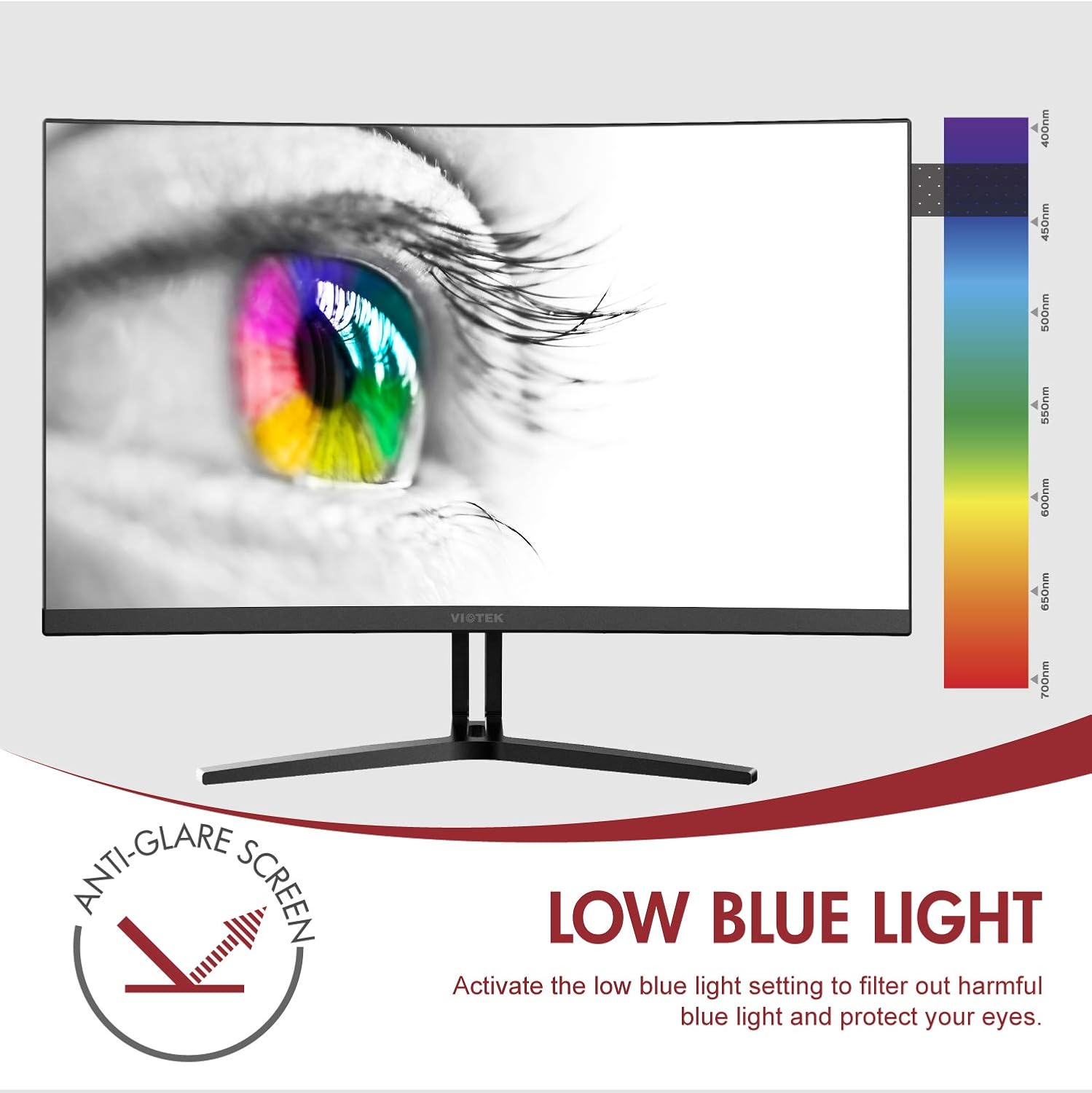
Image: The monitor screen showing an eye with a color spectrum, indicating the Low Blue Light feature designed to protect vision.
4. Oyun Özellikleri
The NB24CW monitor includes features optimized for gaming:
- FreeSync: Enable FreeSync in the OSD menu and on your compatible graphics card to eliminate screen tearing and stuttering.
- GamePlus: Access GamePlus features like integrated crosshairs for improved aiming in FPS/RTS games.
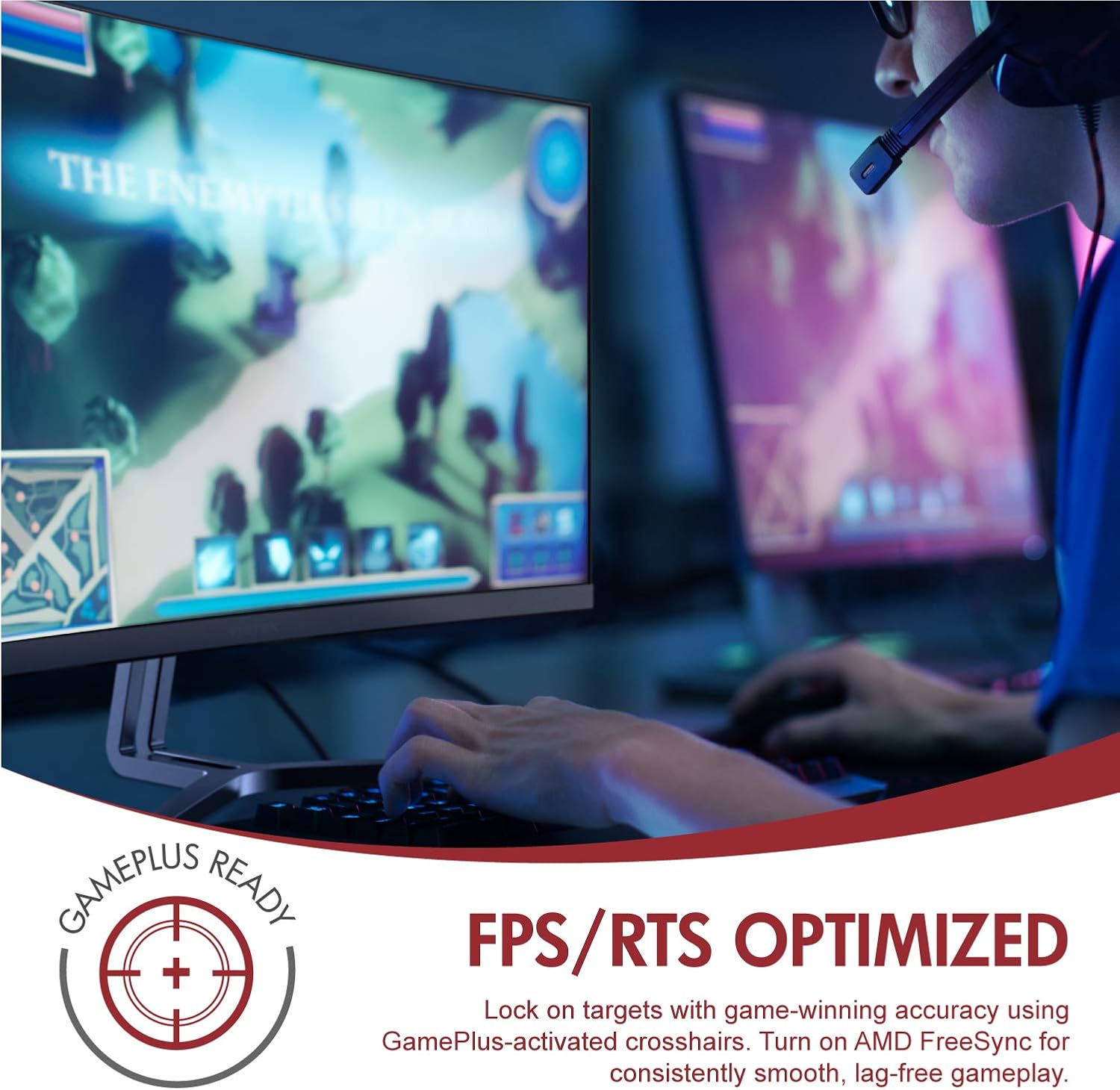
Image: A user engaged in gaming on the Viotek NB24CW monitor, highlighting its FPS/RTS optimized features and GamePlus functionality for enhanced gameplay.
Bakım
- Ekranın Temizlenmesi: Ekranı yumuşak, kuru ve tüy bırakmayan bir bezle nazikçe silin. İnatçı lekeler için, hafifçe silin.ampBezi su veya ekrana özel bir temizleme solüsyonuyla silin. Sıvıyı doğrudan ekrana püskürtmeyin.
- C'yi Temizlemeasing: Monitörün yüzeyini temizlemek için yumuşak, kuru bir bez kullanın.asing. Sert kimyasallar veya aşındırıcı malzemeler kullanmaktan kaçının.
- Depolamak: If storing the monitor for an extended period, disconnect it from power, pack it in its original packaging, and store in a cool, dry place.
Sorun giderme
| Sorun | Olası Neden | Çözüm |
|---|---|---|
| Ekranda görüntü yok | Power cable disconnected, incorrect input source, video cable loose. | Check power connections, select correct input source via OSD, ensure video cable is securely connected. |
| Görüntü bulanık veya bozuk | Incorrect resolution, faulty video cable. | Set display resolution to 1920x1080p, try a different HDMI cable. |
| Hoparlörlerden ses gelmiyor | Volume too low, audio source not selected, external speakers connected. | Increase volume in OSD and computer settings, ensure audio is routed to monitor, disconnect external speakers if not needed. |
| Ekran titriyor | Refresh rate mismatch, faulty cable, FreeSync issue. | Ensure refresh rate is set to 75Hz, try a different video cable, disable FreeSync temporarily to diagnose. |
Özellikler
| Özellik | Detay |
|---|---|
| Örnek | NB24CW |
| Ekran Boyutu | 24 inç |
| Panel Tipi | LED Curved |
| Eğrilik | 1800R |
| Çözünürlük | 1920x1080 (Tam HD) |
| En Boy Oranı | 16:9 |
| Yenileme Hızı | 75 Hz |
| Tepki Süresi | 5ms |
| ViewAçı | 178° |
| Kontrast Oranı | 1,000,000: 1 (Dinamik) |
| Renk Desteği | 16.7 Milyon Renk, %96 sRGB |
| Bağlantı | 1x HDMI 1.4, 1x VGA |
| Ses | Built-in Speakers (2x4Ω/3W) |
| VESA Uyumluluğu | 75x75mm (Adapter Included) |
| Uyarlanabilir Senkronizasyon | Serbest Senkronizasyon |
| Eğim Ayarı | -5° ila 15° |
| Özel Özellikler | Bezel-less design, GamePlus, FPS/RTS modes, Low Blue Light, Anti-glare screen |

Image: The Viotek NB24CW monitor showcasing its key performance specifications: 1080p resolution, 1800R curvature, 75Hz refresh rate, and 5ms response time.
Garanti Bilgileri
Your Viotek NB24CW monitor is covered by a 3 Yıl Üretici Sınırlı Garantisi. This warranty covers defects in materials and workmanship under normal use. Additionally, Viotek offers an industry-leading Ölü Piksel Toleransı Sıfır Politikası, ensuring your display is free from dead pixels.
For full warranty terms and conditions, please refer to the official Viotek website veya müşteri desteği ile iletişime geçin.

Image: A visual representation of Viotek's commitment to quality, featuring a "3 Year Warranty" and "Zero Dead Pixel - Parts & Labor" guarantee.
Müşteri Desteği
For technical assistance, warranty claims, or general inquiries, please contact our 100% U.S.-based Customer Support Team. They are available 7 days a week via live-chat, email, and social media support.
- Webalan: www.violek.com
- E-posta: Refer to the Viotek webBelirli e-posta iletişim bilgileri için site.
- Canlı Sohbet: Available on the official Viotek webalan.
Ürün Bittiview Video
Video: Resmi bir ürünview video for the Viotek NB24CB (similar model to NB24CW) monitor, showcasing its curved display, thin design, connectivity ports, and key features like 75Hz refresh rate, FreeSync, and built-in speakers. This video provides a visual guide to the monitor's design and capabilities.
Ask a question about this manual
Ask about setup, troubleshooting, compatibility, parts, safety, or missing instructions. Manuals+ will review the question and use this page’s manual context to help answer it.