
DBPOWER PD928
DBPOWER 11.5" Taşınabilir DVD Oynatıcı Kullanım Kılavuzu
Model: PD928
giriiş
This user manual provides detailed instructions for the operation and maintenance of your DBPOWER 11.5" Portable DVD Player. Please read this manual thoroughly before using the device to ensure proper functionality and longevity. This portable DVD player is designed for versatile entertainment on the go, featuring a swivel screen, long-lasting battery, and multi-format support.
Paket İçeriği
Paketi açtığınızda lütfen aşağıdaki tüm öğelerin pakette bulunduğundan emin olun:
- 9 "Taşınabilir DVD Oynatıcı
- Uzaktan kumanda
- DC Adaptörü
- Araba Şarj Cihazı
- 3'ü 1 arada AV Kablosu
- Kullanıcı Kılavuzu

Şekil 1: Paket İçeriği
Ürün Bittiview ve Özellikler
The DBPOWER Portable DVD Player offers a range of features designed for convenience and entertainment:
- Yüksek Kapasiteli Dahili Batarya: Equipped with a 2500 mAh rechargeable lithium battery, providing approximately 5 hours of video playback. The device supports three power supply options: built-in battery, car charger, and AC power adapter.
- Multimedya Desteği: Direct playback of various formats including CD, DVD, CD-R/RW, DVD-R/+R, DVD+RW/-RW, VCD, SVCD. It also supports USB drives and SD cards up to 32GB, with compatibility for MP3/WMA/WAV audio, JPEG images, and MPEG2/AVI/DIVX video formats. The player is region-free.

Figure 2: Multiple Media Support
- Dönebilen Ekran: Features a 9-inch screen with an 800x480 resolution. The screen can rotate 270 degrees and flip 180 degrees, allowing it to be used as a tablet or mounted to a car headrest.

Şekil 3: Döner Ekran İşlevselliği
- Dual Speaker & Louder Volume: Integrated with two powerful stereo speakers for clear and loud audio. A 3.5mm earphone jack is also available for private listening.
- Last Memory & Remote Control: The break-point memory function allows the player to resume playback from where it was last stopped. A remote control is included for convenient operation.
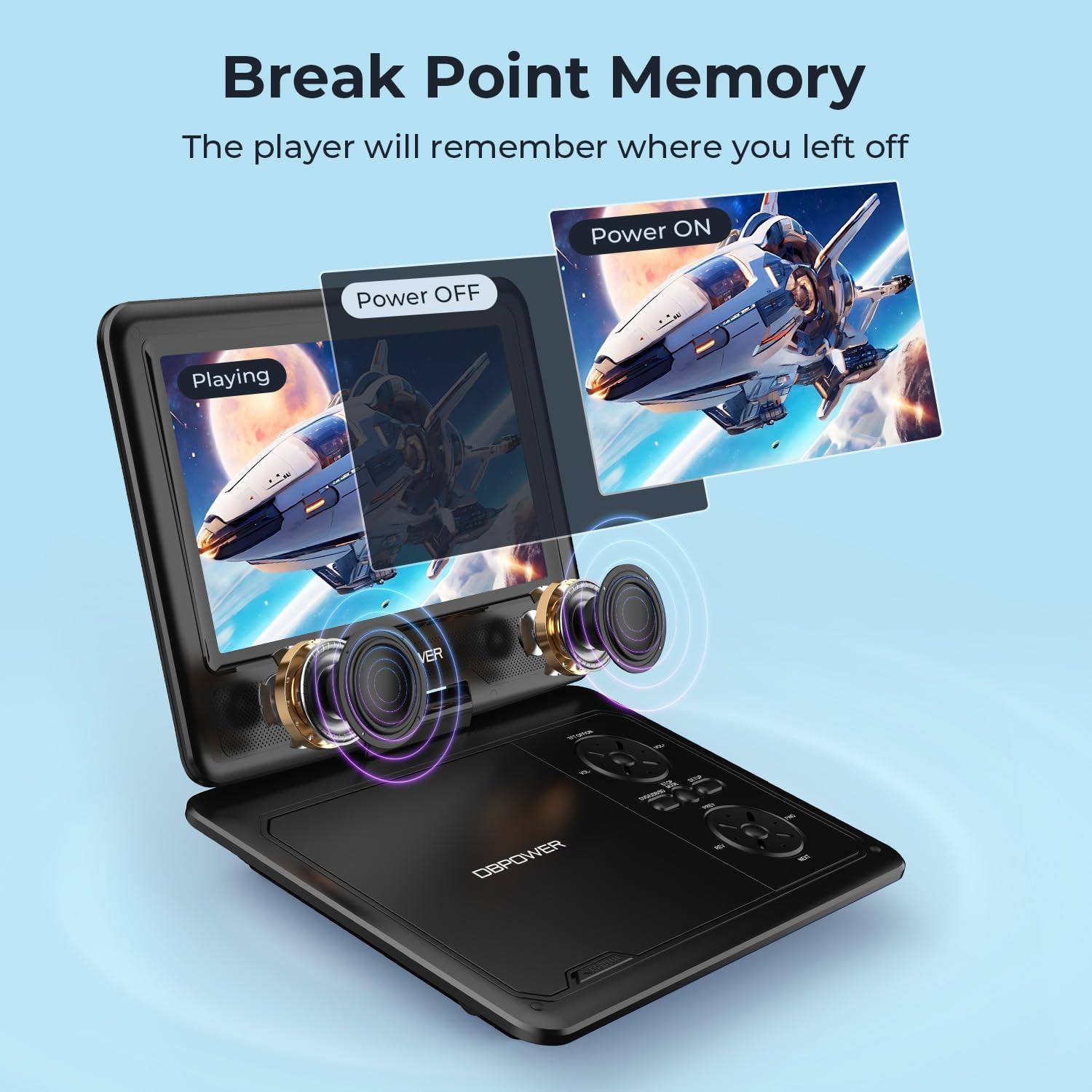
Figure 4: Last Memory Function

Figure 5: DBPOWER 11.5" Portable DVD Player
Kurmak
- Pilin Şarj Edilmesi: Before first use, fully charge the built-in 2500 mAh lithium battery using the provided AC power adapter or car charger. The charging indicator light will typically change color or turn off when fully charged.
- Disk Takma: Gently open the disc cover. Place a compatible DVD or CD onto the spindle, ensuring it clicks into place. Close the disc cover firmly.
- Açma: Locate the ON/OFF switch, usually on the side or back of the unit, and slide it to the 'ON' position. The screen should power on.
- Connecting to External Devices (Optional):
- To a TV: Use the included 3-in-1 AV cable. Connect the yellow plug to the video input of your TV, and the red/white plugs to the audio inputs. Connect the other end to the AV OUT port on the DVD player. Select the corresponding AV input on your TV.

Figure 6: Connecting to a TV
- USB/SD Kart: Insert a USB flash drive into the USB port or an SD card into the SD card slot. The player will typically detect the media automatically.
- To a TV: Use the included 3-in-1 AV cable. Connect the yellow plug to the video input of your TV, and the red/white plugs to the audio inputs. Connect the other end to the AV OUT port on the DVD player. Select the corresponding AV input on your TV.
Kullanım Talimatları
- Temel Oynatma: After inserting a disc or media, the player will usually begin playback automatically. Use the Play/Pause, Stop, Fast Forward, and Rewind buttons on the player or remote control to manage playback.
- Ses Kontrolü: Adjust the volume using the dedicated volume buttons on the player or the remote control.
- Ekran Ayarı: The 9-inch screen can be swiveled up to 270 degrees and flipped 180 degrees for optimal viewaçıları.
- Menü Navigasyonu: Use the directional buttons and OK/Enter button on the player or remote to navigate disc menus or media files.
- Son Hafıza Fonksiyonu: To enable this feature, navigate to the SETUP page in the player's menu and set "Last Memory" to "ON". This allows the player to resume from the last played position after being turned off.
- Araç Kullanımı: The player can be mounted to a car headrest using a compatible mount (not explicitly stated as included, but implied by feature bullets). Use the car charger for continuous power during long trips.
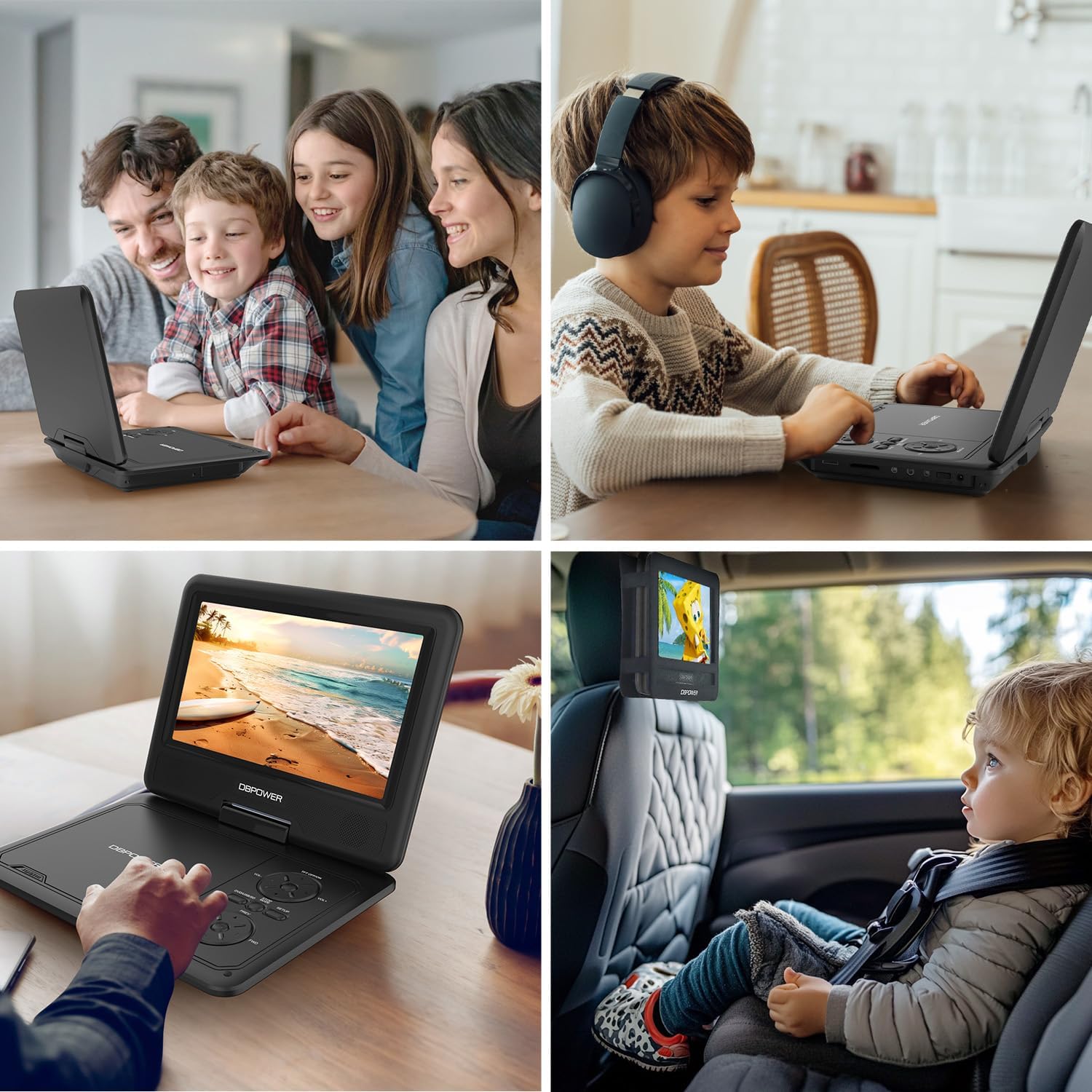
Şekil 7: Kullanım Senaryoları
Bakım
- Temizlik: Oynatıcının dış yüzeyini temizlemek için yumuşak, kuru bir bez kullanın. Ekran için, ekrana özel bir temizleme solüsyonu ve mikrofiber bir bez kullanın. Aşındırıcı temizleyiciler veya çözücüler kullanmayın.
- Disk Bakımı: Diskleri kenarlarından tutun. Temiz ve çiziksiz tutun. Kullanmadığınız zamanlarda diskleri kutularında saklayın.
- Depolamak: When not in use for extended periods, store the player in a cool, dry place, away from direct sunlight and extreme temperatures. Ensure the screen is closed for protection.
- Pil Bakım: To prolong battery life, avoid fully discharging the battery frequently. Recharge the battery regularly, even if the player is not in frequent use.
Sorun giderme
| Sorun | Olası Neden | Çözüm |
|---|---|---|
| Oynatıcı açılmıyor. | Pil bitmiş veya güç adaptörü düzgün bağlanmamış. | Connect the AC adapter or car charger and allow the battery to charge. Ensure the power switch is in the 'ON' position. |
| No disc detected / "NO DVD" message. | Disc is dirty, scratched, or incompatible format. Disc not inserted correctly. | Clean the disc with a soft cloth. Try a different disc. Ensure the disc is placed correctly on the spindle. Verify disc format compatibility (no Blu-ray). |
| Televizyonda görüntü yok. | AV cable not connected properly or incorrect TV input selected. | Check AV cable connections on both the player and TV. Select the correct AV input channel on your TV. |
| Ses yok. | Volume too low, mute activated, or external speakers/headphones not connected properly. | Increase volume. Check if mute is active. Ensure headphones or external speakers are properly connected to the 3.5mm jack. |
| Uzaktan kumanda çalışmıyor. | Batteries are dead or remote is not aimed correctly. | Replace remote control batteries. Ensure there are no obstructions between the remote and the player's IR receiver. |
Özellikler
- Ürün Ölçüleri: 15.94 x 13.58 x 2.95 inç
- Ürün Ağırlığı: 1.94 pound
- Üretici: DBPOWER
- Model Numarası: PD928
- Piller: 1 Lityum Metal pil (dahil)
- Ekran Boyutu: 9 inç
- Görüntüleme Türü: LCD
- Desteklenen Ortam Türleri: CD, DVD, CD-R/RW, DVD-R/+R, DVD+RW/-RW, VCD, SVCD, USB, SD Card
- Desteklenen Ses Biçimleri: MP3/WMA/WAV
- Desteklenen Video Formatları: MPEG2/AVI/DIVX
- Desteklenen Görüntü Formatları: JPEG
- Renk: Siyah
Garanti ve Destek
DBPOWER is committed to providing excellent customer service and support for its products. For any inquiries or assistance, please refer to the following:
- Müşteri Hizmetleri: 24 saat hizmetinizdeyiz.
- Exchange & Return: 12 Months policy.
- Teknik Destek: 12 Months of technical support.
Please retain your proof of purchase for warranty claims. For more detailed support or to contact customer service, please visit the official DBPOWER website or refer to the contact information provided in the included user manual.
Ask a question about this manual
Ask about setup, troubleshooting, compatibility, parts, safety, or missing instructions. Manuals+ will review the question and use this page’s manual context to help answer it.