
1. Giriş
The Korg AW-OTG is a clip-on guitar tuner designed for accurate and visible tuning. It incorporates advanced OLED display technology, providing a clear and smooth visual experience from various viewing angles. This tuner is engineered to offer high-precision tuning, making it a reliable tool for guitarists.
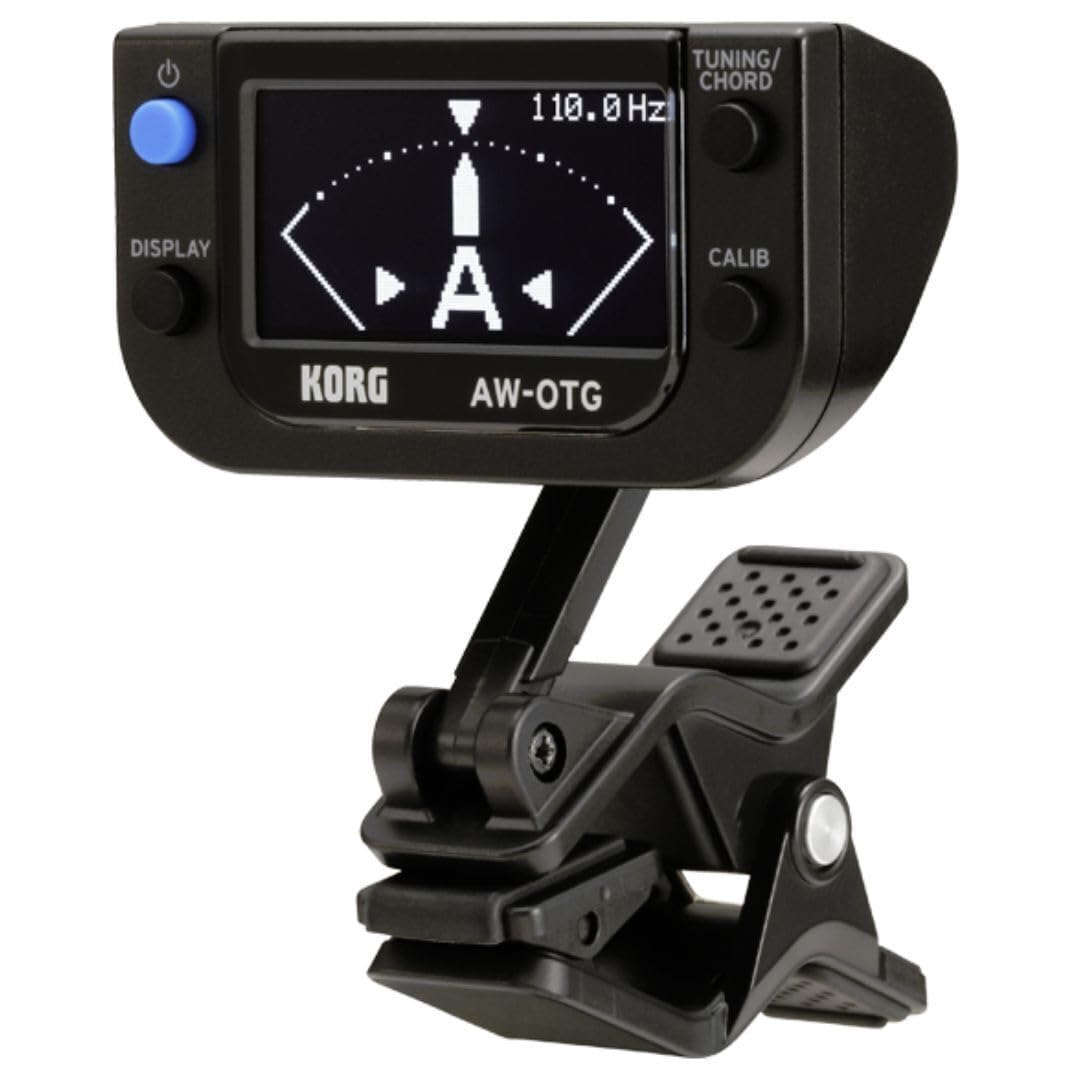
Figure 1: Korg AW-OTG Clip-On Guitar Tuner attached to a guitar headstock.
2. Ürün Özellikleri
- OLED Ekran Teknolojisi: Provides high visibility and clarity from any viewaçı.
- Guitar-Specific Functions: Includes an intuitive chord finder function.
- Ultra Yüksek Hassasiyetli Ayarlama: Achieves accuracy of ±0.1 cents.
- STROBE Özelliği: Optional mode for enhanced tuning accuracy.
- Alternatif Ayarlama Animasyonları: Offers various visual tuning displays.
- Kalibrasyon Fonksiyonu: Allows adjustment of the reference pitch.
- Bellek yedekleme: Retains settings after power off.
- Otomatik Kapanma: Belirli bir süre kullanılmadığında otomatik olarak kapanarak pil ömrünü korur.
3. Kurulum
3.1 Pil Kurulumu
- Open the battery compartment cover located on the back of the tuner unit.
- Bölmenin içinde gösterildiği gibi kutupların doğruluğunu (+/-) sağlayarak bir adet AAA pil takın.
- Pil bölmesi kapağını sıkıca kapatın.

Figure 2: Battery compartment with AAA battery installed.
3.2 Tuner'ın Takılması
- Gently open the clip on the tuner.
- Attach the tuner securely to the headstock of your guitar. Ensure the clip makes firm contact with the instrument for optimal vibration detection.
- Adjust the angle of the display for comfortable viewing. The tuner features a flexible joint for easy positioning.

Şekil 3: Yan view of the tuner clip.
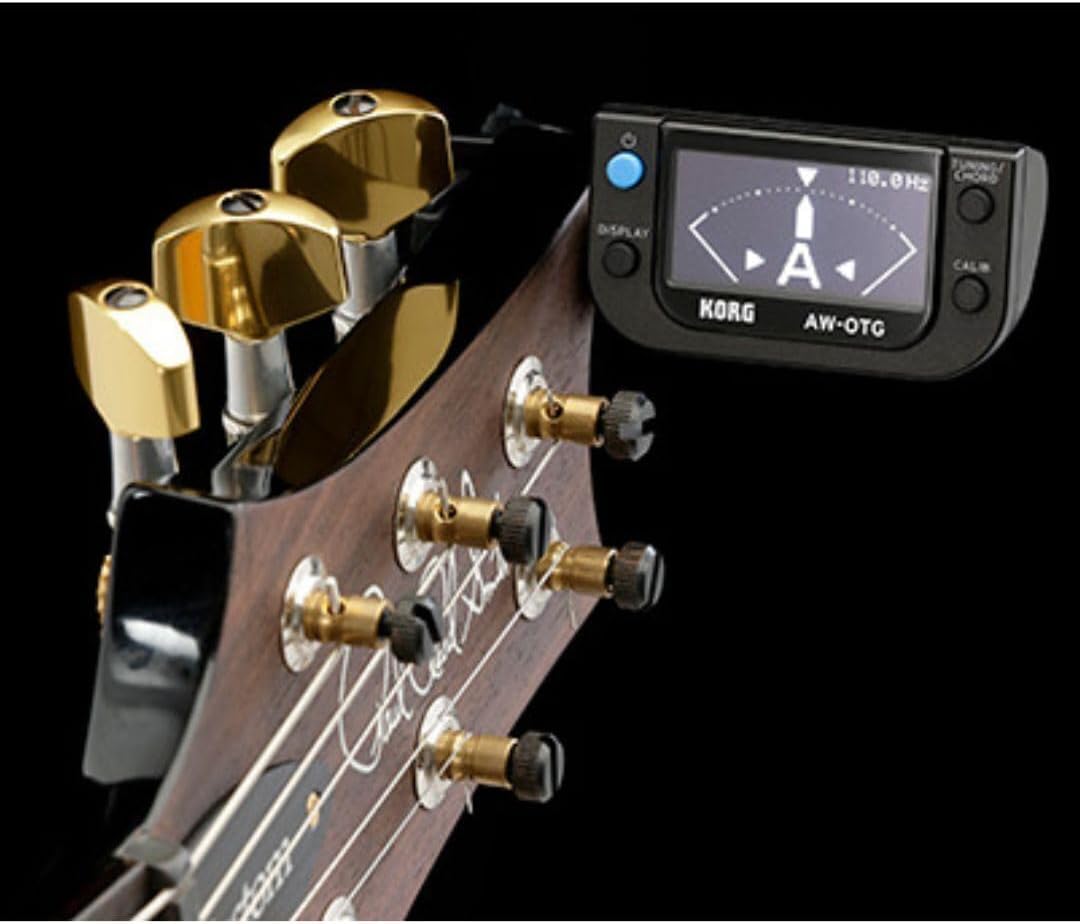
Şekil 4: Gitarın kafa kısmına takılmış akort cihazı.
4. Operasyon
4.1 Güç Açma/Kapatma
Basılı tutun GÜÇ button (located on the top left of the unit) to turn the tuner on or off. The OLED display will illuminate upon activation.
4.2 Temel Akort
- Once powered on and attached to your instrument, pluck a single string.
- The display will show the detected note and a meter indicating pitch accuracy.
- Adjust the string's tension until the meter centers and the note name is stable, indicating accurate tuning.

Figure 5: Tuner display during operation.
4.3 Display Modes (TUNING/CHORD Button)
Basın TUNING/CHORD button (top right) to cycle through different display modes, including standard tuning, strobe mode, and various animation options. The AW-OTG also features a chord finder function accessible through this button.
4.4 Calibration (CALIB Button)
Basın KALİB button (bottom right) to adjust the reference pitch (A4). The default setting is 440 Hz. Refer to the on-screen instructions for specific calibration steps.
4.5 Memory Backup
The tuner automatically saves your last used settings, such as display mode and calibration, even after being powered off.
4.6 Otomatik Kapanma
To conserve battery life, the AW-OTG will automatically power off after a period of inactivity. This feature is enabled by default.
5. Bakım
5.1 Temizlik
Wipe the tuner's surface with a soft, dry cloth. Avoid using abrasive cleaners, solvents, or waxes, as these can damage the finish and display.
5.2 Pil Değişimi
When the display dims or the tuner becomes unresponsive, replace the AAA battery as described in Section 3.1. Always dispose of used batteries according to local regulations.
6. Sorun Giderme
| Sorun | Çözüm |
|---|---|
| Tuner açılmıyor. | Check if the battery is correctly installed with the proper polarity. Replace the battery if it is depleted. |
| Hatalı veya dengesiz ayarlama. | Ensure the tuner is securely clipped to the guitar headstock. Avoid noisy environments. Try recalibrating the tuner (Section 4.4). |
| Ekran soluk veya okunaksız. | Replace the battery. The OLED display may dim when battery power is low. |
7. Özellikler
- Model Numarası: AW-OTG
- Ayar Doğruluğu: ±0.1 sent
- Görüntüleme Türü: OLED
- Güç Kaynağı: 1 x AAA pil (dahil)
- Ürün Ölçüleri: 2.5 x 2 x 2.8 inç
- Ürün Ağırlığı: 0.001 ons
- Üretici: Korg
- İlk Mevcut Tarih: 26 Temmuz 2010
8. Garanti ve Destek
8.1 Garanti Bilgileri
Warranty terms and conditions for the Korg AW-OTG Clip-On Guitar Tuner are typically provided with the product packaging or can be found on the official Korg webLütfen garanti talepleriniz için satın alma belgenizi saklayın.
8.2 Müşteri Desteği
For technical assistance, product inquiries, or support, please visit the official Korg website or contact Korg customer service directly. Contact information can usually be found in the product packaging or on the manufacturer's support pages.