
1. Giriş
The Rocketek TFU3R is a compact and portable USB 3.0 card reader designed for Micro SD (TF) cards. It allows for high-speed data transfer between your Micro SD card and USB-enabled devices such as laptops and tablets. This device supports plug-and-play functionality and hot-swapping, making it convenient for various applications.
Temel Özellikler:
- Küçük ve Taşınabilir: Designed for easy portability, fitting conveniently in a wallet or pocket.
- Tak ve Çalıştır: Çoğu işletim sistemi için sürücü gerekmez.
- Sıcak Takas: Allows insertion and removal of the device without restarting the computer.
- USB ile çalışır: Operates without external power or batteries.
- Süper Hızlı USB 3.0: 5 Gbps'ye kadar veri aktarım hızı sunar ve USB 2.0/1.1 ile geriye dönük uyumludur.
- Dayanıklı Tasarım: Constructed with an aluminum case for enhanced durability and efficient heat dissipation.
2. Kurulum Talimatları
Follow these steps to set up and begin using your Rocketek TFU3R Micro SD Card Reader.
2.1 Micro SD Kartın Takılması
- Locate the Micro SD card slot on the Rocketek TFU3R card reader.
- Gently insert your Micro SD (TF) card into the slot until it clicks into place. Ensure the card is oriented correctly to avoid damage.
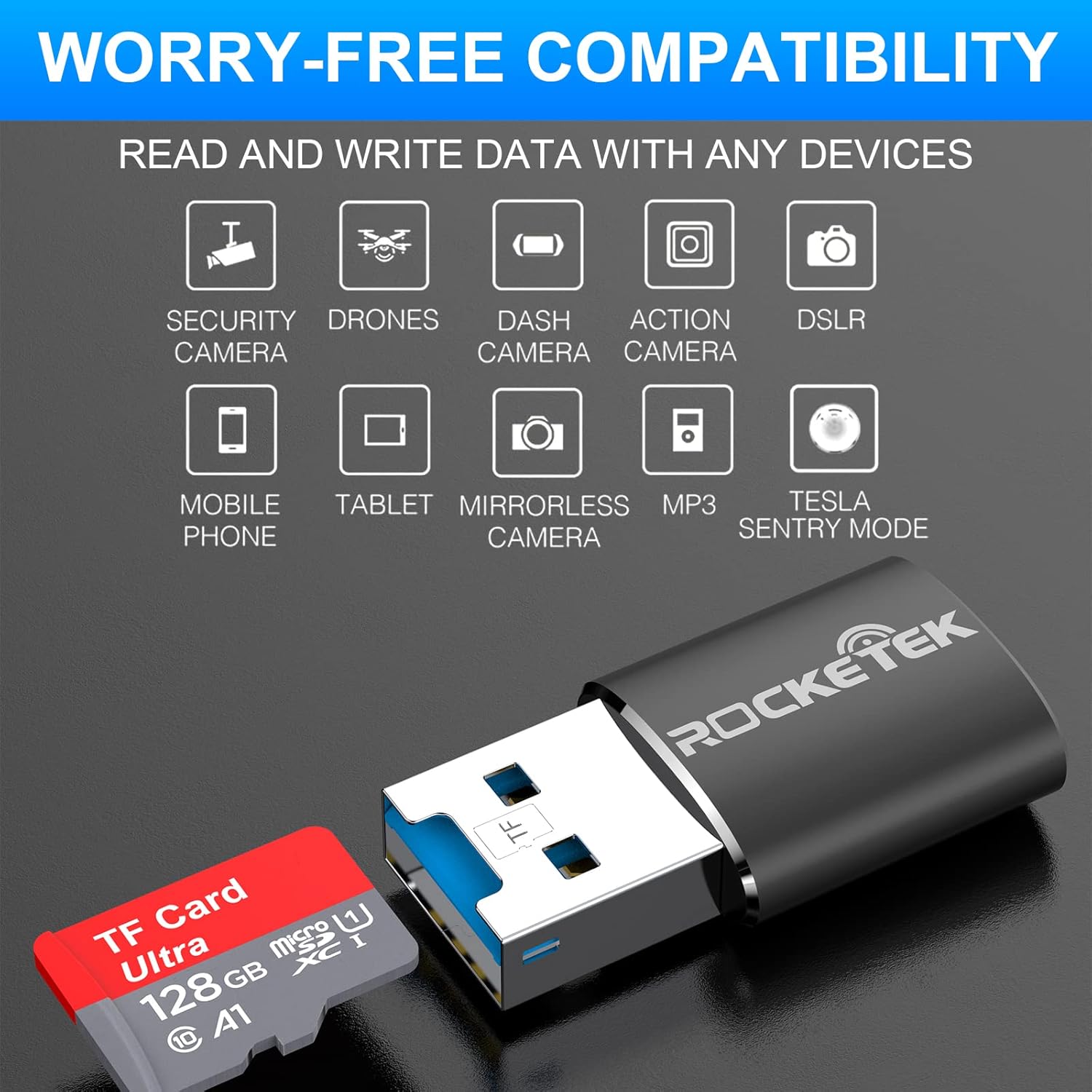
Image: Hands inserting a Micro SD card into the Rocketek TFU3R USB 3.0 card reader.
2.2 Cihazınıza Bağlanma
- Locate an available USB 3.0 or USB 2.0 port on your computer, laptop, or tablet.
- Plug the Rocketek TFU3R card reader, with the Micro SD card inserted, into the USB port.
- The device is plug-and-play; your operating system should automatically detect it and install any necessary generic drivers.
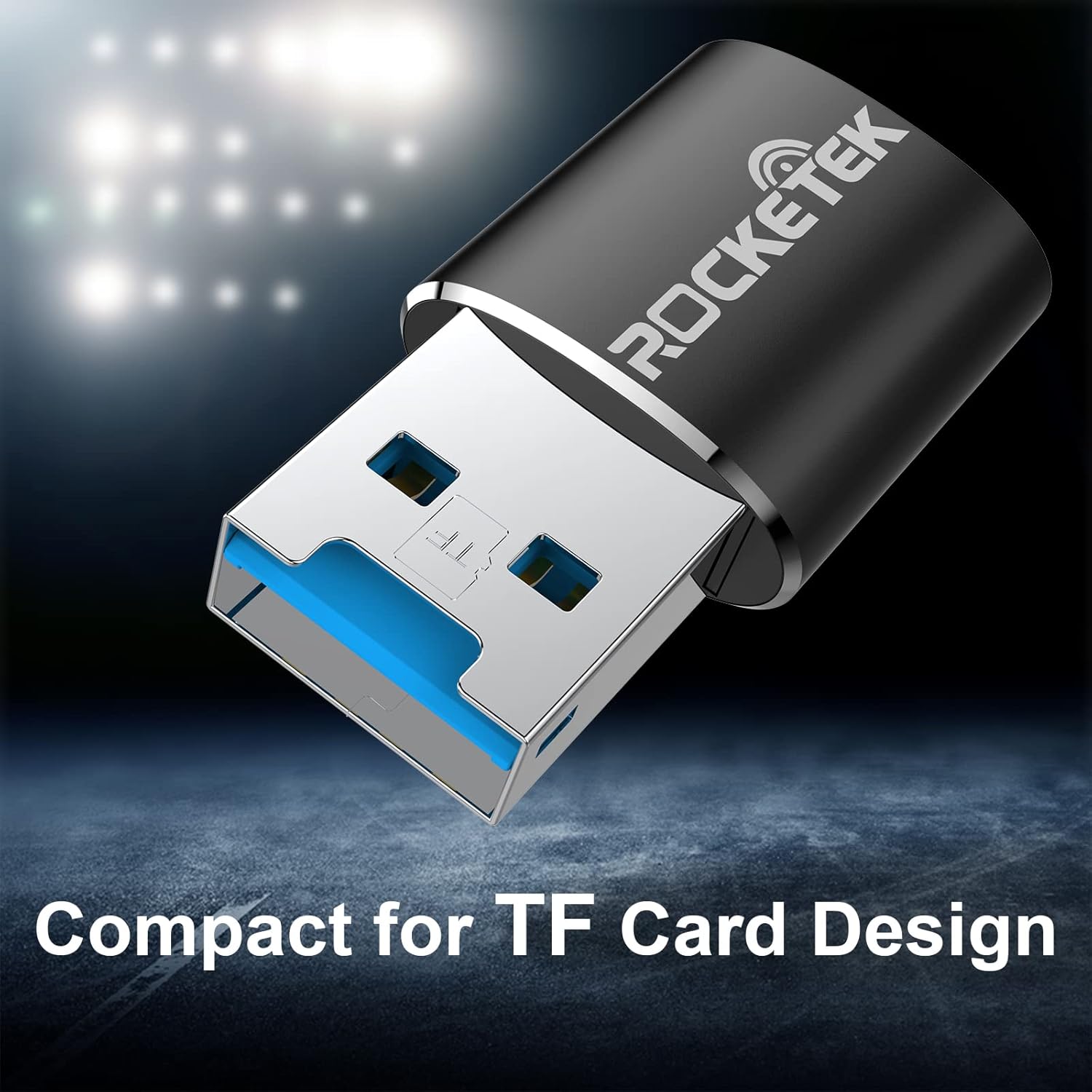
Image: Rocketek TFU3R USB 3.0 card reader plugged into a laptop's USB port, displaying 'Plug & Play'.
Video: A short demonstration showing how to insert a TF card into the Rocketek reader and connect it to a laptop for immediate use, highlighting its portability and plug-and-play functionality.
3. Kullanım Talimatları
Once connected, the Rocketek TFU3R functions like any standard external storage device.
3.1 Veri Aktarımı
- After connecting the card reader to your device, open your computer's file explorer (Windows) or Finder (Mac OS).
- The Micro SD card will appear as a removable drive.
- Artık sürükle bırak yapabilirsiniz. files to and from the Micro SD card, or use copy/paste functions to transfer data.
- The USB 3.0 interface provides SuperSpeed data transfer up to 5 Gbps, ensuring quick transfers of large files.
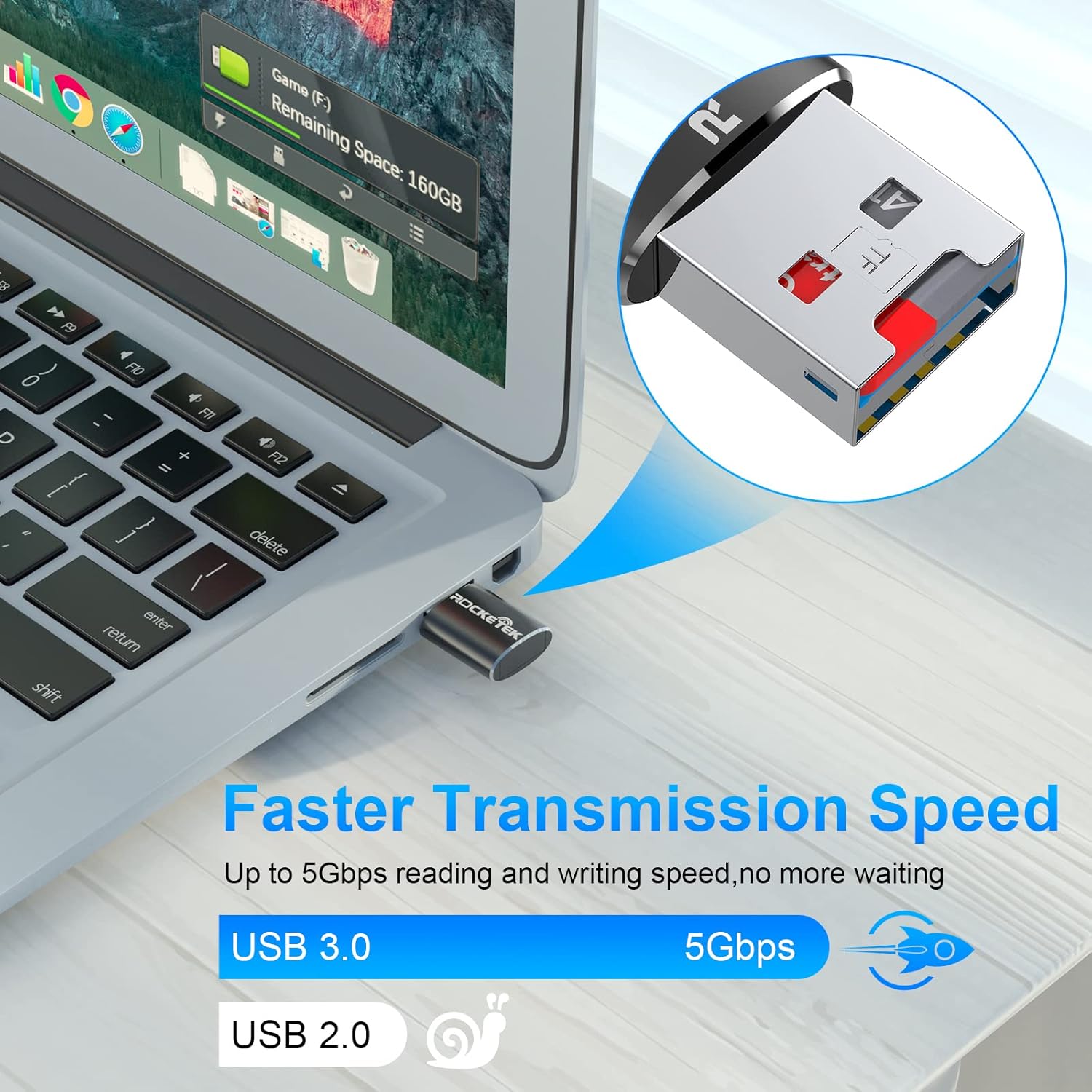
Image: Laptop screen showing file transfer with the Rocketek TFU3R plugged in, indicating 'Faster Transmission Speed' and 'USB 3.0 5Gbps'.
3.2 Güvenli Kaldırma
To prevent data corruption, always safely remove the card reader before unplugging it from your computer.
- Pencereler: Right-click on the drive icon in 'This PC' or the taskbar's 'Safely Remove Hardware' icon, then select 'Eject'.
- Mac os işletim sistemi: Drag the drive icon to the Trash or click the Eject button next to the drive name in Finder.
4. Uyumluluk
The Rocketek TFU3R card reader offers broad compatibility with various devices and operating systems.
4.1 Desteklenen Cihaz
- Dizüstü bilgisayarlar
- Tabletler
- Masaüstü Bilgisayarlar
- Other USB-enabled devices

Image: Diagram illustrating the Rocketek TFU3R's compatibility with tablets and laptops, showing a Micro SD card being inserted.
4.2 Desteklenen İşletim Sistemleri
- Windows 7 / 8 / 8.1 / 10+
- Mac işletim sistemi
- Linux

Image: The Rocketek TFU3R is compatible with a wide range of devices, including security cameras, drones, dash cameras, action cameras, DSLRs, mobile phones, tablets, mirrorless cameras, MP3 players, and for Tesla Sentry Mode.
5. Özellikler
| Özellik | Detay |
|---|---|
| Model Numarası | TFU3R (RT-TFU3R-B) |
| Marka | Rocketek |
| Medya Türü | Micro SD (TF) |
| Bağlantı Teknolojisi | USB |
| Donanım Arayüzü | USB 3.0 (USB 2.0/1.1 ile geriye dönük uyumlu) |
| Veri Aktarım Hızı | Saniyede 5 Gigabit'e Kadar (USB 3.0) |
| Slot Count | 1 (for Micro SD/TF cards) |
| Özel Özellik | Portable, Plug & Play, Hot Swapping |
| Malzeme | Alüminyum Kasa |
| İşletim Sistemi Uyumluluğu | Windows 7/8/8.1/10+, Mac OS, Linux |
6. Sorun Giderme
If you encounter issues with your Rocketek TFU3R, refer to the following common troubleshooting steps.
6.1 Cihaz Tanınmadı
- Bağlantıyı kontrol et: Kart okuyucunun USB portuna tam olarak takıldığından emin olun.
- Başka Bir USB Bağlantı Noktasını Deneyin: Connect the card reader to a different USB port on your computer.
- Başka Bir Cihaz Deneyin: Test the card reader on another computer or compatible device to rule out a port issue.
- Check Micro SD Card: Ensure the Micro SD card is properly inserted into the card reader and is not damaged. Test the Micro SD card in another device if possible.
- Bilgisayarı yeniden başlat: Bazen basit bir yeniden başlatma, algılama sorunlarını çözebilir.
6.2 Slow Data Transfer Speed
- USB 3.0 Portunu Kullanın: For optimal speeds (up to 5 Gbps), ensure the card reader is plugged into a USB 3.0 port (often identified by a blue interior). Connecting to a USB 2.0 port will result in slower speeds.
- Check Micro SD Card Speed Class: The actual transfer speed is also limited by the speed class of your Micro SD card. Use a high-speed card for better performance.
- Diğer USB Aygıtlarından Kaçının: Disconnect other high-bandwidth USB devices if you are experiencing unusually slow speeds.
6.3 Card Not Reading
- Kartı Tekrar Takın: Remove and reinsert the Micro SD card, ensuring it is seated correctly.
- Kişileri Temizle: Gently clean the metal contacts on the Micro SD card with a soft, dry cloth.
- Check Card Format: Ensure the Micro SD card is formatted in a file system compatible with your operating system (e.g., FAT32, exFAT, NTFS).
7. Bakım
Proper care and maintenance will extend the lifespan of your Rocketek TFU3R card reader.
- Kuru Tutun: Cihazı neme veya sıvılara maruz bırakmaktan kaçının.
- Nazikçe Temizleyin: Dış yüzeyi temizlemek için yumuşak, kuru bir bez kullanın. Sert kimyasallar veya aşındırıcı malzemeler kullanmayın.
- Uygun Şekilde Saklayın: When not in use, store the card reader in a cool, dry place away from direct sunlight and extreme temperatures.
- Dikkatli Kullanın: Cihazı düşürmekten veya güçlü darbelere maruz bırakmaktan kaçının.
8. Garanti ve Destek
Rocketek stands behind the quality of its products.
8.1 Garanti Bilgileri
The Rocketek TFU3R USB 3.0 Micro SD Card Reader comes with a hassle-free 24-month warranty Satın alma tarihinden itibaren geçerlidir. Bu garanti, üretim hatalarını kapsar ve normal kullanımda güvenilir performans sağlar. Garanti talepleri için lütfen satın alma belgenizi saklayın.
8.2 Müşteri Desteği
For technical assistance, warranty claims, or any questions regarding your Rocketek TFU3R, please contact our customer support team:
- E-posta: support@rocketek.com (Örnample email, please refer to product packaging for actual contact)
- Webalan: Visit the official Rocketek webSSS ve ek kaynaklar için site.