
1. Giriş
The Tenda SG108 is an unmanaged 8-Port Gigabit Ethernet Switch designed to expand your network with high-speed wired connections. This device offers a simple plug-and-play solution, requiring no configuration or software installation. It is suitable for various environments, including home, surveillance systems, school dormitories, and small businesses, providing stable and lossless data transmission.
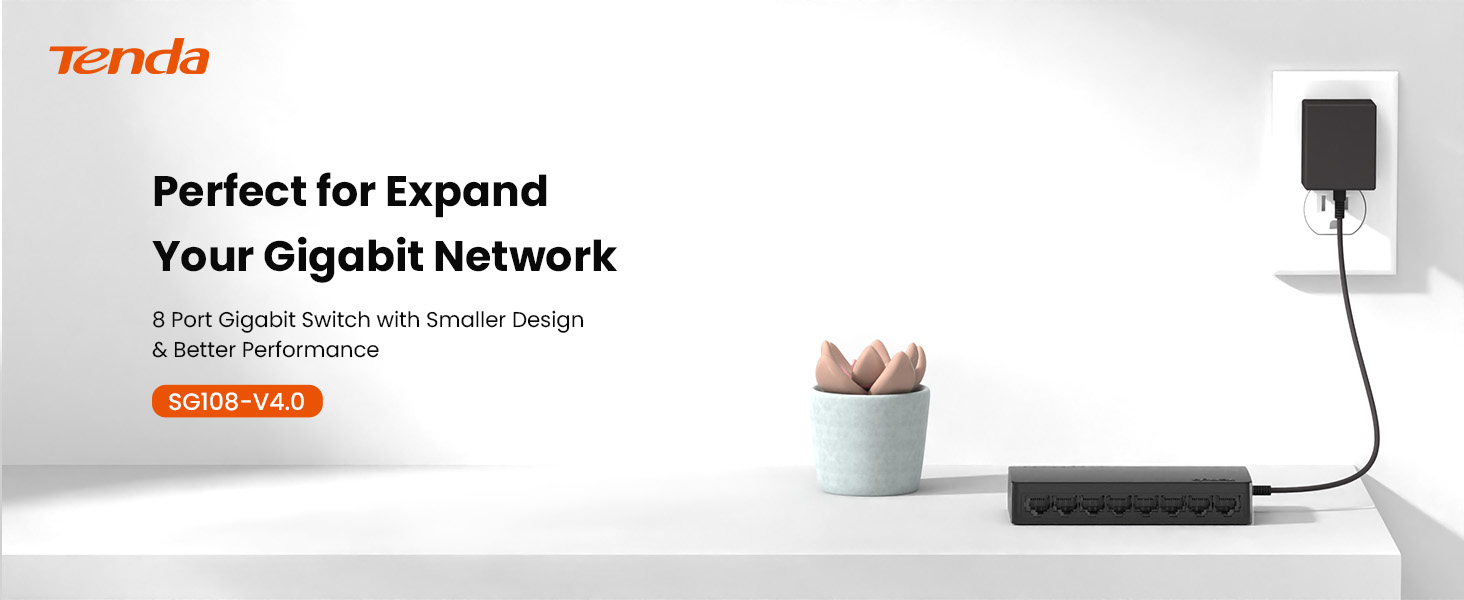
Image 1.1: Tenda SG108 8-Port Gigabit Ethernet Switch, highlighting its role in expanding a gigabit network.
2. Ürün Bittiview
2.1 Temel Özellikler
- Tak ve Çalıştır: Herhangi bir yapılandırma veya yazılım gerektirmeden kolay kurulum.
- Gigabit Hızı: Provides 8 10/100/1000Mbps adaptive ports for wire-speed forwarding up to 1000 megabits per second.
- Stable Lossless Transmission: Adopts store-and-forward mode, automatically learns and updates MAC addresses, ensuring stable data transmission for 7x24 hours without dropping connections.
- Ağ Genişletme: Offers additional wired connections for devices like laptops, gaming consoles, and printers.
- Akıllı Tanıma: Ports automatically identify parallel and intersecting lines, simplifying network setup.
- Kompakt Tasarım: Small form factor suitable for desktop or wall-mount installation.

Image 2.1: The Tenda SG108 switch highlighting its stable connection, high speed, stylish design, and power-saving features.
2.2 Paket İçeriği
Paketinizin aşağıdaki öğeleri içerdiğini doğrulayın:
- 1 x Tenda SG108 8-Port Gigabit Ethernet Switch
3. Kurulum Talimatları
The Tenda SG108 switch is designed for easy installation. Follow these steps to set up your device:
3.1 Güç Adaptörünün Bağlanması
- Connect the provided power adapter to the power input port on the rear panel of the SG108 switch.
- Güç adaptörünün diğer ucunu standart bir elektrik prizine takın.
- The power LED indicator on the switch will illuminate, indicating that the device is powered on.

Image 3.1: Easy setup guide for the Tenda SG108, illustrating power and device connections.
3.2 Ağ Aygıtlarını Bağlama
- Connect an Ethernet cable from your router or modem to any of the 8 RJ45 ports on the SG108 switch. This port will automatically function as the uplink.
- Connect your network devices (e.g., computers, gaming consoles, IP cameras, printers) to the remaining RJ45 ports using Ethernet cables.
- The corresponding LED indicators for each connected port will light up, indicating an active connection.

Image 3.2: Illustrates how to connect various devices to the Tenda SG108 switch to expand your network.
3.3 Montaj Seçenekleri
The SG108 supports both desktop placement and wall-mounting.
- Masaüstü Yerleşimi: Simply place the switch on a flat, stable surface. Ensure adequate ventilation around the device.
- Duvara montaj: The switch features mounting slots on its underside. Use appropriate screws (not included) to secure the switch to a wall.

Image 3.3: The Tenda SG108 switch demonstrating both desktop and wall-mounted installation options.
4. Kullanım Talimatları
The Tenda SG108 is an unmanaged switch, meaning it operates automatically without requiring user configuration. Once powered on and connected to your network devices, it will begin functioning immediately.
4.1 LED Göstergeleri
The front panel of the SG108 features LED indicators for each port, providing visual feedback on network activity:
- Düz Yeşil: Indicates a stable link connection at Gigabit speed.
- Yanıp Sönen Yeşil: Liman üzerindeki veri etkinliğini gösterir.
- Kapalı: Hiçbir cihaz bağlı değil veya bağlı cihaz kapalı.

Image 4.1: The Tenda SG108 is designed for continuous, stable operation, ensuring connectivity for 7x24 hours.
4.2 Otomatik Özellikler
- Otomatik MDI/MDIX: Eliminates the need for crossover cables. The switch automatically detects the cable type.
- Otomatik Müzakere: Each port automatically detects the link speed of a connected network device (10, 100, or 1000 Mbps) and intelligently adjusts for compatibility and optimal performance.
- Full-Duplex/Half-Duplex: Supports full-duplex mode for 2000Mbps data transfer per port.
5. Bakım
To ensure optimal performance and longevity of your Tenda SG108 switch, follow these maintenance guidelines:
- Atama: Place the switch in a cool, dry, and well-ventilated area. Avoid direct sunlight, heat sources, and areas with high humidity.
- Temizlik: Anahtarın dış yüzeyini temizlemek için yumuşak, kuru bir bez kullanın. Sıvı veya aerosol temizleyiciler kullanmayın.
- Havalandırma: Aşırı ısınmayı önlemek için cihaz üzerindeki havalandırma deliklerinin tıkanmadığından emin olun.
- Güç Kaynağı: Yalnızca cihazla birlikte verilen güç adaptörünü kullanın.
- Kablo yönetimi: Organize network cables to prevent strain on the ports and ensure proper airflow.
6. Sorun Giderme
If you encounter issues with your Tenda SG108 switch, refer to the following common troubleshooting steps:
6.1 Güç Yok
- Güç adaptörünün anahtara ve çalışan bir elektrik prizine güvenli bir şekilde bağlı olduğundan emin olun.
- Başka bir cihazı takarak elektrik prizinin çalışır durumda olduğunu doğrulayın.
6.2 No Link/Activity LED
- Check that the Ethernet cable is securely plugged into both the switch port and the connected device.
- Bağlı cihazın açık olduğundan ve düzgün çalıştığından emin olun.
- Try using a different Ethernet cable to rule out cable defects.
- Anahtardaki farklı bir bağlantı noktasını kullanarak test edin.
6.3 Yavaş Ağ Hızı
- Bağlı tüm cihazların ve kabloların Gigabit Ethernet'i desteklediğinden emin olun (Gigabit hızları için Cat5e veya üzeri kablolar önerilir).
- Ağınızda aşırı ağ trafiği veya bant genişliği yoğun uygulamaların çalışıp çalışmadığını kontrol edin.
- Anahtarı ve bağlı cihazları yeniden başlatın.
7. Özellikler
| Özellik | Şartname |
|---|---|
| Marka | Tenda |
| Model Numarası | SG108 |
| Port Sayısı | 8 |
| Anahtar Türü | Yönetilmeyen |
| Arayüz | RJ45 |
| Veri Aktarım Hızı | 2000 Megabits Per Second (Full-Duplex) |
| Cilttage | 9 Volt |
| Güncel Derecelendirme | 5 Amps |
| Üst Sıcaklık Derecesi | 40 Derece Santigrat |
| Kasa Malzeme Türü | Plastik |
| Ürün Ağırlığı | 159 Gram |
| Uyumlu Cihazlar | Router, Mesh, IP devices, Laptop, gaming console, printer, etc. |
8. Garanti ve Destek
8.1 Garanti Bilgileri
The Tenda SG108 8-Port Gigabit Ethernet Switch comes with a 3 yıllık üretici garantisi.
8.2 Teknik Destek
Tenda provides FREE lifetime 24/7 dedicated technical support. For assistance, please contact Tenda's support team via phone or email.


