
1. Giriş
This manual provides detailed instructions for the SF Xtreme Gear Analog-Digital Watch, model NP77070PP02. This timepiece features both analog and digital displays, quartz movement, and a durable plastic strap. Please read this manual thoroughly to ensure proper use and maintenance of your watch.
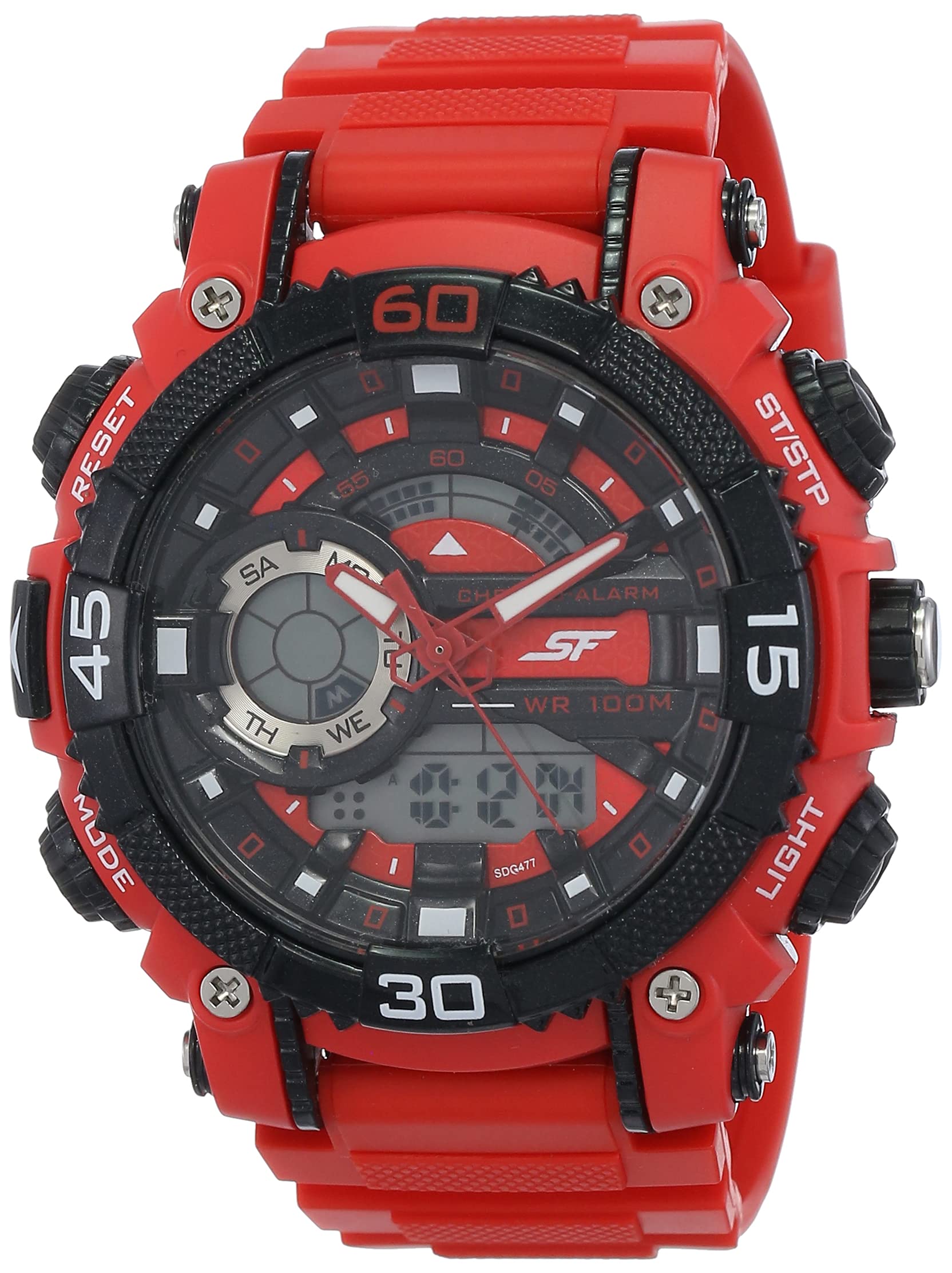
Şekil 1: Ön view of the SF Xtreme Gear Analog-Digital Watch.
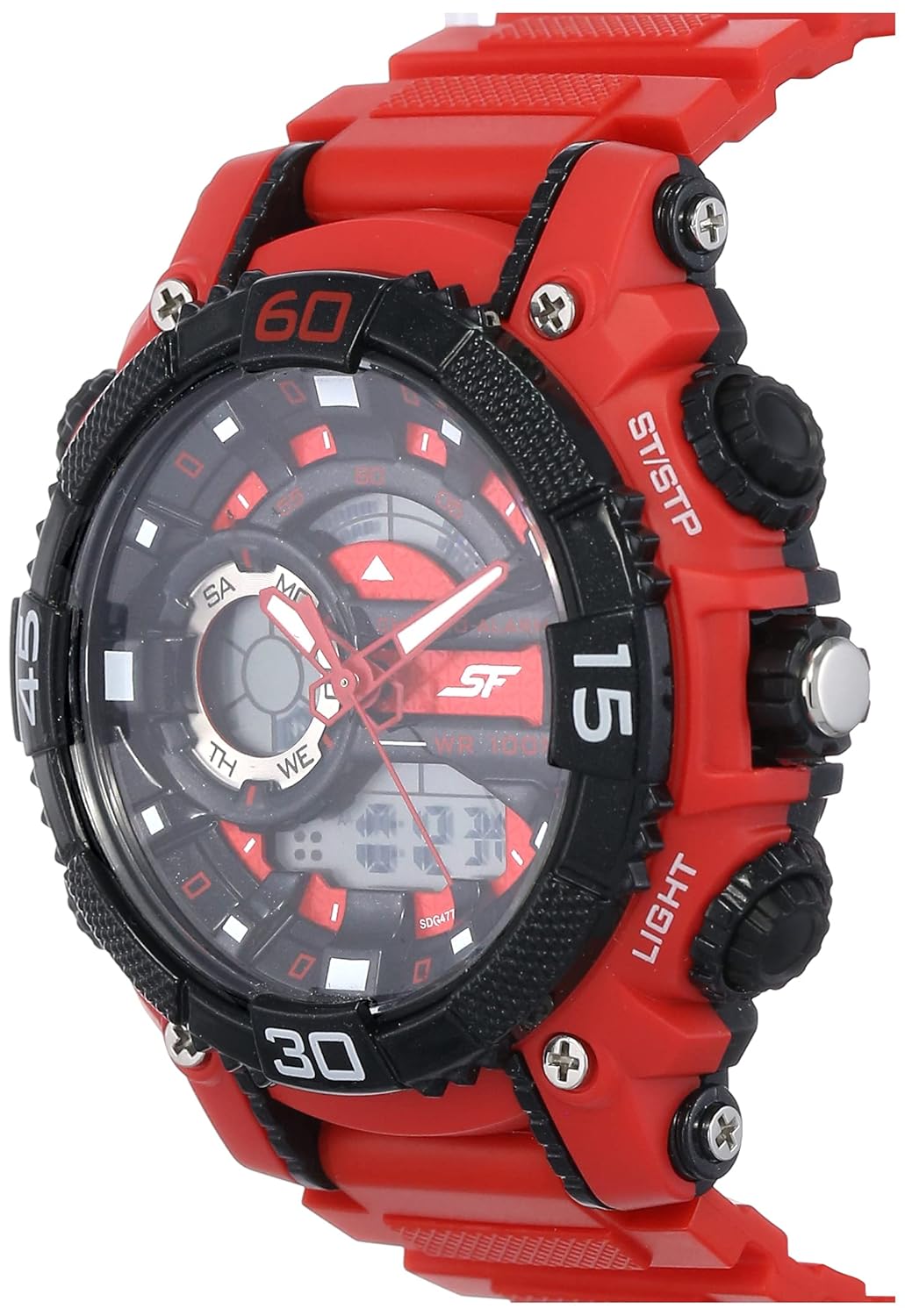
Figure 2: The SF Xtreme Gear watch as worn on a wrist.
2. Saat Bileşenleri
Saatinizin ana bileşenlerini yakından tanıyın:
- Analog Ekran: Geleneksel saat, dakika ve saniye kolları.
- Dijital gösterge: Shows time, date, and other digital functions.
- Taç: Analog saati ayarlamak için kullanılır.
- Buttons (Mode, Reset, ST/STP, Light): Used for operating digital functions and backlight.
- Plastic Strap: Günlük kullanıma uygun, dayanıklı ve konforludur.

Şekil 3: Yan view illustrating watch buttons and crown.
3. Kurulum ve İlk Yapılandırma
3.1 Analog Saati Ayarlama
- Tepeyi ilk konuma çekin.
- Akrep ve yelkovanı doğru zamana ayarlamak için tepeyi çevirin.
- Analog zaman tutmayı başlatmak için kurma kolunu normal konumuna geri itin.
3.2 Dijital Saat ve Tarihin Ayarlanması
- Basın MOD button repeatedly until the digital time display flashes.
- Kullanın SIFIRLAMA button to select the digit or setting you wish to change (e.g., hours, minutes, month, day).
- Kullanın ST / STP seçili değeri ayarlamak için düğmeye basın.
- Basmaya devam et MOD to cycle through settings (12/24-hour format, year, month, date).
- Tüm ayarlar doğru olduğunda, tuşuna basın MOD Ayar modundan çıkmak için tekrar tuşuna basın.
4. Kullanım Talimatları
4.1 Mod Seçimi
Basın MOD button to cycle through the different digital functions:
- Time Display (Hour, Minute, Second, Day, Date)
- Alarm Fonksiyonu
- Kronometre Fonksiyonu
4.2 Alarmın Kullanımı
- Basmak MOD until the alarm display appears.
- Basmak SIFIRLAMA Saat veya dakika ayarını seçmek için.
- Kullanmak ST / STP Alarm saatini ayarlamak için
- Basmak MOD Onaylamak ve çıkmak için.
- Alarmı etkinleştirmek/devre dışı bırakmak için tuşuna basın ST / STP while in alarm mode. An alarm icon will indicate activation.
4.3 Kronometrenin Kullanımı
- Basmak MOD until the stopwatch display appears (00:00:00).
- Basmak ST / STP Kronometreyi başlatmak için
- Basmak ST / STP Tekrar duraklatmak/devam ettirmek için.
- Basmak SIFIRLAMA Kronometreyi sıfırlamak için
4.4 Arka Aydınlatmanın Kullanımı
Basın IŞIK Düşük ışık koşullarında dijital ekranı birkaç saniyeliğine aydınlatmak için kullanılan düğme.
4.5 Suya Dayanıklılık
This watch is rated for 30 meters (3 ATM) water resistance. It is suitable for everyday use and can withstand splashes or brief immersion in water. It is not recommended for swimming, diving, or prolonged water exposure. Do not operate buttons while the watch is wet.
5. Bakım
5.1 Temizlik
Saat kasasını ve kayışını yumuşak ve kuru bir bezle silin. İnatçı kirler için hafifçe silin.amp cloth can be used, followed by immediate drying. Avoid using chemical cleaners or solvents, as these can damage the watch materials.
5.2 Pil Değişimi
The watch requires one product-specific battery. When the display dims or functions become erratic, the battery may need replacement. Battery replacement should be performed by a qualified watch technician to ensure proper sealing and water resistance.
5.3 Depolama
Store your watch in a cool, dry place away from direct sunlight, extreme temperatures, and strong magnetic fields when not in use.
6. Sorun Giderme
- Analog ibreler hareket etmiyor: Check if the crown is pushed in completely. If not, pull out and reset. If the issue persists, the battery may need replacement or there could be a mechanical issue.
- Dijital ekran boş veya soluk: Pil zayıflamış veya bitmiş olabilir. Pili değiştirin.
- Digital time is incorrect: Follow the "Setting Digital Time and Date" instructions in Section 3.2.
- Düğmeler tepkisiz: Ensure the watch is dry. If wet, dry thoroughly. If the issue persists, there may be internal damage.
7. Özellikler
| Özellik | Şartname |
|---|---|
| Model Numarası | NP77070PP02 |
| Hareket Türü | Kuvars |
| Görüntü Türü | Analog-Dijital |
| Kasa Çapı | 49.59 Milimetre |
| Bant Malzemesi | Plastik |
| Bant Rengi | Kırmızı |
| Suya Dayanıklılık | 30 Metre (3 ATM) |
| Ürün Ağırlığı | 122 Gram |
| Pil Gereksinimi | 1 Ürüne Özel pil |
| Üretici | Titan Şirketi Limited |
| Menşei ülke | Hindistan |

Figure 4: Watch dimensions compared to common objects.
8. Garanti Bilgileri
This SF Xtreme Gear watch comes with a Sınırlı Garanti. A limited warranty typically covers manufacturing defects in materials and workmanship under normal use for a specified period from the date of purchase. It generally does not cover:
- Yanlış kullanım, bakımsızlık, kazalar veya normal aşınma ve yıpranmadan kaynaklanan hasar.
- Water damage if the watch was used beyond its specified water resistance rating or if buttons were operated underwater.
- Pil değişimi.
- Yetkisiz onarımlar veya değişiklikler.
For specific terms and conditions of your warranty, please refer to the warranty card included with your purchase or contact customer support.
9. Müşteri Desteği
If you require further assistance or have questions not covered in this manual, please contact SF customer support or visit the official brand store.
- Üretici: Titan Company Limited, Sipcot Industrial Complex, Hosur, Tamil Nadu - 635129, India
- SF Brand Store: Visit the SF Store on Amazon
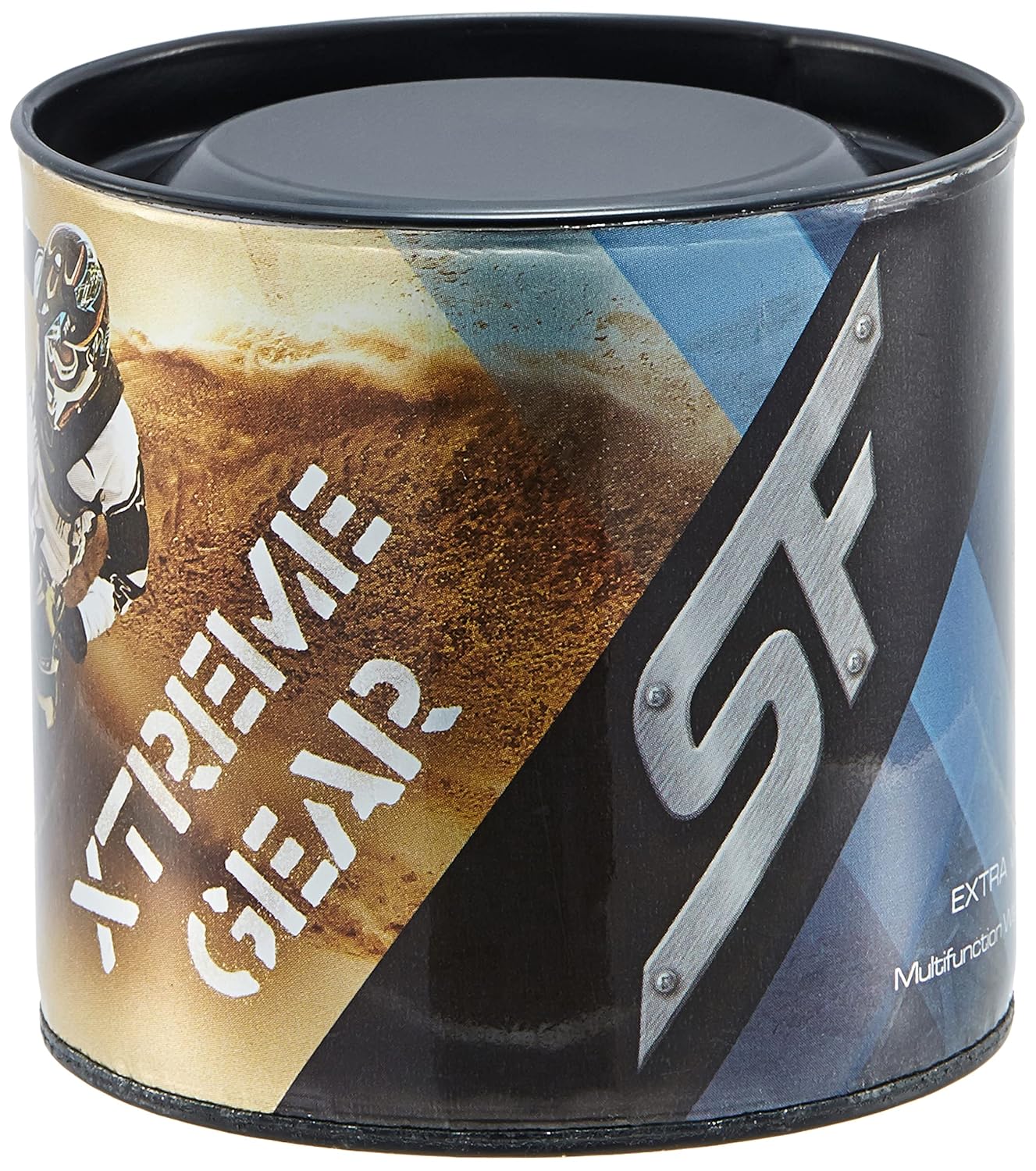
Figure 5: Product packaging for the SF Xtreme Gear watch.