
Brady 139619
Brady 139619 Aluminum Muster Point Sign User Manual
Modeli: 139619
giriiş
This manual provides essential information for the proper installation, use, and maintenance of the Brady 139619 Aluminum Muster Point Sign. This sign is designed to clearly designate a muster point, which is a critical assembly area during emergency evacuations. Ensuring clear and visible signage is vital for safety and compliance in any facility.
Ürün Bittiview
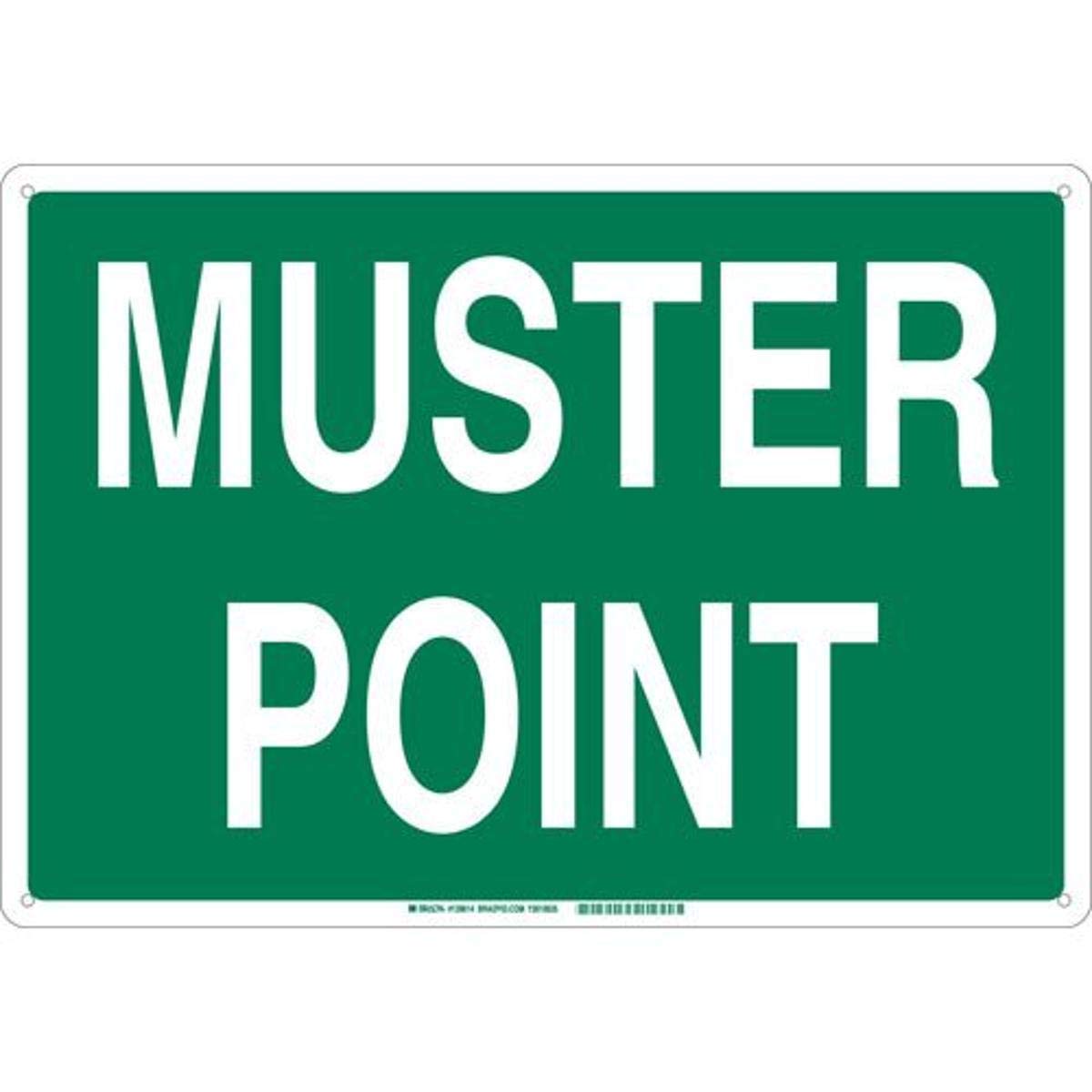
Resim 1: The Brady 139619 Aluminum Muster Point Sign. This image displays the rectangular sign with a green background and white text that reads "MUSTER POINT". There are small holes in the corners for mounting.
The Brady 139619 sign is constructed from durable aluminum, featuring a clear "MUSTER POINT" message in white text on a green background. Its dimensions are 10 inches in height by 14 inches in width, making it easily visible. It is designed for surface mounting and meets ANSI Z53.1-1967 industry standards for safety signs.
Kurulum ve Yükleme
Proper installation ensures the sign's visibility and effectiveness.
- Lokasyon Seçimi: Identify a prominent location for the muster point sign. This location should be easily visible from all approach paths to the designated assembly area and free from obstructions.
- Yüzey Hazırlığı: Montaj yüzeyinin temiz, kuru ve pürüzsüz olduğundan emin olun.
- Montaj Yöntemi: The sign is designed for surface mounting. Use appropriate fasteners (screws, rivets, or adhesive, not included) through the pre-drilled holes in the sign's corners. Ensure the fasteners are suitable for the wall material and the sign's weight (approximately 8 ounces).
- Oryantasyon: Mount the sign in a landscape orientation, as depicted in the product image, with the text "MUSTER POINT" clearly readable horizontally.
- Güvenli Sabitleme: Securely fasten all four corners of the sign to prevent movement or detachment.
Önemli: Always consult local building codes and safety regulations for specific requirements regarding emergency signage placement and installation.
Kullanım Talimatları
The Brady 139619 Muster Point Sign serves as a visual indicator for an emergency assembly area. Its "operation" is passive, relying on its clear visibility and placement to guide individuals during an evacuation.
- Amaç: The sign directs personnel to a designated safe location (muster point) where they can gather and be accounted for during emergencies such as fire, chemical spills, or other evacuation events.
- Görünürlük: Ensure the sign remains unobstructed and well-lit, especially during operational hours, to maximize its effectiveness.
- Eğitim: All personnel should be trained on the location and purpose of muster points within the facility.
Bakım
Regular maintenance ensures the sign remains legible and effective over time.
- Temizlik: Periodically clean the sign with a soft cloth and mild soap and water to remove dust, dirt, or grime. Avoid abrasive cleaners or harsh chemicals that could damage the sign's surface or text.
- Denetleme: Regularly inspect the sign for any signs of damage, fading, or loosening of fasteners. Ensure the text remains clear and visible.
- Onarım/Değiştirme: If the sign becomes damaged, faded, or unreadable, it should be repaired or replaced promptly to maintain safety standards.
Sorun giderme
While the Brady Muster Point Sign is a passive safety device, issues related to its effectiveness can arise.
- Sign is not visible:
- Check for obstructions (e.g., new equipment, overgrown vegetation).
- Ensure adequate lighting in the area, especially during low-light conditions.
- Verify the sign's placement is at an appropriate height and angle for maximum visibility.
- Sign is damaged or faded:
- Inspect for physical damage (dents, scratches) or environmental wear (fading from UV exposure).
- If damage or fading significantly impairs readability, replace the sign.
- Sign is loose or detached:
- Check the mounting fasteners. Tighten or replace them as necessary.
- Montaj yüzeyinin yapısal olarak sağlam olduğundan emin olun.
Özellikler
| Marka | Brady |
| Model Numarası | 139619 |
| Malzeme | Alüminyum |
| Renk | Yeşil Beyaz |
| Boyutlar (U x G) | 14 inches x 10 inches (10" H x 14" W) |
| Ürün Boyutları | 14 x 10 x 0.1 inç |
| Ağırlık | 8 ons |
| Montaj Tipi | Surface / Wall Mount |
| Oryantasyon | Manzara |
| Endüstri Standartları | ANSI Z53.1-1967 |
| UPC | 754473929329 |
Garanti ve Destek
For information regarding product warranty, technical support, or to inquire about replacement parts, please contact Brady customer service directly.
Brady Customer Service: Please refer to the official Brady webEn güncel iletişim bilgileri için site veya ürün ambalajına bakın.
Ask a question about this manual
Ask about setup, troubleshooting, compatibility, parts, safety, or missing instructions. Manuals+ will review the question and use this page’s manual context to help answer it.