
1. Giriş
The Awei Y200 Wireless Bluetooth Speaker delivers high-fidelity stereo sound and rich bass in a portable design. This manual provides comprehensive instructions for setting up, operating, maintaining, and troubleshooting your speaker to ensure optimal performance and longevity.

Ön view Awei Y200 Kablosuz Bluetooth Hoparlörün özelliklerini sergiliyor.asing its yellow top panel with touch controls and a yellow mesh grille.
2. Paket İçeriği
Lütfen paketinizde tüm öğelerin mevcut olduğundan emin olun:
- Awei Y200 Kablosuz Bluetooth Hoparlör
- USB Şarj Kablosu
- AUX Ses Kablosu
- Kullanıcı Kılavuzu
3. Ürün Bittiview
Familiarize yourself with the speaker's physical features:
- Arayüzler: Includes AUX input, Micro-SD card slot, and a Type-A (USB) port for versatile connectivity.
- Düğmeler: Intuitive touch controls located on the top panel for power, volume adjustment, track navigation, and call management.
- Temel: Equipped with a non-slip base to ensure stability on various surfaces.

A detailed diagram pointing out the speaker's interfaces (AUX, Micro-SD, Type-A), touch control buttons, and non-slip base.
4. Kurulum
4.1 Hoparlörü Şarj Etme
- Sağlanan USB şarj kablosunu hoparlörün şarj portuna bağlayın.
- USB kablosunun diğer ucunu uyumlu bir USB güç kaynağına (örneğin duvar adaptörü, bilgisayar USB portu) takın.
- The charging indicator light will illuminate, indicating that the speaker is charging.
4.2 Açma/Kapatma
- To power on, press and hold the power button on the top panel until you hear an audible prompt.
- Cihazı kapatmak için, hoparlör kapanana kadar güç düğmesine tekrar basılı tutun.
5. Kullanım Talimatları
5.1 Bluetooth Eşleştirme
- Ensure the speaker is powered on. It will automatically enter Bluetooth pairing mode, indicated by a flashing light or audible prompt.
- On your mobile device (smartphone, tablet, laptop), enable Bluetooth in its settings.
- Arama available Bluetooth devices and select "Awei Y200" from the list.
- A confirmation sound will indicate successful pairing. The speaker is now ready for audio playback.
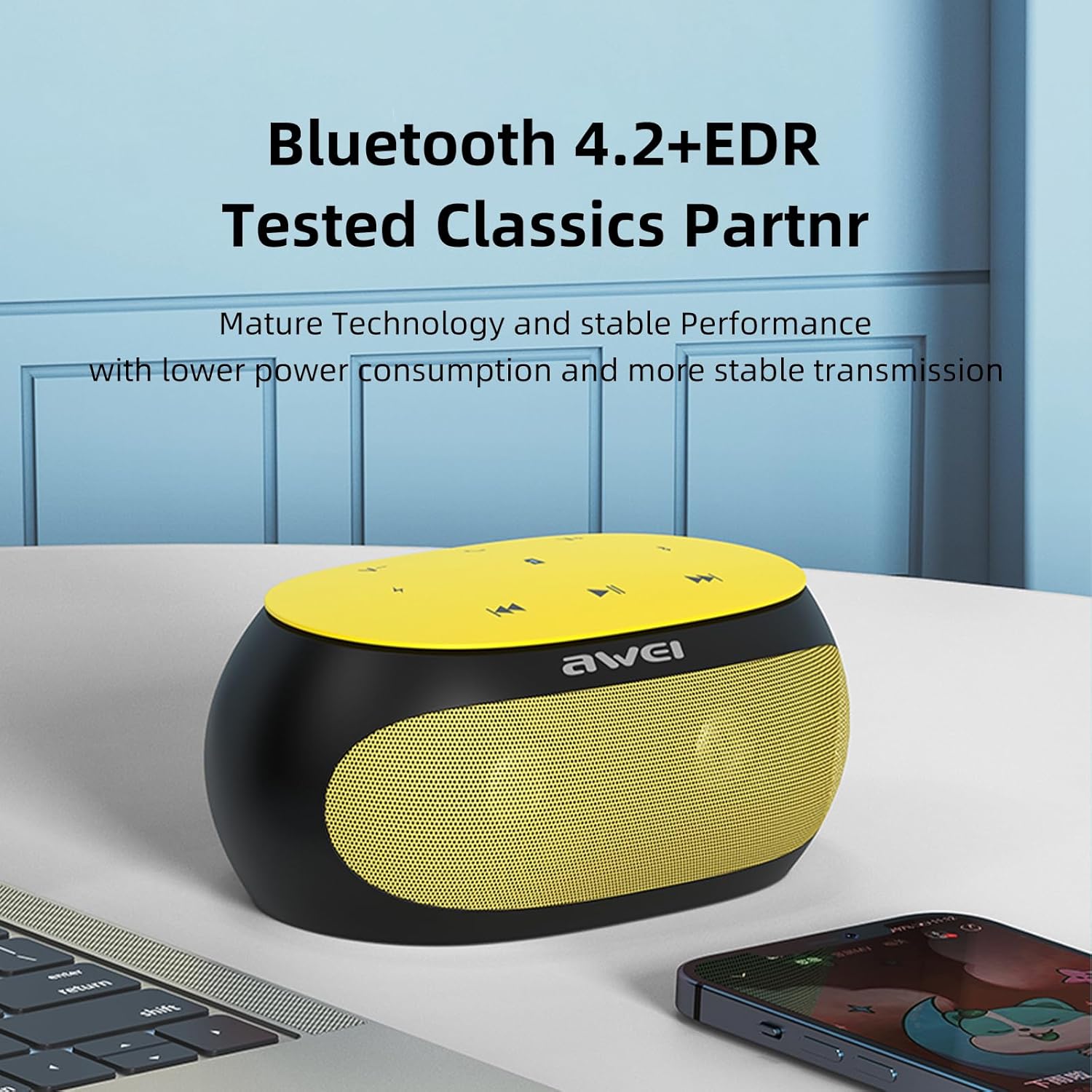
The Awei Y200 speaker, featuring Bluetooth 4.2+EDR for stable and low-power wireless connectivity.
5.2 Müzik Çalma
- Bluetooth Modu: Once paired, play music from your connected device. Use the speaker's touch controls for play/pause, next/previous track, and volume adjustment.
- TF Kart Modu: Insert a TF (Micro-SD) card containing audio fileTF kartını belirtilen yuvaya yerleştirin. Hoparlör otomatik olarak TF kart moduna geçecek ve oynatmaya başlayacaktır.
- AUX Modu: Connect an audio device using a 3.5mm AUX cable to the speaker's AUX port. The speaker will switch to AUX mode for wired audio input.
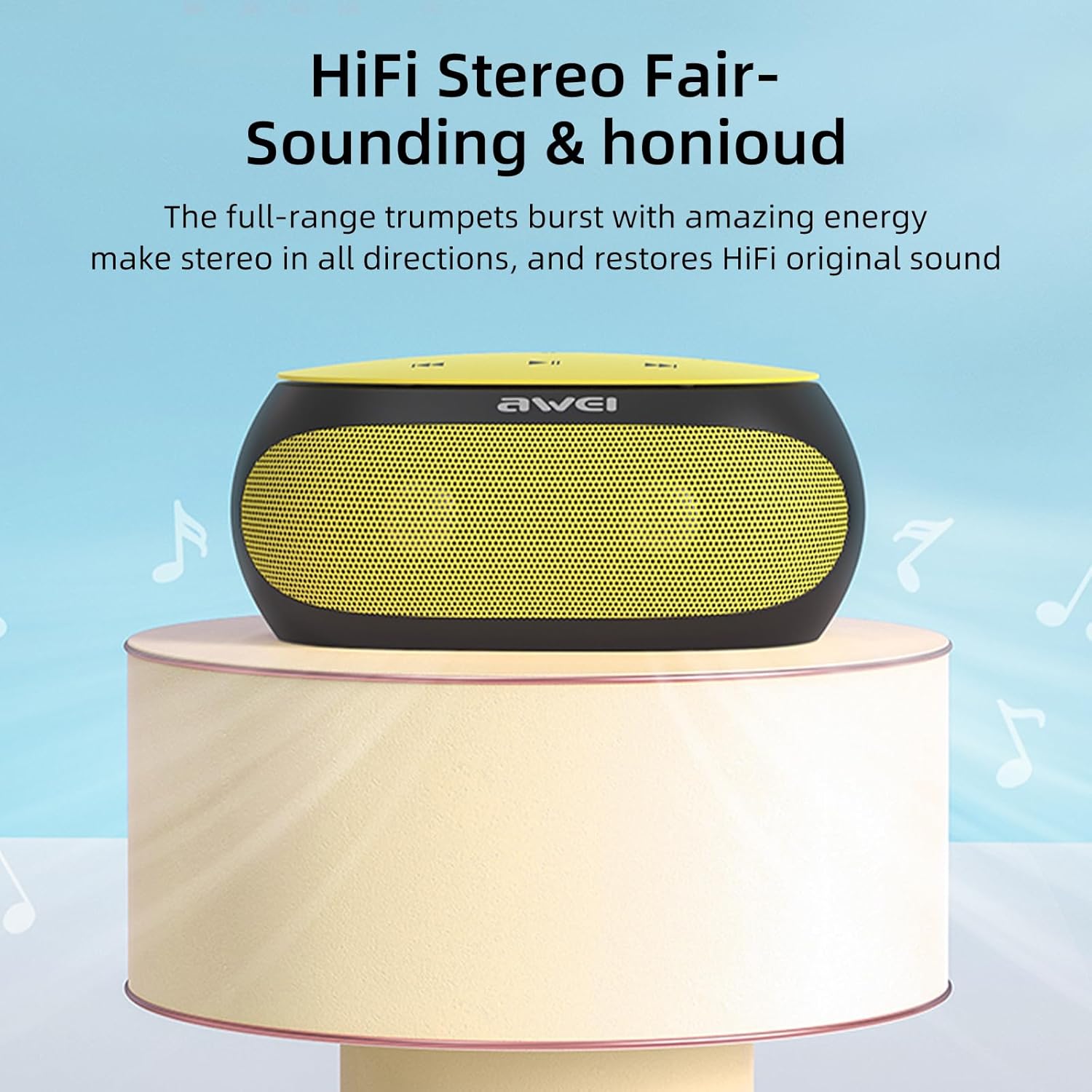
The Awei Y200 speaker positioned to emphasize its HiFi stereo sound capabilities, restoring original audio quality.
5.3 Eller Serbest Arama
- When a call comes in while connected via Bluetooth, press the call button on the speaker to answer the incoming call.
- Press the call button again to end the call.
- The built-in dual microphones ensure clear communication during calls.

The Awei Y200 speaker next to a smartphone, illustrating its hands-free call function with built-in dual microphones.
5.4 Touch Controls Overview
- Güç Düğmesi: Hoparlörü açmak veya kapatmak için basılı tutun.
- Oynat/Duraklat Düğmesi: Tap to play or pause audio playback.
- Sesi Artırma / Sonraki Parça: Tap to increase volume. Press and hold to skip to the next track.
- Sesi Kısma / Önceki Parça: Tap to decrease volume. Press and hold to go to the previous track.
- Arama tuşu: Tap to answer an incoming call or end an ongoing call.
6. Bakım
- Keep the speaker dry and away from moisture or liquids.
- Clean the speaker with a soft, dry cloth. Avoid using harsh chemicals, solvents, or abrasive cleaners.
- Hoparlörü aşırı sıcaklıklara (sıcak veya soğuk) maruz bırakmayın.
- Hoparlörü düşürmekten veya sert darbelere maruz bırakmaktan kaçının.
- Uzun süre kullanılmayacaksa hoparlörü serin ve kuru bir yerde saklayın.
7. Sorun Giderme
- Hoparlör açılmıyor:
- Ensure the battery is sufficiently charged. Connect the speaker to a power source using the USB charging cable. - Bluetooth üzerinden eşleştirilemiyor:
- Ensure the speaker is in Bluetooth pairing mode (indicated by a flashing light or audible prompt).
- Verify that Bluetooth is enabled on your device.
- Move the speaker closer to your device to ensure it is within range.
- Try clearing previous Bluetooth connections on your device and attempt pairing again. - Ses yok:
- Check the volume levels on both the speaker and your connected device.
- Ensure the correct input mode (Bluetooth, TF Card, or AUX) is selected.
- If using AUX mode, verify that the audio cable is securely connected at both ends. - Kötü ses kalitesi:
- Ensure the speaker is within the optimal Bluetooth range of your device.
- Check for potential interference from other wireless devices.
- Try playing audio from a different source or using a different audio file Kaynak sorunlarını elemek için.
8. Özellikler
| Özellik | Şartname |
|---|---|
| Örnek | Y200 |
| Marka | Awei |
| Bağlantı Teknolojisi | Bluetooth |
| Kablosuz İletişim Teknolojileri | Bluetooth |
| Bluetooth Sürümü | 4.2 + EDR |
| Ses Çıkışı Modu | Stereo |
| Maksimum Hoparlör Güç Çıkışı | 10 Watt |
| Çıkış Watttage | 4.5 Watt |
| Konuşmacı Ampkimlik Türü | Aktif |
| Empedans | 4 Ohm |
| Kontrol Yöntemi | Dokunmak |
| Güç Kaynağı | Pil ile çalışır |
| Pilin Ortalama Ömrü | 6 Saat |
| Şarj Süresi | 2 Saat |
| Ürün Boyutları | 21D x 10G x 8.5Y santimetre |
| Ürün Ağırlığı | 0.56 Kilogram |
| Malzeme Türü | Plastik |
| Maksimum Menzil | 33 Ayak |
| Dahil Bileşenler | Konuşmacı |
| Uyumlu Cihazlar | Dizüstü bilgisayar, Akıllı telefon, Tablet, Televizyon |
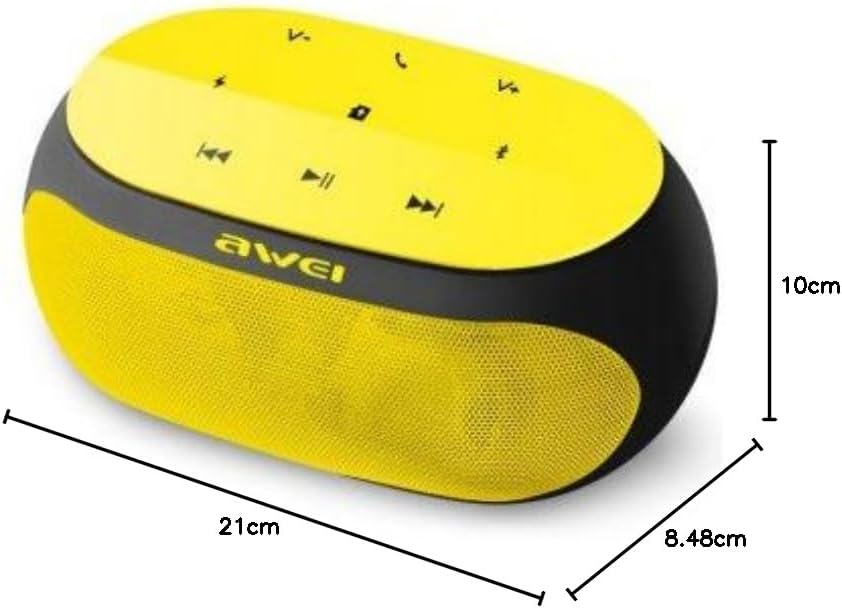
An image displaying the physical dimensions of the Awei Y200 speaker: 21cm length, 10cm width, and 8.48cm height.
9. Garanti Bilgileri
The Awei Y200 Wireless Bluetooth Speaker comes with a full warranty. For specific terms, conditions, and duration of your warranty, please refer to the documentation provided at the time of purchase or contact your retailer.
10. Destek
Should you require further assistance, encounter issues not covered in this manual, or have any questions regarding your Awei Y200 speaker, please contact Awei customer support or the retailer from whom you purchased the product. Please have your product model number (Y200) and purchase details ready when seeking support.