
giriiş
The JBL Flip 3 is a versatile and durable portable Bluetooth speaker designed to deliver powerful, room-filling stereo sound. It features a 3000mAh rechargeable Li-ion battery providing up to 10 hours of continuous playtime. With its splashproof fabric, it is an ideal companion for various environments, from indoor settings to poolside use. The Flip 3 also includes a built-in noise and echo cancelling speakerphone for clear conference calls and supports JBL Connect technology for wirelessly linking multiple compatible speakers to enhance the listening experience.
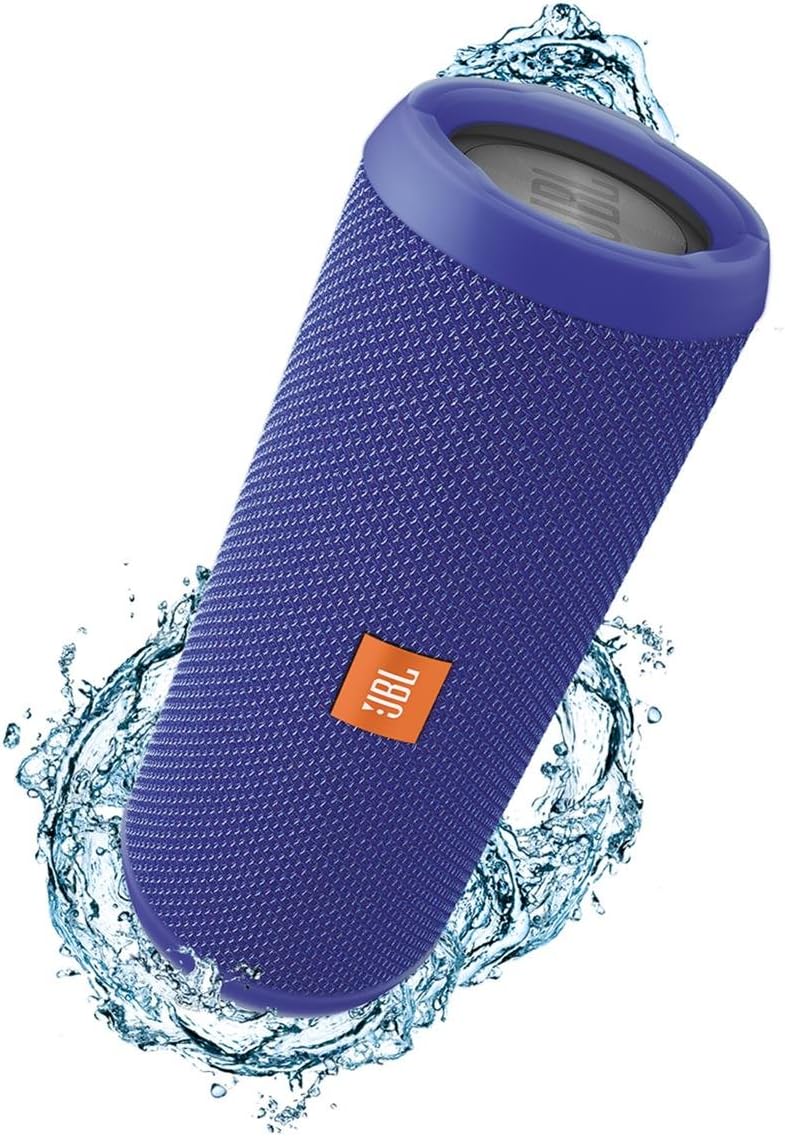
The JBL Flip 3 speaker, showcasinKompakt ve taşınabilir tasarımıyla öne çıkıyor.
Kutuda Neler Var?
- JBL Flip 3 Splashproof Portable Bluetooth Speaker (Blue)
- USB Şarj Kablosu

Contents of the JBL Flip 3 packaging, including the speaker and charging cable.
Ürün Özellikleri
- Kablosuz Bluetooth Akışı: Connect up to 3 smartphones or tablets wirelessly to the speaker.
- Hoparlör: Take crystal clear calls with the touch of a button, thanks to noise and echo cancelling technology.
- Su sıçramasına dayanıklı: Designed to withstand splashes and rain; can even be cleaned with running tap water. Do not immerse.
- JBL Bağlantısı: Wirelessly link multiple JBL Connect-enabled speakers together to ampDinleme deneyimini geliştirin.
- JBL Bas Radyatörü: Experience deep, rich bass from the dual external passive bass radiators.
Kurmak
Açma/Kapatma
To power on the JBL Flip 3, press and hold the power button located on the side of the speaker until you hear an audible tone and the indicator lights illuminate. To power off, simply press the power button again.
Bluetooth Eşleştirme
1. Power on your JBL Flip 3 speaker.
2. Press the Bluetooth button on the speaker. The Bluetooth indicator light will begin to flash, indicating it is in pairing mode.
3. On your smartphone or tablet, navigate to the Bluetooth settings.
4. Select "JBL Flip 3" from the list of available devices to connect.
5. Once connected, the Bluetooth indicator light will turn solid, and you will hear a confirmation tone.
JBL Bağlantısı
JBL Connect allows you to wirelessly link multiple JBL Connect-enabled speakers together for an amplified listening experience. To activate, simply press the JBL Connect button on all desired speakers. The speakers will automatically connect and play audio in sync.
Kullanım Talimatları
Kontroller
- Güç Düğmesi: Açmak/kapatmak için basın.
- Bluetooth Düğmesi: Eşleştirme moduna girmek için basın.
- Sesi Açma/Azaltma Düğmeleri: Oynatma ses düzeyini ayarlayın.
- Telefon Çağrı Butonu: Answer or end calls when connected to a smartphone.
Şarj etme
Connect the provided USB charging cable to the micro USB port on the speaker and to a USB power source (e.g., computer, USB wall adapter - not included). The battery indicator lights will show charging progress. A full charge takes approximately 3.5 hours and provides up to 10 hours of playtime.
Splashproof Usage
The JBL Flip 3 is splashproof, making it suitable for use near water, such as by the pool or at the beach. It can withstand splashes and light rain. However, it is not designed to be submerged in water. Ensure the charging port cover is securely closed before exposing the speaker to water.
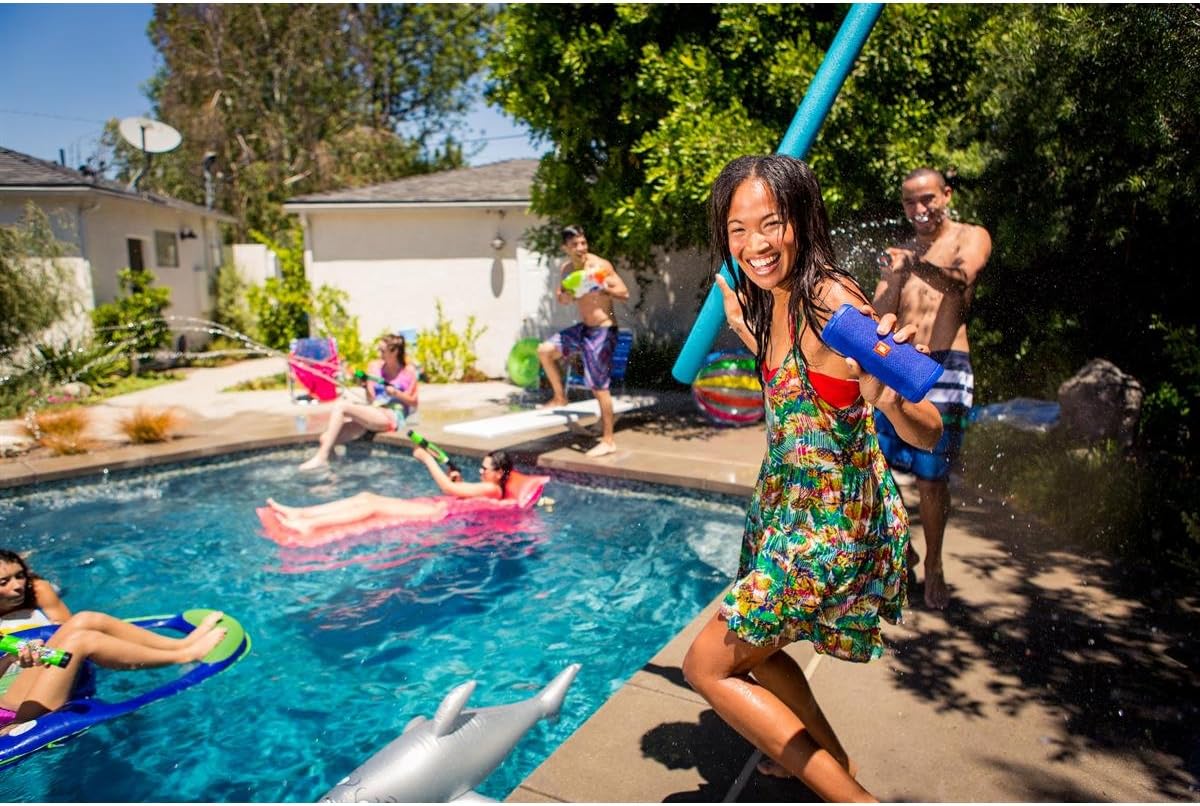
The JBL Flip 3 is designed for outdoor and poolside enjoyment.
Bakım
Temizlik
If the speaker gets dirty, you can clean it with running tap water. Ensure the charging port cover is closed before cleaning. Do not use harsh chemicals or abrasive materials.
Depolamak
Hoparlörü uzun süre kullanmayacağınız zaman, doğrudan güneş ışığından ve aşırı sıcaklıklardan uzakta, serin ve kuru bir yerde saklayın.
Sorun giderme
Hoparlör açılmıyor
- Pilinin dolu olduğundan emin olun. Hoparlörü bir güç kaynağına bağlayın.
- Sadece hızlı bir basış olmadığından emin olmak için güç düğmesine birkaç saniye basılı tutun.
Bluetooth cihazıyla eşleştirilemiyor
- Hoparlörün Bluetooth eşleştirme modunda olduğundan emin olun (mavi ışık yanıp sönüyor).
- Ensure your device's Bluetooth is enabled and within range (up to 10 meters).
- Try forgetting "JBL Flip 3" from your device's Bluetooth settings and re-pairing.
- Hem hoparlörünüzü hem de Bluetooth cihazınızı yeniden başlatın.
Ses yok veya bozuk ses
- Hem hoparlörünüzdeki hem de bağlı cihazınızdaki ses seviyelerini kontrol edin.
- Hoparlörün cihazınızla doğru şekilde eşleştirildiğinden ve bağlandığından emin olun.
- Paraziti önlemek için hoparlörü cihazınıza daha yakın bir yere taşıyın.
- If using an AUX cable, ensure it is fully inserted into both the speaker and the audio source.
Özellikler
| Özellik | Şartname |
|---|---|
| Model Adı | 3'yı çevir |
| Hoparlör Tipi | Dış mekan |
| Özel Özellik | Taşınabilir |
| Önerilen Kullanımlar | Müzik |
| Bağlantı Teknolojisi | Bluetooth |
| Kablosuz İletişim Teknolojisi | Bluetooth |
| Pil Ömrü | 10 Saat |
| Şarj Süresi | 3.5 Saat |
| Su Geçirmez | TRUE (Splashproof) |
| Ürün Ağırlığı | 1.7 Pound |
| Ürün Boyutları | 3.8"D x 4.8"G x 7.4"Y |
| Hoparlör Maksimum Çıkış Gücü | 16 Watt |
Garanti ve Destek
The JBL Flip 3 comes with a limited warranty. For detailed warranty information, product support, or service inquiries, please refer to the official JBL webSiteyi ziyaret edin veya müşteri hizmetleriyle iletişime geçin. Satın alma belgenizi garanti talepleriniz için saklayın.