
giriiş
The Rocketek FBA_RT-CR7 is a versatile USB 3.0 7-in-1 multi-memory card reader designed for efficient data transfer from various memory card types to your computer. It supports simultaneous reading and writing of up to 5 cards, offering high-speed performance and broad compatibility across multiple operating systems.
Ürün Özellikleri
- 7'ü 1 arada Kart Okuyucu: Supports CF, XD, MS, SD, and Micro SD card types.
- Eşzamanlı Okuma/Yazma: Capable of reading and writing to 5 different memory cards concurrently.
- USB 3.0 SuperSpeed: Achieves data transfer speeds up to 5Gbps, significantly faster than USB 2.0.
- Geniş Uyumluluk: Works with Mac OS, Linux, Chrome OS, and Windows XP/Vista/7/8/8.1/10.
- Tak ve Çalıştır: No drivers required for installation.
- Kompakt Tasarım: Portable and easy to carry, ideal for travel.
- Dahili Koruma: Features over-current, over-voltage ve kısa devre koruması.
- LED Göstergesi: A blue LED light indicates connection and data activity.
Paket İçeriği
- 1 x Rocketek FBA_RT-CR7 USB 3.0 7-in-1 Multi Memory Card Reader
- 1 x USB 3.0 Cable (with USB-C to USB-A adapter)
Kurulum Talimatları
- Kart Okuyucuyu Bağlayın: Plug the USB 3.0 cable from the card reader into an available USB port on your computer. If your computer has a USB-C port, use the provided USB-C to USB-A adapter.
- Güç Göstergesi: The blue LED indicator on the card reader will light up when successfully connected to your computer.
- Hafıza Kartını Takın: Carefully insert your memory card into the corresponding slot on the card reader. Ensure the card is inserted correctly according to its orientation. The LED indicator will flicker during data transfer.
- Verilere Erişim: Your computer will automatically detect the card reader and the inserted memory card. You can then access the card's contents through your file explorer (Windows) or Finder (Mac OS).

Şekil 1: Üzeriview of card reader slots and supported card types.
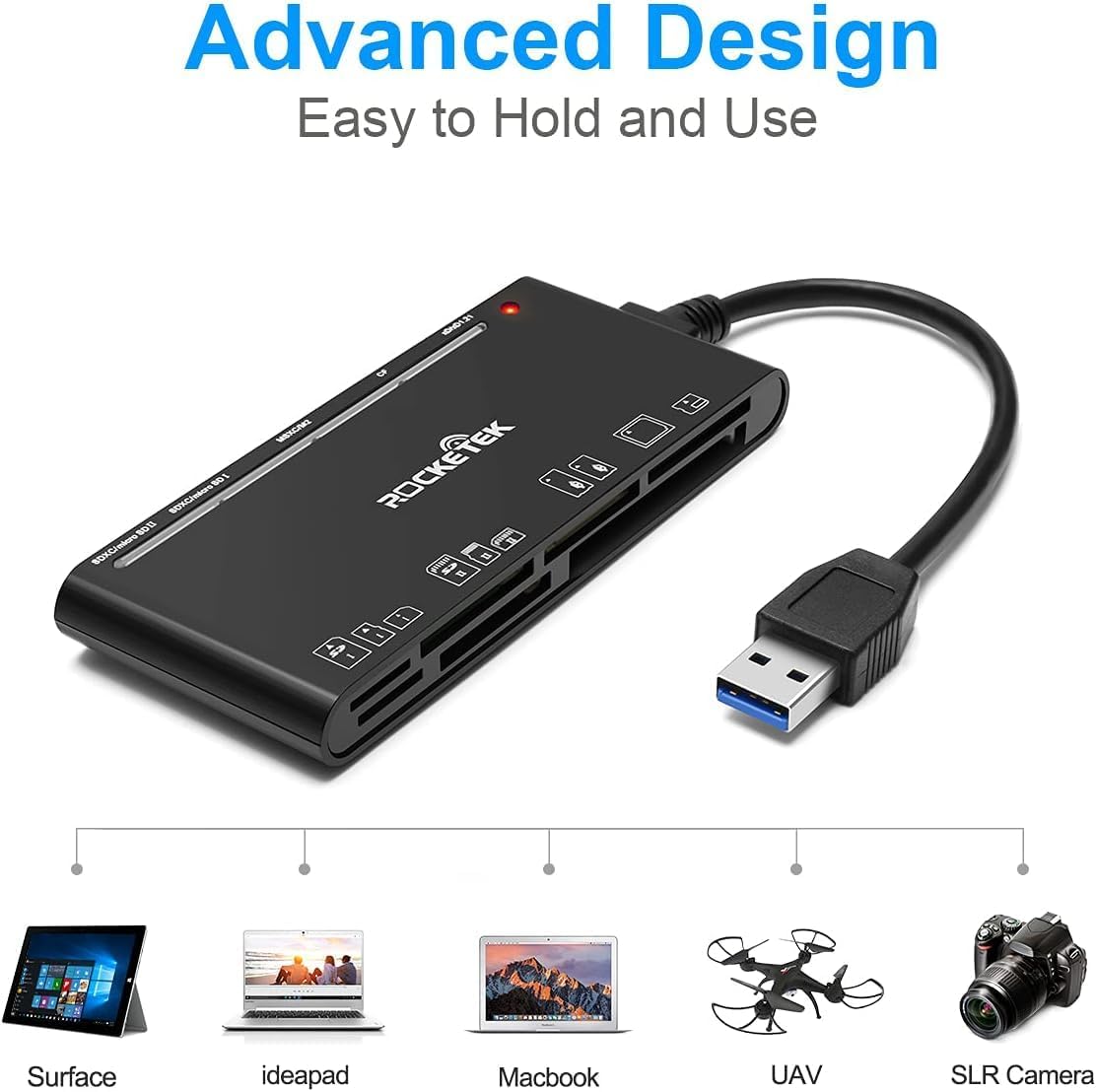
Figure 2: Card reader connected to a laptop, showing operating system compatibility.
Video 1: Demonstration of the Rocketek 7-in-1 Multi Memory Card Reader, showcasing its various card slots, USB 3.0 connectivity, and LED indicator light during operation.
Kullanım Talimatları
- Kartların Takılması: Gently push the memory card into the appropriate slot until it clicks into place. Do not force the card.
- Veri Okuma/Yazma: Once the card is inserted and detected, you can drag and drop files to and from the card. The blue LED indicator will blink during active data transfer.
- Eşzamanlı Kullanım: The card reader supports reading and writing to multiple cards simultaneously. Ensure proper file management to avoid data conflicts.
- Ejecting Cards: Before removing a memory card, always safely eject it from your computer's operating system to prevent data corruption.

Figure 3: Multiple memory cards inserted into the reader, demonstrating simultaneous access.
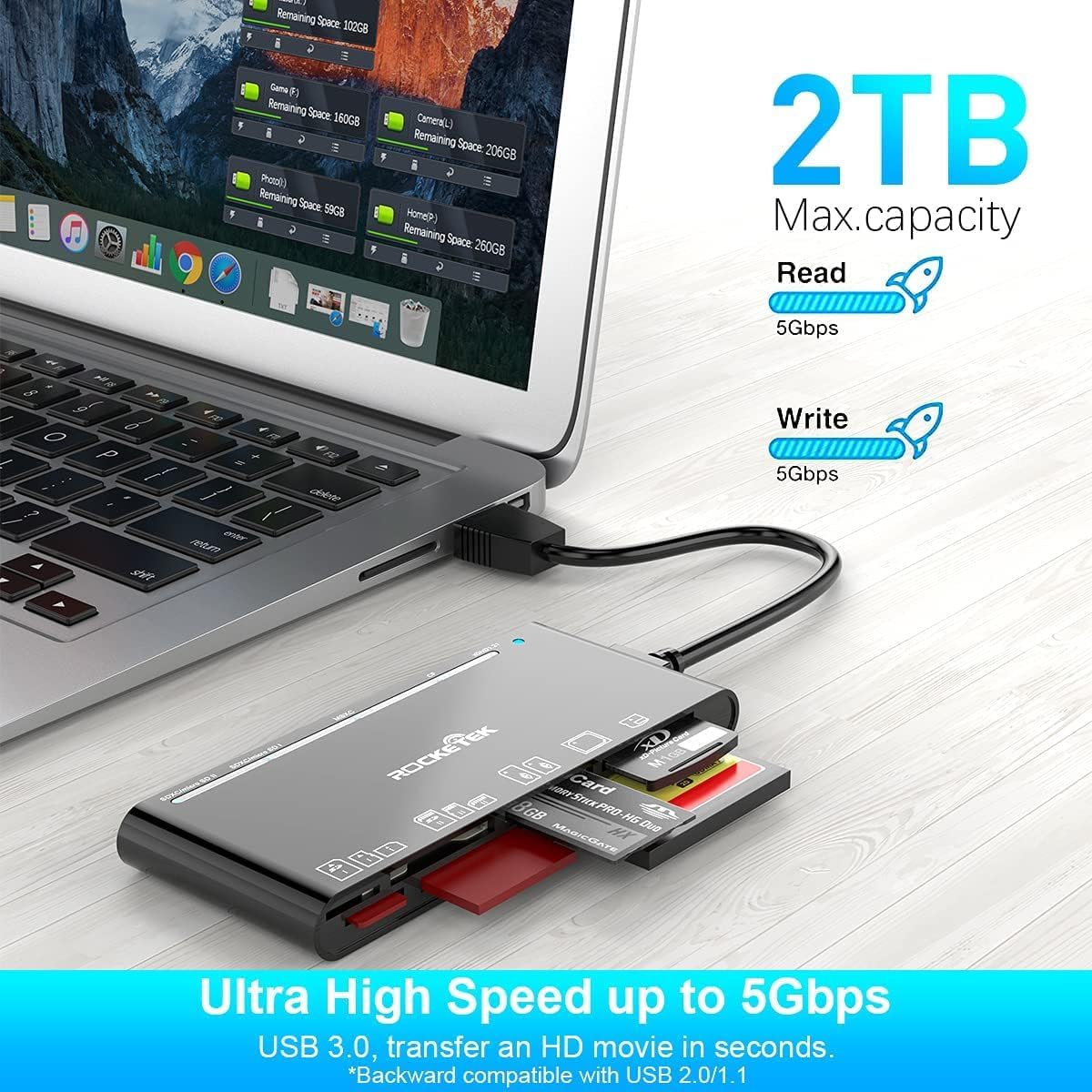
Figure 4: Highlighting the 5Gbps data transfer speed and 2TB maximum capacity.
Uyumluluk
Desteklenen İşletim Sistemleri:
- Windows XP / Vista / 7/8 / 8.1 / 10
- Mac OS (including MacBook Pro/Air)
- Linux
- Chrome İşletim Sistemi
Desteklenen Ortam Türleri:
- CompactFlash (CF card, high-speed CF UDMA)
- SD Card (SD, SDXC up to 2TB, SDHC, RS-MMC, miniSD)
- Micro SD (Micro SD, Micro SDXC, Micro SDHC)
- Memory Stick (MS, M2, MSXC, Memory Stick PRO Duo, Memory Stick Pro)
- xD Picture Card
Özellikler
| Marka | Rocketek |
| Model Adı | FBA_RT-CR7 |
| Bağlantı Teknolojisi | USB Tip A |
| Donanım Arayüzü | USB 3.0 |
| Veri Aktarım Hızı | 5 Gbps |
| Slot Count | 7 (supporting 5 simultaneous reads/writes) |
| Renk | Siyah |
| Ürün Boyutları (U x G x Y) | 6.1" x 2.9" x 0.4" |
| Ürün Ağırlığı | 9.07 gr |
Bakım ve Özen
- Temizlik: Use a soft, dry cloth to clean the exterior of the card reader. Avoid using liquid cleaners or solvents.
- Depolamak: Kart okuyucunuzu serin, kuru ve doğrudan güneş ışığından ve aşırı sıcaklıklardan uzak bir yerde saklayın.
- İşleme: Avoid dropping the device or subjecting it to strong impacts. Do not bend or twist the cable excessively.
- Bağlantı Noktası Koruması: Keep the card slots free from dust and debris.
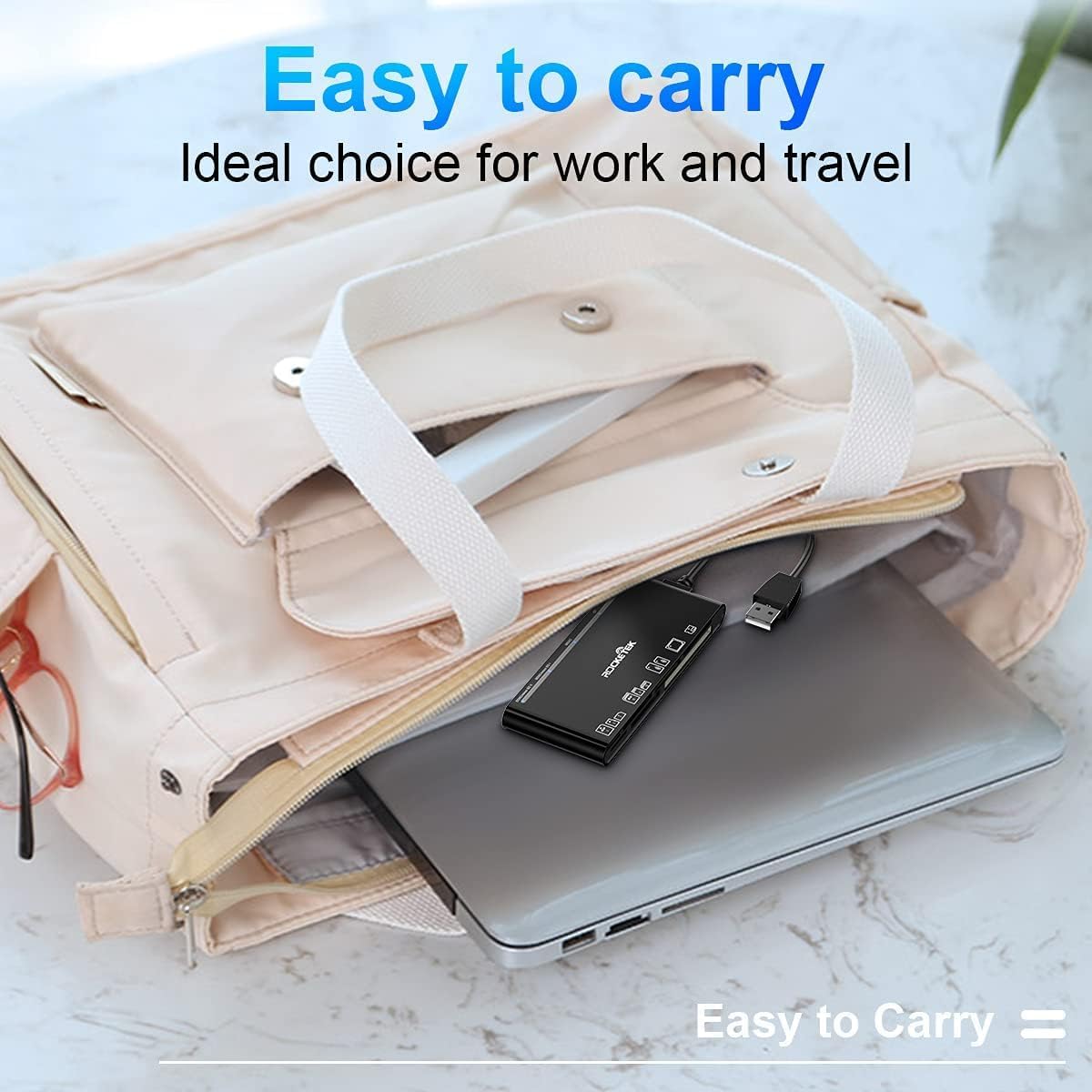
Figure 5: The card reader's compact size, suitable for portability.
Sorun giderme
- Cihaz Algılanamadı:
- Ensure the USB cable is securely connected to both the card reader and your computer.
- Bilgisayarınızdaki farklı bir USB bağlantı noktasına bağlanmayı deneyin.
- Bilgisayarınızı yeniden başlatın.
- Hafıza Kartı Tanınmadı:
- Verify that the memory card is fully inserted into the correct slot.
- Check if the memory card is damaged or corrupted. Try it in another device if possible.
- Ensure your operating system supports the file hafıza kartı sistemi.
- Yavaş Veri Aktarımı:
- Ensure the card reader is connected to a USB 3.0 port on your computer for optimal speed.
- Verify that your memory card itself supports high-speed data transfer.
- Büyük iş yükleri sırasında birden fazla zorlu uygulamayı çalıştırmaktan kaçının file Transferler.
- LED Göstergesi Yanmıyor:
- Confirm the card reader is properly connected to a powered USB port.
- USB hub kullanıyorsanız, güç kaynağına bağlı olduğundan emin olun.
Garanti ve Destek
The Rocketek FBA_RT-CR7 USB 3.0 7-in-1 Multi Memory Card Reader comes with a 2 Yıllık Garanti Satın alma tarihinden itibaren geçerlidir. Bu garanti, üretim hatalarını kapsar ve ürünün normal kullanımda açıklandığı gibi performans göstermesini sağlar.
For technical support, warranty claims, or any inquiries regarding your product, please contact Rocketek customer service through the retailer's platform or visit the official Rocketek webiletişim bilgileri için site.