
giriiş
This manual provides instructions for the Datalogic Barcodescanner Touch TD1100 90 Light, model TD1120-BK-90K1. It covers essential information for setting up, operating, maintaining, and troubleshooting your device to ensure optimal performance. Please read this manual thoroughly before using the scanner.
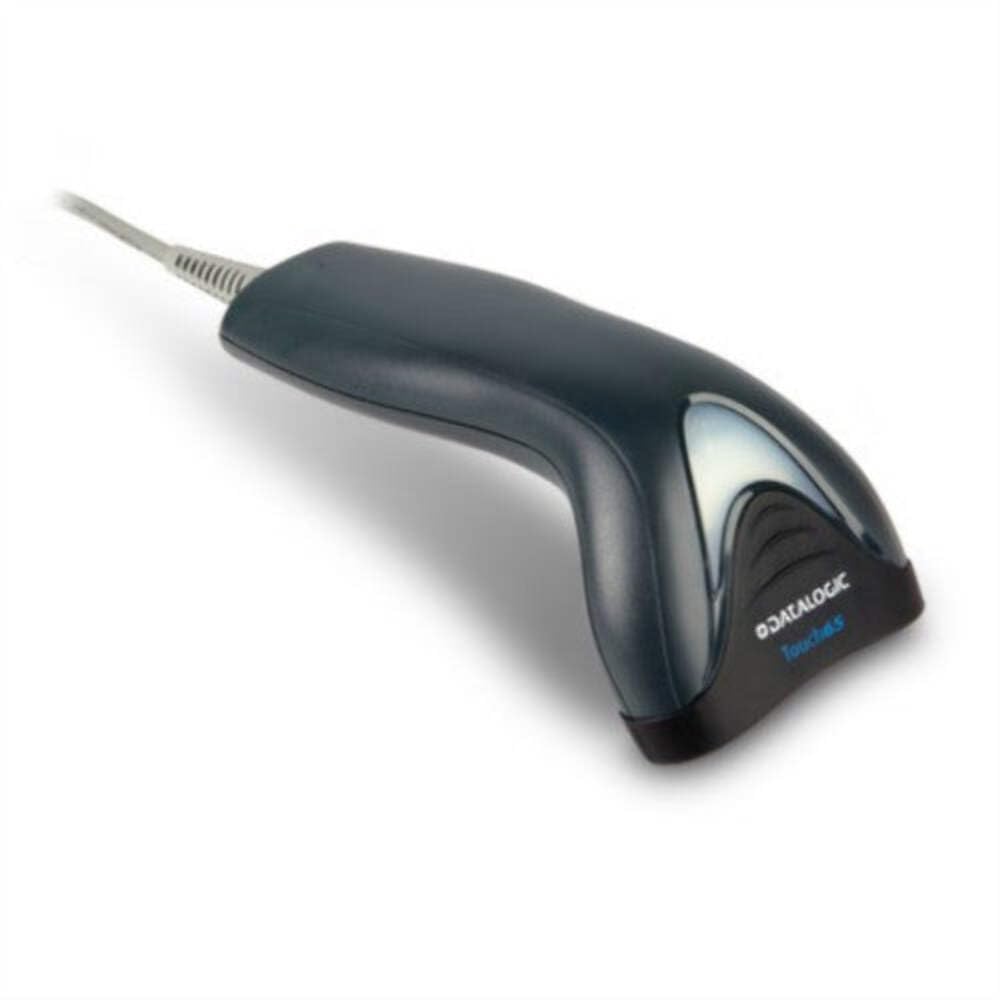
Image: The Datalogic Touch TD1100 90 Light barcode scanner, showing its ergonomic design and integrated cable.
Kurmak
1. Paketten çıkarma
Tüm parçaları ambalajından dikkatlice çıkarın. Tüm öğelerin eksiksiz olduğundan emin olun:
- Datalogic Touch TD1100 90 Light Barcode Scanner
- USB Kablosu (entegre)
- Hızlı Başlangıç Kılavuzu (eğer dahilse)
2. Tarayıcının Bağlanması
The TD1120-BK-90K1 model connects via a USB interface. Follow these steps:
- Bilgisayarınızda (masaüstü veya dizüstü) kullanılabilir bir USB bağlantı noktası bulun.
- Insert the USB connector of the scanner's cable firmly into the USB port.
- The operating system should automatically detect the new hardware and install the necessary drivers. This process may take a few moments.
- Once drivers are installed, the scanner will typically emit a short beep or an indicator light will illuminate, signifying it is ready for use.
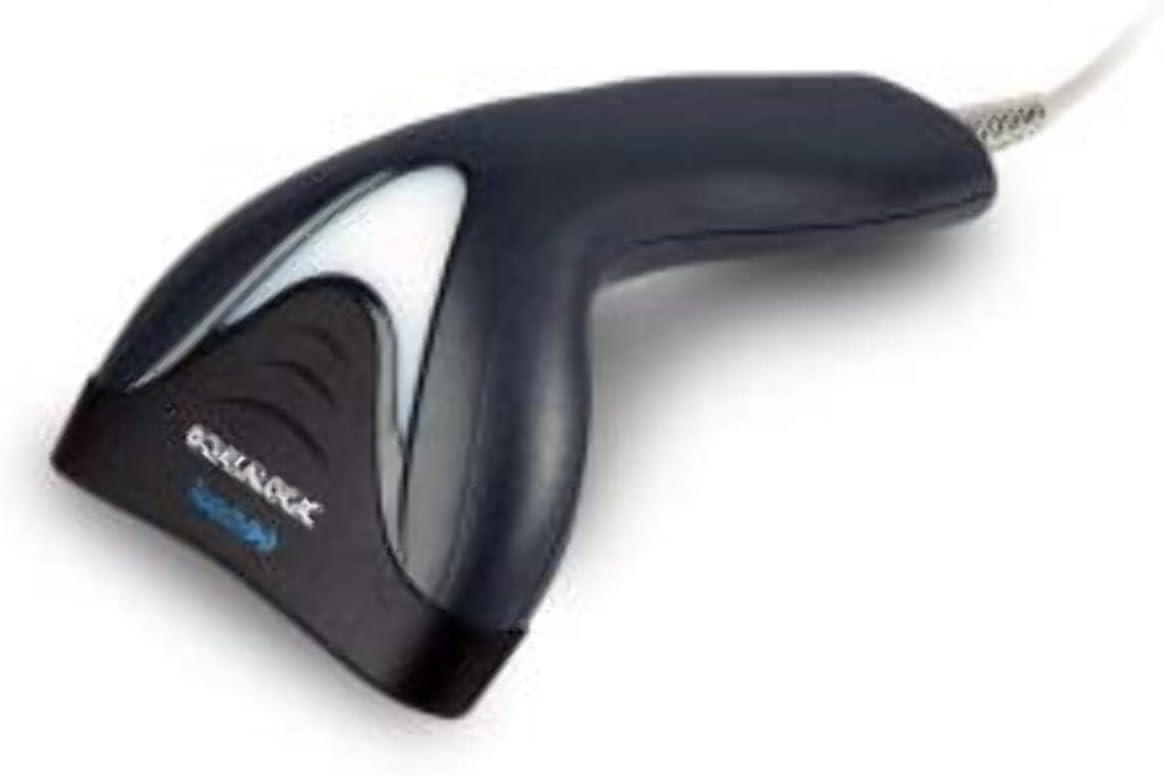
Resim: Yan view of the Datalogic Touch TD1100 90 Light barcode scanner, highlighting the integrated cable for connection.
Kullanım Talimatları
1. Basic Scanning Procedure
Bir barkodu taramak için:
- Tarayıcının bağlı ve açık olduğundan emin olun.
- Open an application on your computer where you want the scanned data to appear (e.g., a text editor, spreadsheet, or POS software).
- Tarayıcıyı, tarama penceresi barkoda bakacak şekilde tutun.
- Press and hold the trigger button. A red aiming line or light will project from the scanning window.
- Position the aiming line across the entire barcode.
- Once the barcode is successfully read, the scanner will emit a beep and/or the indicator light will flash green. The data will then appear in your active application.
- Tetiği bırakın.
2. Scanning Techniques
- Optimum Mesafe: Hold the scanner at an appropriate distance from the barcode, typically between 2-10 cm (1-4 inches), depending on the barcode size and density.
- Açı: Scan barcodes at a slight angle to avoid direct reflection, which can interfere with reading.
- Hasarlı Barkodlar: For poorly printed or damaged barcodes, try scanning from different angles or distances.
Bakım
1. Tarayıcının Temizlenmesi
Düzenli temizlik, tarama performansının en üst düzeyde kalmasına yardımcı olur.
- Tarama Penceresi: Yumuşak, tüy bırakmayan bir bez kullanınampened with a mild, non-abrasive cleaner (e.g., isopropyl alcohol or glass cleaner) to gently wipe the scanning window. Avoid harsh chemicals or abrasive materials.
- Dış: Dış yüzeyi silin.asinyumuşak bir g ile, damp cloth. Do not allow liquids to enter the scanner.
- Temizlemeden önce tarayıcının güç kaynağından çıkarıldığından emin olun.
2. Depolama
When not in use, store the scanner in a clean, dry environment, away from direct sunlight, extreme temperatures, and corrosive materials.
Sorun giderme
If you encounter issues with your Datalogic TD1100 scanner, refer to the following common problems and solutions:
| Sorun | Olası Neden | Çözüm |
|---|---|---|
| Tarayıcı açılmıyor veya yanıt vermiyor. | Loose cable connection, faulty USB port, power issue. |
|
| Tarayıcı barkodları okumuyor. | Incorrect scanning technique, damaged barcode, dirty scanning window, incompatible barcode type, application not ready. |
|
| Taranan veriler hatalı görünüyor. | Keyboard wedge settings, incorrect language settings. |
|
Özellikler
Key technical specifications for the Datalogic Touch TD1100 90 Light (TD1120-BK-90K1):
- Model Numarası: TD1120-BK-90K1
- Marka: Veri Mantığı
- Tarama Hızı: Saniyede 90 kare (fps)
- Bağlantı Teknolojisi: Bluetooth
- Uyumlu Cihazlar: Masaüstü, Dizüstü
- Güç Kaynağı: Pil ile çalışır
- Ürün Ağırlığı: 153 Gram
- Gerçek Açı View: 3.5 Derece
- Üretici: Veri Mantığı
Note: Some specifications like "Battery Powered" and "Bluetooth" might be generic for the TD1100 series. The TD1120-BK-90K1 is primarily a wired USB scanner.
Garanti ve Destek
Garanti Bilgileri
Datalogic products are covered by a standard manufacturer's warranty. For specific warranty terms and conditions, please refer to the warranty card included with your product or visit the official Datalogic webSite. Satın alma belgenizi garanti talepleriniz için saklayın.
Teknik Destek
For technical assistance, troubleshooting beyond this manual, or to inquire about repairs, please contact Datalogic customer support. You can typically find contact information on the Datalogic webtarayıcınızla birlikte verilen sitede veya belgelerde bulabilirsiniz.
- Datalogic Official Webalan: www.datalogic.com
- Destek Kaynakları: Check the support section of the webSıkça sorulan sorular, sürücü bilgileri ve ek dokümanlar için site.