
1. Giriş
Thank you for choosing the PureMate 5-in-1 Multi-Technology Air Purifier PM 510. This advanced air purification system is designed to significantly improve the air quality in your home or office by effectively removing airborne pollutants, allergens, and odors. Featuring a comprehensive 5-stage filtration process, including True HEPA, Activated Carbon, UV-C light, TiO2, and a Negative Ion Generator, the PM 510 provides a cleaner, healthier environment for you and your family.
Please read this manual thoroughly before operating the appliance and keep it for future reference. Proper use and maintenance will ensure optimal performance and longevity of your air purifier.
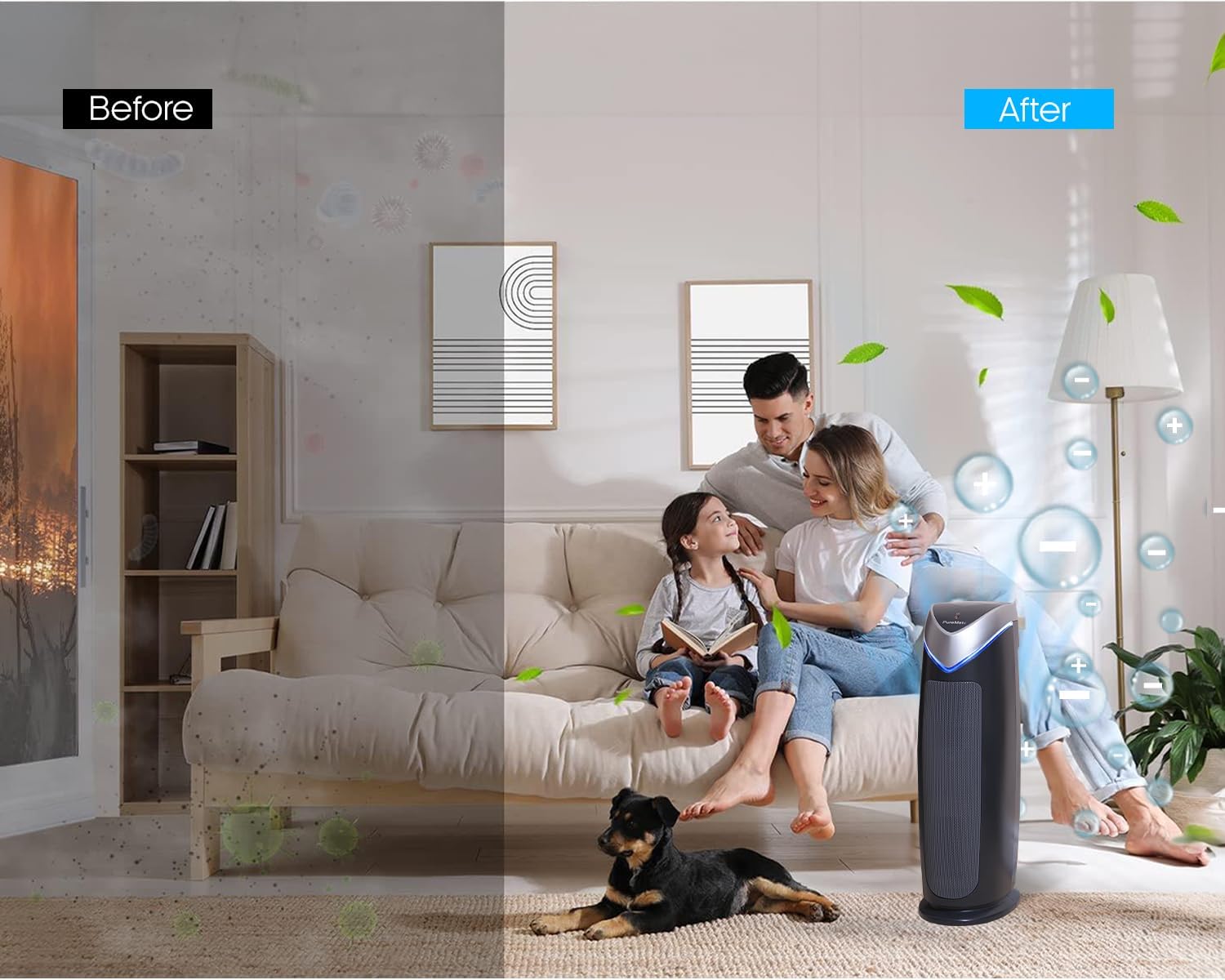
Figure 1.1: Visual representation of air quality improvement with the PureMate Air Purifier.
2. Güvenlik Bilgileri
To reduce the risk of electric shock, fire, and injury, please read all instructions carefully before operating the appliance.
- Hava temizleyiciyi her zaman sağlam ve düz bir yüzeye yerleştirin.
- Do not operate the appliance with a damaged cord or plug. If the cord or plug is damaged, it must be replaced by the manufacturer, its service agent, or similarly qualified persons to avoid a hazard.
- Hava temizleyiciyi ıslak veyaamp environments, such as bathrooms or laundries.
- Cihazı ısı kaynaklarından, doğrudan güneş ışığından ve yanıcı maddelerden uzak tutun.
- Havalandırma deliklerine veya açıklıklarına herhangi bir cisim sokmayın.
- Unplug the air purifier from the power outlet before cleaning, performing any maintenance, or when not in use.
- Bu cihaz, fiziksel, duyusal veya zihinsel yetenekleri kısıtlı olan veya deneyim ve bilgi eksikliği bulunan kişiler (çocuklar dahil) tarafından, güvenliklerinden sorumlu bir kişi tarafından cihazın kullanımıyla ilgili olarak gözetim veya talimat sağlanmadığı sürece kullanılmak üzere tasarlanmamıştır.
- Çocukların cihazla oynamamalarını sağlamak için gözetim altında tutulmaları gerekir.
- UV-C lamp cıva içerir. Eğer lamp breaks, handle with care and dispose of according to local regulations. Do not look directly at the UV-C light when it is on, as it can cause eye damage.
3. Ürün Bittiview
3.1 Bileşenler
The PureMate PM 510 Air Purifier consists of several key components working together to provide comprehensive air purification:
- Ana Ünite: Houses the fan, control panel, and filtration system.
- Ön Filtre: Toz, tüy ve evcil hayvan tüyü gibi daha büyük parçacıkları yakalar.
- Gerçek HEPA Filtre: Traps 99.97% of airborne particles as small as 0.3 microns, including pollen, dust mites, and mold spores.
- Aktif karbon filtresi: Absorbs odors from cooking, pets, smoke, and harmful gases.
- UV-CLamp: Kills airborne bacteria, viruses, and mold spores.
- TiO2 Filter: Works with the UV-C lamp to decompose odor molecules.
- Negatif İyon Jeneratörü: Releases negative ions to help airborne particles settle, making them easier to filter.
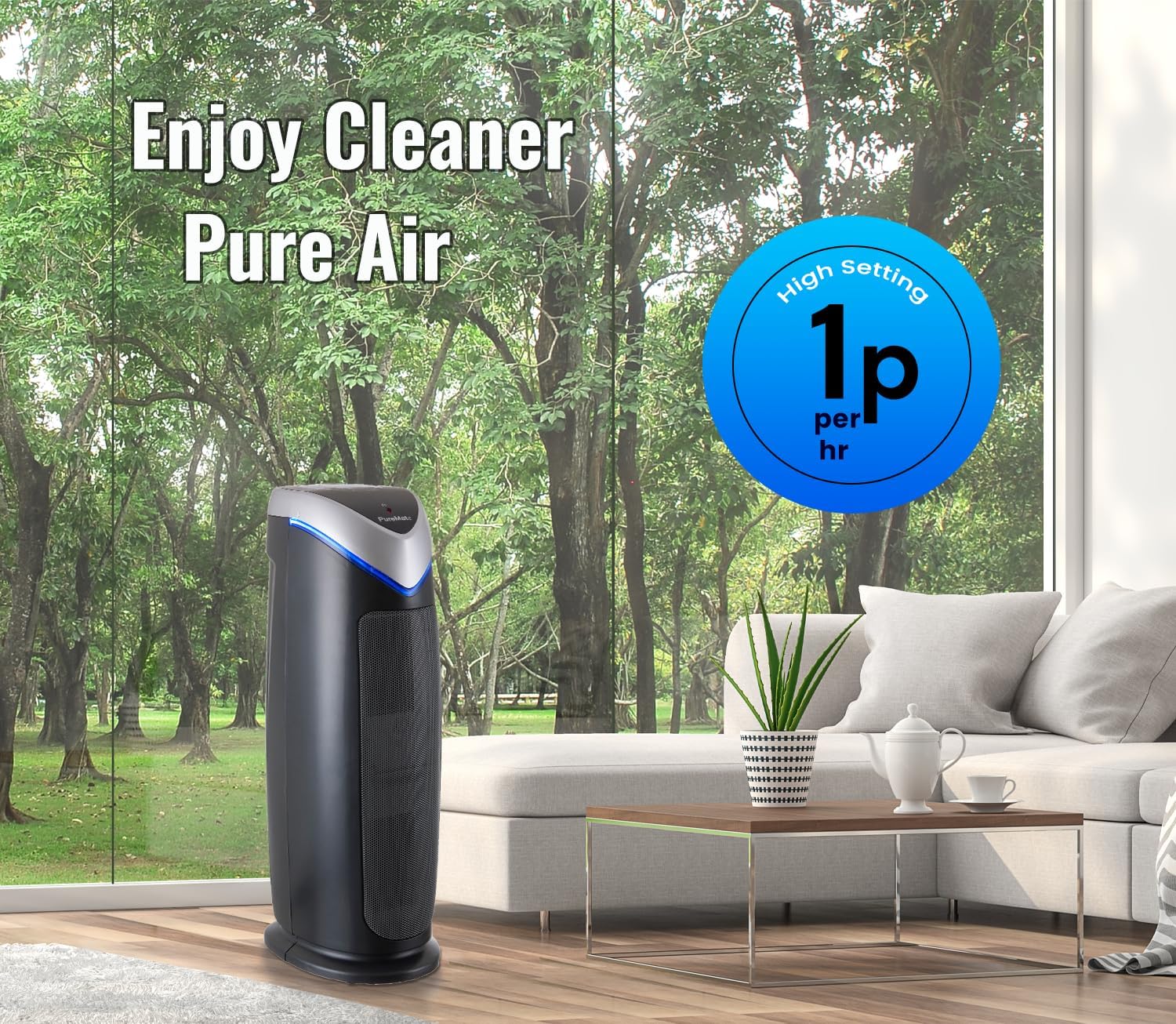
Figure 3.1: Internal components and filtration stages of the PureMate Air Purifier.
3.2 Özellikler
The PM 510 is equipped with features designed for effective and convenient air purification:
- 5-Stage Hava Arıtma: Combines multiple technologies for comprehensive air cleaning.
- High CADR Rating: CADR (Clean Air Delivery Rate) values of SMOK: 110, POLLEN: 120, DUST: 126 ensure rapid air purification.
- 5 Fan Hızı: Adjustable fan speeds from ultra-quiet to powerful for various needs.
- Dijital gösterge: Clear LCD screen shows activated modes and settings.
- Zamanlayıcı Fonksiyonu: Set operation time from 1 to 8 hours.
- Optional Ionizer and UV Light: Independent control for customized purification.
- Filtre Değişim Göstergesi: Alerts you when it's time to change the filter and UV lamp.
- Suitable for Medium to Large Rooms: Effective for areas up to 400 sq ft (38 m²).

Figure 3.2: Key features and dimensions of the PureMate Air Purifier.
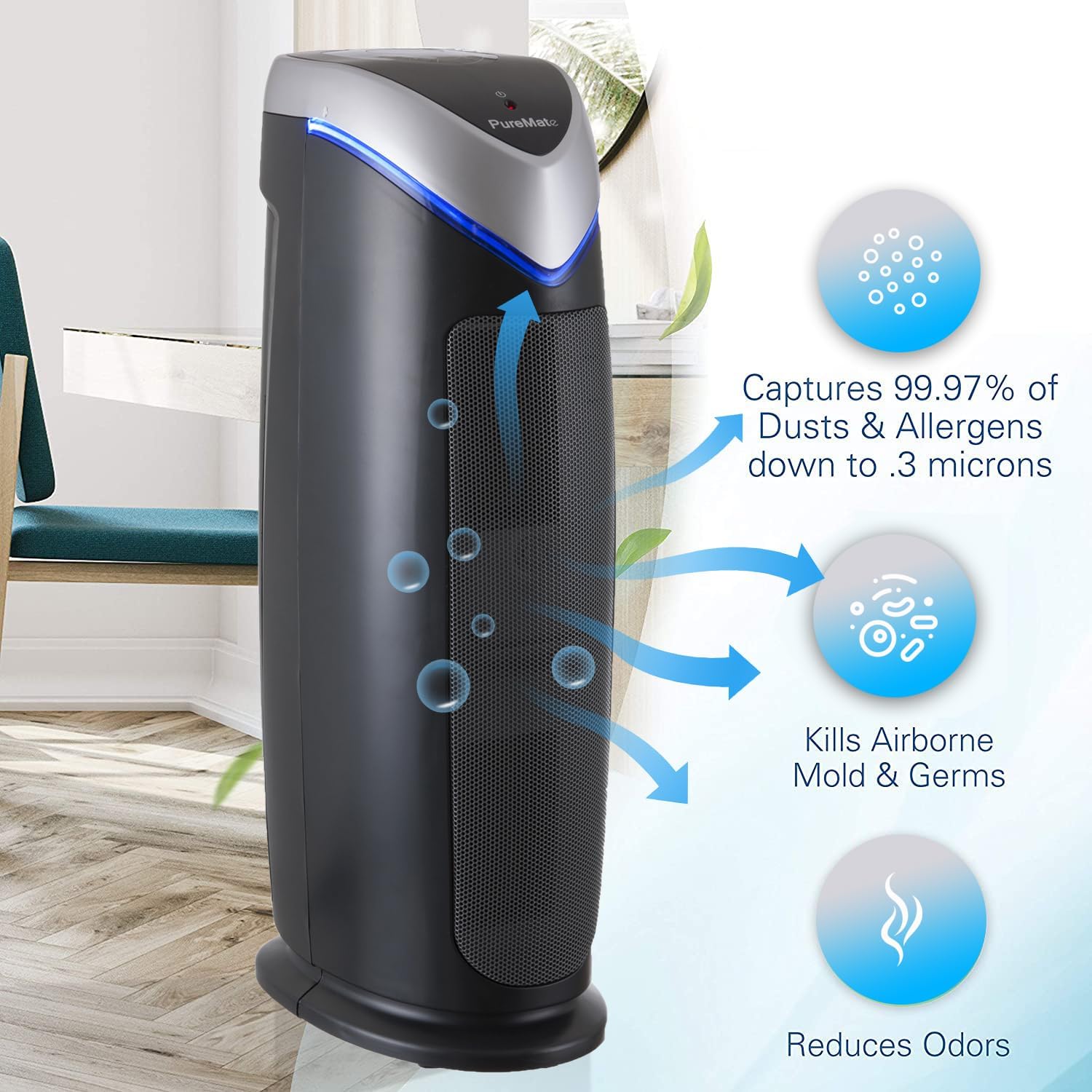
Figure 3.3: Types of pollutants captured by the 2-in-1 True HEPA and Activated Carbon Filter.
4. Kurulum
4.1 Paketin açılması
- Hava temizleyicinizi ambalajından dikkatlice çıkarın.
- Remove all packaging materials, including any protective plastic films or wraps.
- Check the appliance for any signs of damage. If damaged, do not operate and contact customer support.
4.2 Filtre Kurulumu
Filtreler genellikle önceden takılı olarak gelir ancak nakliye için plastik ambalajla sarılmış olabilirler. İlk kullanımdan önce filtrelerden tüm plastik ambalajların çıkarıldığından emin olun.
- Filtre bölmesi kapağını bulun (genellikle cihazın arkasında veya yanında bulunur).
- Open the cover and carefully remove the filter assembly.
- Remove any plastic bags from the True HEPA and Activated Carbon filters.
- Reinsert the filters into the unit, ensuring they are correctly oriented.
- Filtre bölmesinin kapağını sıkıca kapatın.
4.3 Yerleştirme
For optimal performance, place the air purifier in a location that allows for unrestricted airflow.
- Üniteyi sağlam ve düz bir yüzeye yerleştirin.
- Ensure there is at least 15-30 cm (6-12 inches) of space around all sides of the unit for proper air circulation.
- Avoid placing the unit directly against walls or furniture that might block air intake or output.
- The PM 510 is effective for rooms up to 38 m² (400 sq ft). Position it in the area where air purification is most needed.

Figure 4.1: Recommended placement of the PureMate Air Purifier in a room.
5. Kullanım Talimatları
The control panel on top of the unit allows you to manage all functions of your air purifier.

Şekil 5.1: Kontrol Paneliview
5.1 Güç Açma/Kapatma
- Güç kablosunu standart bir elektrik prizine takın.
- Basın AÇIK/KAPALI button to turn the unit on or off. The unit will start at the lowest fan speed.
5.2 Fan Hızı Ayarı
- Basın MOD button repeatedly to cycle through the 5 fan speed settings (1 to 5).
- Speed 1 is the quietest, suitable for overnight use. Speed 5 provides maximum air purification.
5.3 Zamanlayıcı İşlevi
- Basın ZAMANLAYICI button to set the operating time.
- Each press will cycle through 1, 2, 4, and 8 hours. The unit will automatically turn off after the selected time.
5.4 Ionizer and UV-C Lamp Kontrol
- Basın Optional Ionizer & UV-C button to activate or deactivate the ionizer and UV-C lamp.
- You can choose to have both on, only the ionizer, or only the UV-C lamp, or both off.
5.5 HEPA Reset Button
- After replacing the HEPA filter, press and hold the HEPA Reset button for 3-5 seconds until the indicator light turns off. This resets the filter life monitor.
6. Bakım
Regular maintenance ensures your PureMate Air Purifier operates efficiently and extends its lifespan.
6.1 Filtre Değişimi
The filter replacement indicator light will illuminate when it's time to replace the filter. Filter life varies depending on air quality and usage, but typically lasts 6-8 months.
- Hava temizleyiciyi elektrik prizinden çıkarın.
- Filtre bölmesi kapağını açın.
- Remove the old filter assembly.
- Eski filtreyi sorumlu bir şekilde imha edin.
- Unpack the new filter and insert it into the unit, ensuring correct orientation.
- Filtre bölmesinin kapağını sıkıca kapatın.
- Cihazı prize takın ve basılı tutun. HEPA Reset button for 3-5 seconds to reset the filter indicator.
6.2 Filtre Temizleme
While the HEPA and Activated Carbon filters are not washable, the pre-filter component can be gently vacuumed to remove larger dust particles between replacements. Do not wash the HEPA or Activated Carbon filters with water.
6.3 UV-C Lamp Yenisiyle değiştirme
UV-C lamp also has a lifespan and an indicator light will signal when replacement is needed. Refer to the specific instructions provided with replacement lamps for safe handling and installation.
6.4 Dış Temizlik
- Temizlemeden önce mutlaka cihazın fişini çekin.
- Dış yüzeyleri yumuşak, damp Kumaş.
- Aşındırıcı temizleyiciler veya çözücüler kullanmayınız.
- Cihazın içine su girmemesine dikkat edin.
7. Sorun Giderme
If you experience issues with your air purifier, please consult the following table before contacting customer support.
| Sorun | Olası Neden | Çözüm |
|---|---|---|
| Ünite açılmıyor | Güç kaynağı yok Güç kablosu güvenli bir şekilde takılmamış | Check if the unit is plugged into a working outlet Ensure the power cord is firmly connected |
| Airflow is weak or noisy | Filtreler tıkanmış Air intake/output blocked | Replace filters if indicator is on, or vacuum pre-filter Ensure unit is not obstructed by walls or furniture |
| Hava kalitesi iyileşmiyor | Filtrelerin değiştirilmesi gerekiyor Unit size not suitable for room UV-C lamp çalışmıyor | Filtreleri değiştirin Ensure room size is within specified limits (38 m² / 400 sq ft) Check if UV-C lamp is on; replace if indicator is on |
| Unusual odor from unit | Activated Carbon filter saturated Yeni ünite kokusu | Replace Activated Carbon filter Run unit on high for a few hours in a well-ventilated area to dissipate new unit smell |
8. Özellikler
| Şartname | Detay |
|---|---|
| Model Numarası | PM510 |
| Marka | Saf Mate |
| Boyutlar (Y x G x D) | 55 cm x 17 cm x 25.5 cm (yaklaşık 21.65 x 6.7 x 10 inç) |
| Ağırlık | 4.4 kg (yaklaşık 9.7 lbs) |
| Renk | Siyah |
| Güç Kaynağı | Elektrik kablosu |
| Kontrol Türü | Düğme Kontrolü |
| Kapsama Alanı | 38 m²'ye (400 sq ft) kadar |
| CADR (Duman) | 110 |
| CADR (Pollen) | 120 |
| CADR (Dust) | 126 |
| Filtreleme Stages | 5 (Pre-filter, True HEPA, Activated Carbon, UV-C, TiO2, Ionizer) |
| Sertifikalar | CE, RoHS Sertifikalı |
| UPC | 700587027659 |
9. Garanti ve Destek
For information regarding warranty coverage and terms, please refer to the warranty card included with your purchase or contact the retailer where you purchased the PureMate Air Purifier. Keep your proof of purchase for warranty claims.
If you require technical assistance or have questions not covered in this manual, please contact PureMate customer support through their official webSite üzerinden veya satıcınızın sağladığı iletişim bilgileri aracılığıyla bilgi alabilirsiniz.
Please have your model number (PM510) and purchase date ready when contacting support.