
giriiş
This manual provides detailed instructions for the setup, operation, and maintenance of your La Crosse Technology Atomic Wall/Table Clock, Model 513-1211. This digital clock features a large LCD display, automatic time setting via atomic signal, indoor temperature monitoring, and a perpetual calendar. It is designed for easy viewing and can be used as a wall-mounted or tabletop device.
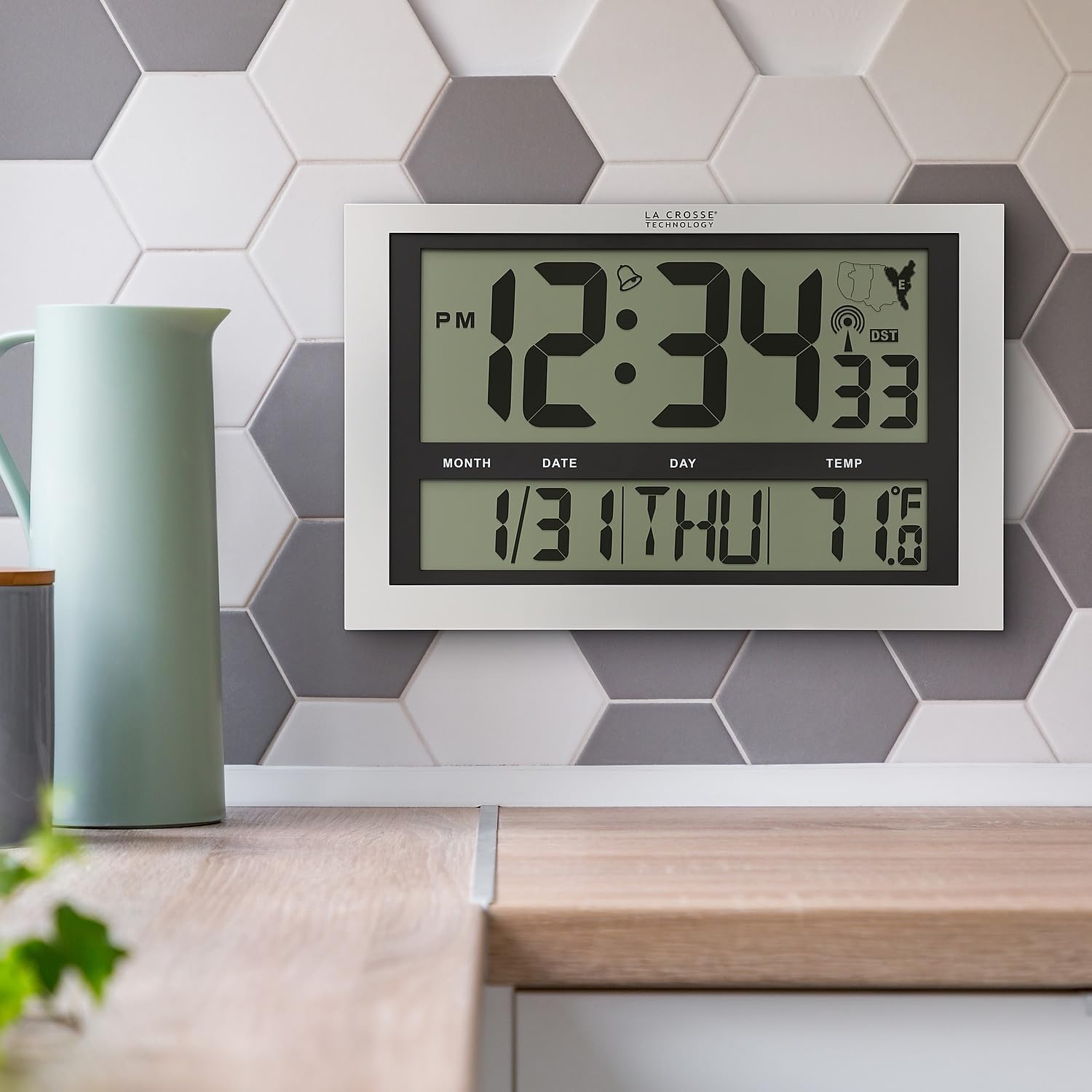
Image: La Crosse Technology Atomic Wall/Table Clock (Model 513-1211) mounted on a kitchen wall, showing the large digital display with time, date, and indoor temperature.
Güvenlik Bilgileri
Please read and understand the following safety precautions before using your clock:
- Use only the specified battery type (3 AA alkaline batteries).
- Eski ve yeni pilleri veya farklı pil türlerini karıştırmayın.
- Pillerin doğru kutuplara (+/-) yerleştirildiğinden emin olun.
- Sızıntıyı önlemek için biten pilleri hemen çıkarın.
- Do not expose the clock to extreme temperatures, direct sunlight, or moisture.
- Saati güçlü manyetik alanlardan uzak tutun.
Paket İçeriği
Paketinizde tüm öğelerin mevcut olduğundan emin olun:
- La Crosse Technology Atomic Wall/Table Clock (Model 513-1211)
- Kullanım Kılavuzu (bu belge)
Kurmak
1. Pil Kurulumu
The clock requires 3 AA alkaline batteries (not included).
- Saatin arkasındaki pil bölmesini bulun.
- Slide up and pull out the battery cover.
- Insert 3 new AA alkaline batteries according to the polarity markings (+ and -).
- Pil kapağını güvenli bir şekilde yerine takın.

Resim: Arka view of the clock, highlighting the battery compartment, control buttons (SET, WAVE/+, DST/-, SNOOZE), and time zone switch.
2. Initial Setup and Atomic Signal Reception
After battery installation, the clock will automatically begin searching for the atomic time signal (WWVB). This process may take several minutes to several hours, depending on your location and environmental conditions. For best reception, place the clock near a window, facing generally towards Fort Collins, Colorado (USA).
- Saat Dilimi Seçin: Use the time zone selector switch (PST, MST, CST, EST) on the back of the clock to choose your desired time zone.
- The clock will attempt to synchronize with the atomic signal. A signal strength indicator will appear on the display.
- Manuel Zaman Ayarı (İsteğe bağlı): If the atomic signal is not received, or if you prefer to set the time manually, press and hold the AYARLAMAK button for 3 seconds to enter settings. Use the WAVE/+ Ve DST/- buttons to adjust values, and AYARLAMAK onaylamak için.
3. Montaj Seçenekleri
The clock can be displayed on a flat surface or mounted on a wall.
- Masaüstü Kullanımı: Extend the foldout legs located on the back of the clock to stand it upright on a desk or shelf.
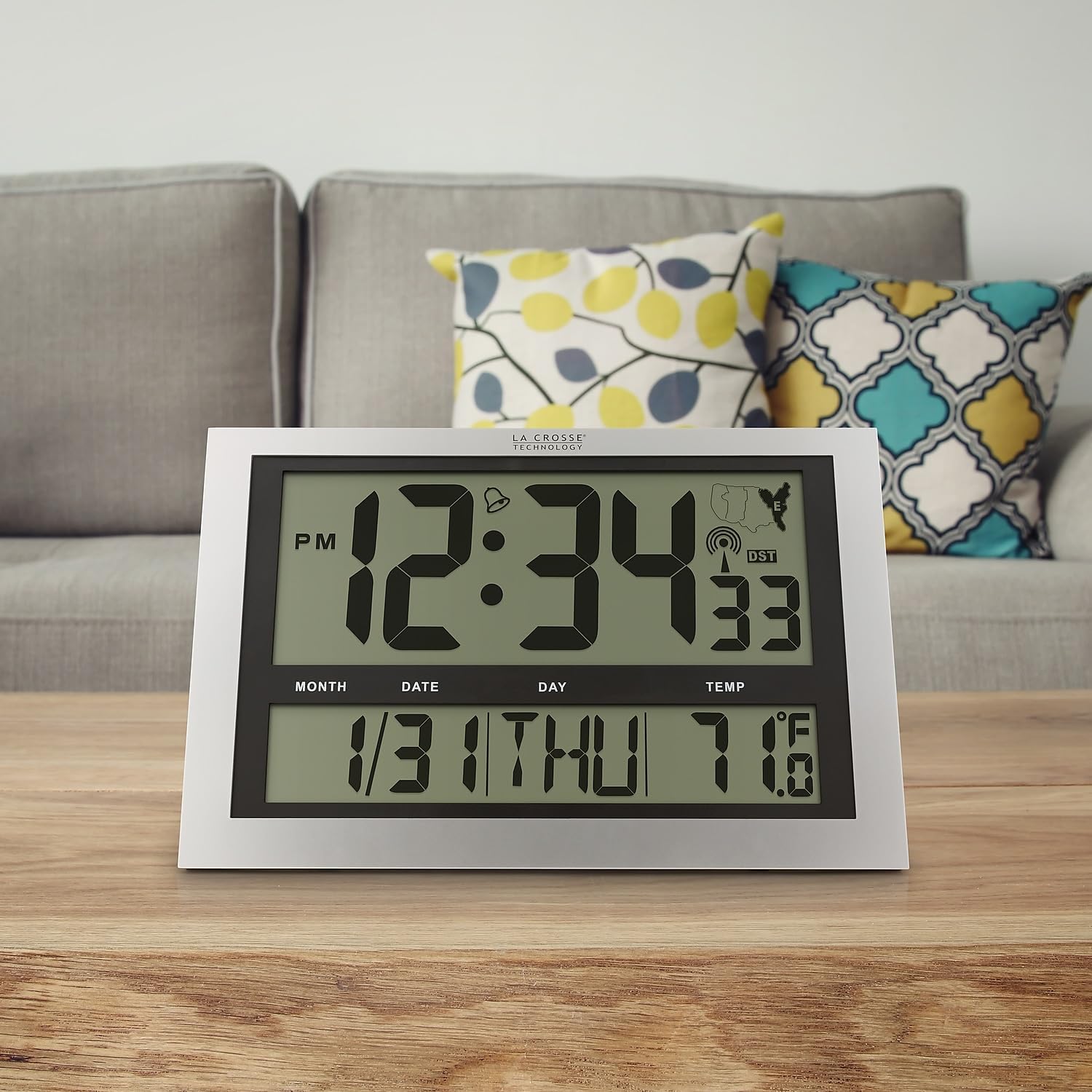
Image: La Crosse Technology Atomic Wall/Table Clock (Model 513-1211) standing on a wooden table, showcasing its use as a tabletop clock.
- Duvara Montaj: Collapse the foldout legs. Use the integrated hanging hole on the back of the clock to mount it securely on a wall using a screw (not included).
Kullanım Talimatları
1. Saat ve Tarih Görüntüleme
The large LCD display shows the current time, date, and day of the week.
- Time Digits: The main time digits are approximately 4.25 inches tall for easy readability.
- 12/24 Saat Formatı: Basın AYARLAMAK button briefly to toggle between 12-hour (AM/PM) and 24-hour (military) time formats.
- Sürekli Takvim: The clock automatically displays the month, date, and weekday (English only).
2. Sıcaklık Göstergesi
The clock monitors and displays the indoor temperature.
- Fahrenhayt/Santigrat: Basılı tutun °C/°F button for 3 seconds to switch between Fahrenheit (°F) and Celsius (°C) temperature units.
- Sıcaklık Aralığı: The indoor temperature range is 14°F to 122°F (-10°C to 50°C).
3. Alarm Fonksiyonu
The clock includes an alarm with a snooze feature.
- Alarm kurmak: Basın ve bırakın AYARLAMAK button to switch from TIME MODE to ALARM MODE. In ALARM MODE, press and hold AYARLAMAK to adjust the alarm time using the WAVE/+ Ve DST/- düğmeler. Basmak AYARLAMAK onaylamak için.
- Alarmı Etkinleştir/Devre Dışı Bırak: In ALARM MODE, press the WAVE/+ button to turn the alarm ON or OFF. An alarm icon will appear on the display when activated.
- Uyuklama: Alarm çaldığında, düğmesine basın. UYUKLAMA Alarmı 5 dakika boyunca susturmak için kullanılan düğme.
4. Yaz Saati Uygulaması (DST)
The clock can automatically adjust for Daylight Saving Time.
- DST On/Off: Basın DST/- button to enable or disable the automatic DST adjustment. The DST indicator will show on the display when enabled.
5. Manual Signal Search
You can initiate a manual search for the atomic time signal.
- WAVE Button: Basılı tutun WAVE/+ button to start a manual signal search. The signal strength icon will flash during the search.
Bakım
1. Pil Değişimi
When the low battery indicator appears on the display, replace all 3 AA alkaline batteries promptly to ensure continuous operation and accurate timekeeping. Refer to the "Battery Installation" section for detailed steps.
2. Temizlik
To clean your clock, use a soft, damp cloth. Do not use abrasive cleaners or chemicals, as these may damage the display or casing.
Sorun giderme
| Sorun | Çözüm |
|---|---|
| Ekran yok veya soluk ekran | Pillerin kutuplarını kontrol edin. Yeni AA alkalin pillerle değiştirin. |
| Saat atomik sinyal almıyor. | Ensure correct time zone is selected. Place the clock near a window, away from electronic interference. Initiate a manual signal search using the WAVE button. Allow up to 24 hours for signal acquisition. |
| Yanlış saat veya tarih | Verify time zone setting. Perform a manual signal search. If issues persist, manually set the time and date. |
| Sıcaklık okuması yanlış görünüyor | Ensure the clock is not exposed to direct sunlight or heat sources, which can affect temperature readings. |
Özellikler
| Özellik | Detay |
|---|---|
| Model Numarası | 513-1211 |
| Boyutlar (G x Y x D) | Yaklaşık 16.75 inç genişlik x 10.75 inç yükseklik x 1.38 inç derinlik |
| Zaman Gösterimi | Digital, 12/24 Hour selectable |
| Zaman Dilimleri | PST, MST, CST, EST |
| Sıcaklık Aralığı | 14°F ila 122°F (-10°C ila 50°C) |
| Sıcaklık Birimleri | Fahrenheit (°F) / Celsius (°C) selectable |
| Güç Kaynağı | 3 AA Alkalin Pil (dahil değildir) |
| Malzeme | Plastik |
| Montaj Seçenekleri | Duvara Monte veya Masaüstü |

Image: Display dimensions of the clock, showing the 4.25-inch height of the main time digits and 1.88-inch height of other display segments.
Garanti
This La Crosse Technology product is backed by a 1 yıllık sınırlı üretici garantisi from the date of purchase. This warranty covers manufacturing defects in materials and workmanship. It does not cover damage caused by misuse, accident, unauthorized modifications, or improper installation. For warranty claims, please retain your proof of purchase and contact La Crosse Technology customer support.
Destek
For additional assistance, troubleshooting tips, or to contact customer support, please visit the official La Crosse Technology websiteye gidin veya ürün ambalajınızda bulunan iletişim bilgilerine bakın.
You can also visit the La Crosse Technology store on Amazon for more products and information: La Crosse Technology Store


