
Ürün Bittiview
This PROSCAN SRCD243 Portable CD Player with AM/FM Radio Boombox offers versatile audio playback. It features an AM/FM radio, a CD player compatible with CD-R discs, skip and search functions, and a 20-track programmable memory. The unit can be powered by AC or batteries.
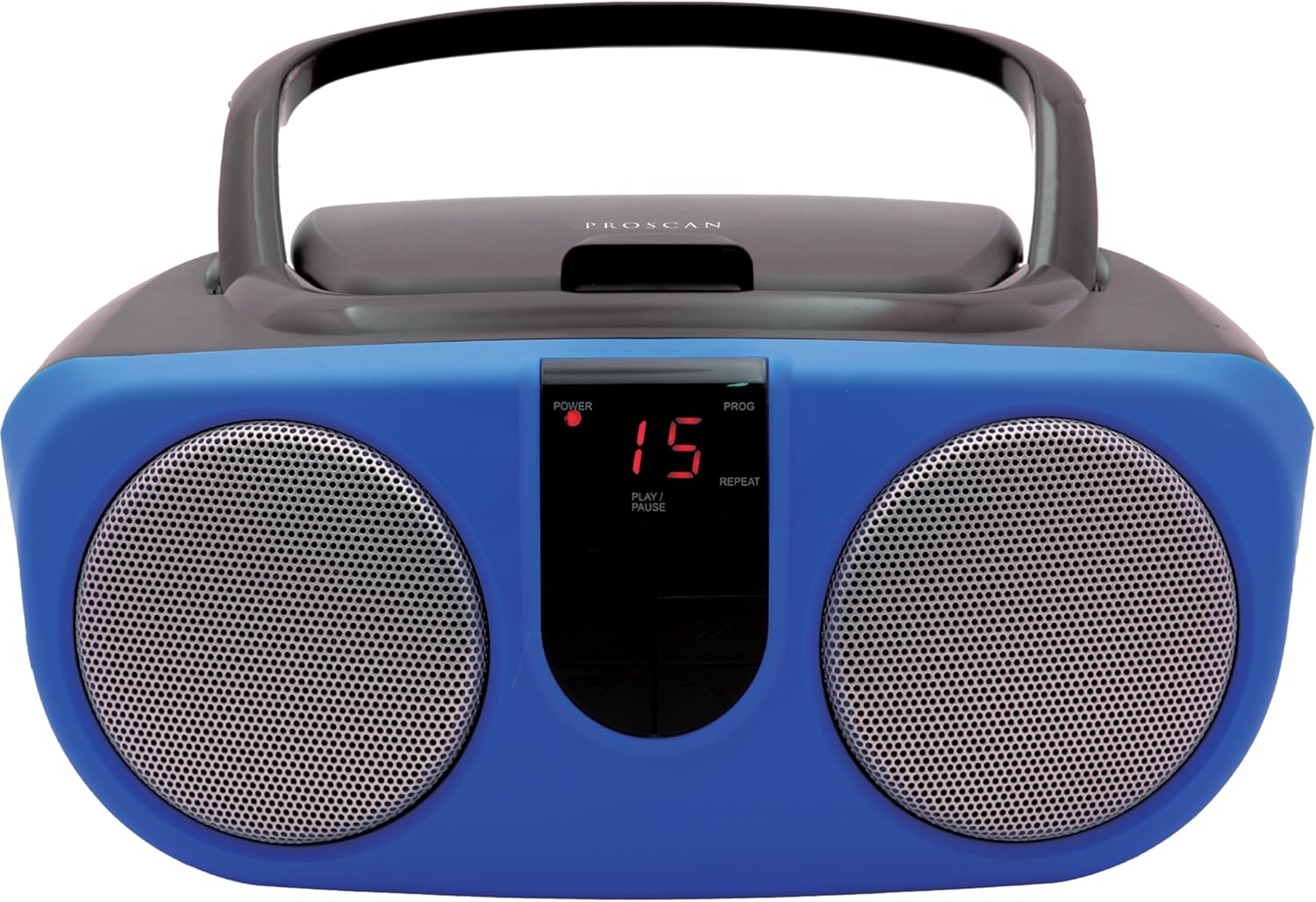
Description: Front view of the PROSCAN SRCD243 Portable CD Player with AM/FM Radio Boombox in blue, showcasing its dual speakers and central control panel.
Kutuda Neler Var?
- Sylvania SRCD243 Portable CD Player with AM/FM Radio, Boombox (Blue)
Kurmak
Üniteye Güç Verme
The SRCD243 can be powered in two ways:
- AC Gücü: Connect the included AC adapter to the AC IN jack on the back of the unit and plug it into a standard 120V/60Hz wall outlet.
- Pil Gücü: For portable use, insert 8 'C' (UM-2) size batteries into the battery compartment located on the bottom of the unit. Ensure correct polarity.
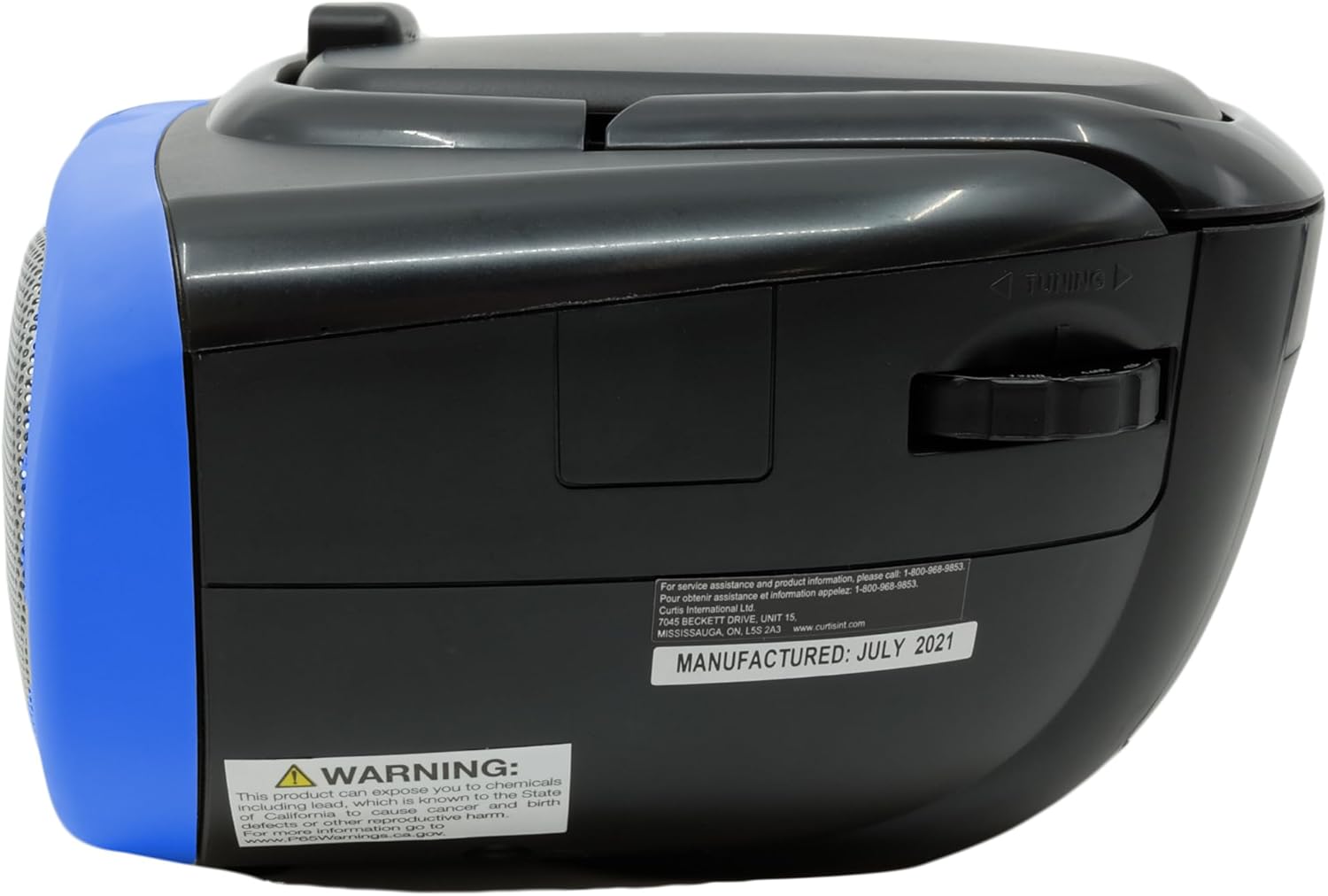
Description: This image displays the rear of the boombox, highlighting the AC power input and the battery compartment area. It also shows the product's manufacturing details and a Proposition 65 warning.
Kullanım Talimatları
CD Çalma
CD oynatmak için:
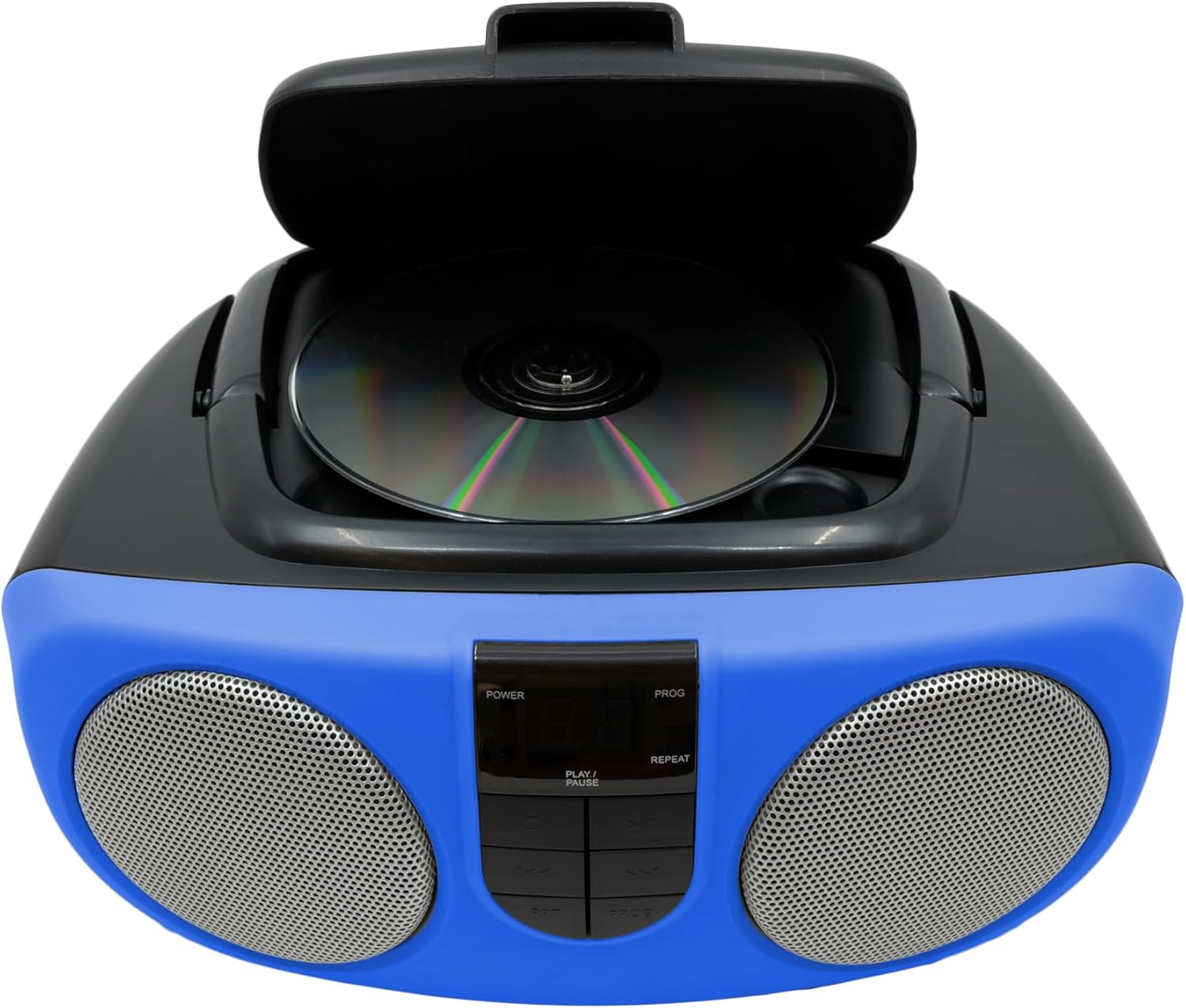
- Lift the CD compartment lid located on the top of the unit.
- Place a CD or CD-R disc onto the spindle, label side up.
- CD bölmesinin kapağını sıkıca kapatın.
- Slide the FUNCTION switch (located on the side) to the "CD" position.
- Oynatmayı başlatmak için PLAY/PAUSE düğmesine basın.
- Use the SKIP/SEARCH buttons to navigate between tracks or fast-forward/rewind within a track.
- Press the STOP button to halt playback.
- The unit features a 20-track programmable memory and Repeat 1/All functions.

Description: This image shows the top of the boombox with the CD lid open, illustrating how to insert a compact disc for playback. The central control panel is also visible.
AM/FM Radyo
Radyo dinlemek için:
- Slide the FUNCTION switch (located on the side) to the "RADIO" position.
- FM radyo sinyalini en iyi şekilde almak için teleskopik anteni uzatın.
- Use the TUNING dial (located on the side) to select your desired AM or FM station.
Description: This image provides a side view of the boombox, clearly showing the manual tuning dial used for selecting AM/FM radio frequencies.
Yardımcı Giriş
The Aux In jack allows you to connect external audio devices (e.g., MP3 players, smartphones) to play music through the boombox speakers.
- Connect one end of a 3.5mm audio cable (not included) to the Aux In jack on the side of the boombox.
- Kablo ucunun diğer ucunu harici cihazınızın kulaklık girişine veya ses çıkışına bağlayın.
- Slide the FUNCTION switch to the "AUX IN" position (if available, otherwise ensure it's not on CD or Radio).
- Adjust the volume using the VOLUME control on the boombox and your external device.

Description: This image displays the side of the boombox, featuring the auxiliary input jack and the function switch for selecting different audio sources.
Kontroller Üzerindeview
The front panel features an LED display and various control buttons:
- GÜÇ: Üniteyi açar/kapatır.
- DURMAK: CD oynatmayı durdurur.
- PROG (Program): Used for programming CD tracks.
- OYNAT/DURDUR: CD çalmayı başlatır veya duraklatır.
- SKIP/SEARCH (<< / >>): Parçaları atlar veya ileri/geri sarar.
- REP (Tekrar): Geçerli parçayı veya tüm parçaları tekrarlar.
- VOLUME (Side Dial): Genel ses seviyesini ayarlar.
- FUNCTION (Side Switch): Selects between CD, OFF, and RADIO modes.

Description: This image provides a detailed front view of the boombox, highlighting the central control panel with its buttons for playback, programming, and the LED display.
Bakım
Temizlik
Üniteyi yumuşak, damp cloth. Do not use abrasive cleaners or solvents. For the CD lens, use a specialized CD lens cleaner.
Depolamak
If storing the unit for an extended period, remove batteries to prevent leakage and damage.
Sorun giderme
| Sorun | Olası Neden | Çözüm |
|---|---|---|
| Güç yok | AC adapter not connected or batteries depleted/incorrectly inserted. | Check AC connection or replace/reinsert batteries. |
| CD çalmıyor veya atlama yapıyor. | CD is dirty, scratched, or inserted incorrectly. Unit is on an unstable surface. | Clean CD, reinsert correctly. Place unit on a stable, flat surface. |
| Zayıf radyo alımı | Antenna not extended or unit is in an area with weak signal. | Extend and adjust the telescopic antenna. Try relocating the unit. |
| Ses yok | Volume too low or incorrect function selected. | Increase volume. Ensure FUNCTION switch is set to CD, RADIO, or AUX IN as desired. |
Özellikler
| Özellik | Detay |
|---|---|
| Marka | PROSCAN |
| Model Numarası | SRCD243M-BLUE |
| Ürün Boyutları | 10 x 9 x 5.7 inç |
| Ürün Ağırlığı | 2.64 pound |
| Güç Kaynağı | AC 120V/60Hz or 8 x 'C' (UM-2) batteries |
| CD Uyumluluğu | CD, CD-R |
| Radyo Bantları | Sabah/FM |
| Bağlantı | Yardımcı Giriş (3.5 mm) |
Önemli Güvenlik Bilgileri
Bu ürün, Kaliforniya Eyaleti tarafından kansere ve doğum kusurlarına veya diğer üreme zararlarına neden olduğu bilinen kimyasallar içerir. Daha fazla bilgi için şu adresi ziyaret edin: www.P65Uyarılar.ca.gov.