
Ürün Bittiview
The La Crosse Technology WS-8035U-IT-SAL is a wireless weather station designed to monitor indoor and outdoor environmental conditions. It provides real-time temperature and humidity readings, barometric pressure, moon phase, and weather forecasts. The unit features an atomic clock for precise timekeeping and an alarm function.
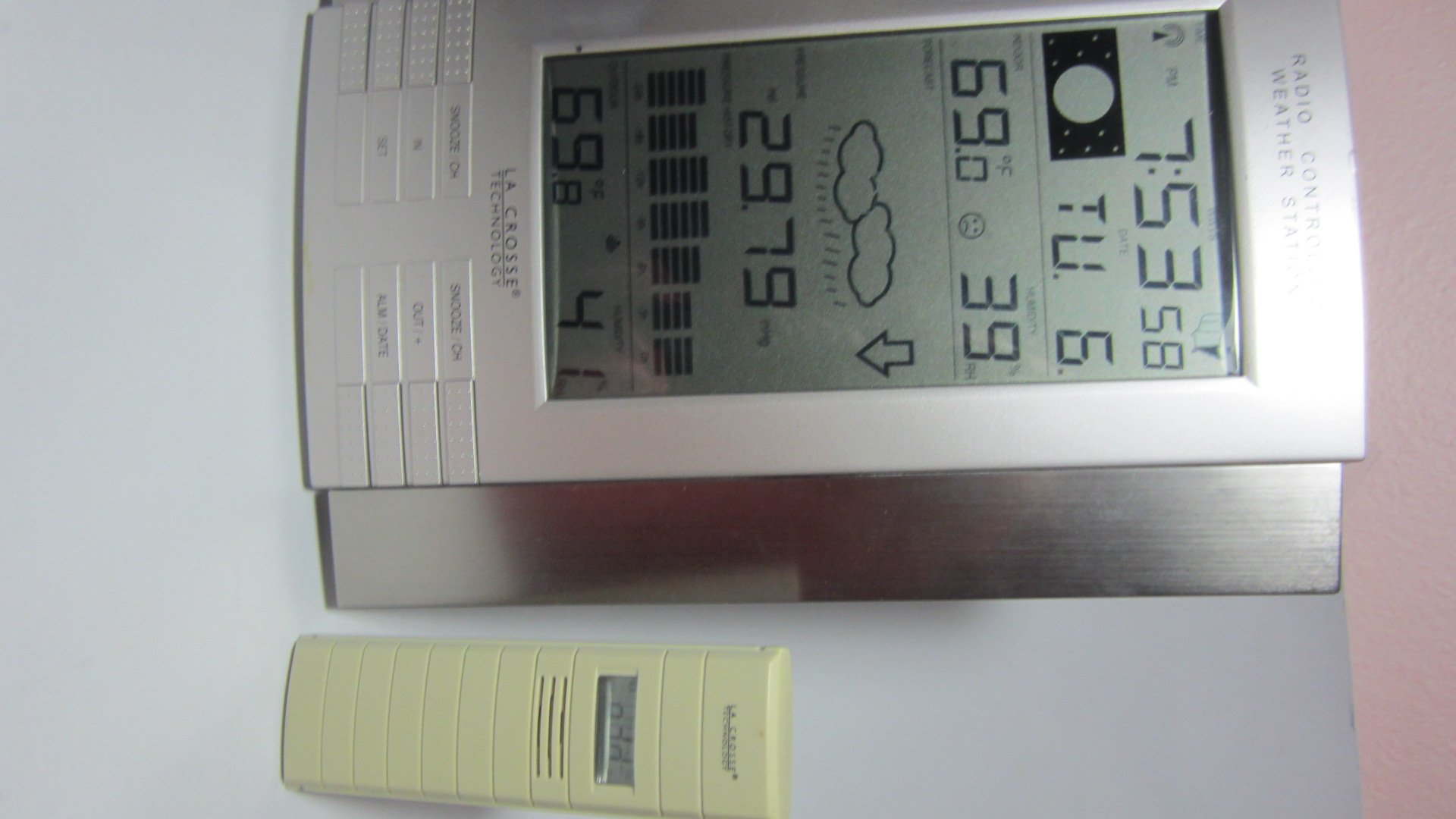
Şekil 1: Main display unit of the La Crosse Technology WS-8035U-IT-SAL Wireless Weather Station.
Temel Özellikler:
- Records minimum and maximum indoor/outdoor temperature and humidity with time and date stamps.
- Displays barometric tendency with an arrow indicator.
- Includes an indoor comfort level icon and moon phase display.
- Features a barometric pressure display with a 24-hour history graph.
- Capable of receiving data from up to three remote sensors (one included).
- Atomic time and date automatically updates, with an option to disable Daylight Saving Time adjustments.
- Designed for both wall-mount and free-standing use with an integrated stand.
- Main display unit dimensions: 10 x 7.5 x 1 inches.
Kurulum Kılavuzu
1. Pil Kurulumu
The weather station requires a total of 5 AA alkaline batteries (not included): 3 for the remote sensor and 2 for the main display unit. Ensure batteries are inserted with correct polarity.
- Uzak Verici: First, insert 3 AA batteries into the remote outdoor temperature and humidity sensor.
- Main Receiver: Next, insert 2 AA batteries into the main display unit.
- Senkronizasyon: Allow time for the main unit to receive the outdoor temperature data from the remote sensor. This synchronization process is crucial before proceeding to set the time.
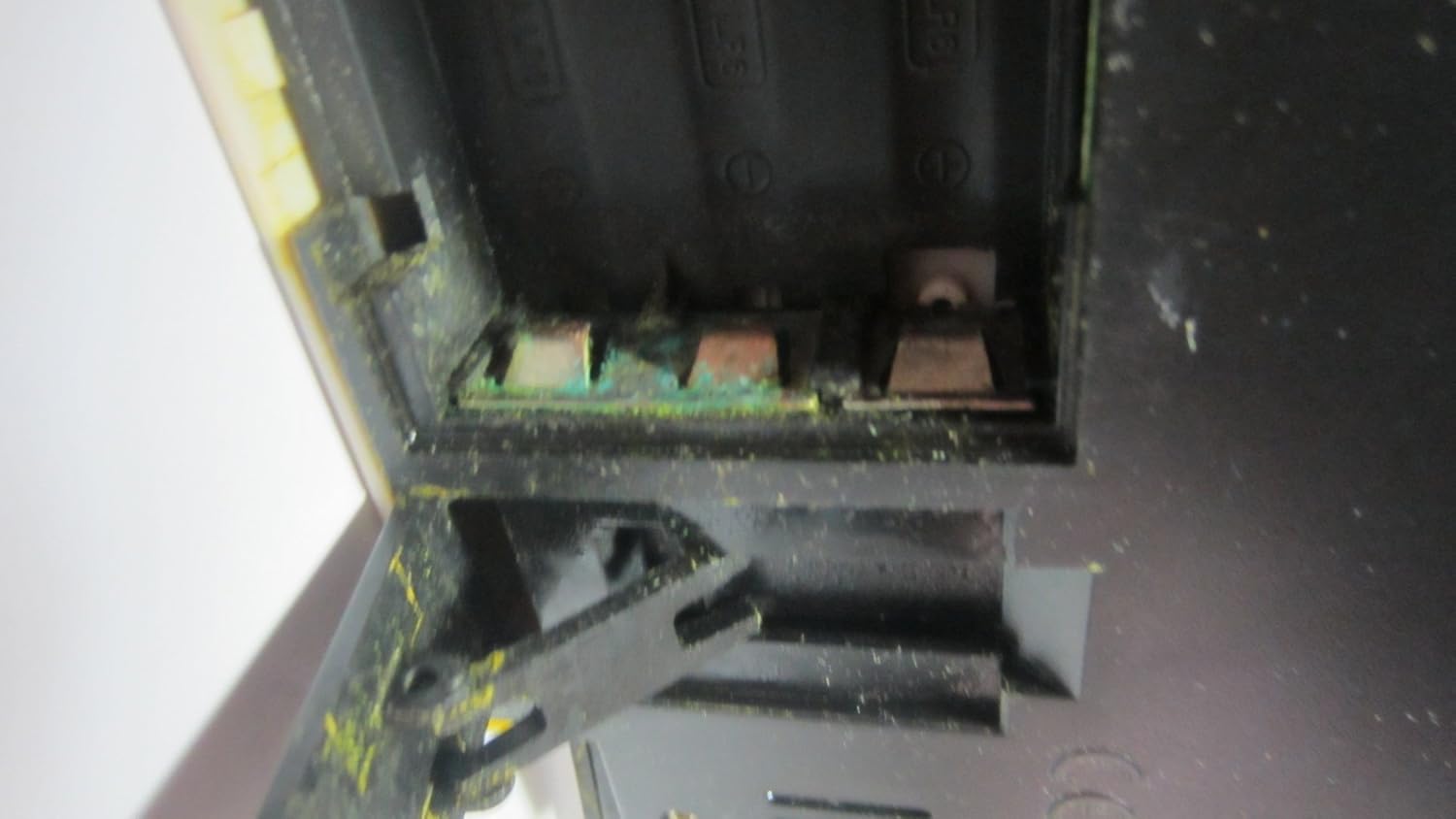
Şekil 2: Open battery compartment, showing where batteries are inserted.

Şekil 3: Product label on the back of the unit, detailing battery installation order and model information.
2. Remote Sensor Placement
Place the wireless remote sensor in a location that provides accurate readings and is within 330 feet (100 meters) of the main display unit. Ideal locations include a shaded area outdoors, a greenhouse, garage, wine cellar, or a baby's room, where temperature and humidity monitoring is critical. Avoid direct sunlight exposure to prevent inaccurate temperature readings.
3. Atomik Zaman Senkronizasyonu
After battery installation and sensor synchronization, the unit will automatically attempt to synchronize with the U.S. atomic clock signal. This process may take several minutes or up to 24 hours depending on signal strength. Ensure the unit is placed away from electronic interference for best reception. The time can also be set manually if atomic synchronization is not desired or available.
Kullanım Talimatları
Ana ekran ünitesi kapsamlı bir genel bakış sunmaktadır.view of weather data and time information. Familiarize yourself with the display layout and control buttons.
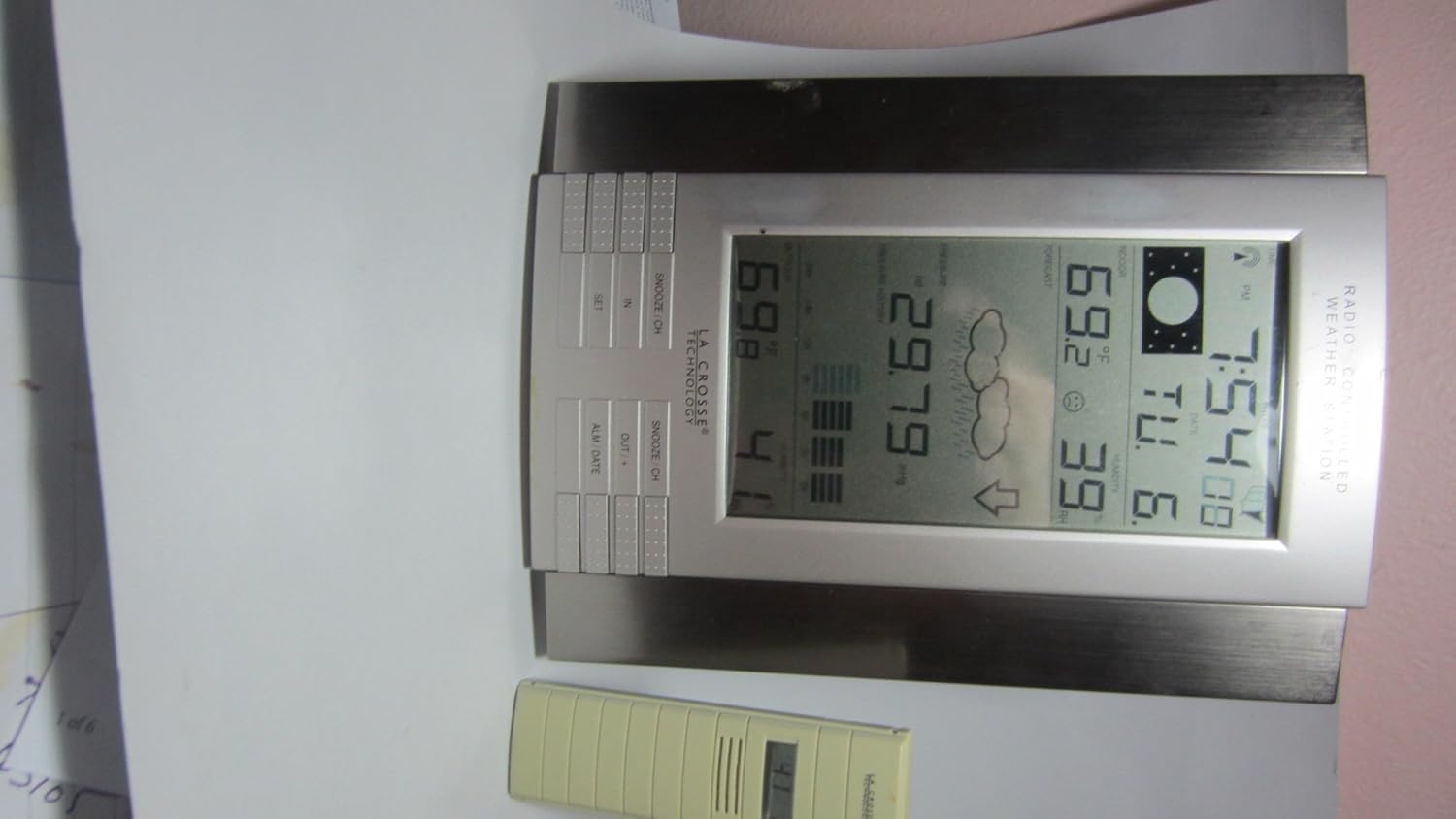
Şekil 4: Close-up of the main display unit, highlighting various data points and control buttons.
Görüntü Bilgisi:
- İç/Dış Mekan Sıcaklığı: Current temperature readings for both inside and outside environments.
- İç ve Dış Mekan Nem Oranı: Current humidity levels for both inside and outside environments.
- Barometrik basınç: Current atmospheric pressure, often accompanied by a 24-hour history graph.
- Hava Durumu tahmini: Icons indicating predicted weather conditions (e.g., sunny, cloudy, rainy).
- Ay evreleri: Graphical representation of the current lunar phase.
- Atomic Time and Date: Automatically updated time and calendar.
- Minimum/Maksimum Rekorlar: Kaydedilen en yüksek ve en düşük sıcaklık ve nem seviyelerini gösterir.
Kontrol Düğmeleri:
The unit features several buttons for setting and viewing information. While specific functions may vary slightly, common buttons include:
- AYARLAMAK: Used to enter settings mode and confirm selections.
- IN / OUT / +: Typically used to switch between indoor and outdoor display data, or to increase values during settings.
- SNOOZE / CH: Activates the snooze function for the alarm or cycles through remote sensor channels (if multiple sensors are used).
- ALM / DATE: Used to set the alarm or view/set the date.
Alarmı Ayarlama:
Basın ALM / DATE düğmeye bas view the alarm time. Press and hold ALM / DATE to enter alarm setting mode. Use the + or - buttons (often combined with IN/OUT) to adjust the hour and minute. Press AYARLAMAK Her bir ayarı onaylamak için
Bakım
Pil Değişimi:
Replace batteries in both the main unit and the remote sensor when the low battery indicator appears on the display. Always replace all batteries in a unit at the same time. Refer to the "Setup Guide" for the correct battery installation order to ensure proper synchronization.
Temizlik:
Ekranı ve üniteyi silin.asinyumuşak bir g ile, damp cloth. Do not use abrasive cleaners or solvents, as these can damage the plastic and electronic components. Ensure no moisture enters the battery compartments or other openings.
Sensör Bakımı:
Periodically check the remote sensor for any debris or obstructions that might affect its readings. Ensure it remains in a shaded location to maintain temperature accuracy, especially during daytime hours.
Sorun giderme
| Sorun | Olası Neden / Çözüm |
|---|---|
| Dış ortam sıcaklığı/nem değeri ölçülmedi. |
|
| Inaccurate outdoor temperature readings. |
|
| Atomik zaman senkronize olmuyor. |
|
| Ekran soluk veya boş. |
|
Ürün Özellikleri
| Model Numarası | WS-8035U-IT-SAL |
| Marka | La Crosse Teknolojisi |
| Güç Kaynağı | Main Unit: 2 x AA Alkaline Batteries (not included); Remote Sensor: 3 x AA Alkaline Batteries (not included) |
| Özel Özellikler | Alarm, Atomic Clock, Temperature/Humidity Monitoring, Barometric Pressure, Moon Phase, Weather Forecast |
| Malzeme | Plastik |
| Renk | Gümüş |
| Ürün Ağırlığı | 1.3 Pound (yaklaşık 0.59 kg) |
| Görüntü Türü | LCD |
| Boyutlar (Ana Ünite) | 10 x 7.5 x 1 inç (yaklaşık 25.4 x 19.05 x 2.54 cm) |
| kablosuz Menzil | Açık havada 100 metreye kadar (330 fit). |
| Sıklık | 915 MHz (IT+ Instant Transmission) |
| UPC | 757456994161 |
Garanti Bilgileri
La Crosse Technology products typically come with a limited warranty covering manufacturing defects. For specific warranty terms, duration, and claim procedures, please refer to the documentation included with your product or visit the official La Crosse Technology website. Herhangi bir garanti talebi için satın alma belgeniz olarak satın alma makbuzunuzu saklayın.
Müşteri Desteği
Daha fazla yardım, teknik destek veya view frequently asked questions, please visit the official La Crosse Technology support website. You can find product-specific information and contact details for customer service.
Çevrimiçi destek: www.lacrossetechnology.com/8035it
Please have your model number (WS-8035U-IT-SAL) ready when contacting support.